PDF Basics
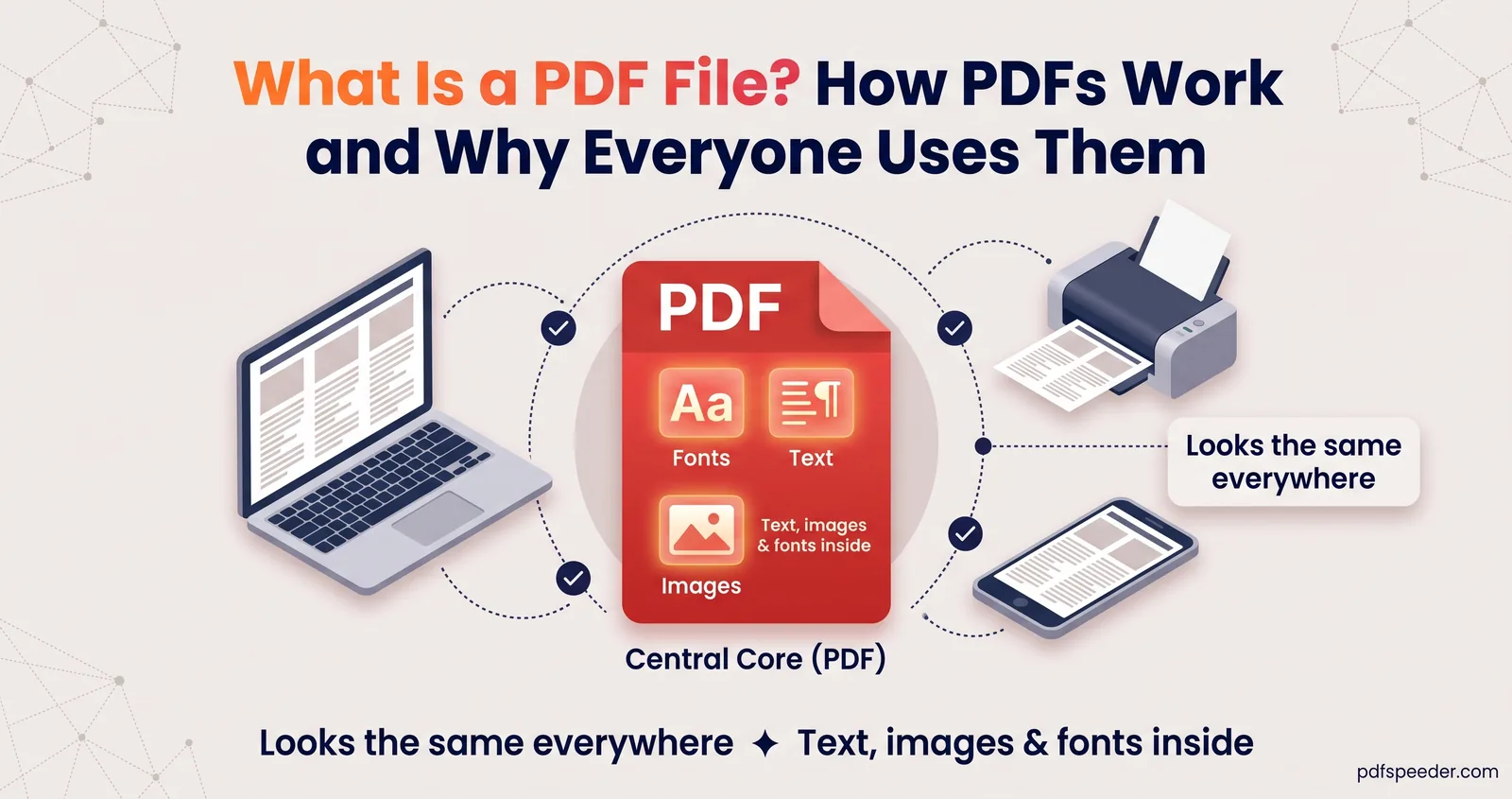
What Is a PDF File? How PDFs Work and Why Everyone Uses Them
What is a PDF file? What PDF stands for, what's inside one, digital vs scanned PDFs, forms, PDF/A and passwords, and how to open, create and edit PDFs.
Step-by-step answers for PDFs, photos and everyday maths, with examples you can check.
PDF Basics
What is a PDF file? What PDF stands for, what's inside one, digital vs scanned PDFs, forms, PDF/A and passwords, and how to open, create and edit PDFs.
Merge, Split & Organize
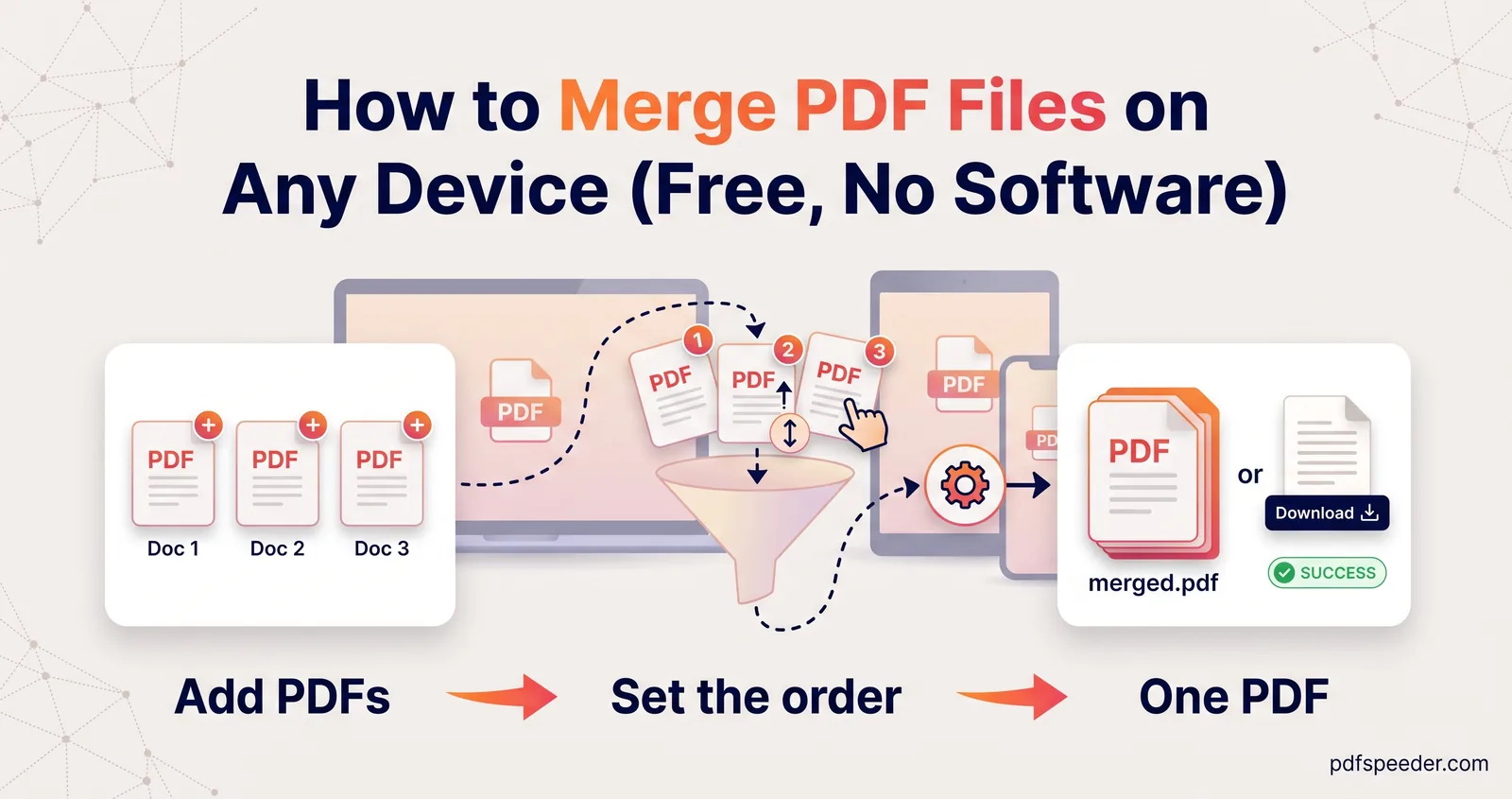
How to merge PDF files in a browser, on a Mac, Windows PC or phone, and get the page order, page picking, rotation and bookmarks right before you save.
Compress & Optimize
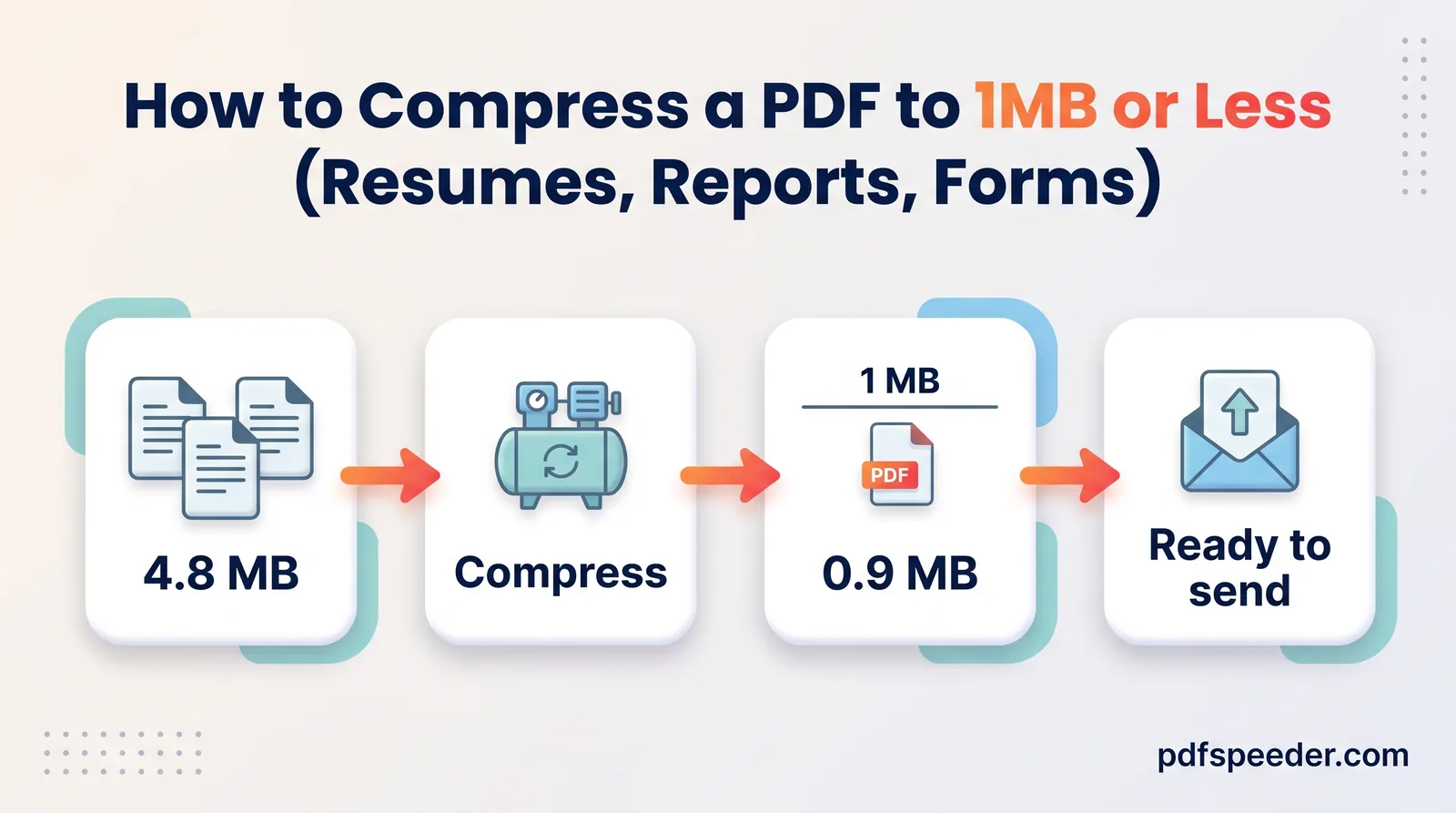
Compress a PDF to 1 MB without blurry text: shrink the photos at the source, pick the gentlest setting that works, then test the links before sending.
Edit, Sign & Secure
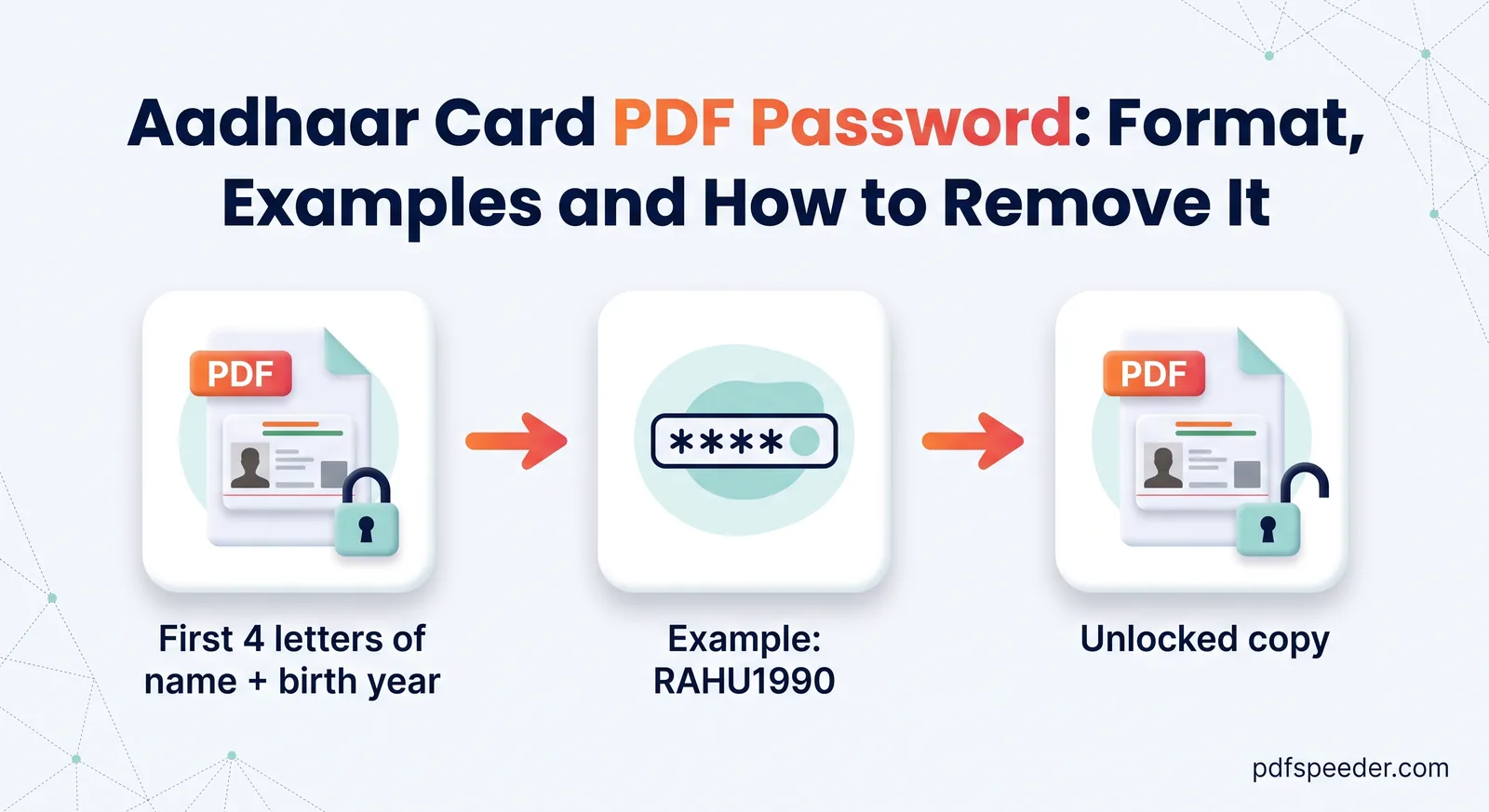
The Aadhaar card PDF password is the first four letters of your name in capitals plus your birth year. See UIDAI's examples, common mistakes and fixes.
Finance Calculators
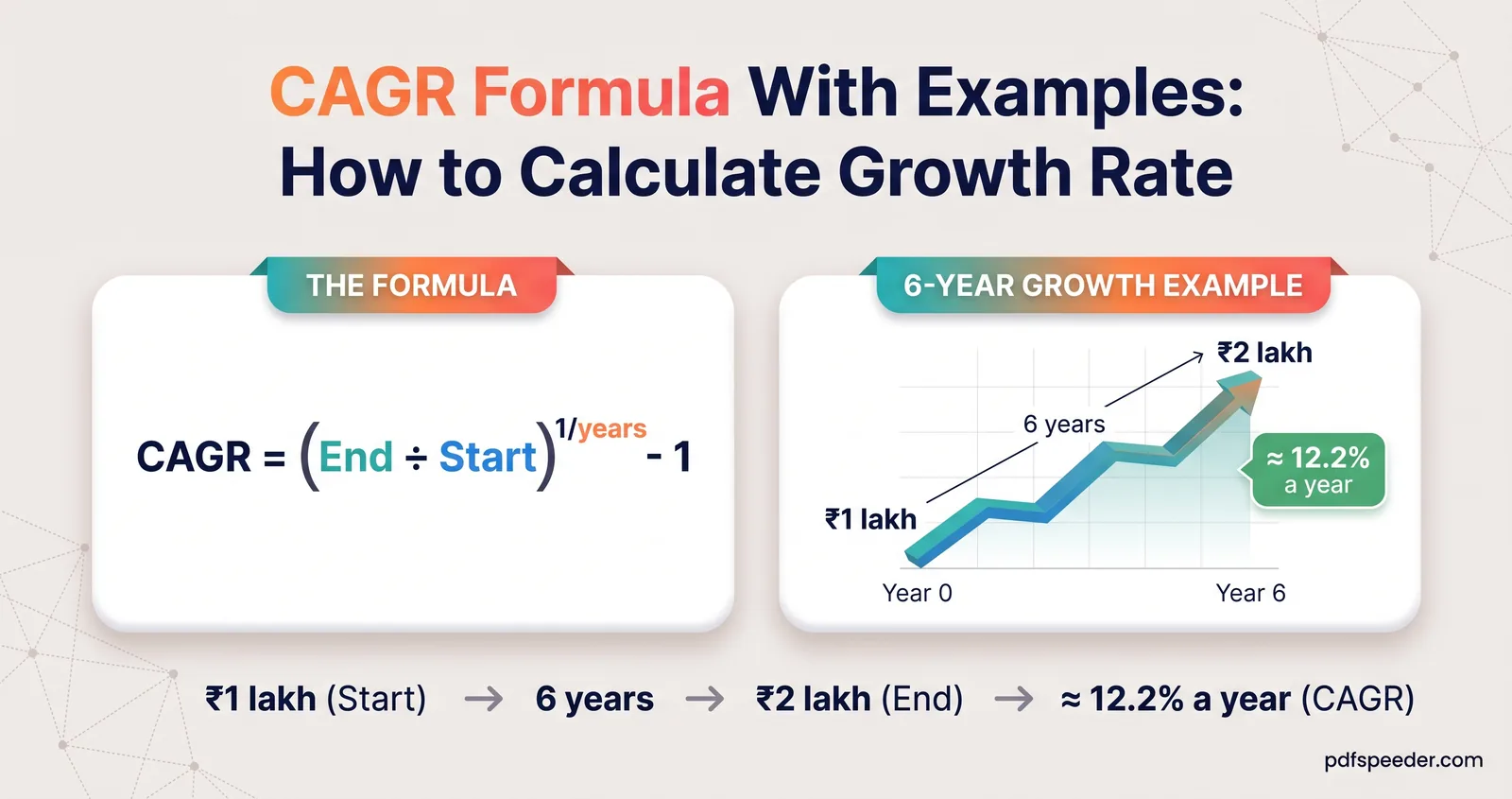
The CAGR formula with three worked examples, tested Excel formulas (RRI and the power method), the mistakes that skew the result, and when to use XIRR.
Finance Calculators
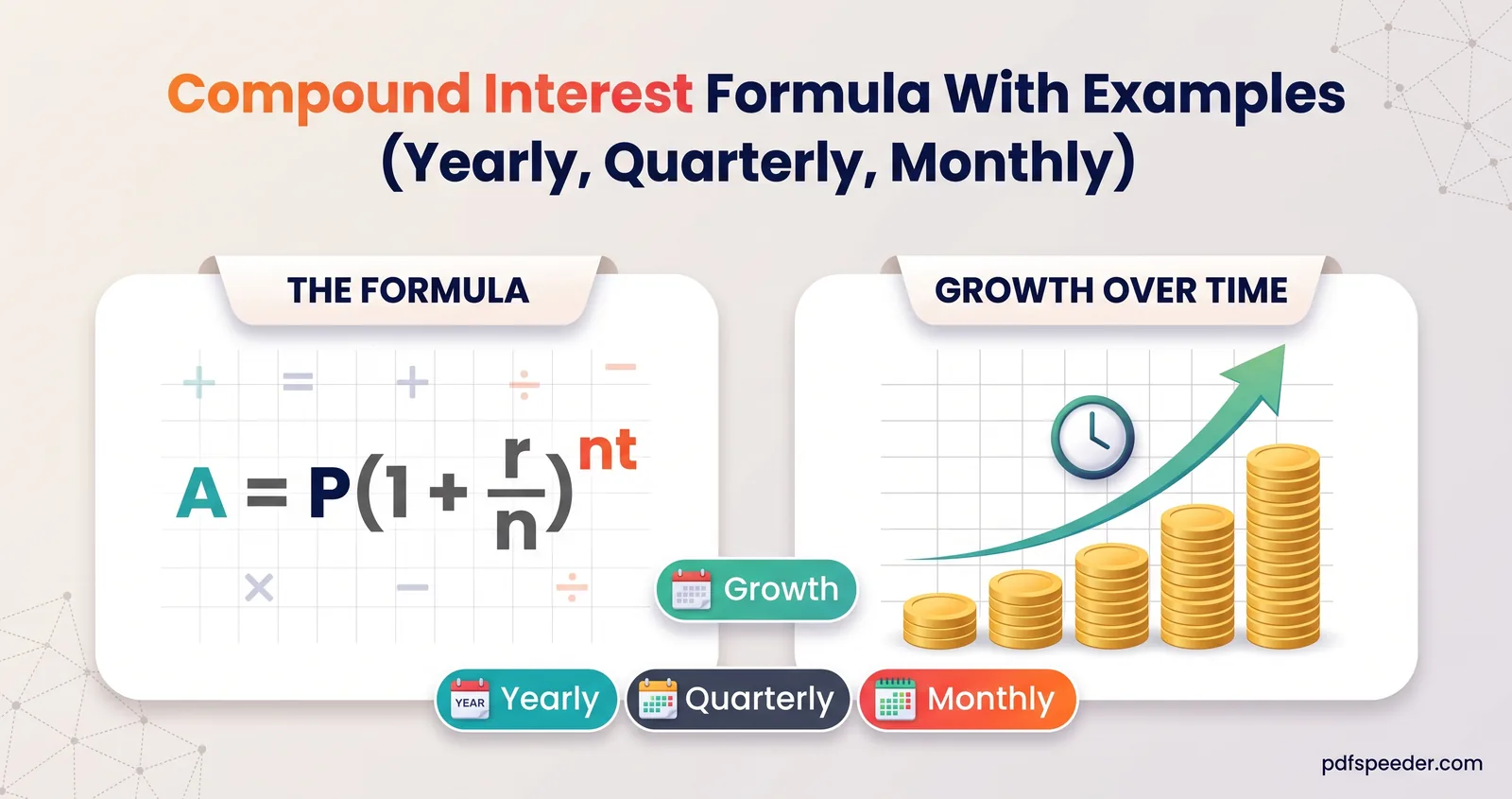
The compound interest formula worked on ₹1 lakh with yearly, quarterly and monthly compounding, plus simple vs compound interest and the effective rate.
Compress & Optimize
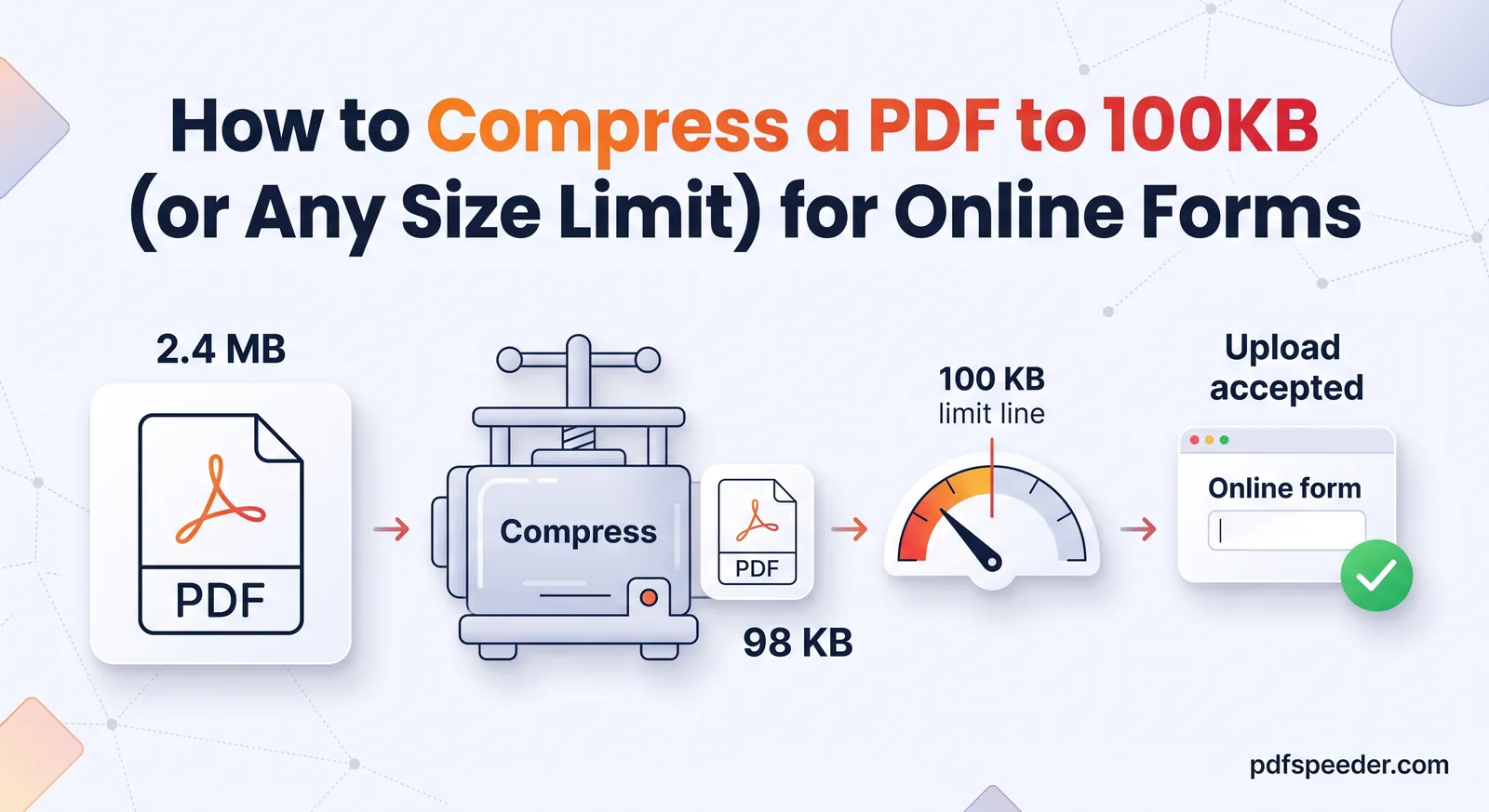
Get a PDF under 100 KB, or any upload limit, in minutes: the right compression settings, what to do when it won't shrink, and how to keep text readable.
Compress & Optimize
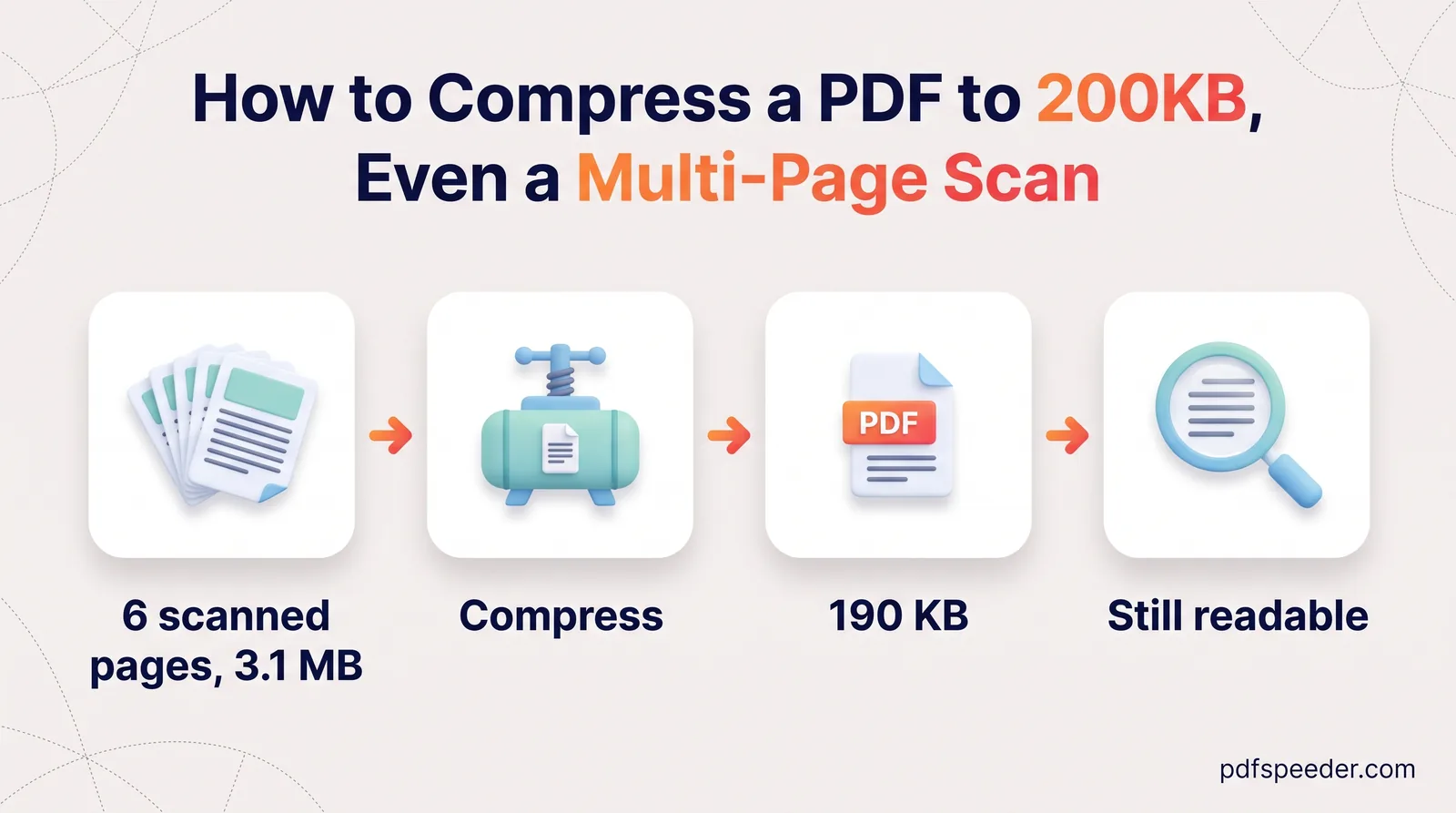
Compress a PDF to 200 KB even when it holds several scanned certificates: work out a per-page budget, merge before compressing, and keep stamps legible.
Convert to & from PDF
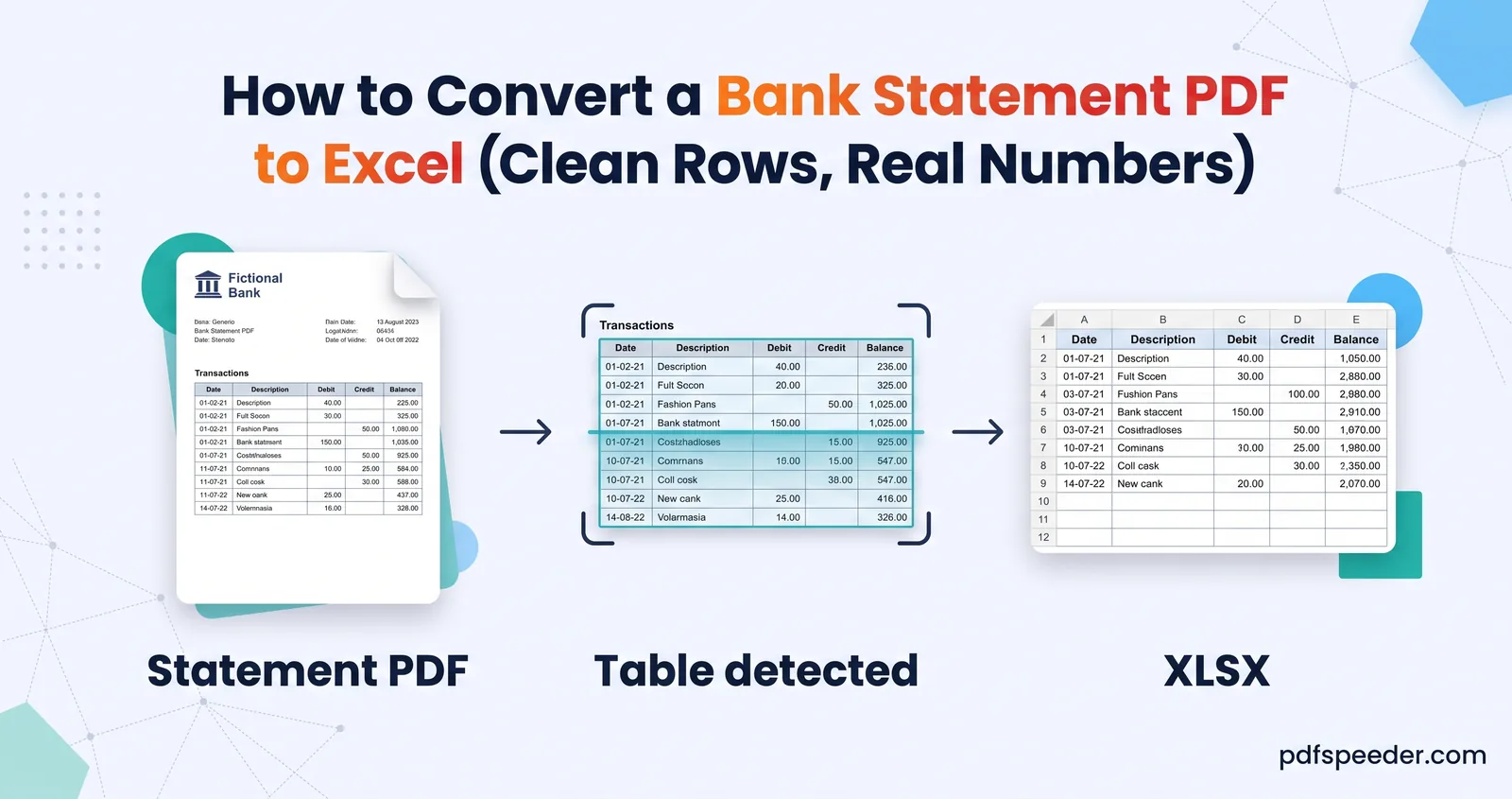
Convert a bank statement PDF to Excel with one row per transaction and amounts you can add up, then prove nothing went missing with a balance check.
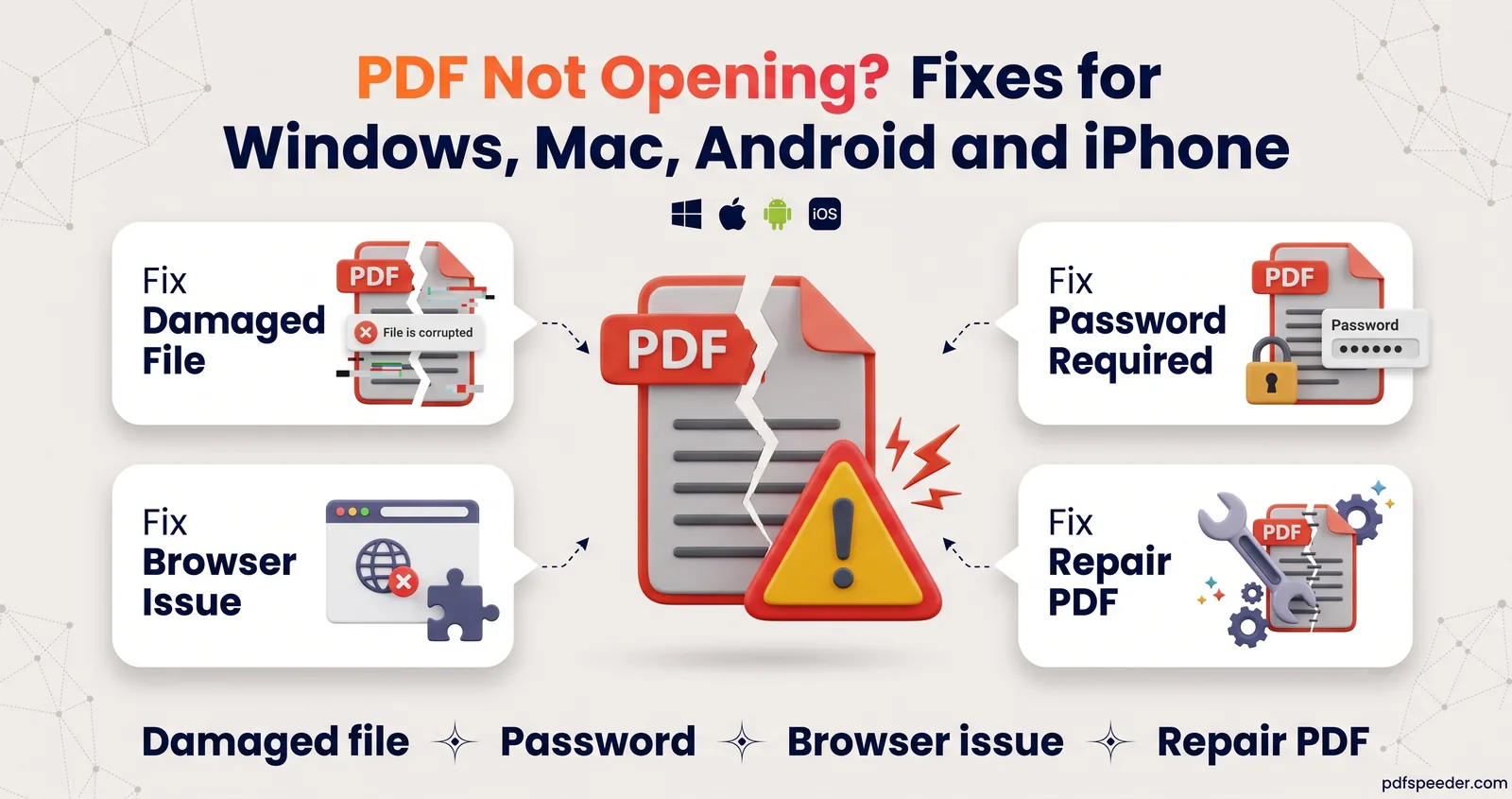
PDF not opening? Find the cause from the symptom: a damaged download, a password, a blank page in Chrome or the wrong app, then repair a corrupt file.
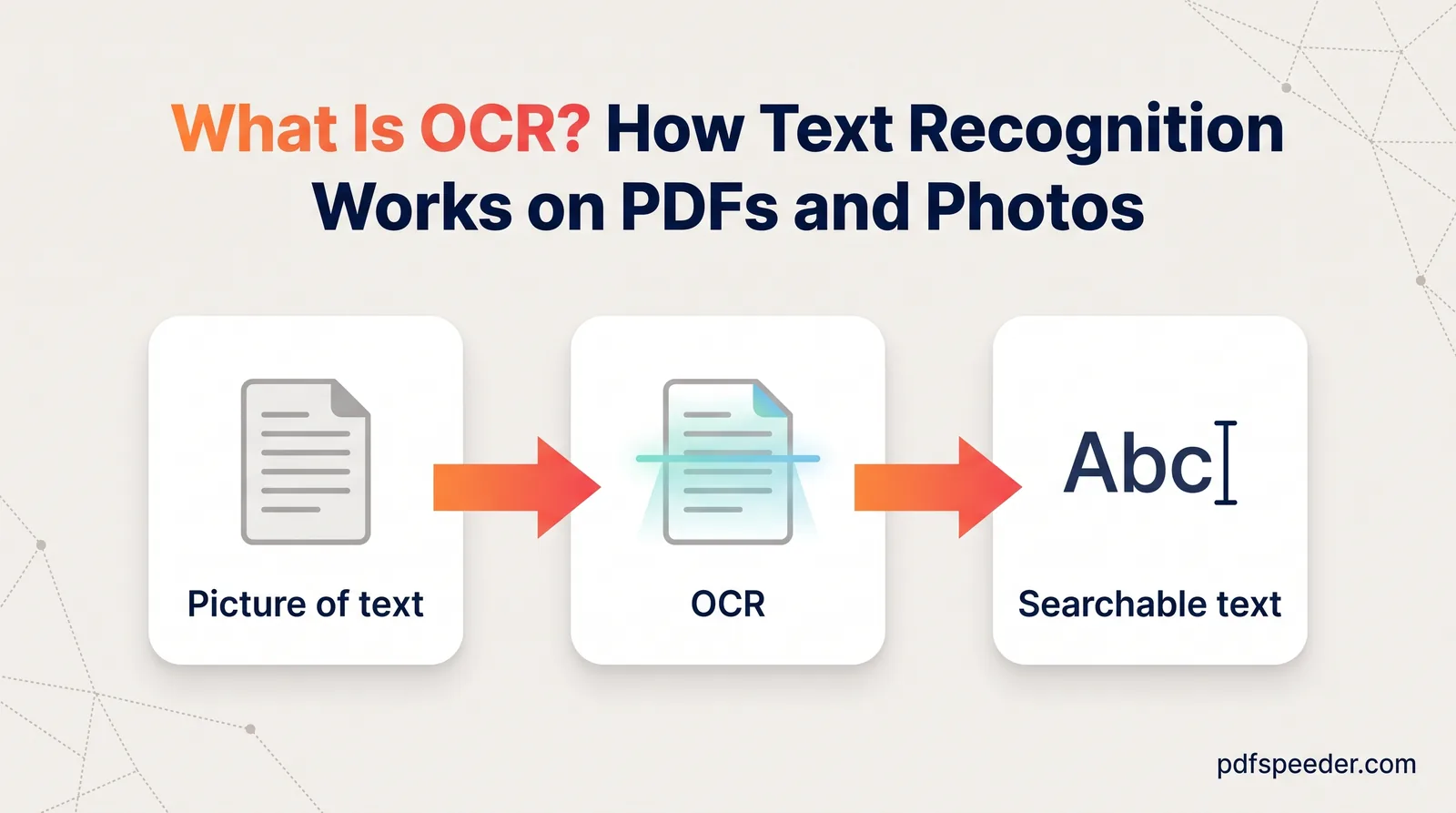
What is OCR? See how optical character recognition turns scans and photos into searchable text, why it makes mistakes, and how to OCR a PDF for free.
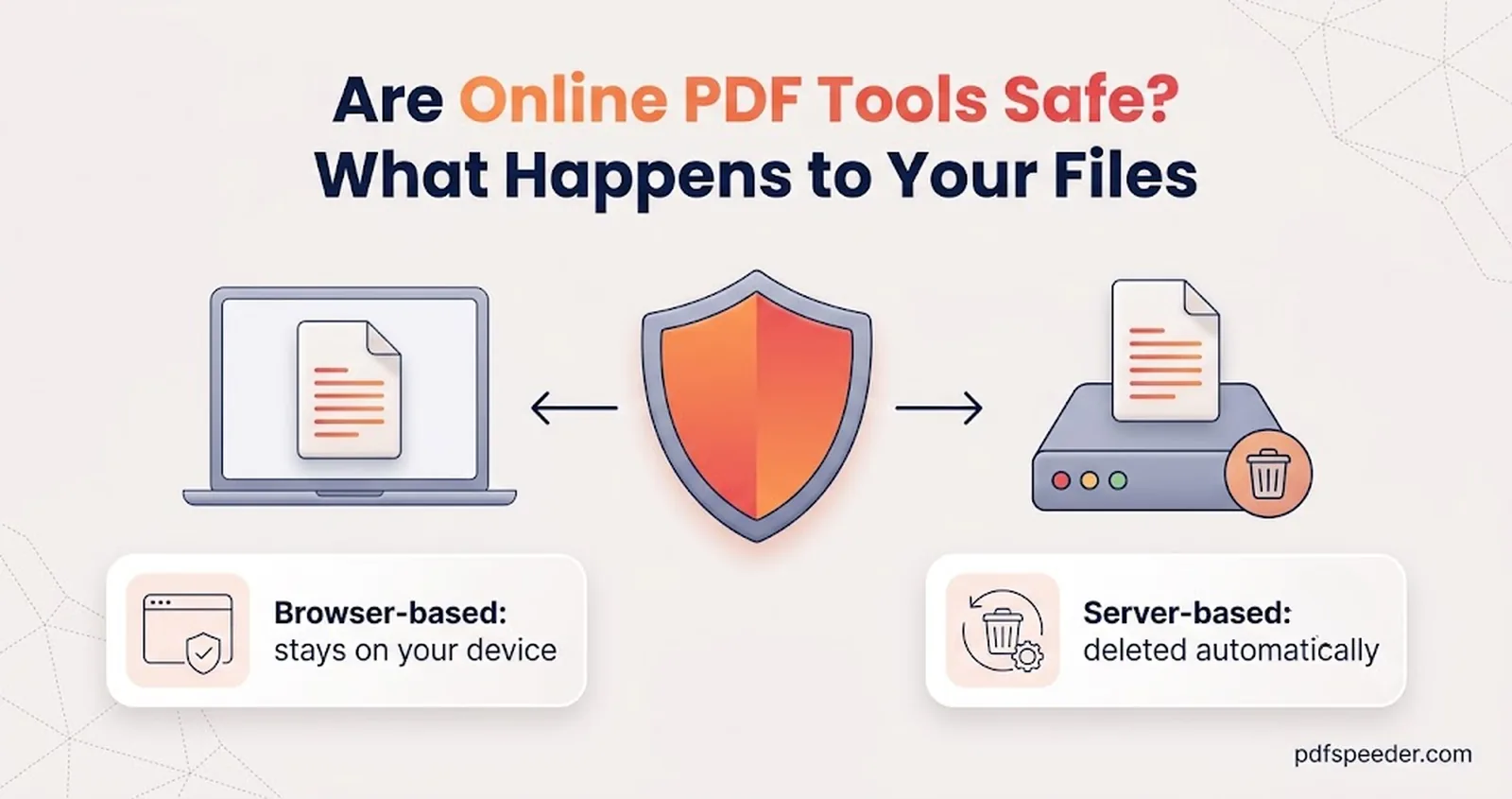
Are online PDF tools safe? See which tools upload your file and which never do, what to check before uploading, and a simple test you can run on any tool.
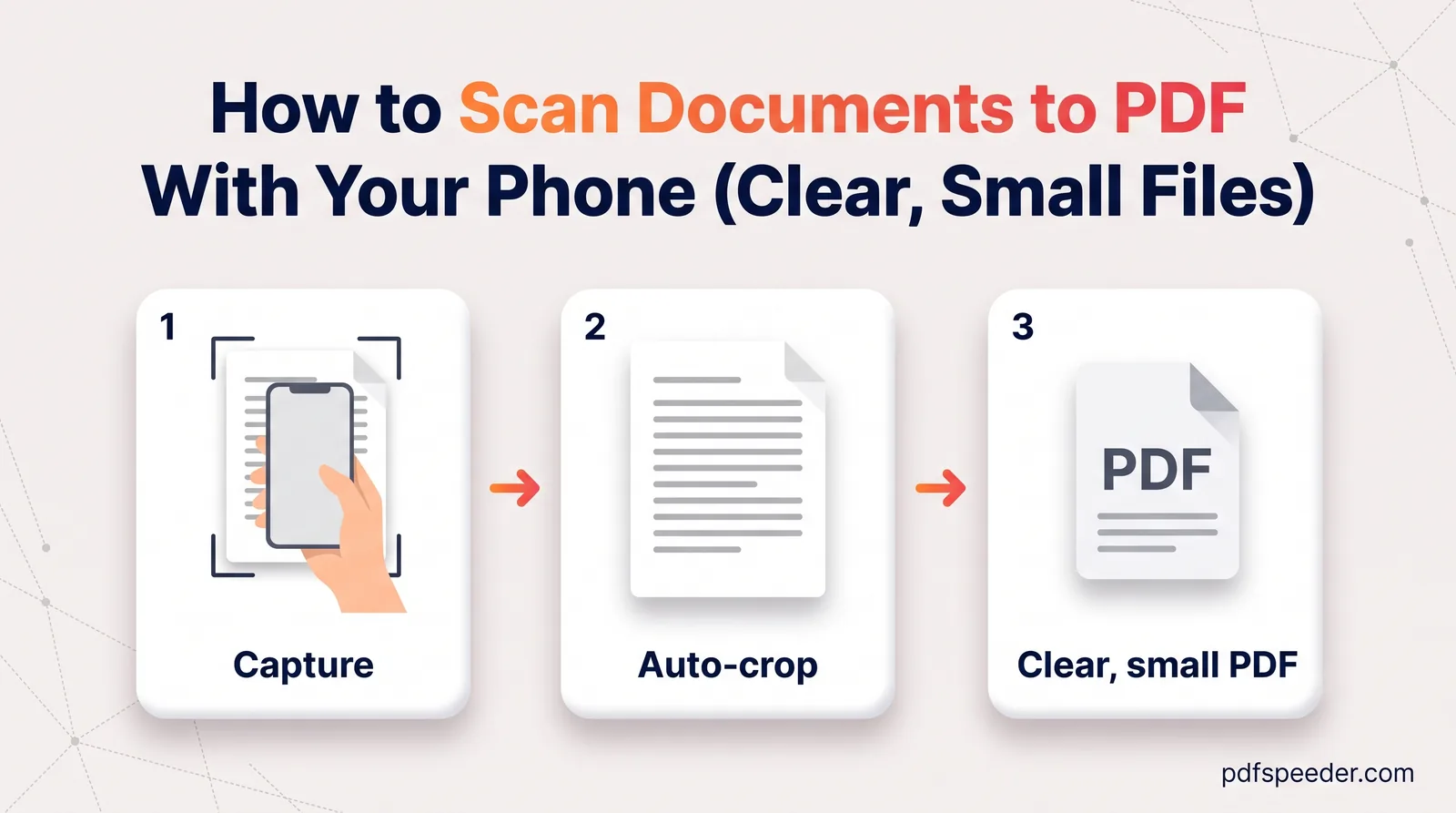
Scan documents to PDF on your phone with the built-in iPhone and Android scanners, get a sharp page every time, combine pages and keep the file small.
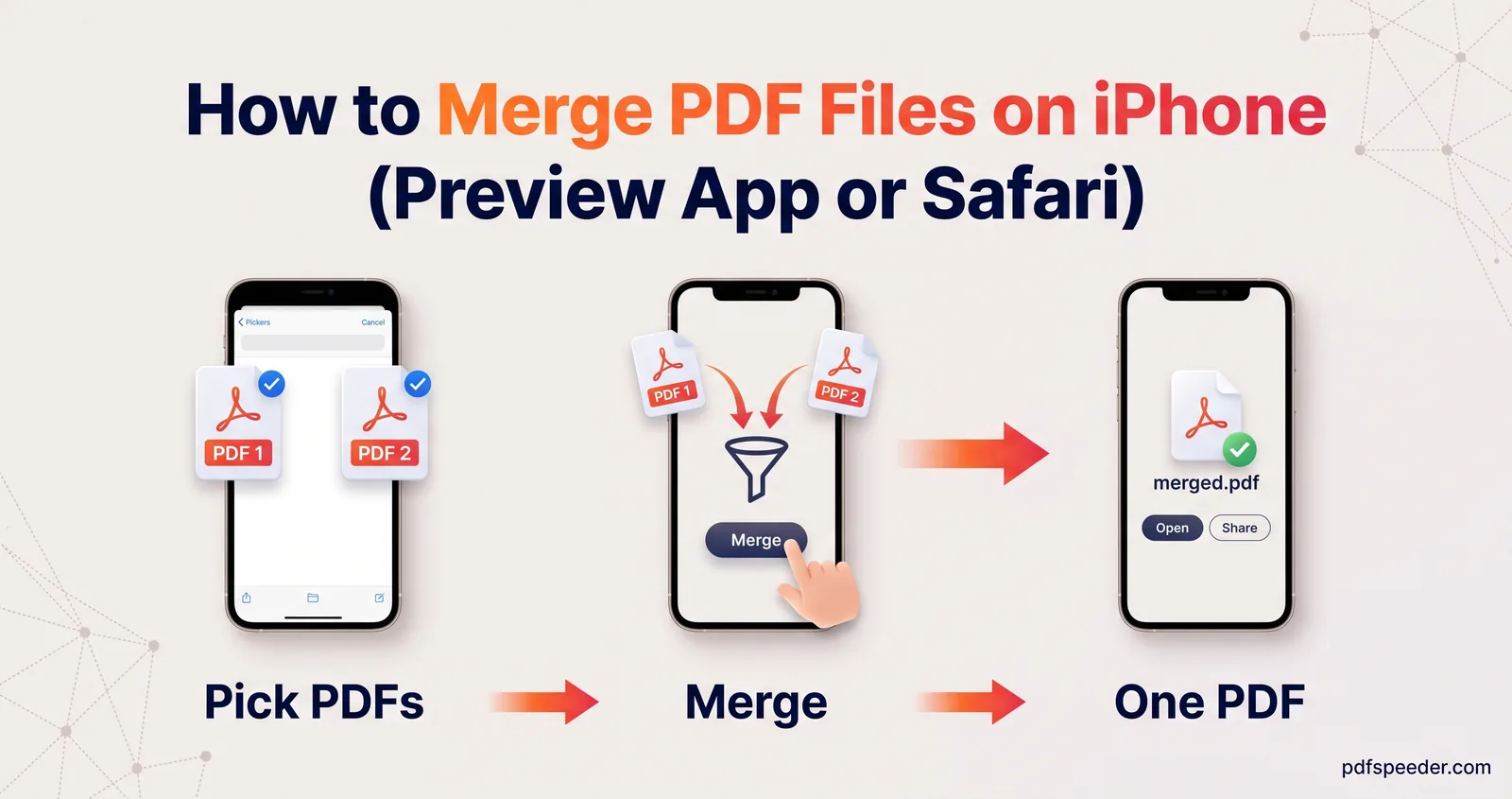
How to merge PDF files on iPhone with the built-in Preview app or in Safari, choose pages, fix the order, then rename, save and share the combined PDF.
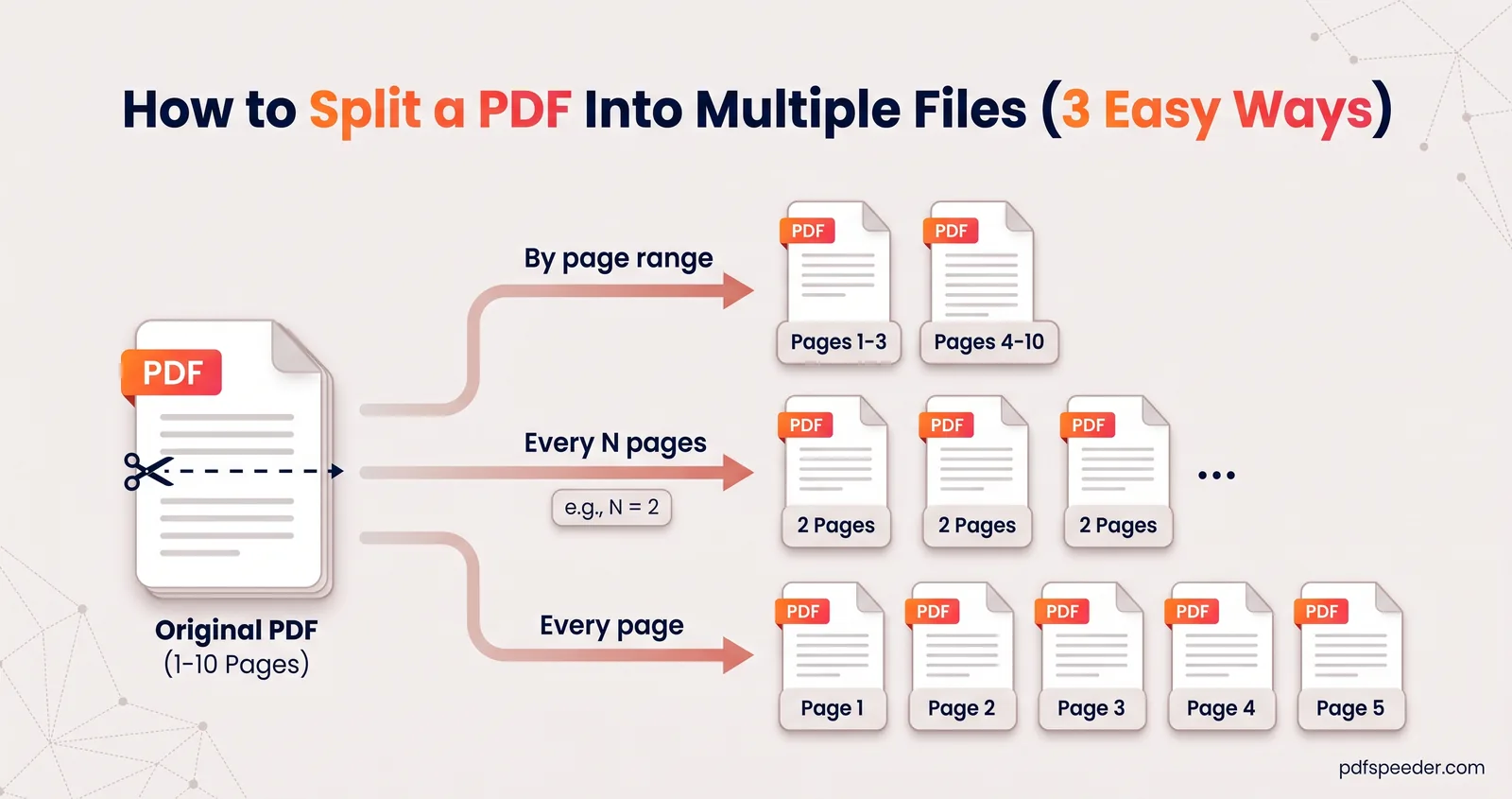
How to split a PDF into multiple files by page ranges, every N pages or one page per file, plus how to size each part so it fits an upload limit.
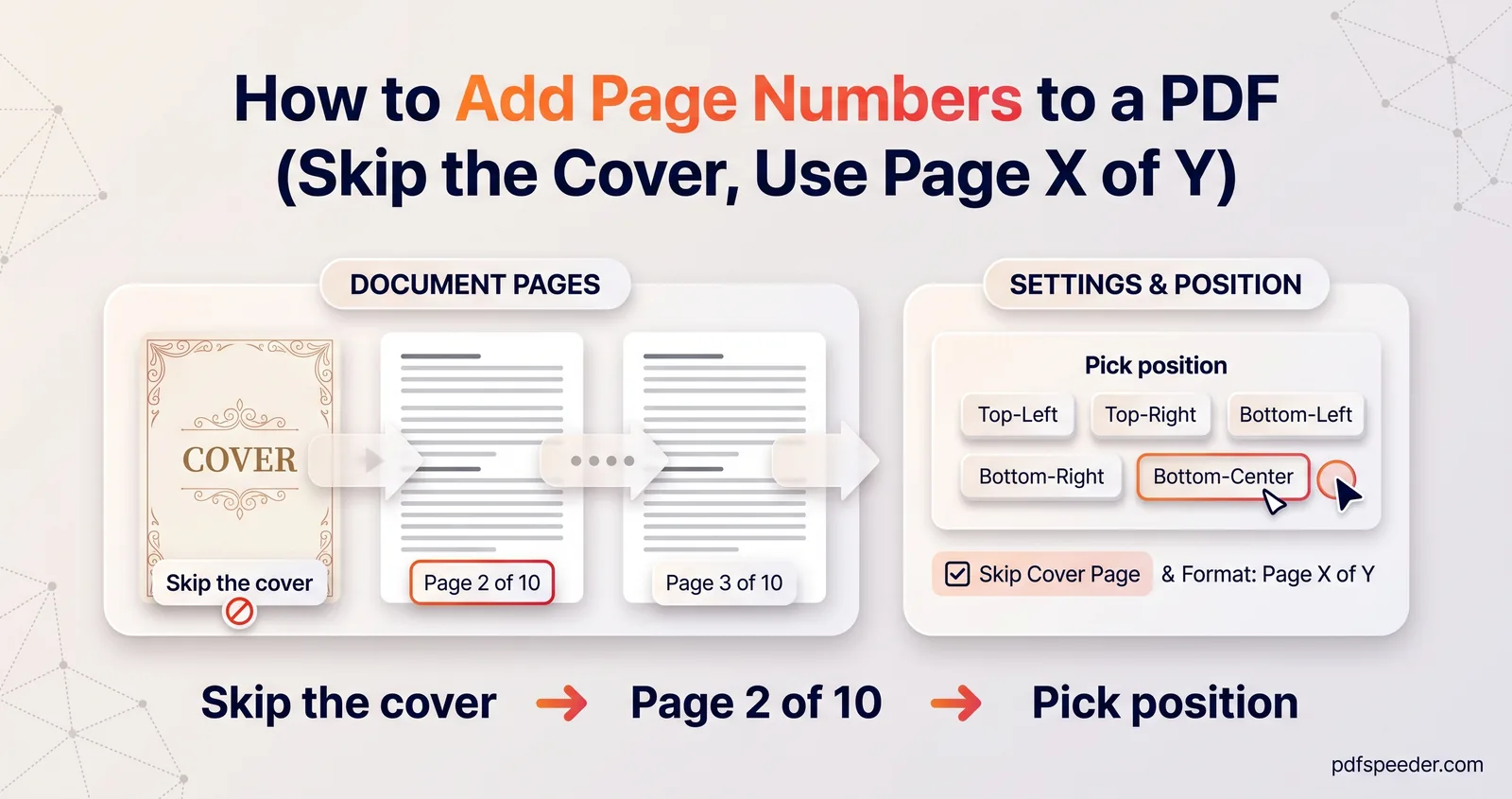
How to add page numbers to a PDF: choose a format like Page 1 of 10, skip the cover, start from any number, and place the numbers well for printing.
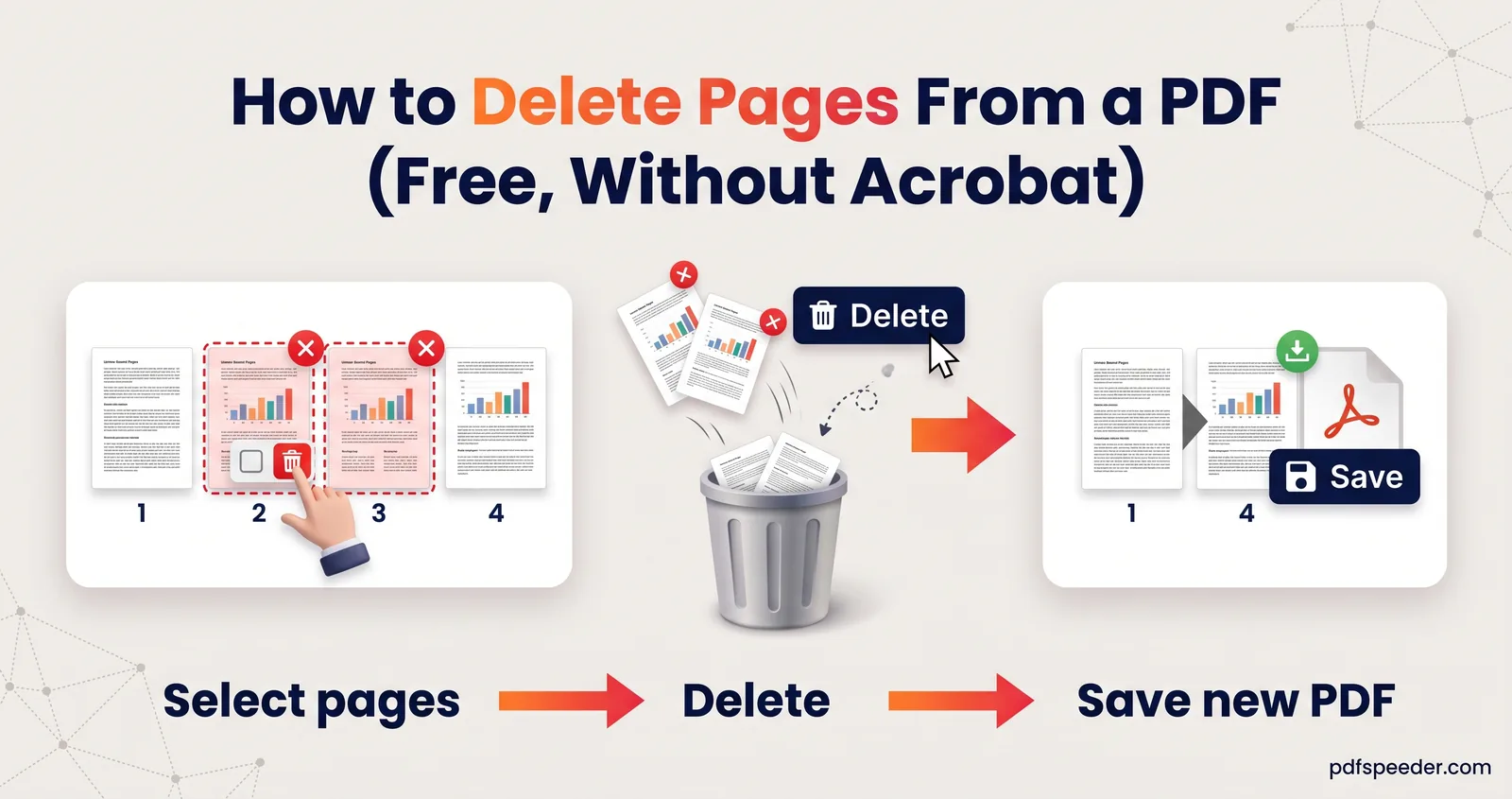
How to delete pages from a PDF for free: pick pages by thumbnail or number, use the odd, even and invert shortcuts, spot blank scans, and keep files small.
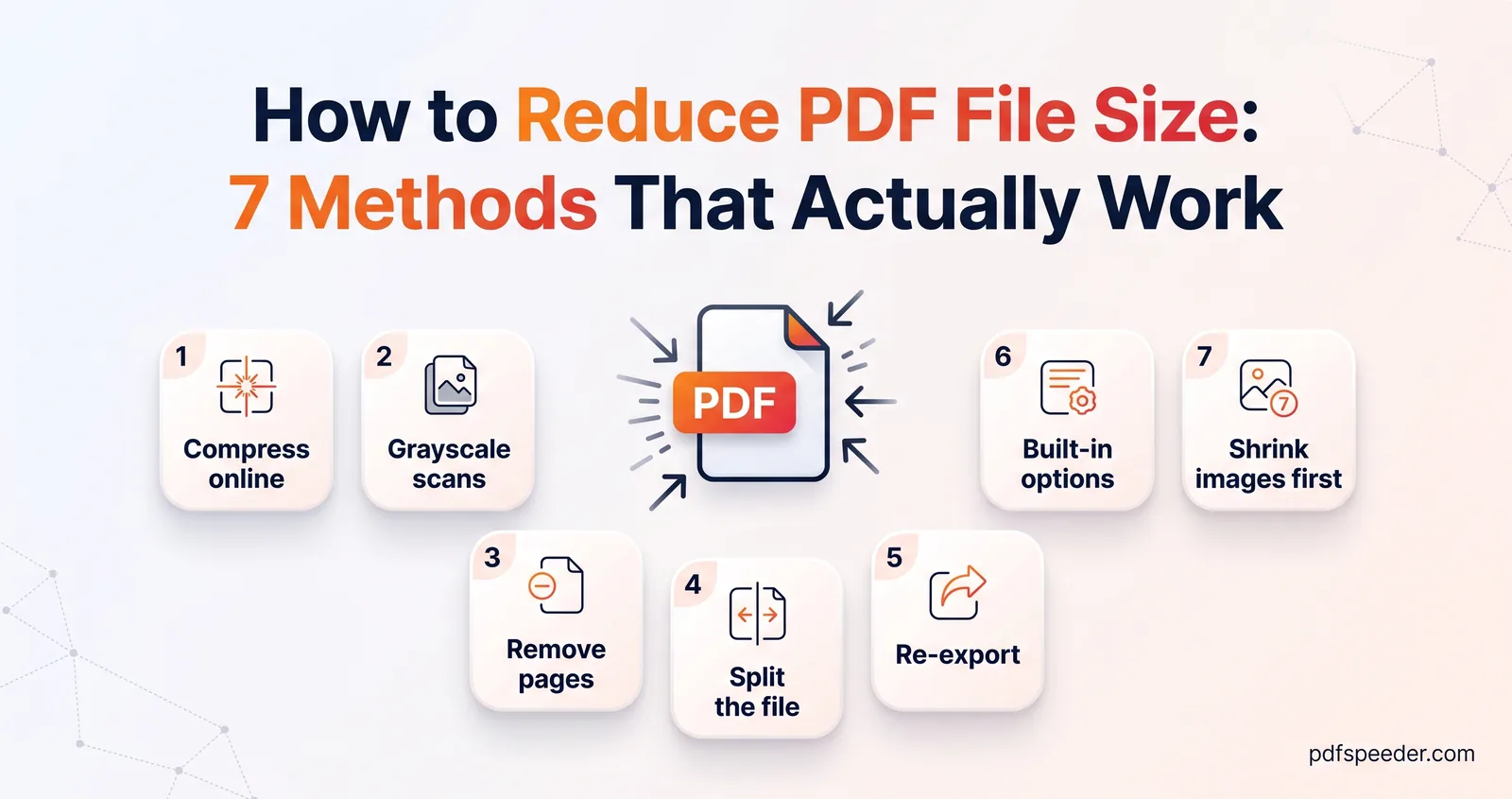
How to reduce PDF file size seven ways: online compression, grayscale scans, cutting or splitting pages, smaller Word exports and Mac or iPhone tools.
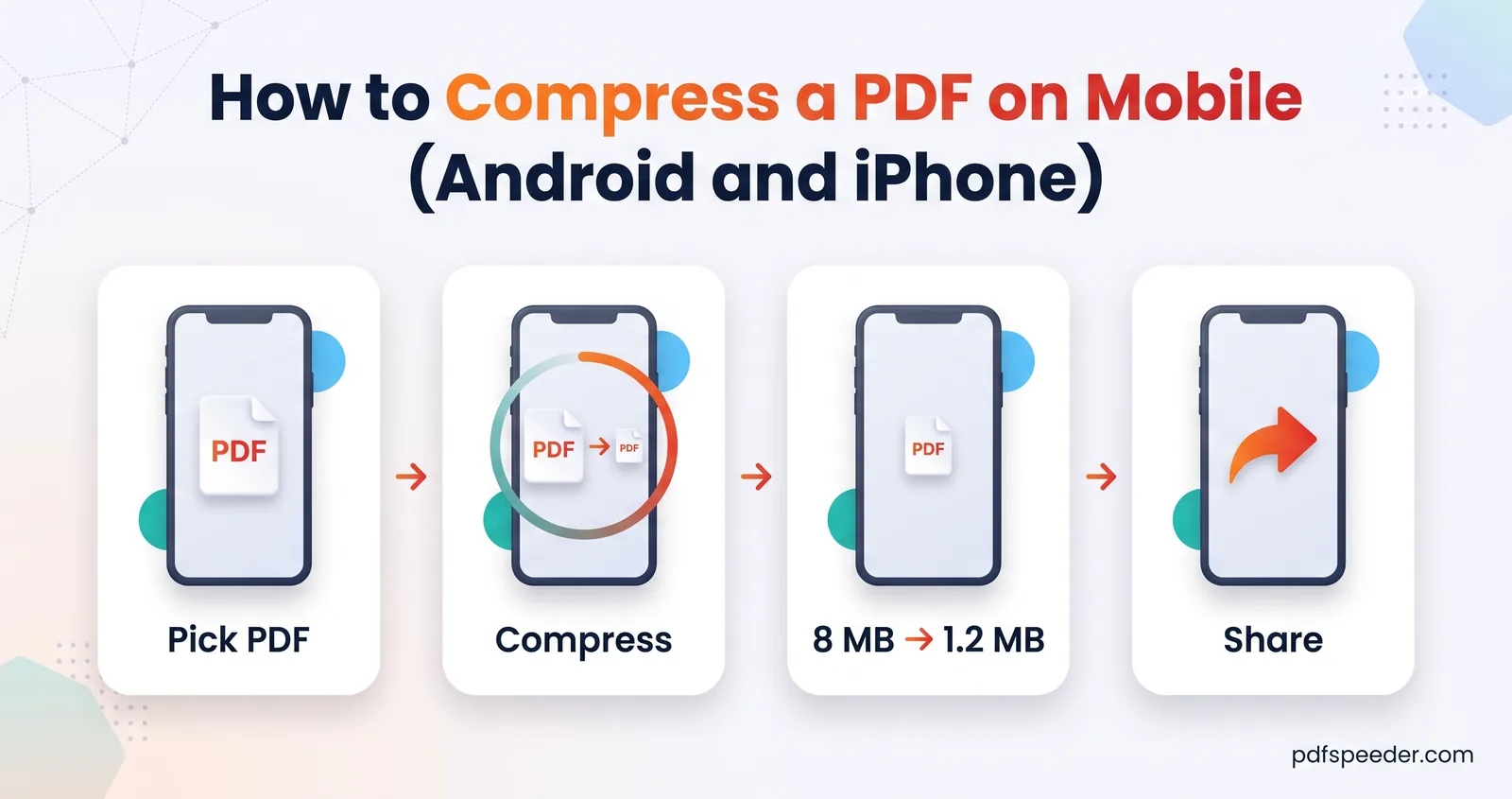
Compress a PDF on mobile without installing an app: the browser route for Android and iPhone, the iPhone's built-in Preview option, and photo-based PDFs.
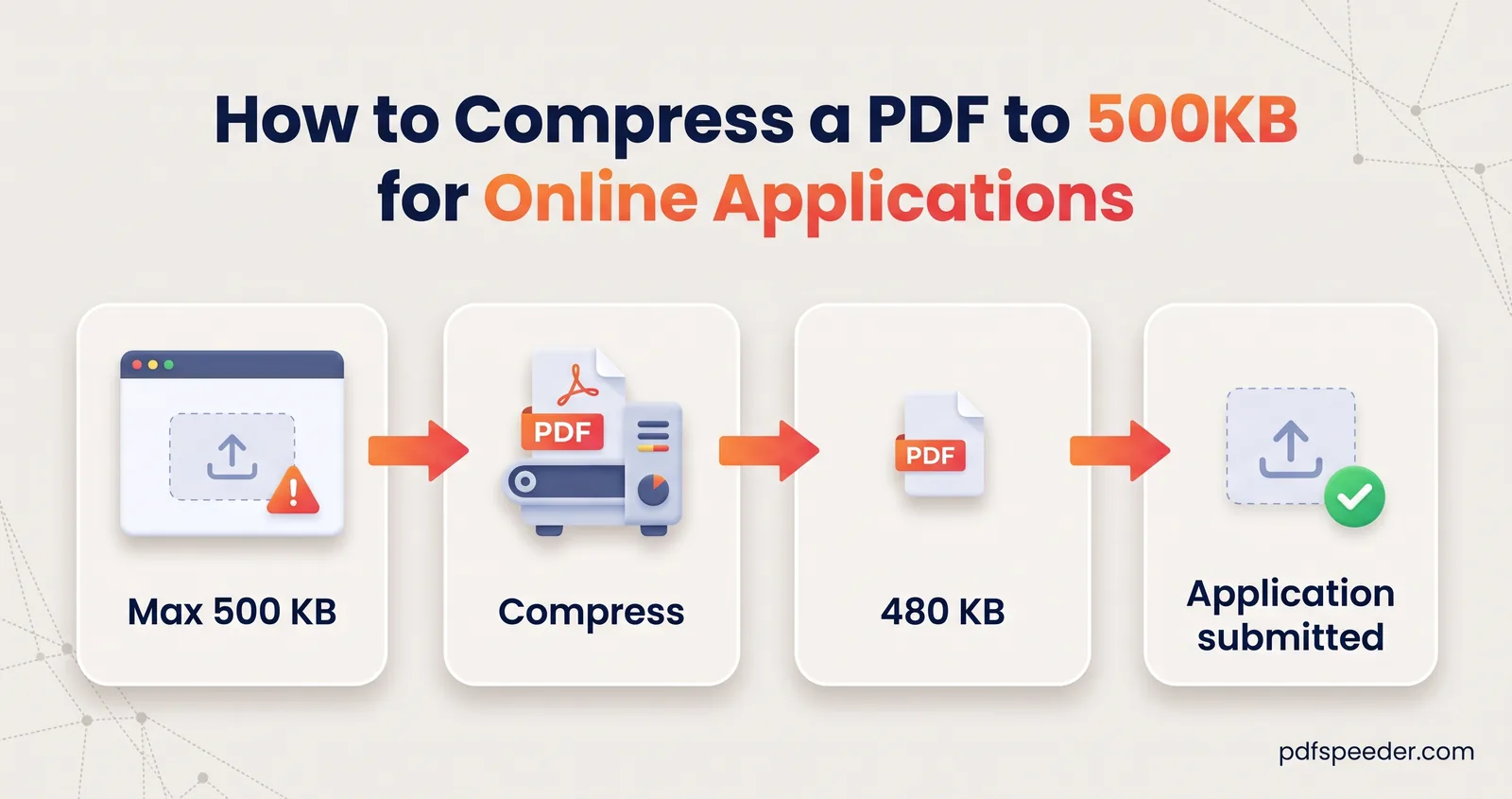
Compress a PDF to 500 KB even when it bundles phone photos, a scanned form and a certificate: shrink each part the right way, merge, then compress once.
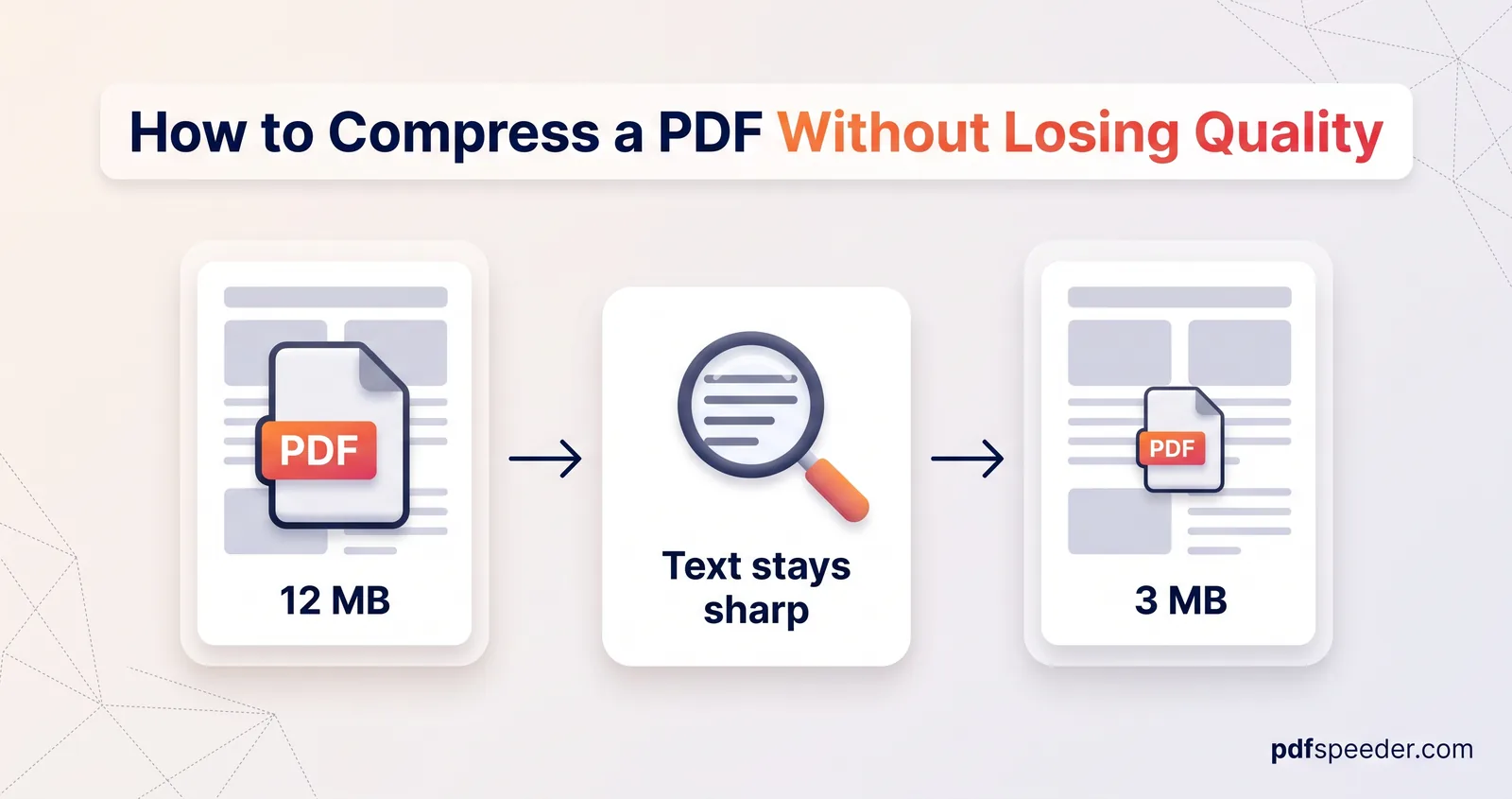
How to compress a PDF without losing quality: the lossless route that changes no pixels, and the gentlest compression level for screen, email or print.
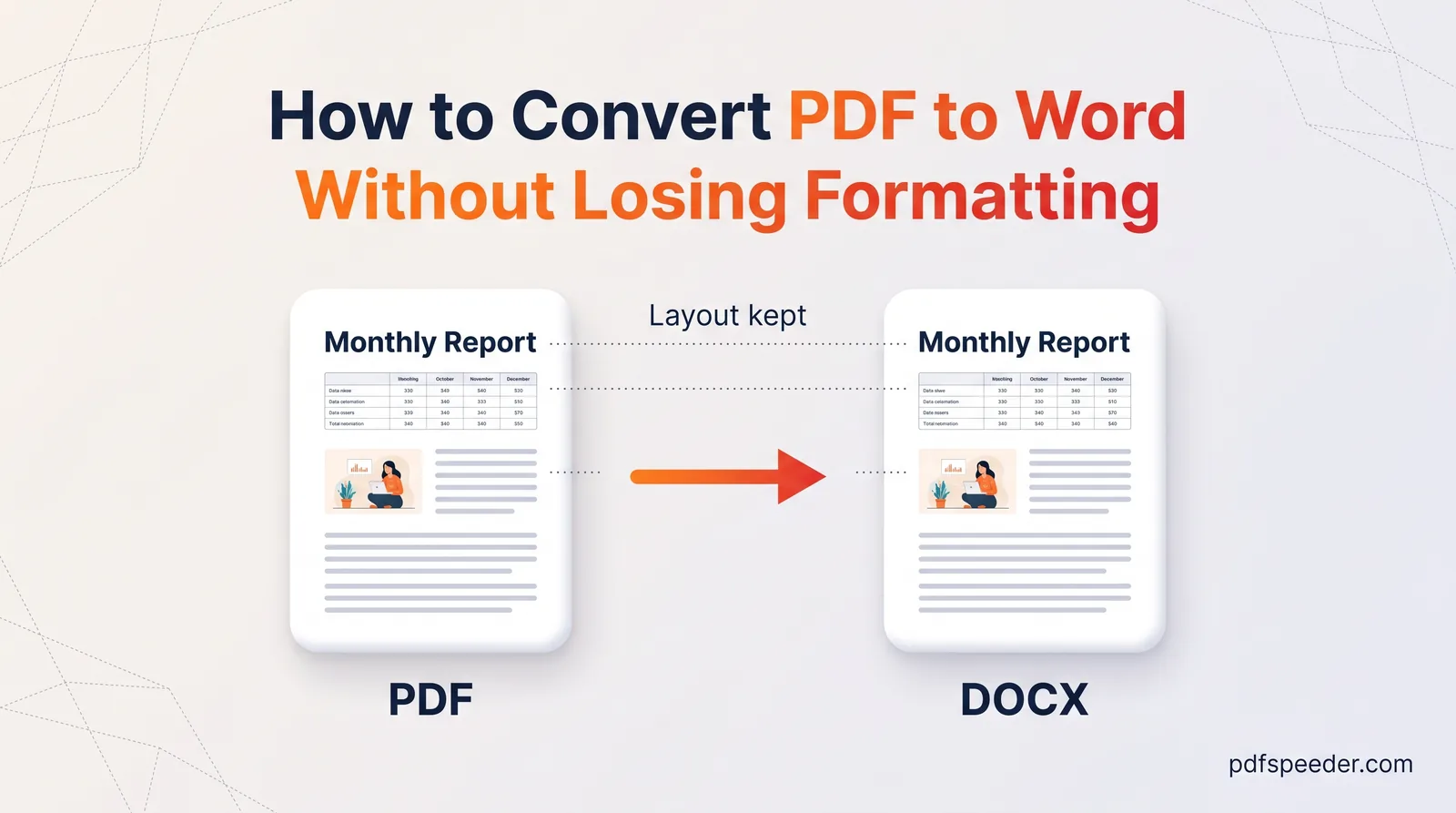
Convert PDF to Word without losing formatting: see what converts cleanly, which OCR setting suits a scan, and the quick fixes for anything left over.
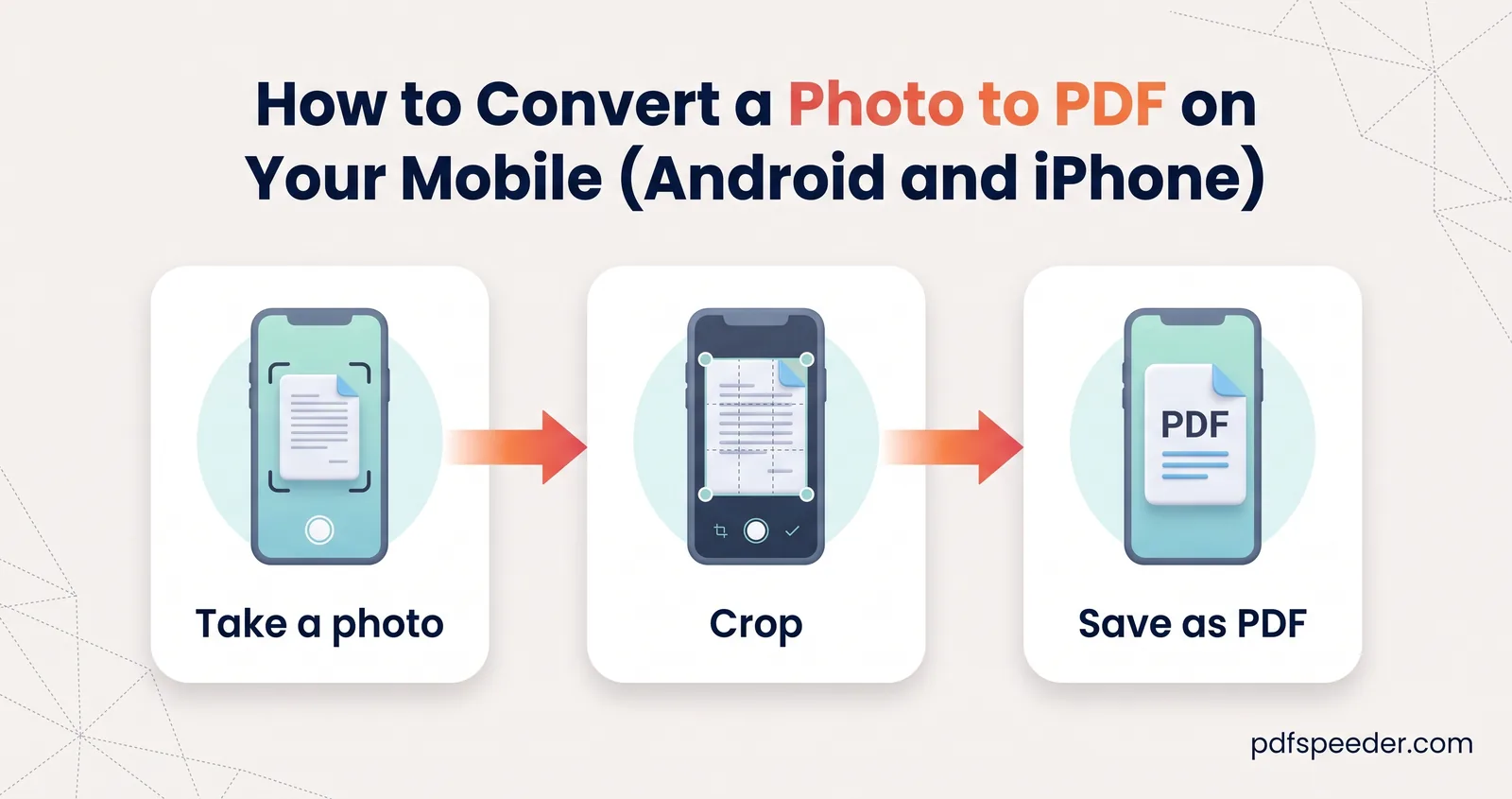
Convert a photo to PDF on your mobile without an app: the iPhone and Android built-in options, combining several photos in order, and keeping it small.
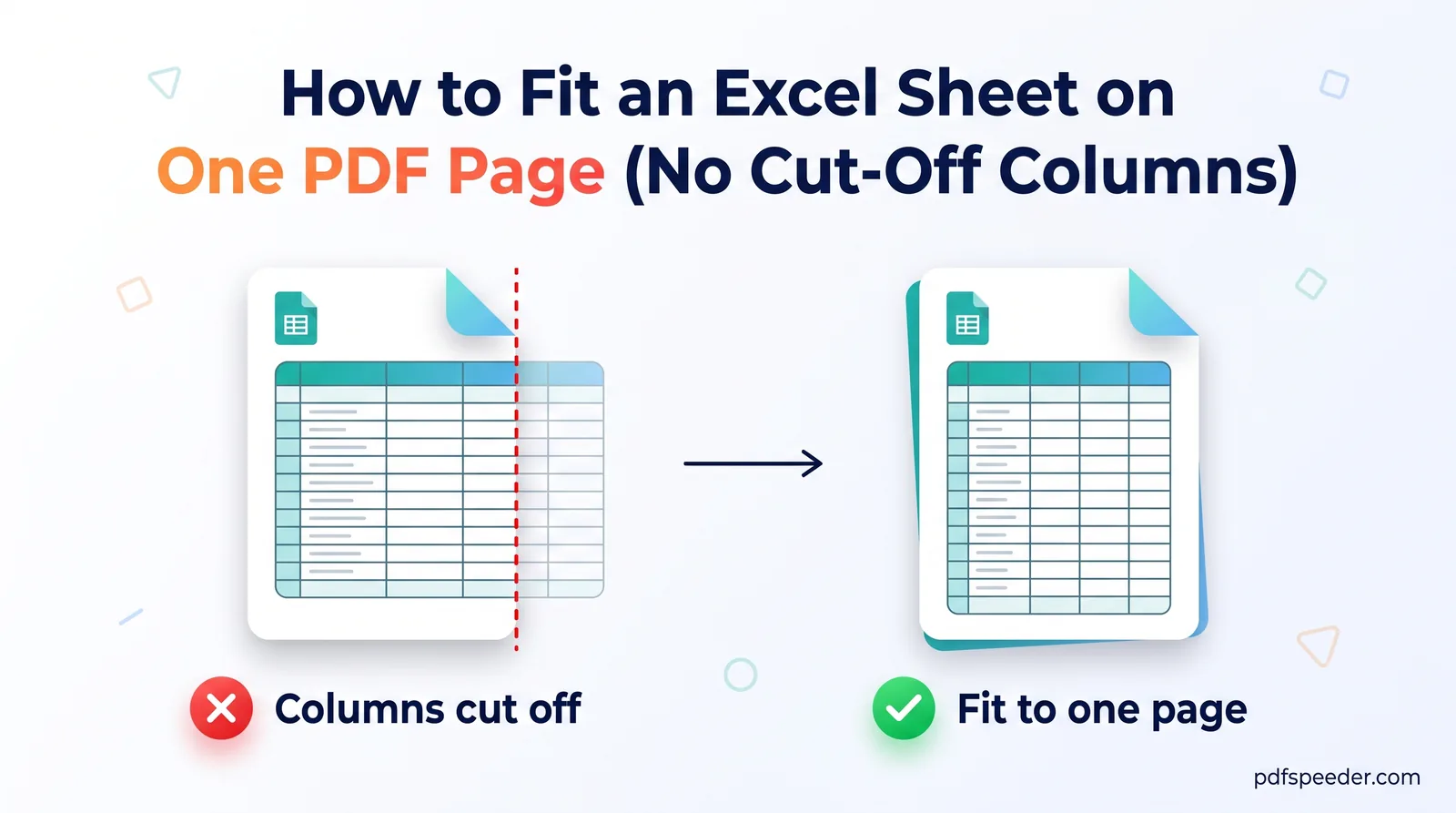
Excel to PDF cutting off columns? Fit the sheet to one page wide or one whole page, keep the text readable, and repeat the header row on every PDF page.
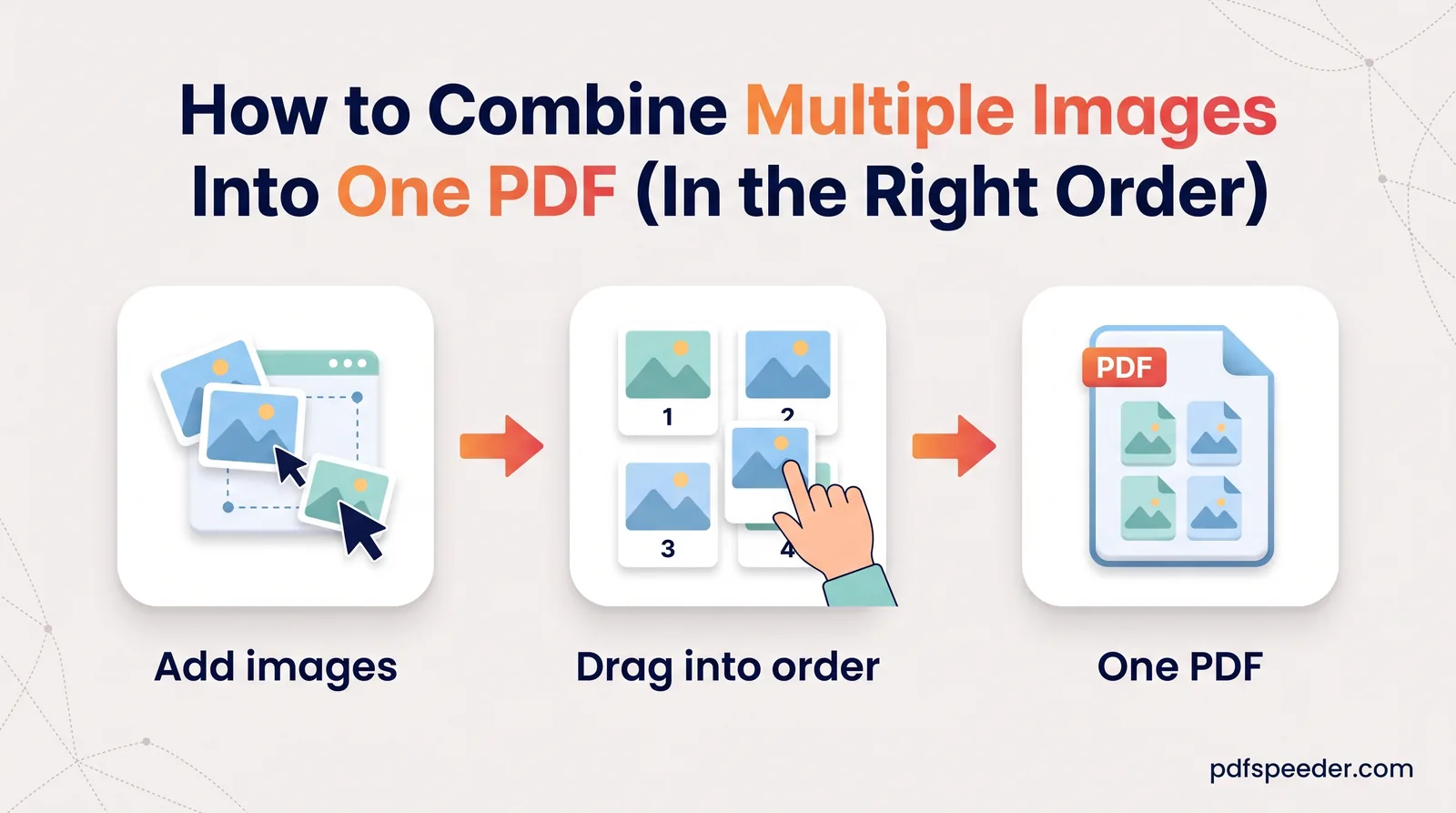
Combine multiple images into one PDF in the right order: choose page size and margins, fit receipts several to a page, fix sideways photos, and keep it small.
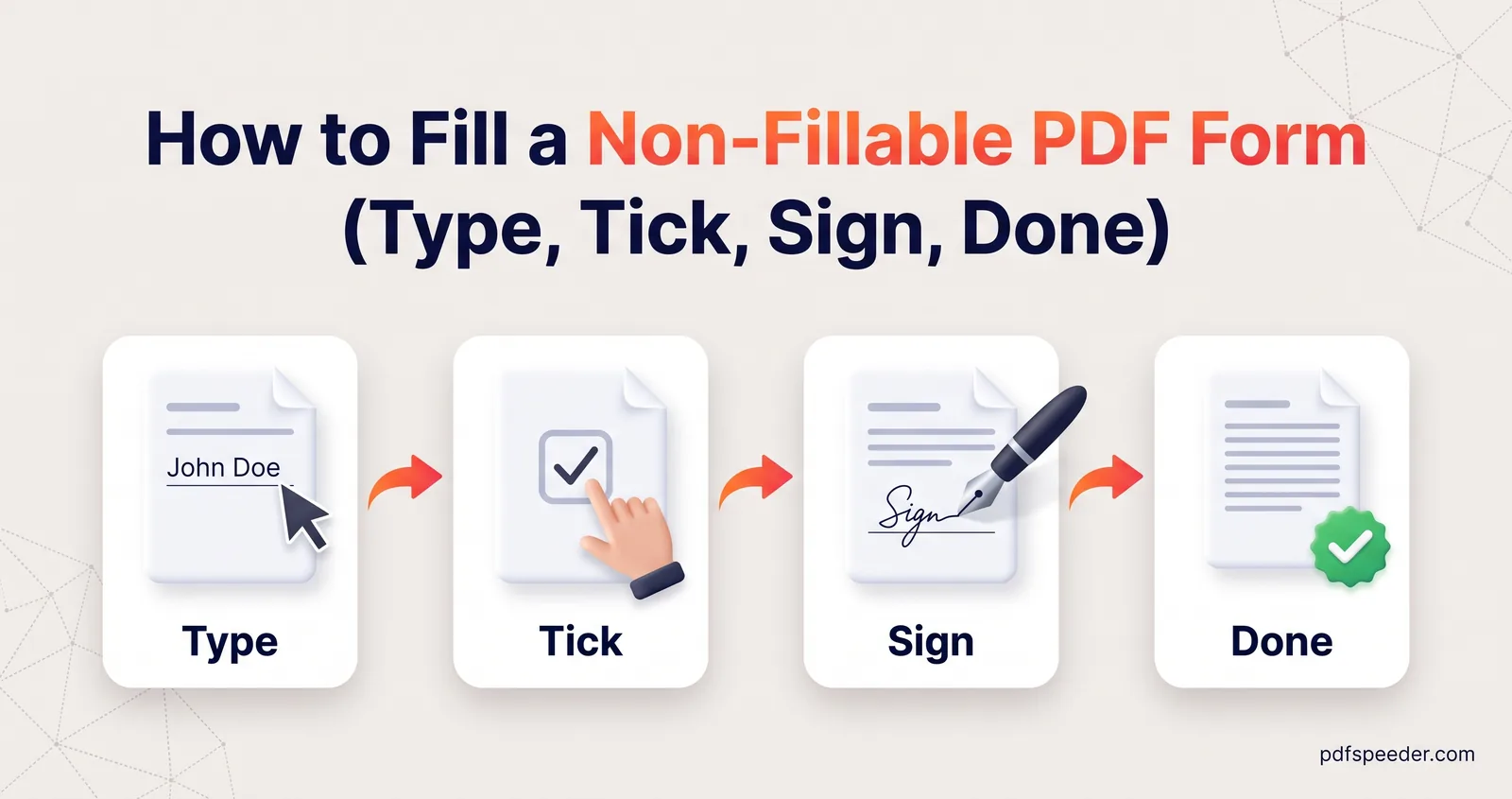
Fill a non-fillable PDF form without printing it: type into any box, add ticks, dates and a signature, keep answers aligned, and flatten before you submit.
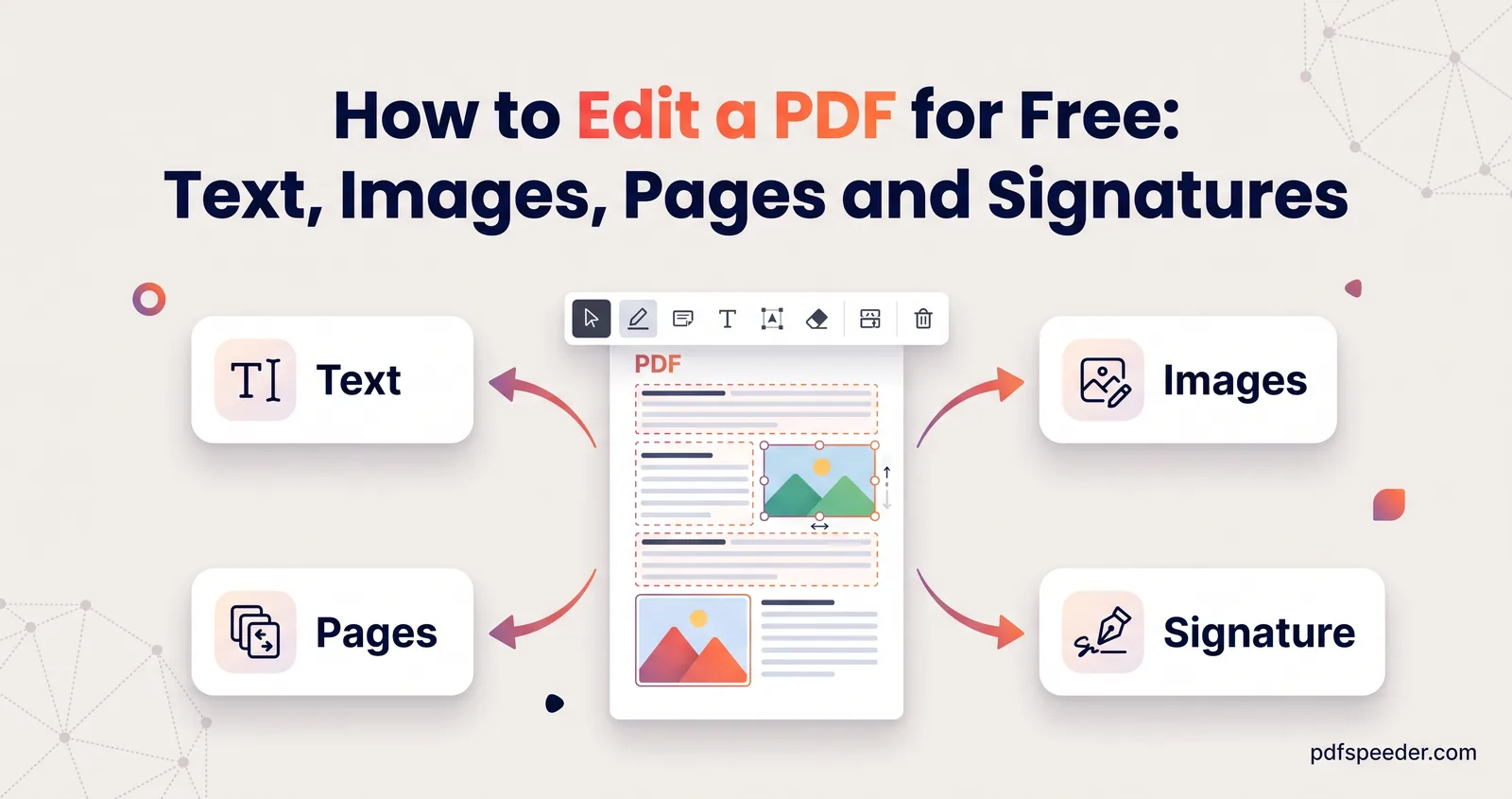
How to edit a PDF for free: fix existing text, add images and signatures, fill in forms, remove pages or hide details, and know when Word is the better route.
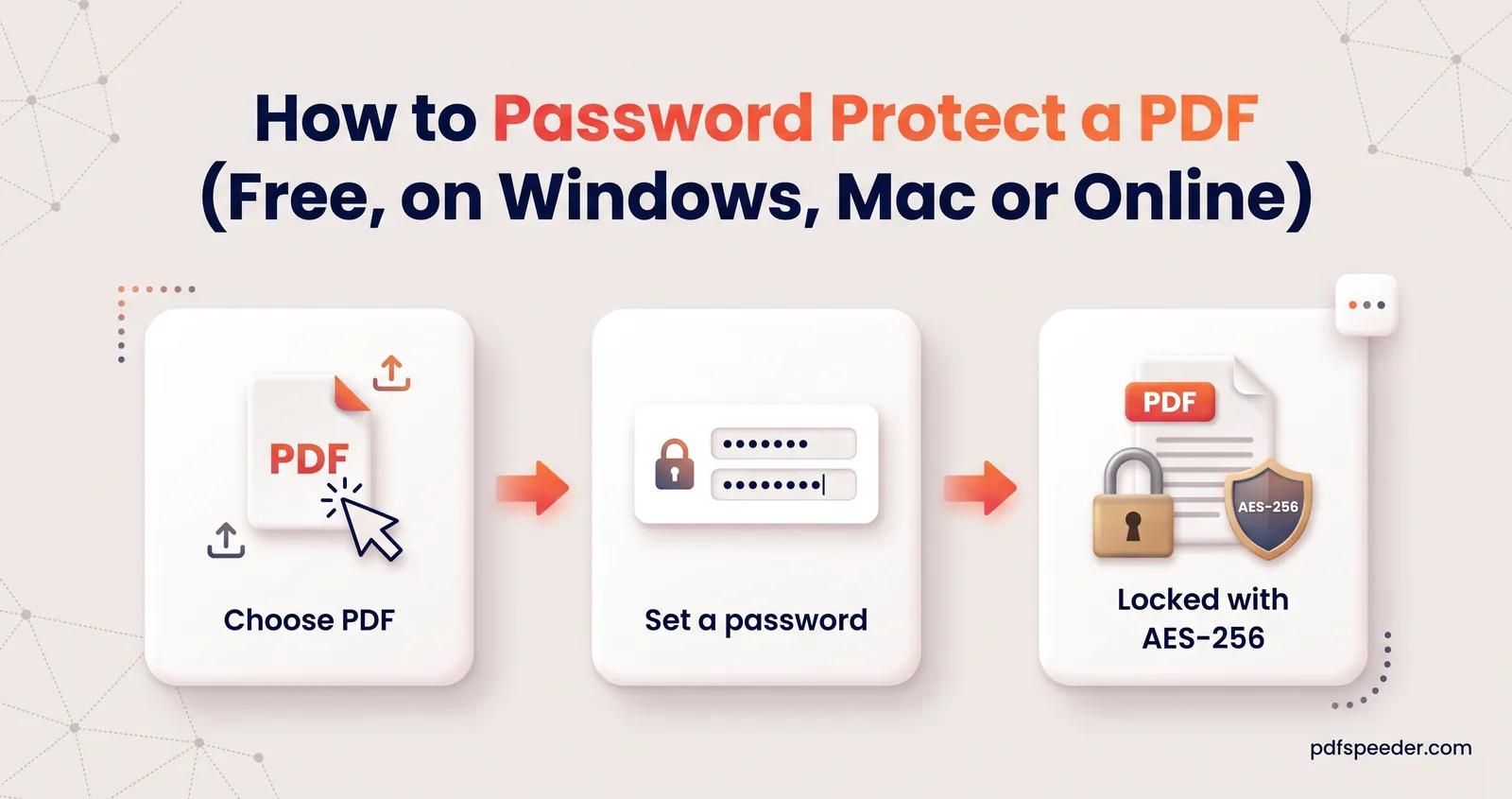
Password protect a PDF for free in your browser, in Word or with Preview on a Mac. Learn which password type to use, how to pick one and how to share it.
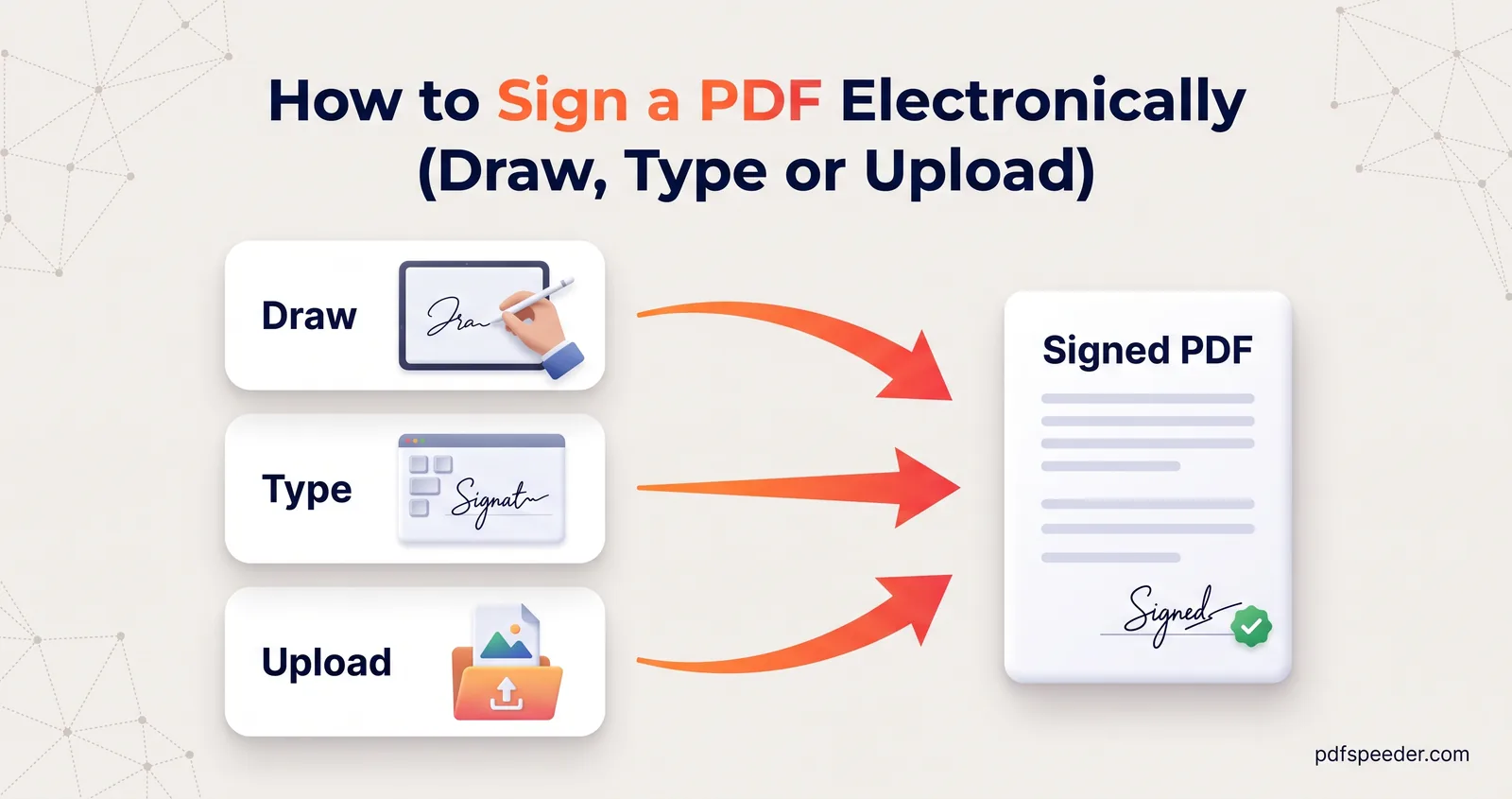
Sign a PDF without printing it: draw, type or upload your signature, add initials and the date, sign on a phone, and know what a drawn signature proves.
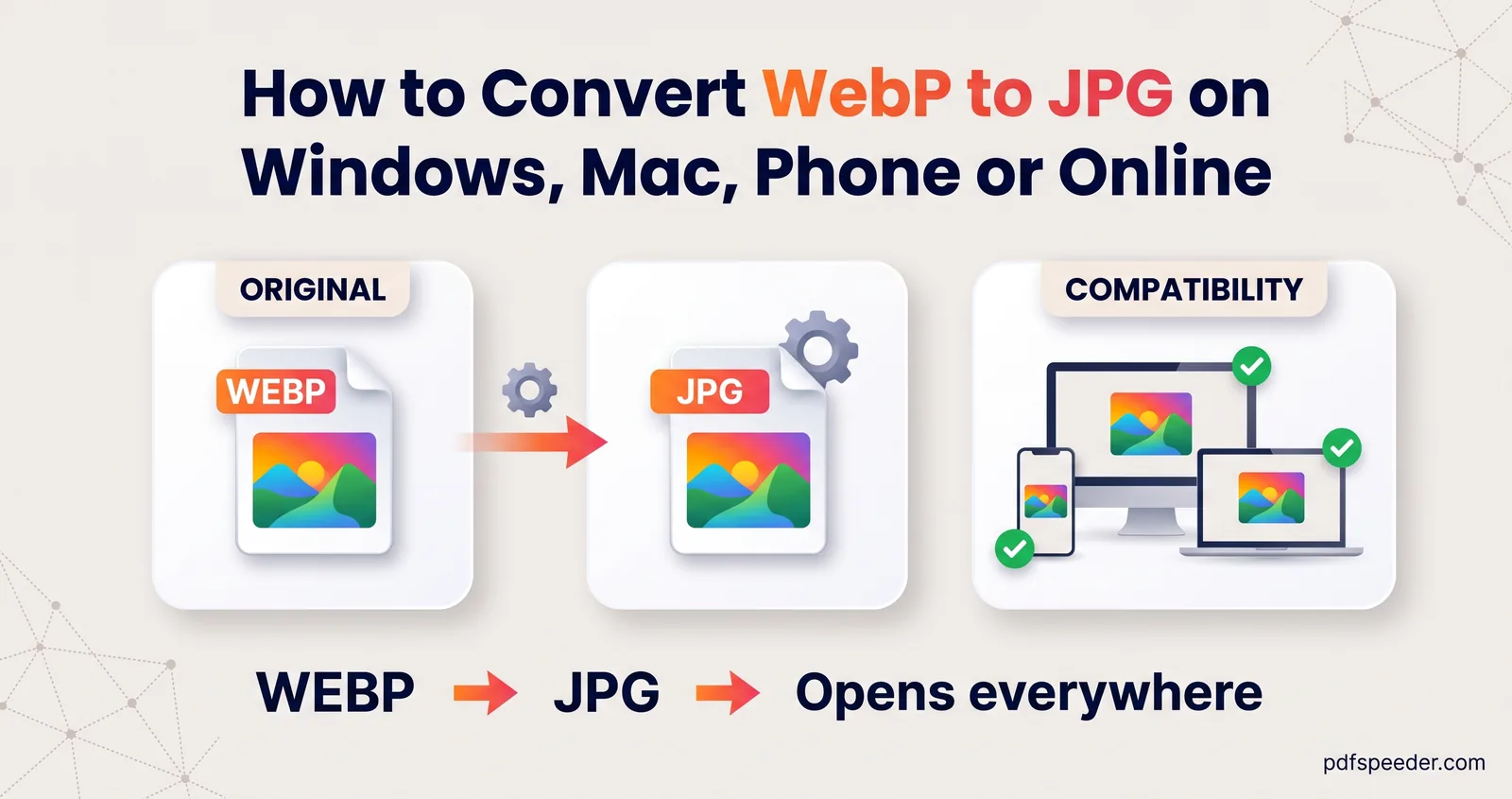
Convert WebP to JPG on Windows, a Mac or your phone: the Paint and Preview steps, batch conversion with quality control, and what happens to transparency.
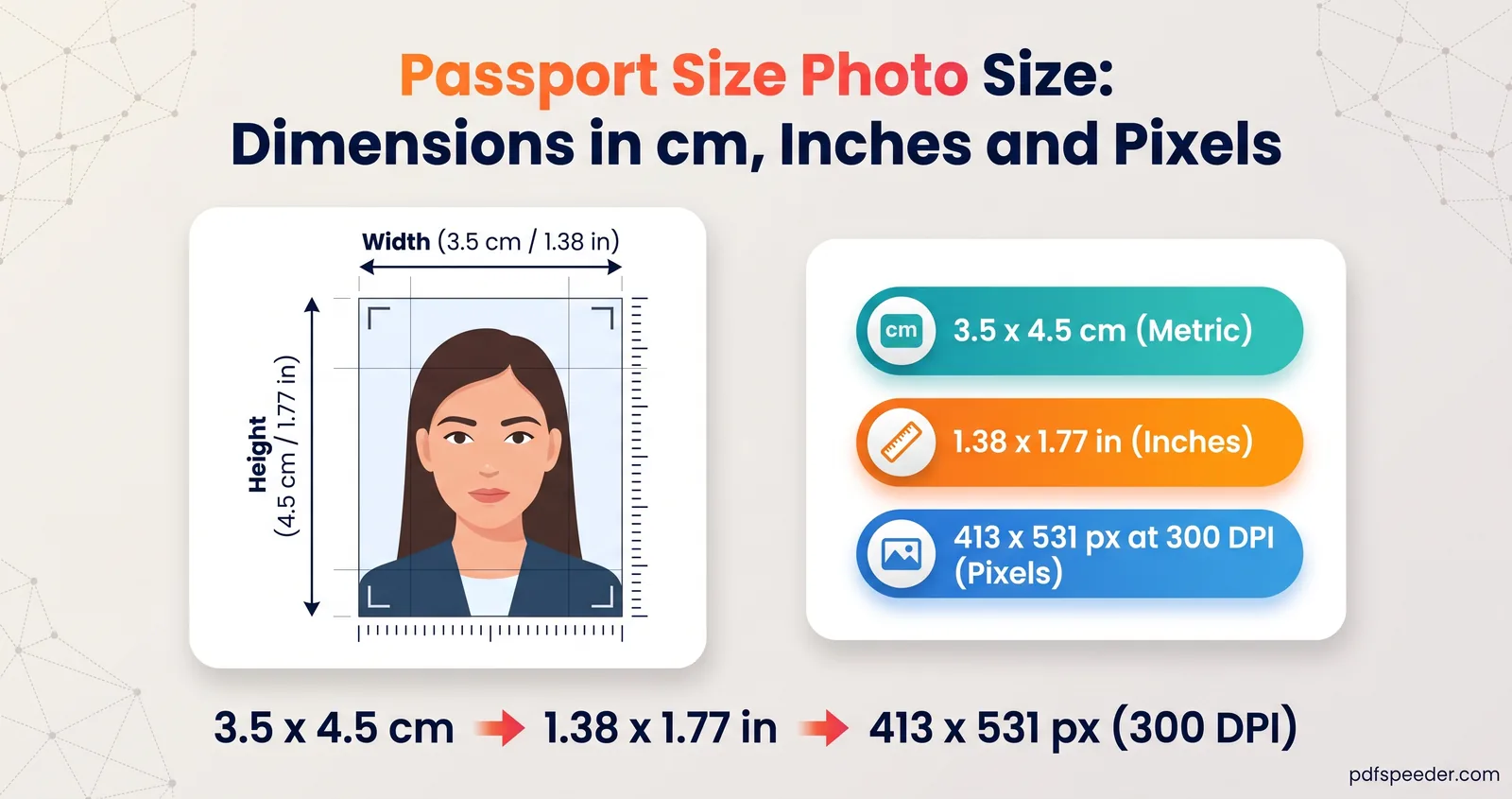
Passport size photo size for India, the US, the UK and Schengen visas, with pixel equivalents, print vs digital rules, and how to resize a phone photo safely.
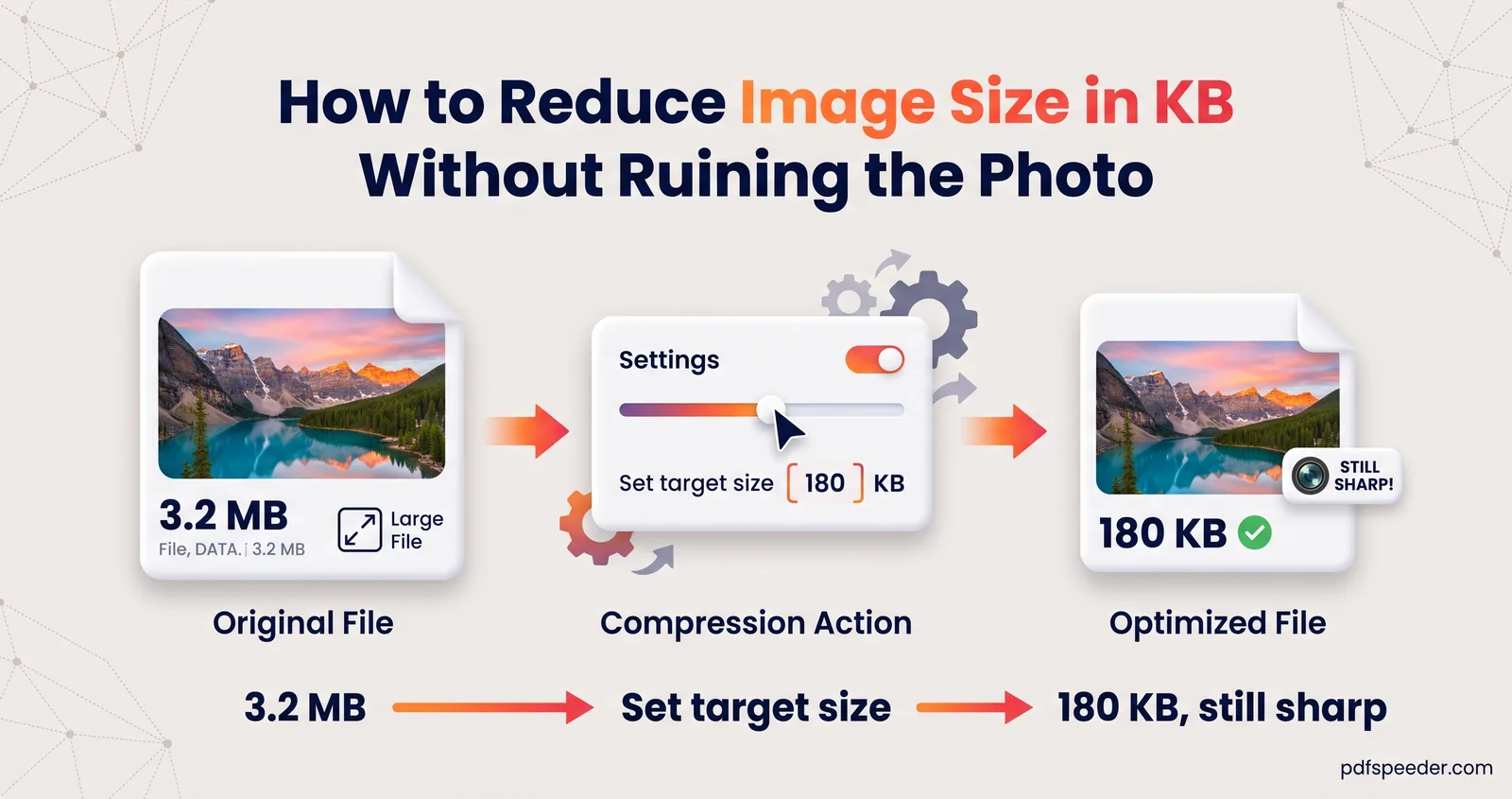
How to reduce image size in KB for forms, email and uploads: what decides the file size, how to hit an exact target like 50 KB, and when to resize first.
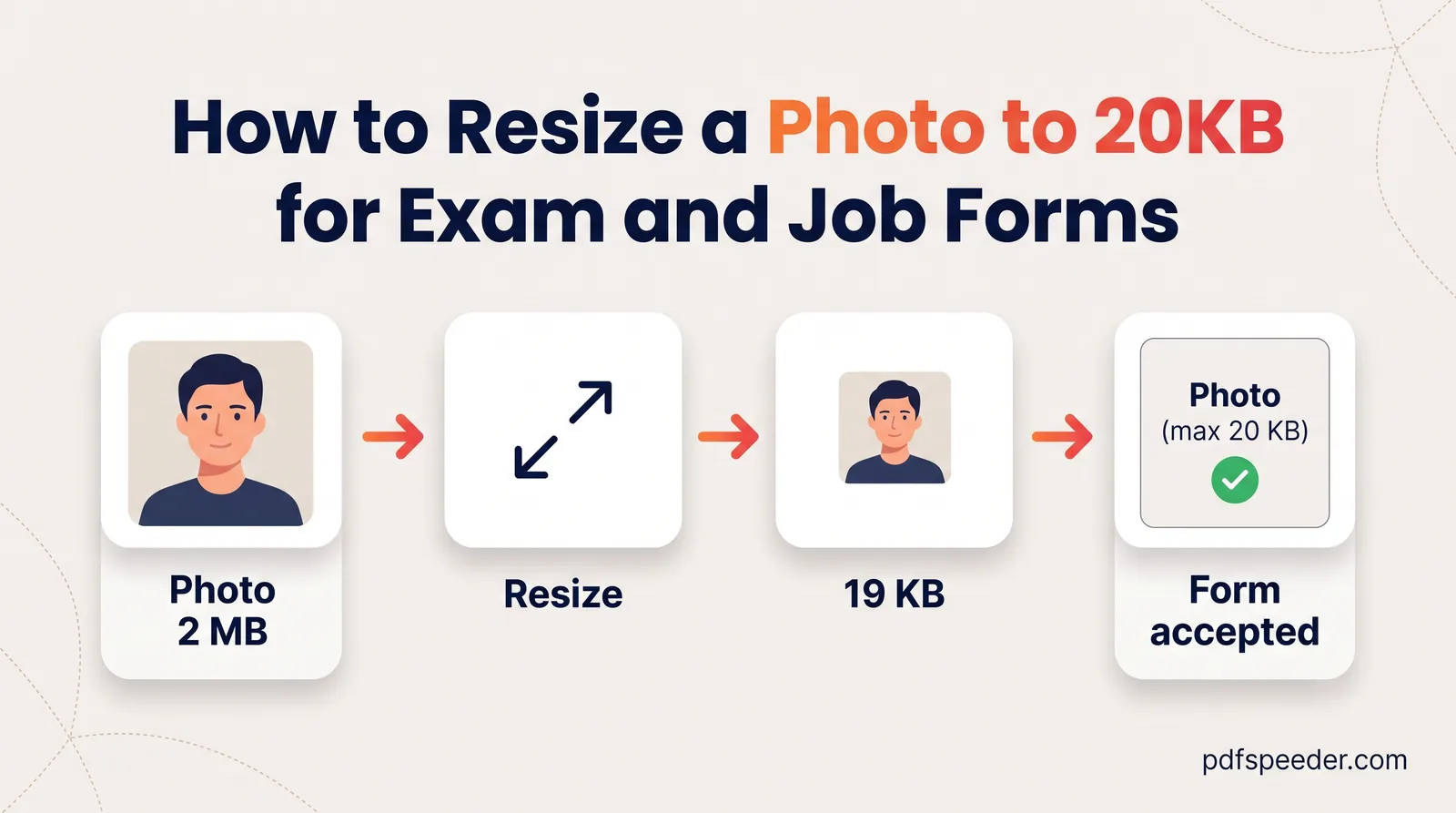
Resize a photo to 20KB the reliable way: crop to the exact pixel size first, then compress to a 20 KB target so the face stays sharp and the upload passes.
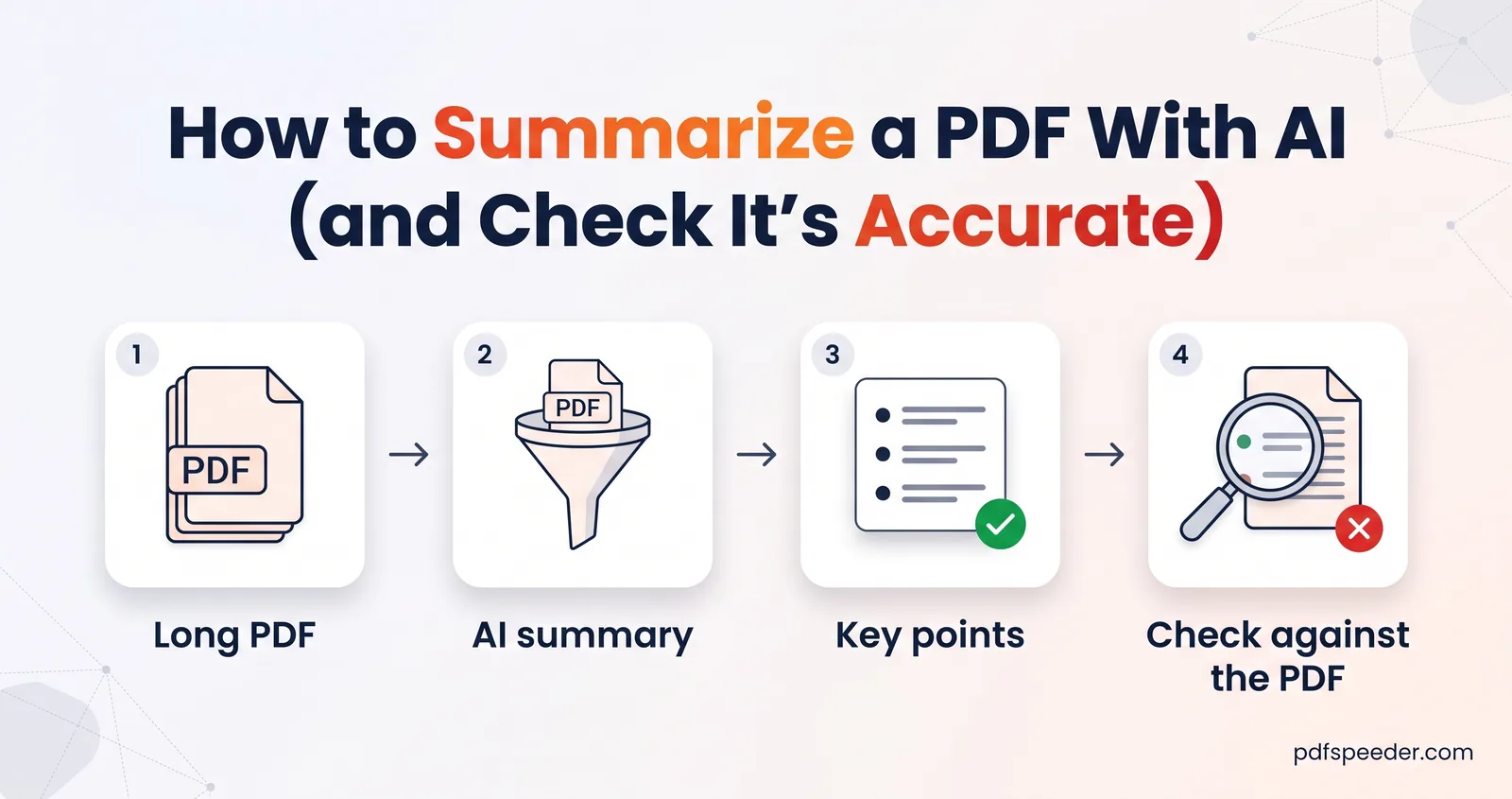
How to summarize a PDF with AI: choose the right summary type and length, focus it on what you need, check the facts, and know where your document goes.
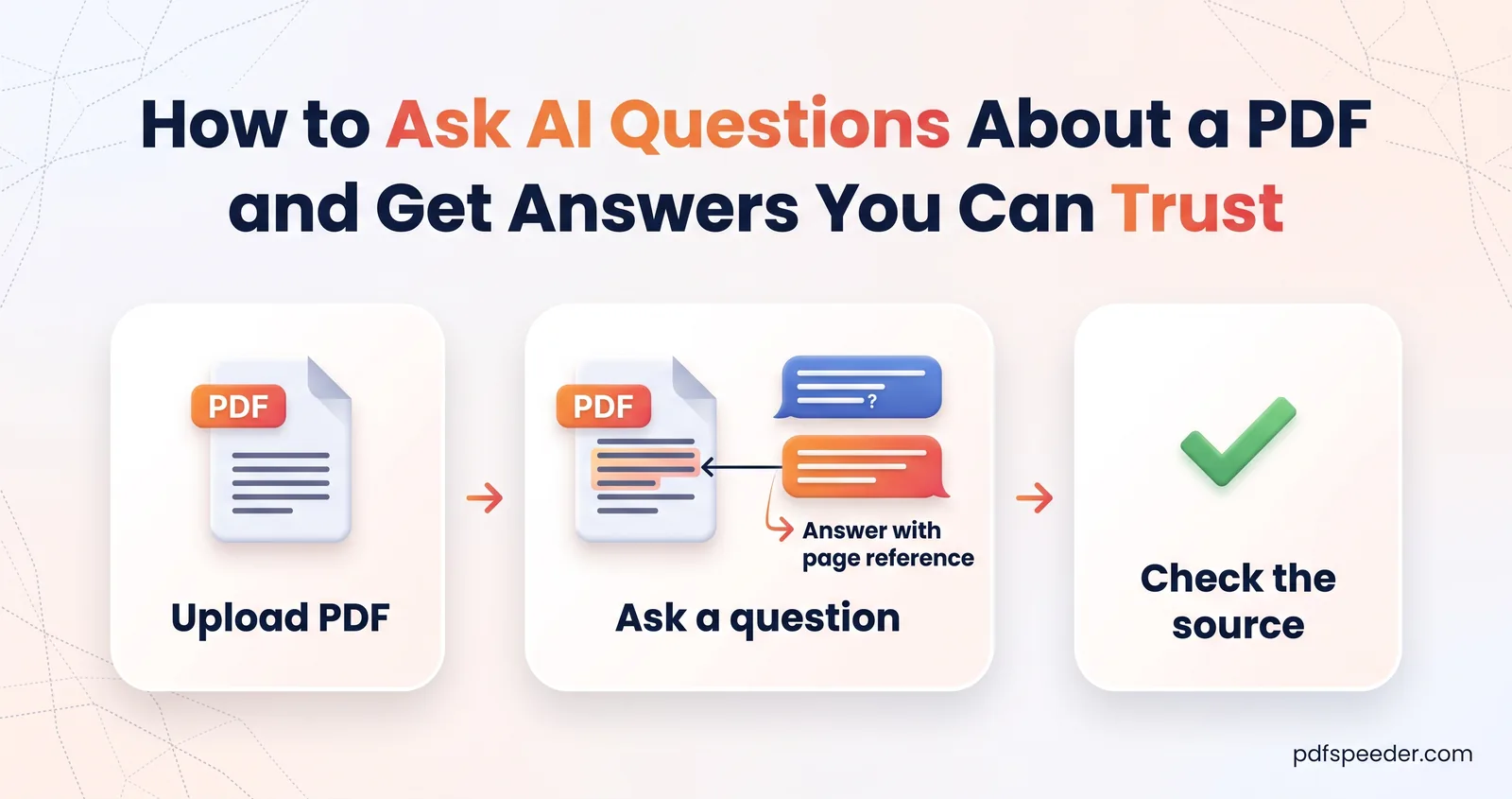
Ask AI questions about a PDF and get answers you can check: prompts that work, how to verify the page it cites, smart follow-ups, and where AI goes wrong.
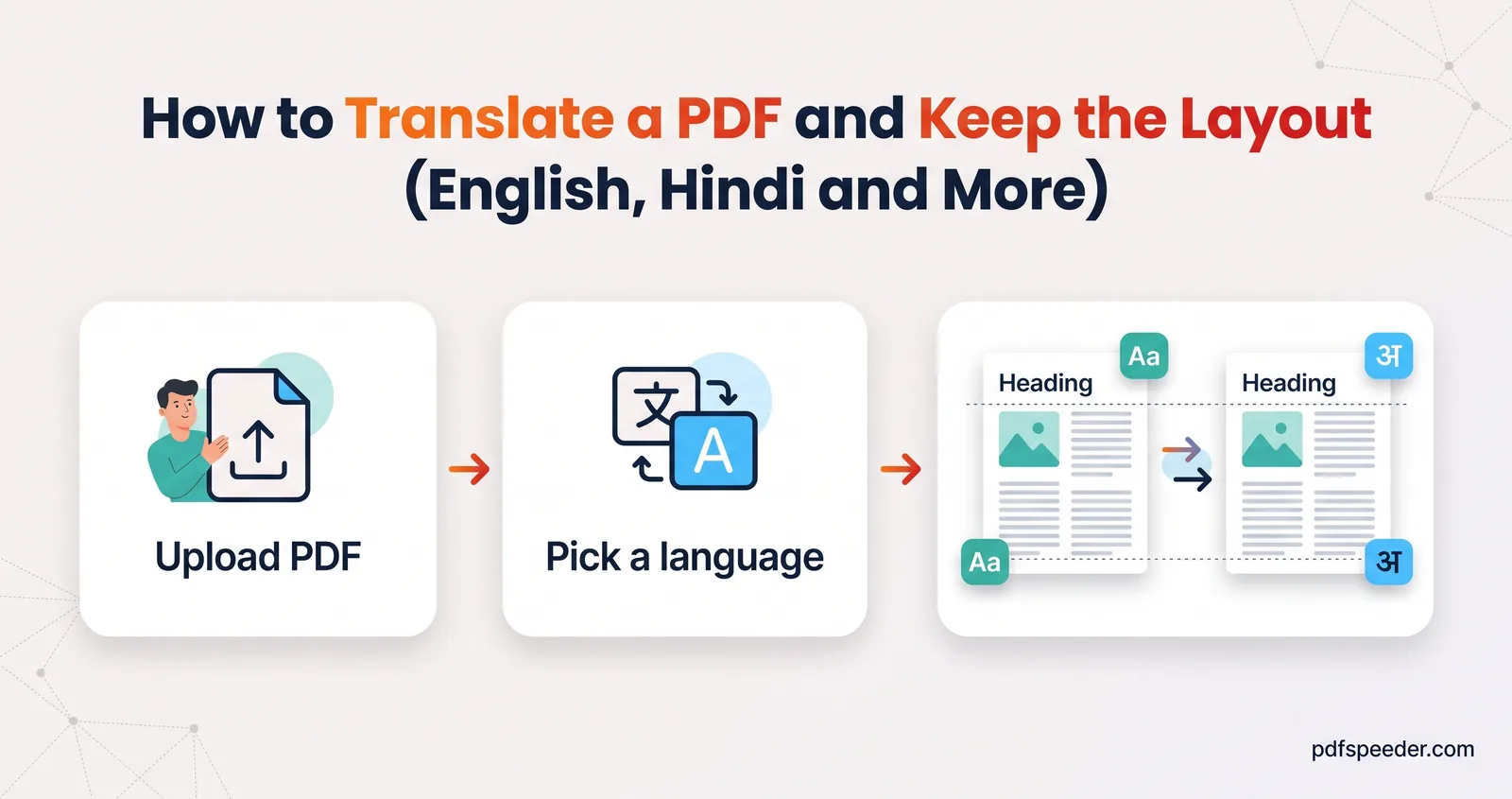
How to translate a PDF with AI: keep the layout or get only the text, handle scans, check names and numbers, and know when you need a certified translation.
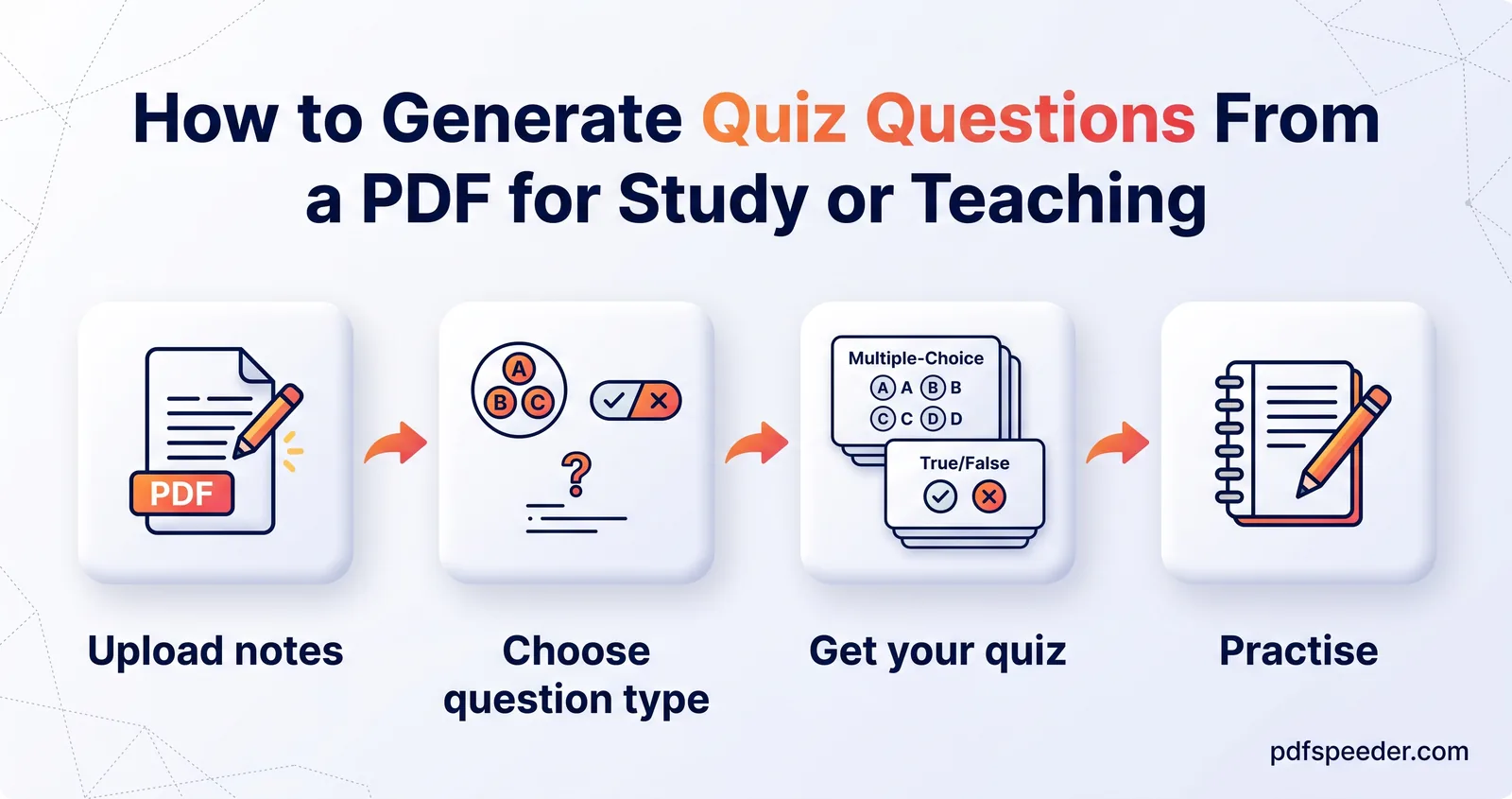
Generate questions from a PDF with AI: why self-testing works, how many questions and which types to ask for, and how to turn them into flashcards or a quiz.
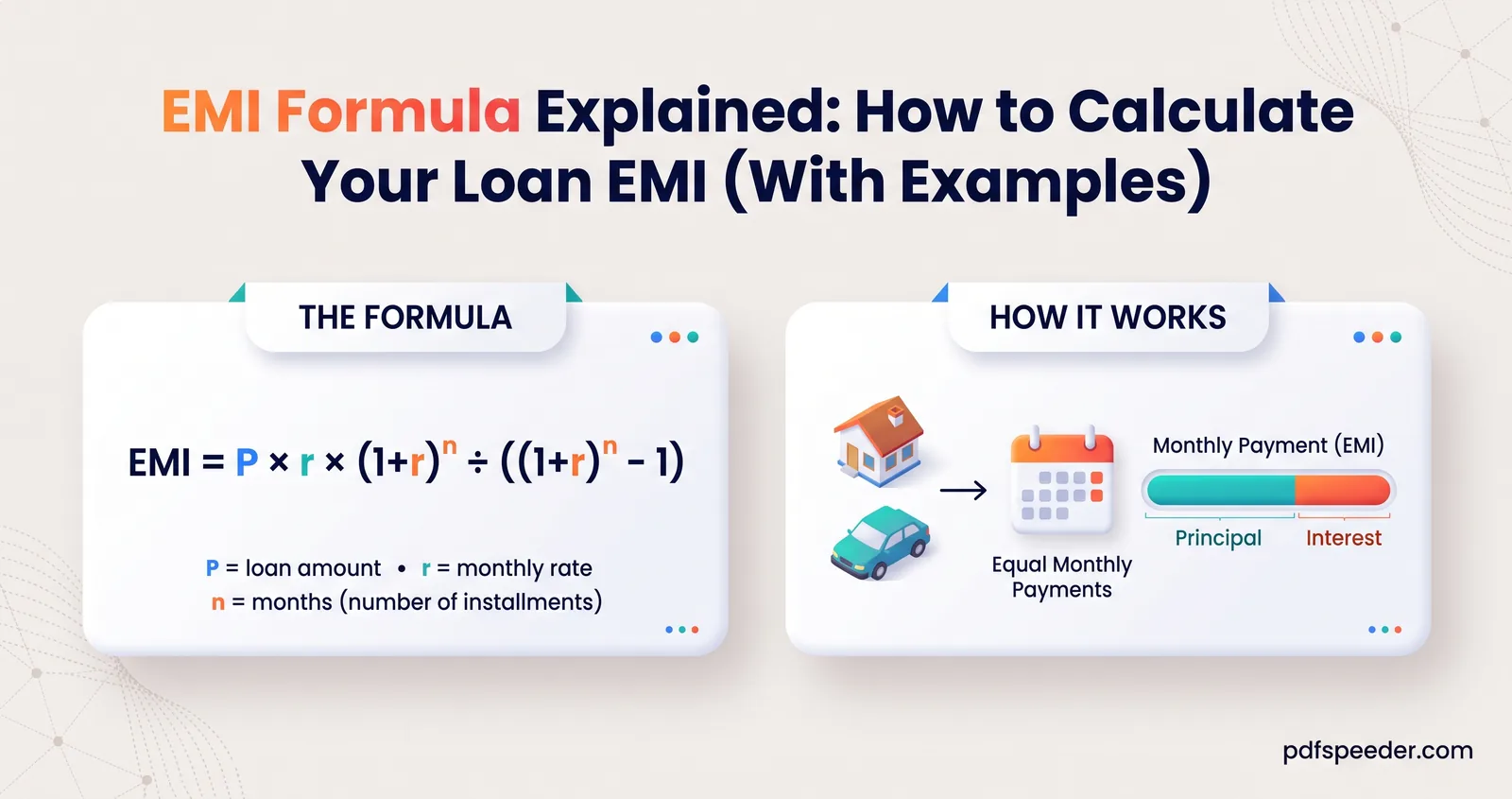
The EMI calculation formula worked through step by step, how rate and tenure change your EMI and total interest, and what a prepayment really saves you.
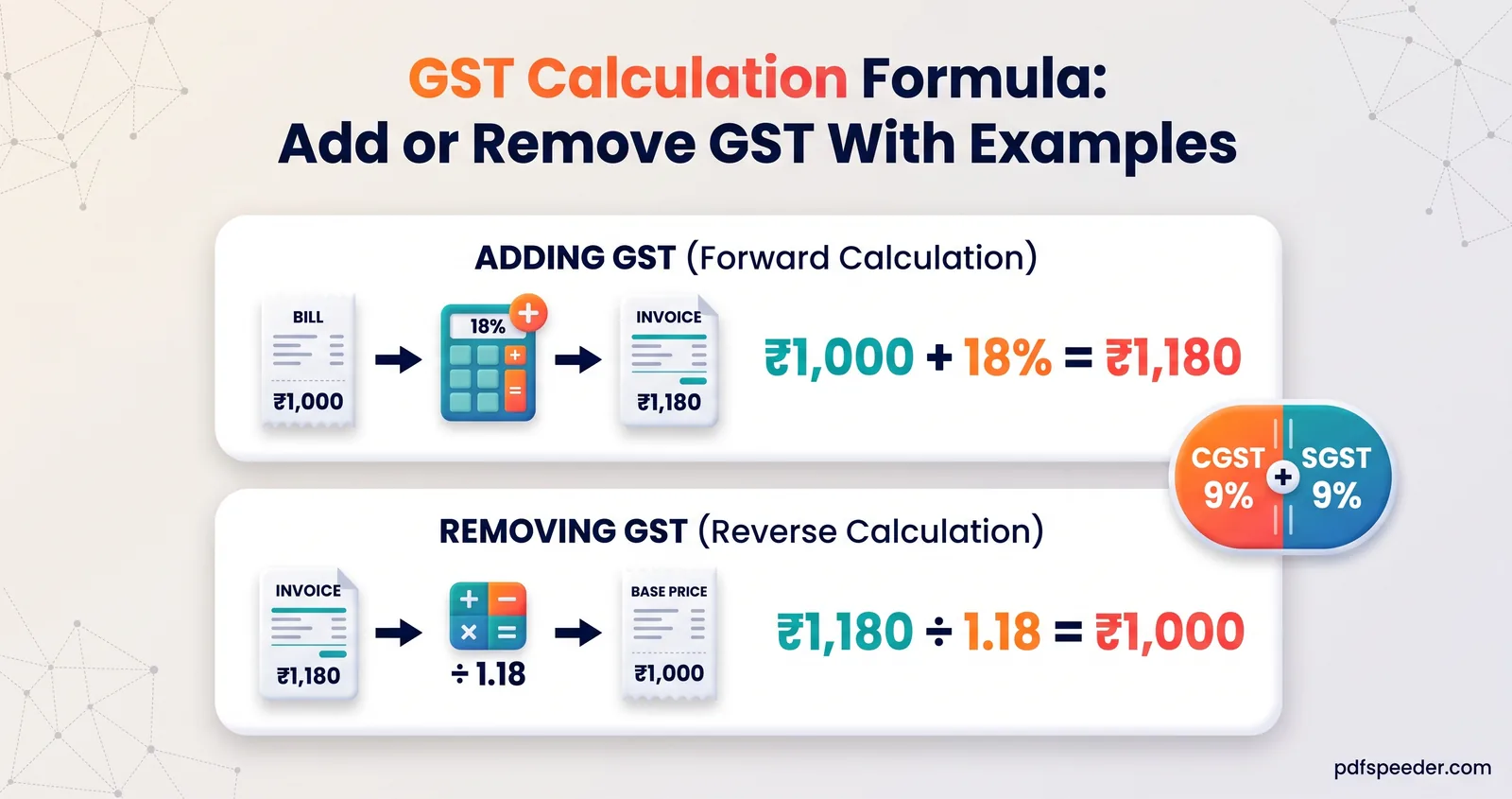
The GST calculation formula both ways: add GST to a price or remove it from a total, with worked examples, the CGST and SGST split and invoice rounding tips.
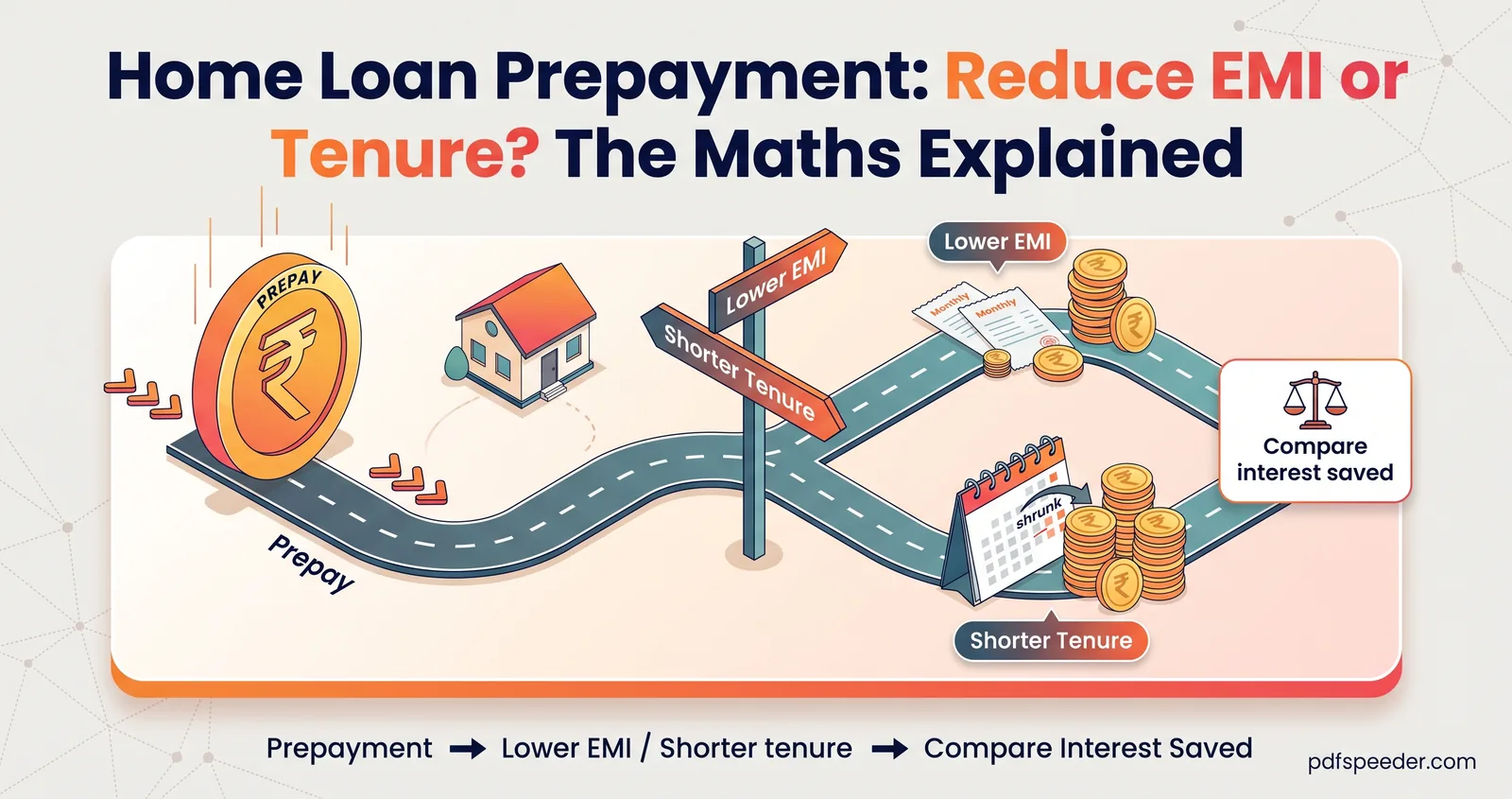
Home loan prepayment: reduce EMI or tenure? See worked numbers on a ₹40 lakh loan, the prepay-or-invest maths and the RBI rules on prepayment charges.
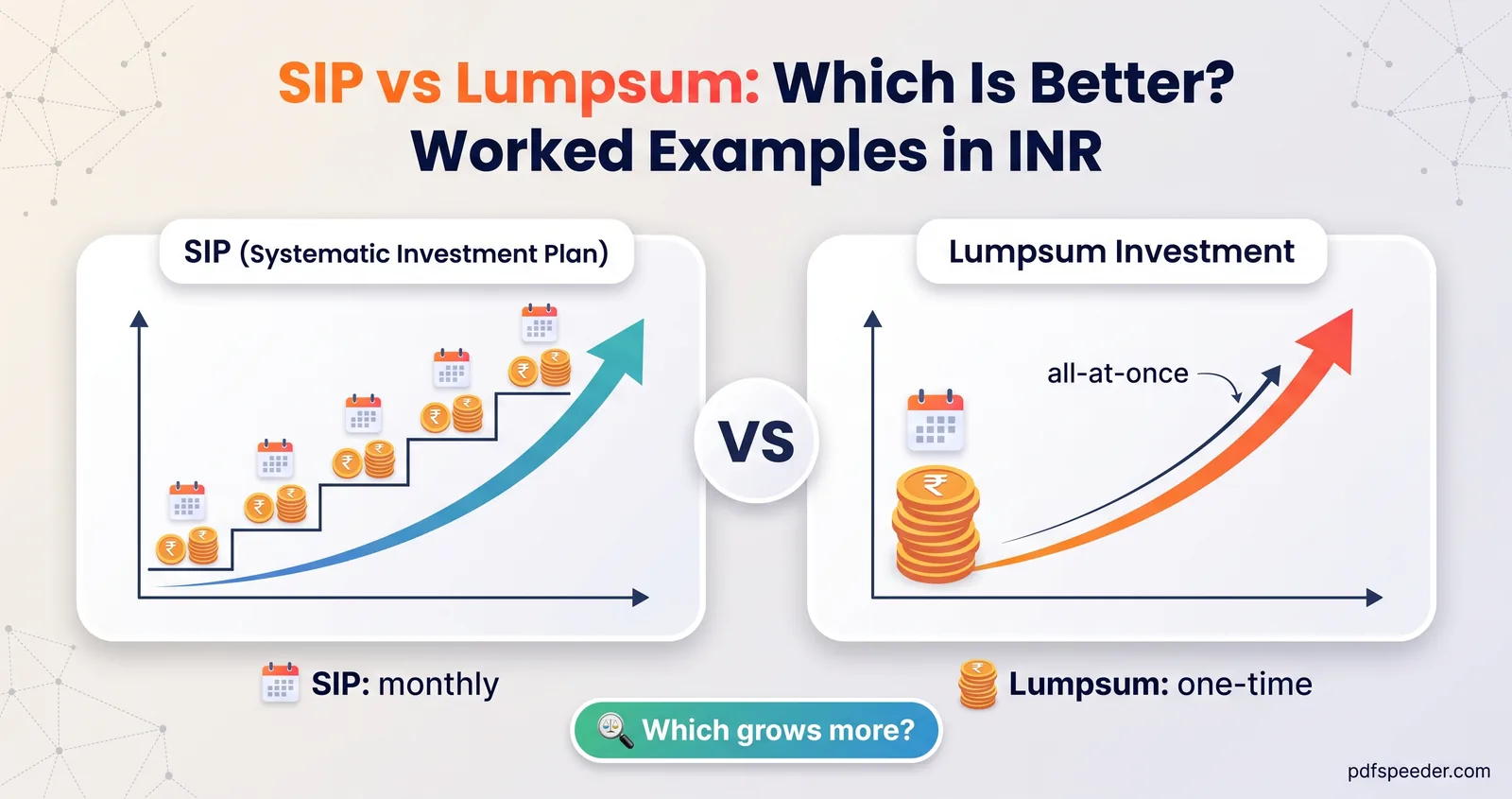
SIP vs lumpsum with real maths: why a lump sum wins in steady markets, when SIP averaging helps, STP as a middle path, and a checklist to help you decide.
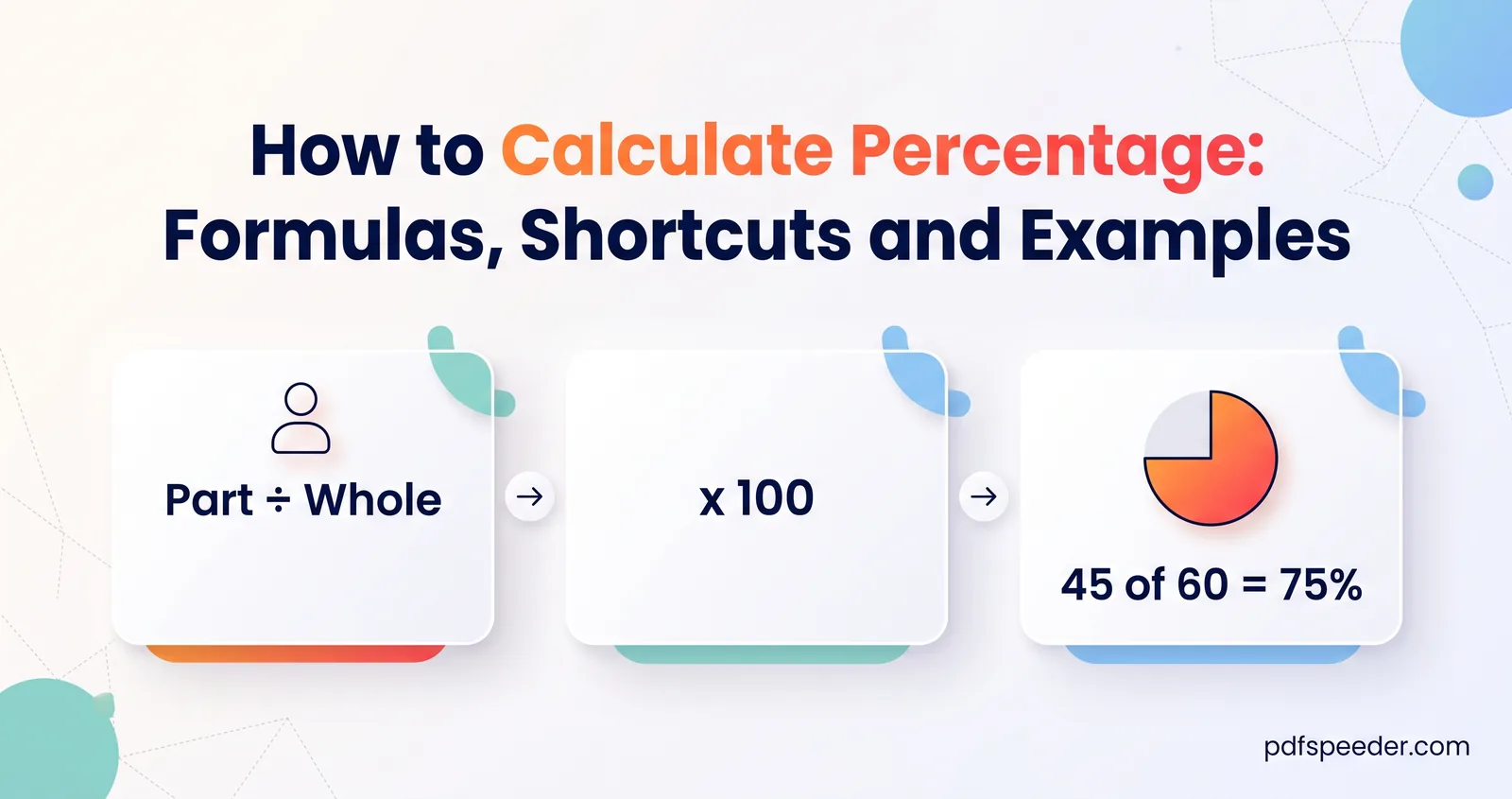
How to calculate percentage the easy way: the formula, X% of Y, what percent one number is of another, reversing a percentage, marks, and mental shortcuts.
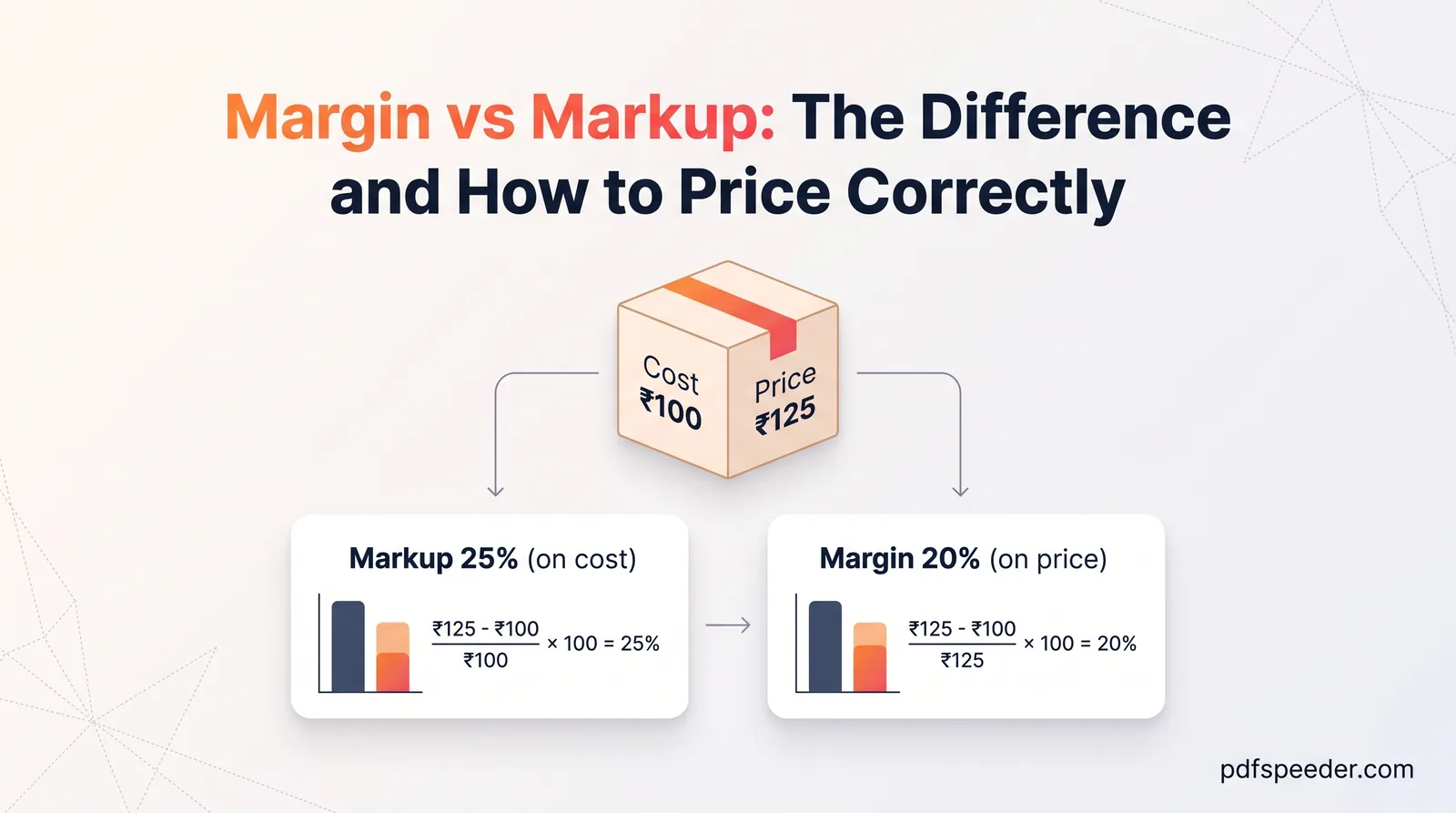
Margin vs markup explained: both formulas side by side, a margin-to-markup conversion table, pricing for a target margin, and what fees and GST really cost.
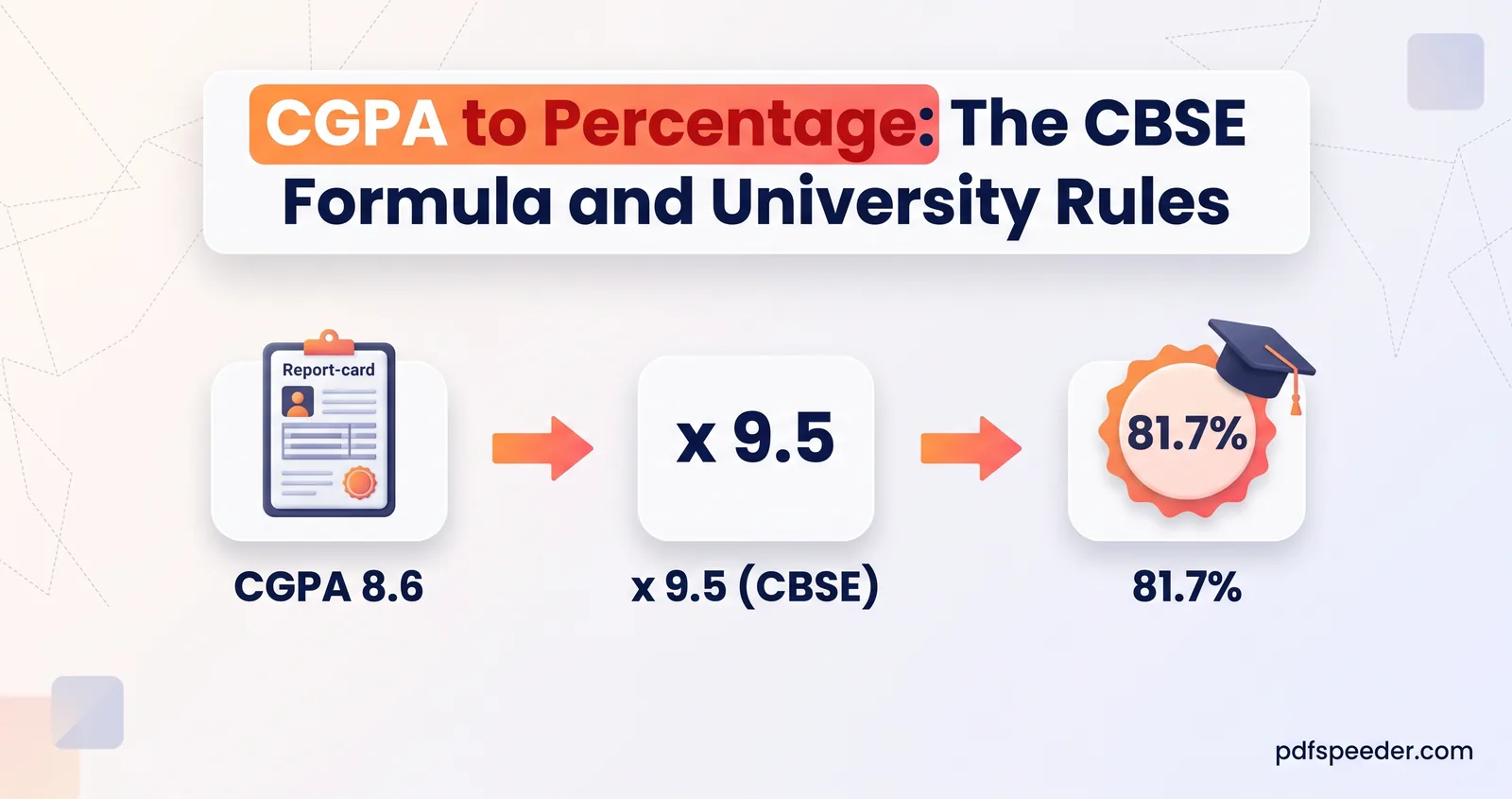
Convert CGPA to percentage the right way: CBSE's CGPA × 9.5 rule with worked examples, why universities differ, SGPA vs CGPA, and how to convert back.
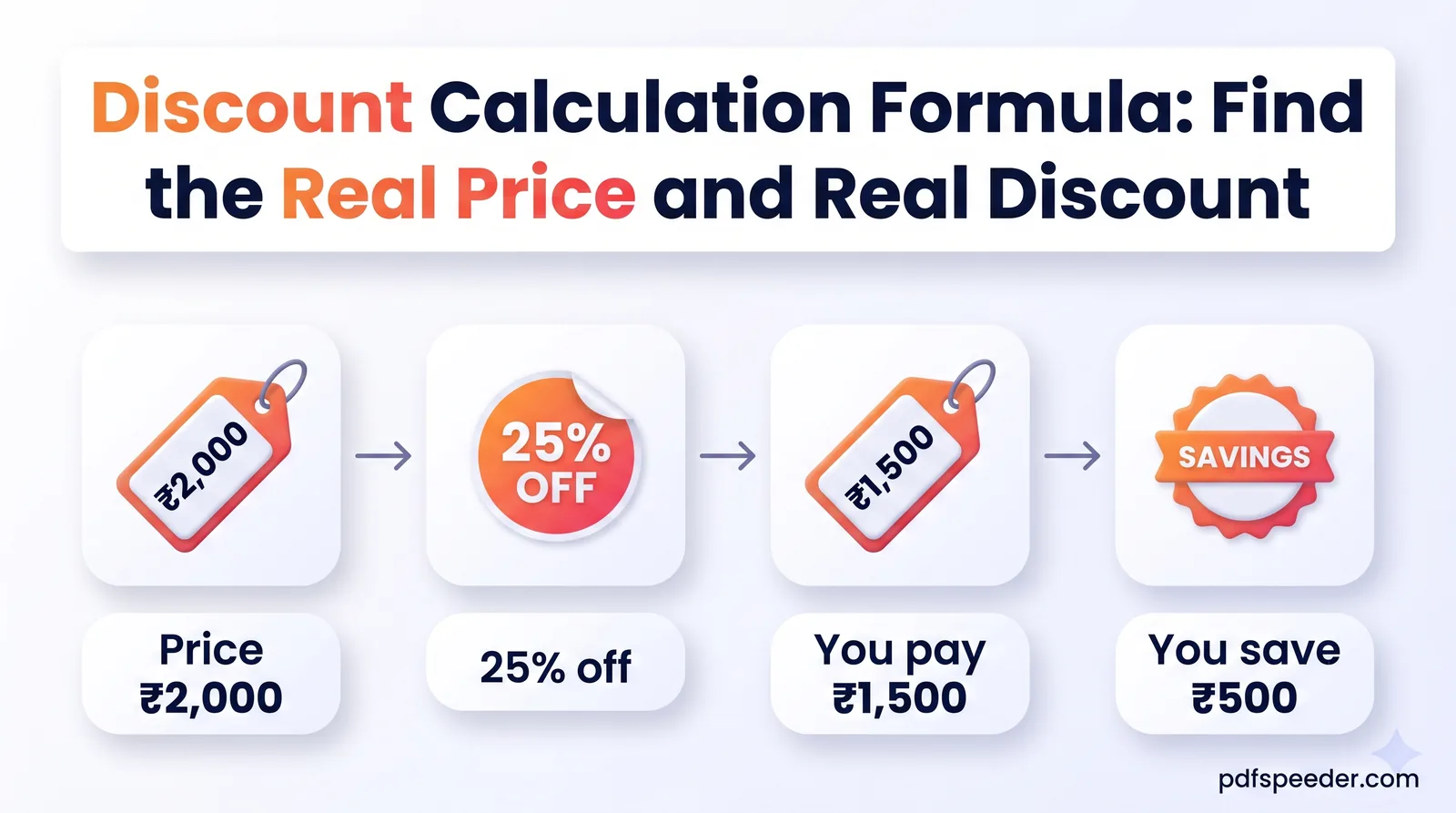
The discount calculation formula both ways, with worked examples: discount %, original price, stacked offers, bank offer caps, GST and which deal is best.
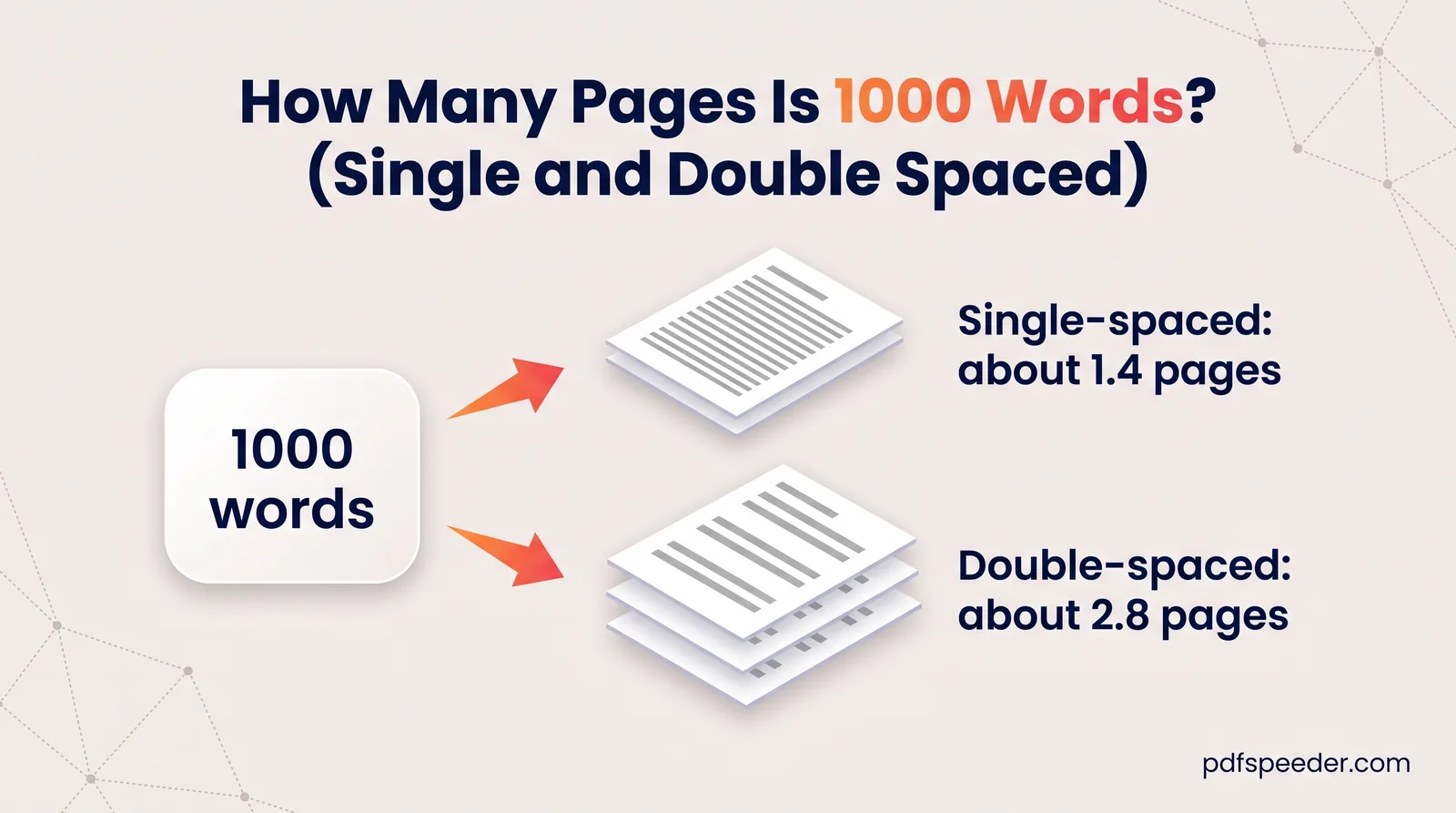
How many pages is 1000 words? About 1.4 pages single-spaced or 2.8 double-spaced in 12-pt Times New Roman, plus a table from 500 to 5,000 words.
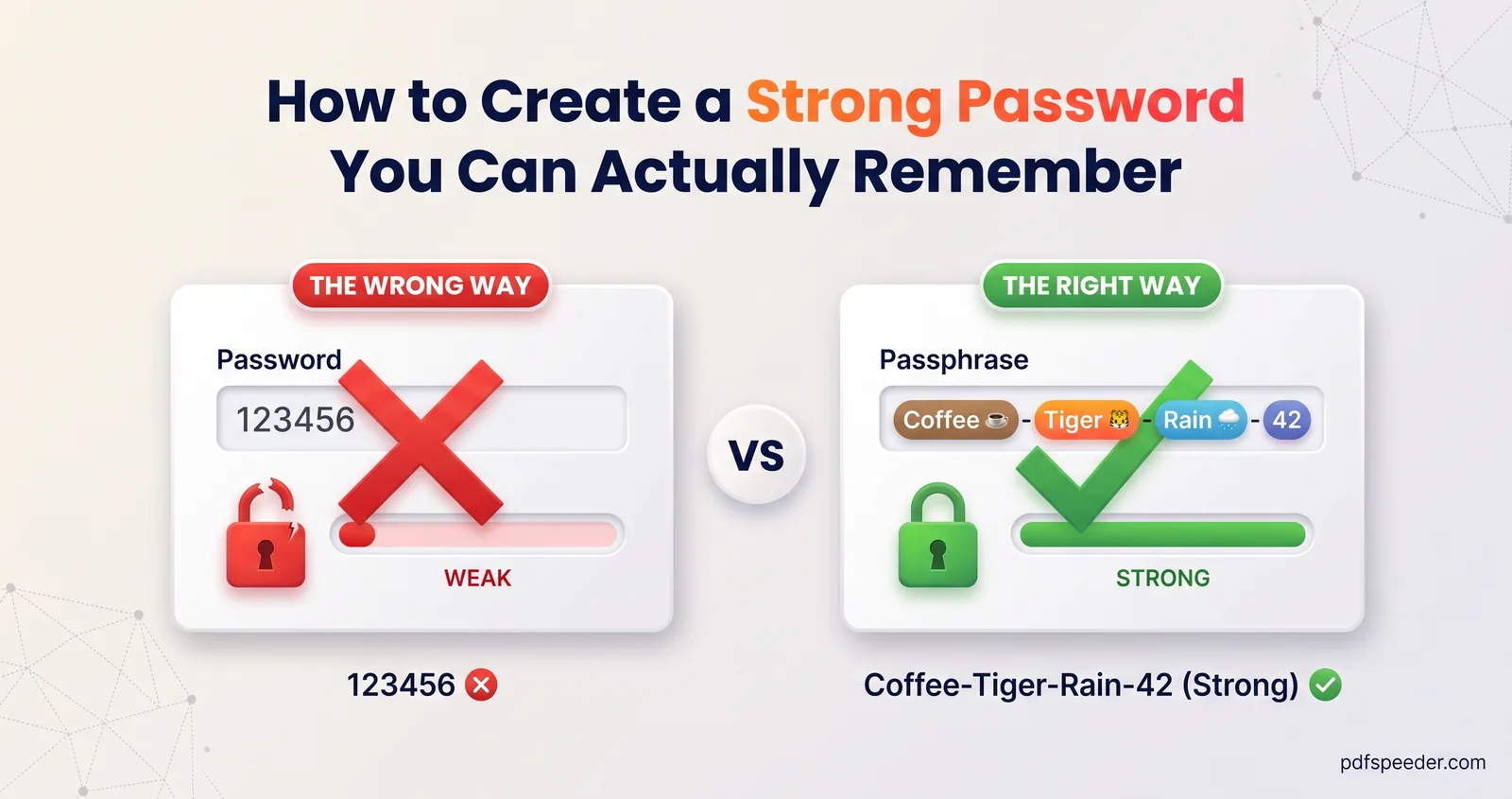
How to create a strong password: current NIST rules in plain English, the maths of random passwords vs passphrases, and the patterns attackers try first.
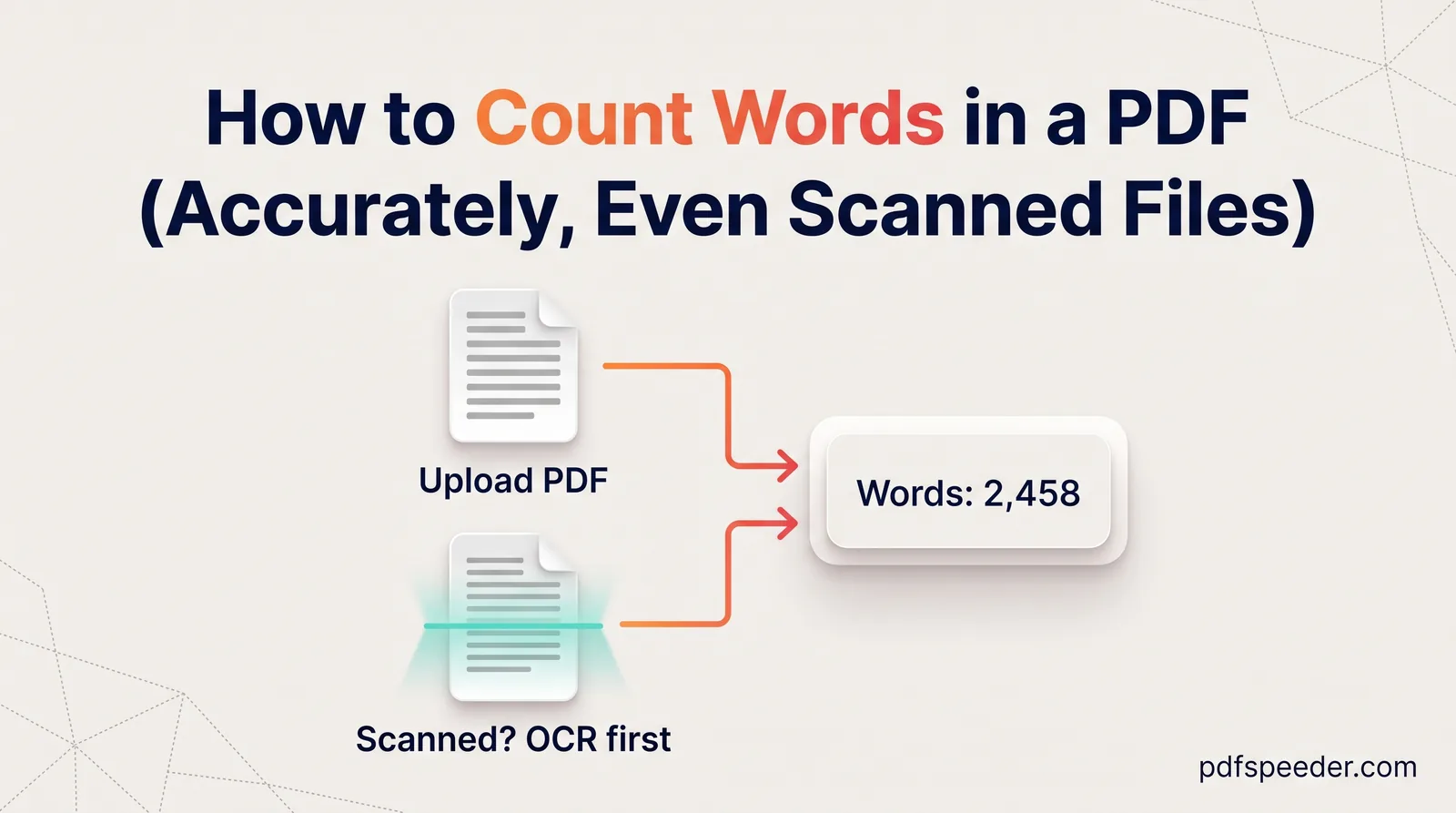
How to count words in a PDF accurately: extract and count the text, stop headers and page numbers inflating the total, handle scans and see what counts.
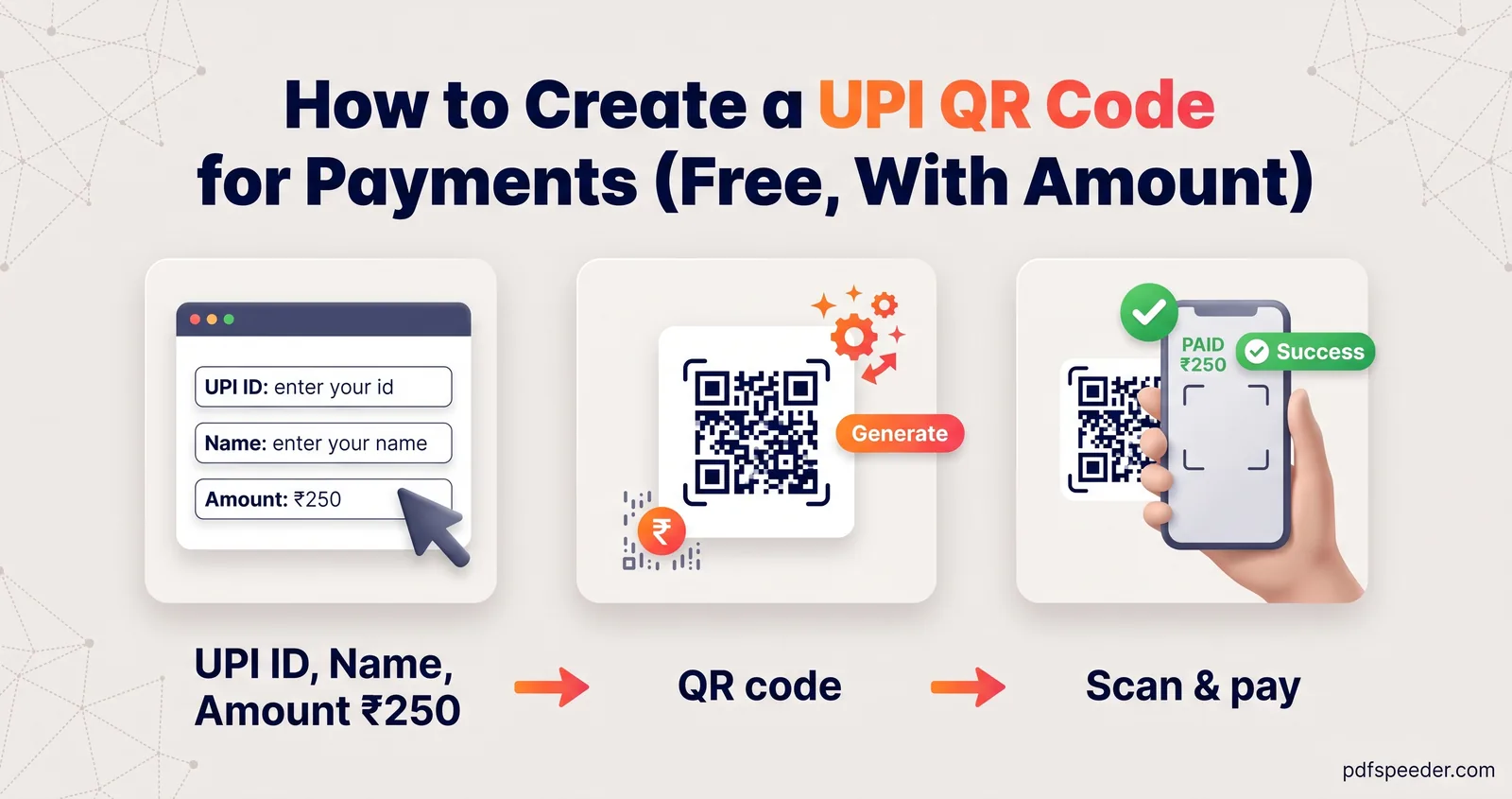
How to create a UPI QR code for your UPI ID, with or without a fixed amount: what the code holds, how to test it, print sizes, logos and the scam to avoid.
All 110 guides on one page.