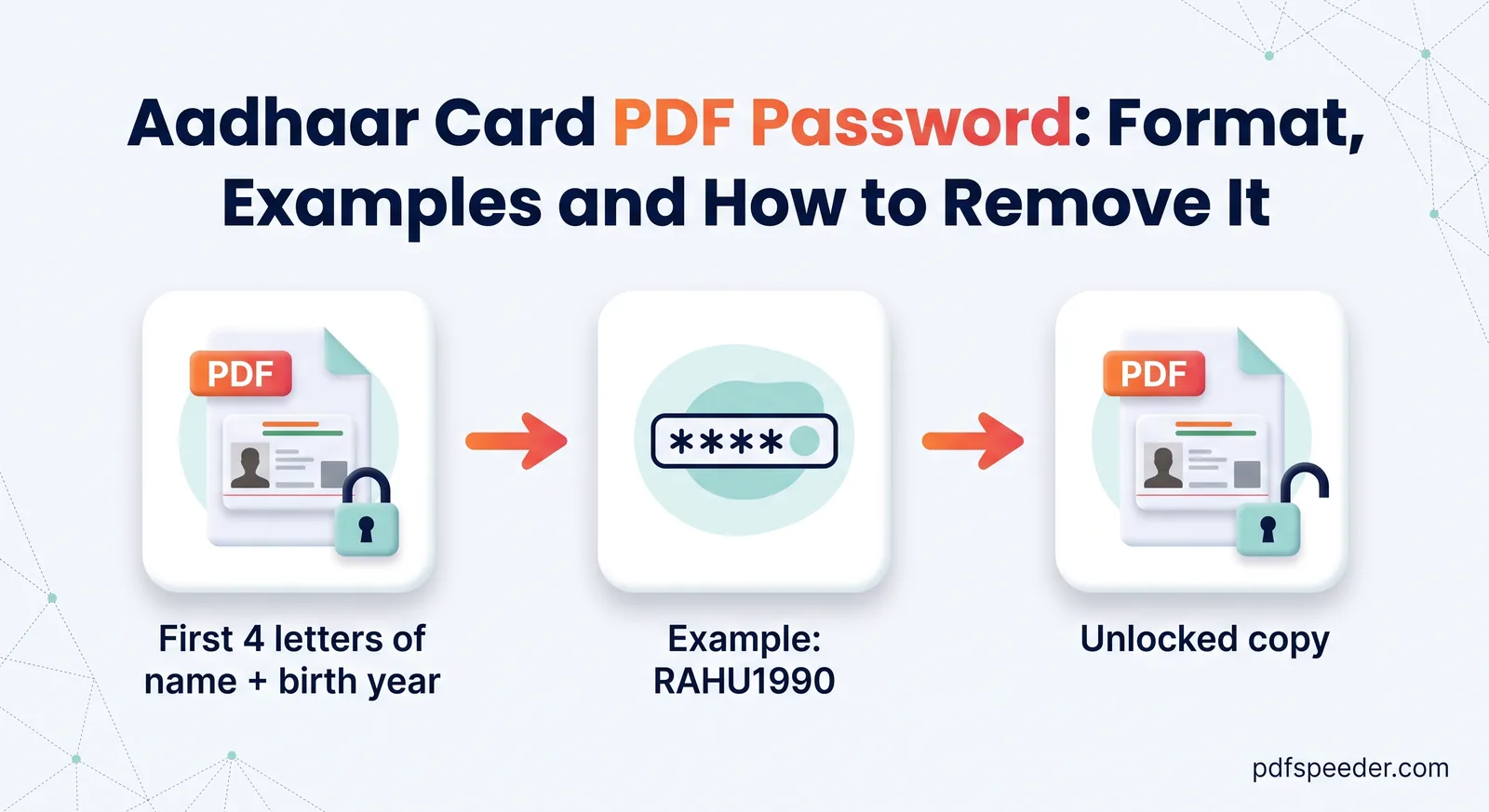
Aadhaar Card PDF Password: Format, Examples and How to Remove It
The Aadhaar card PDF password is the first four letters of your name in capitals plus your birth year. See UIDAI's examples, common mistakes and fixes.
Edit, Sign & Secure · 15 guides
How to change a PDF without starting again: fix a typo, fill in a form, add a signature, then password-protect the file, watermark it or black out what others shouldn't see. These guides also cover the limits, such as which PDF passwords are easy to remove and why drawing a black box over text is not the same as redacting it.
The Aadhaar card PDF password is the first four letters of your name in capitals plus your birth year. See UIDAI's examples, common mistakes and fixes.
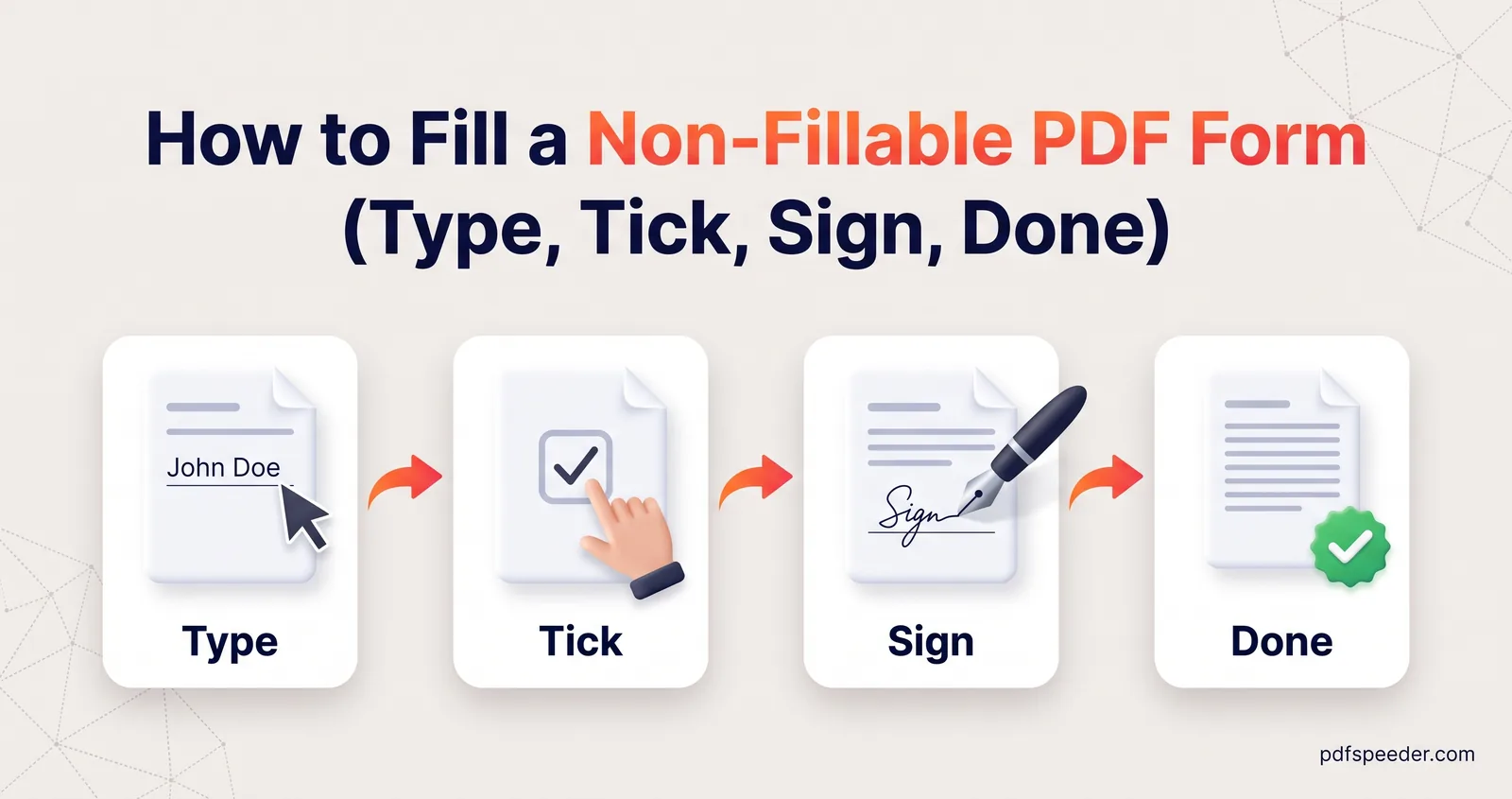
Fill a non-fillable PDF form without printing it: type into any box, add ticks, dates and a signature, keep answers aligned, and flatten before you submit.
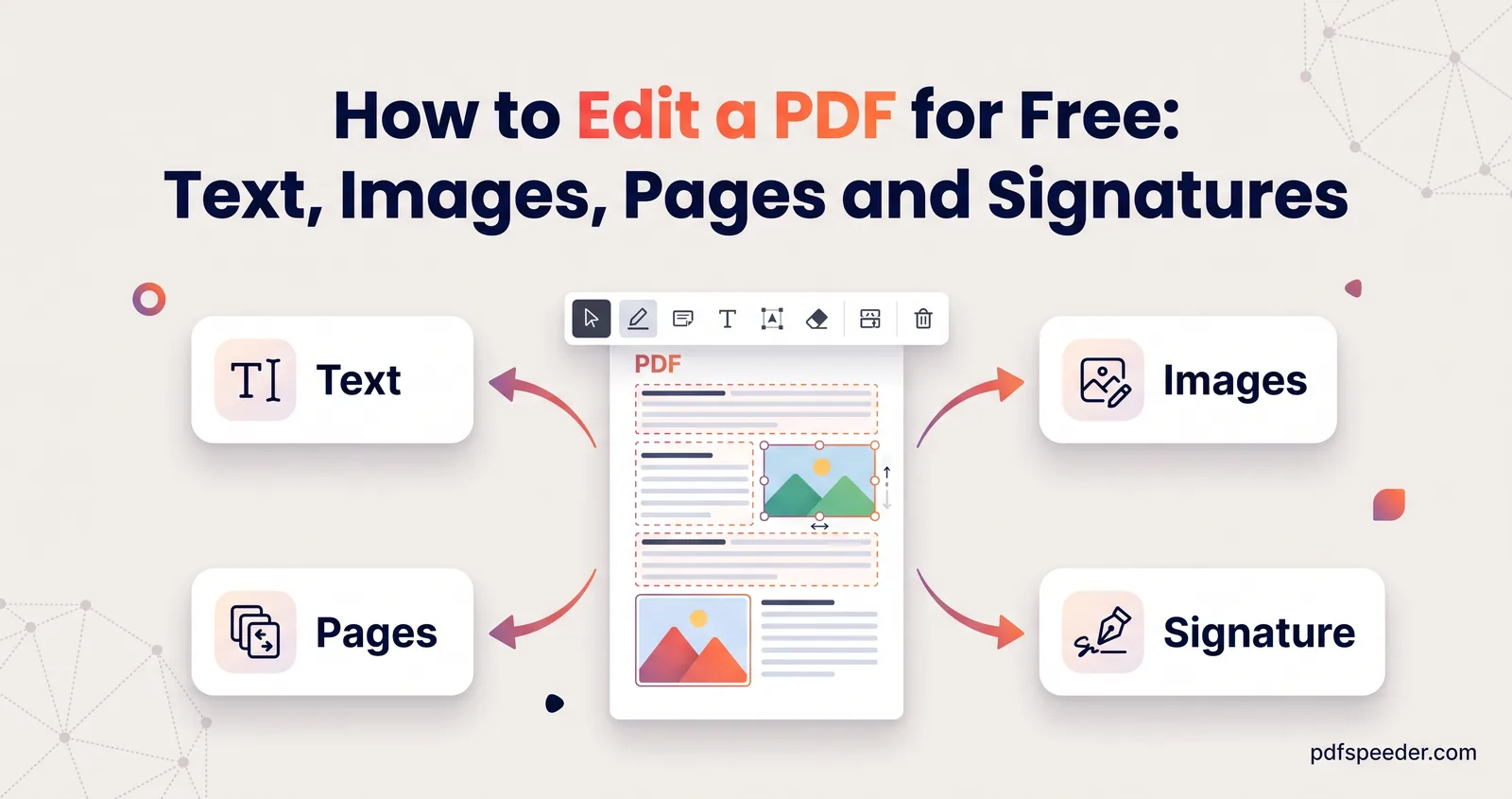
How to edit a PDF for free: fix existing text, add images and signatures, fill in forms, remove pages or hide details, and know when Word is the better route.
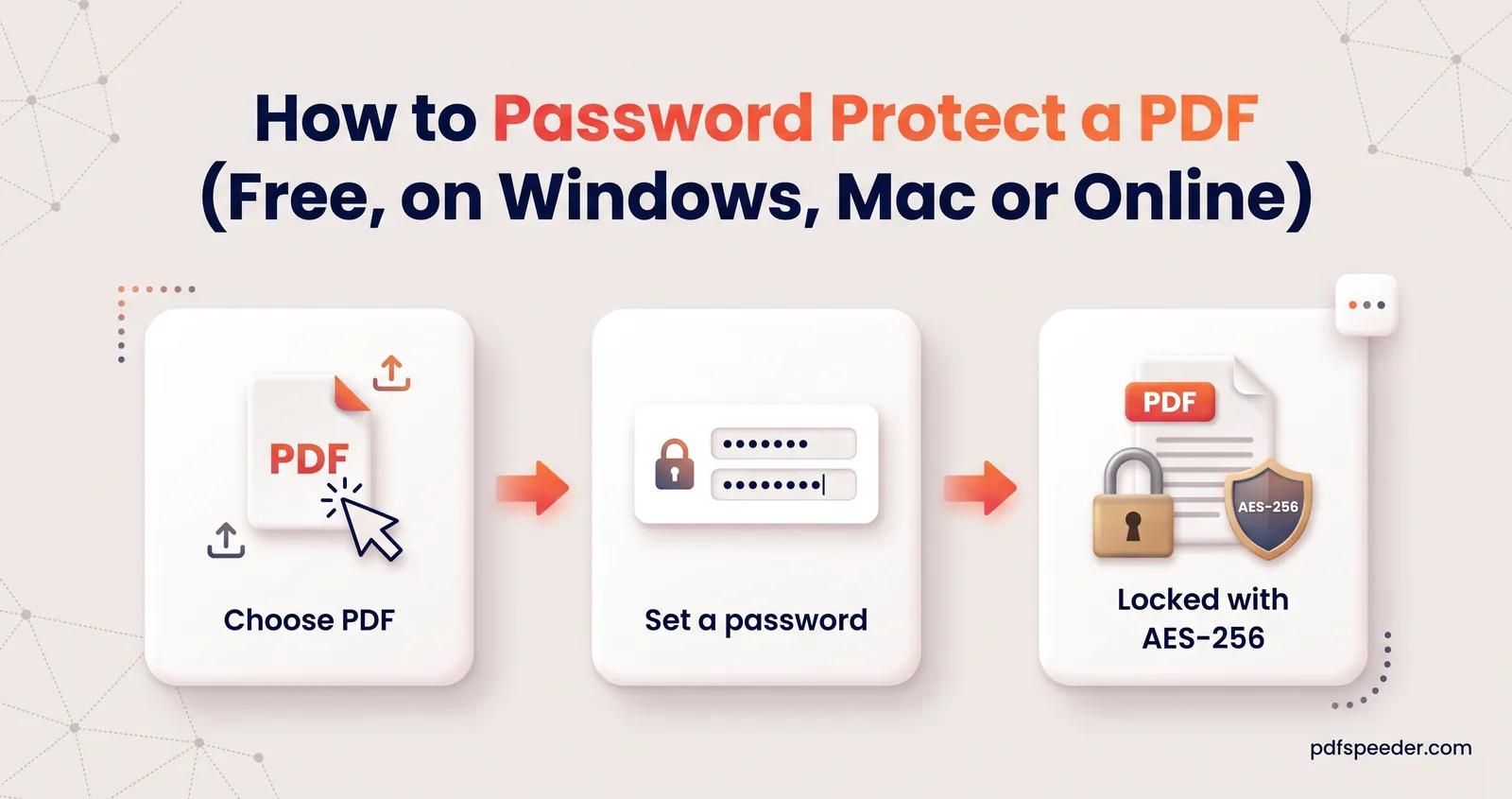
Password protect a PDF for free in your browser, in Word or with Preview on a Mac. Learn which password type to use, how to pick one and how to share it.
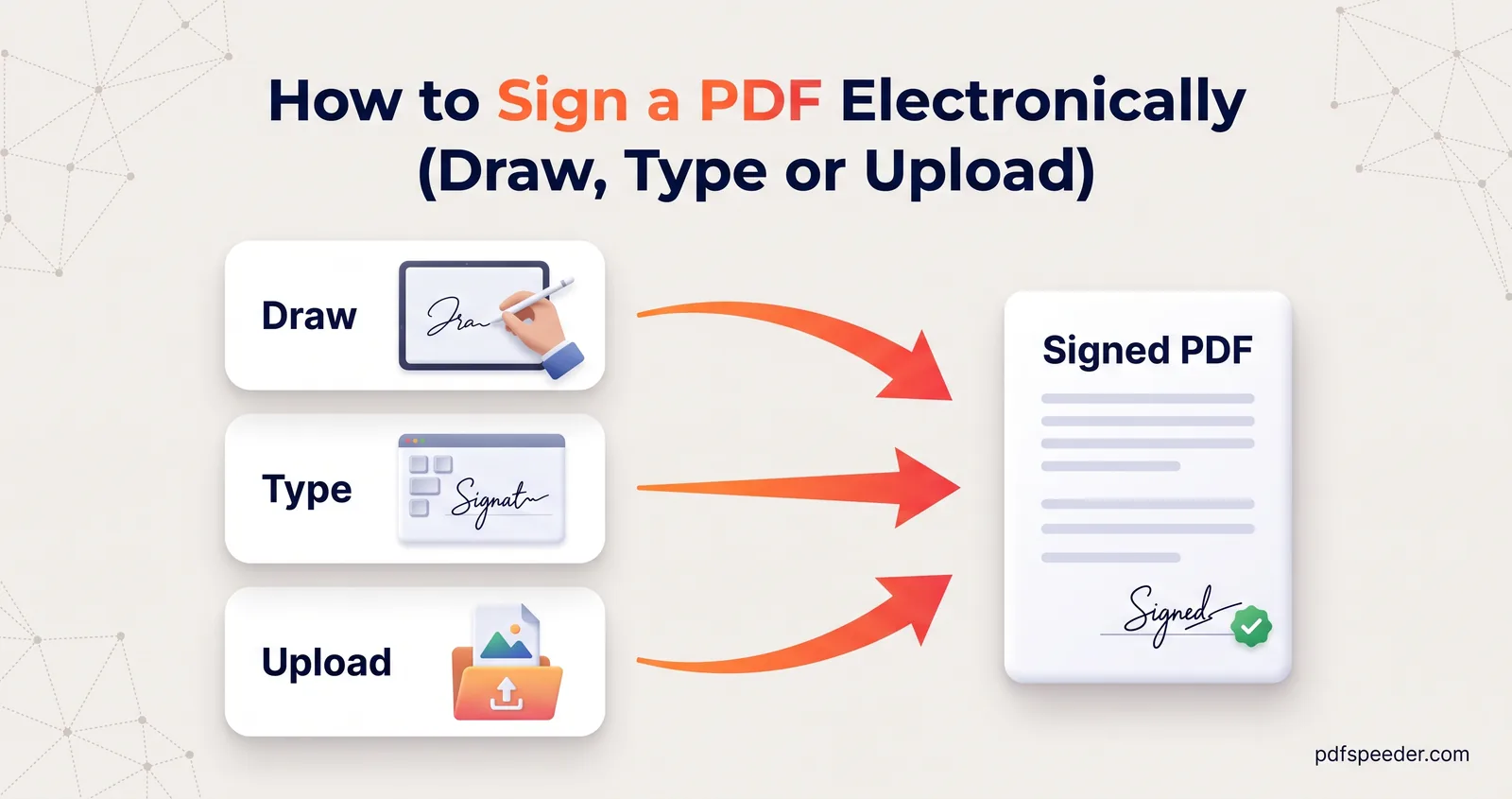
Sign a PDF without printing it: draw, type or upload your signature, add initials and the date, sign on a phone, and know what a drawn signature proves.
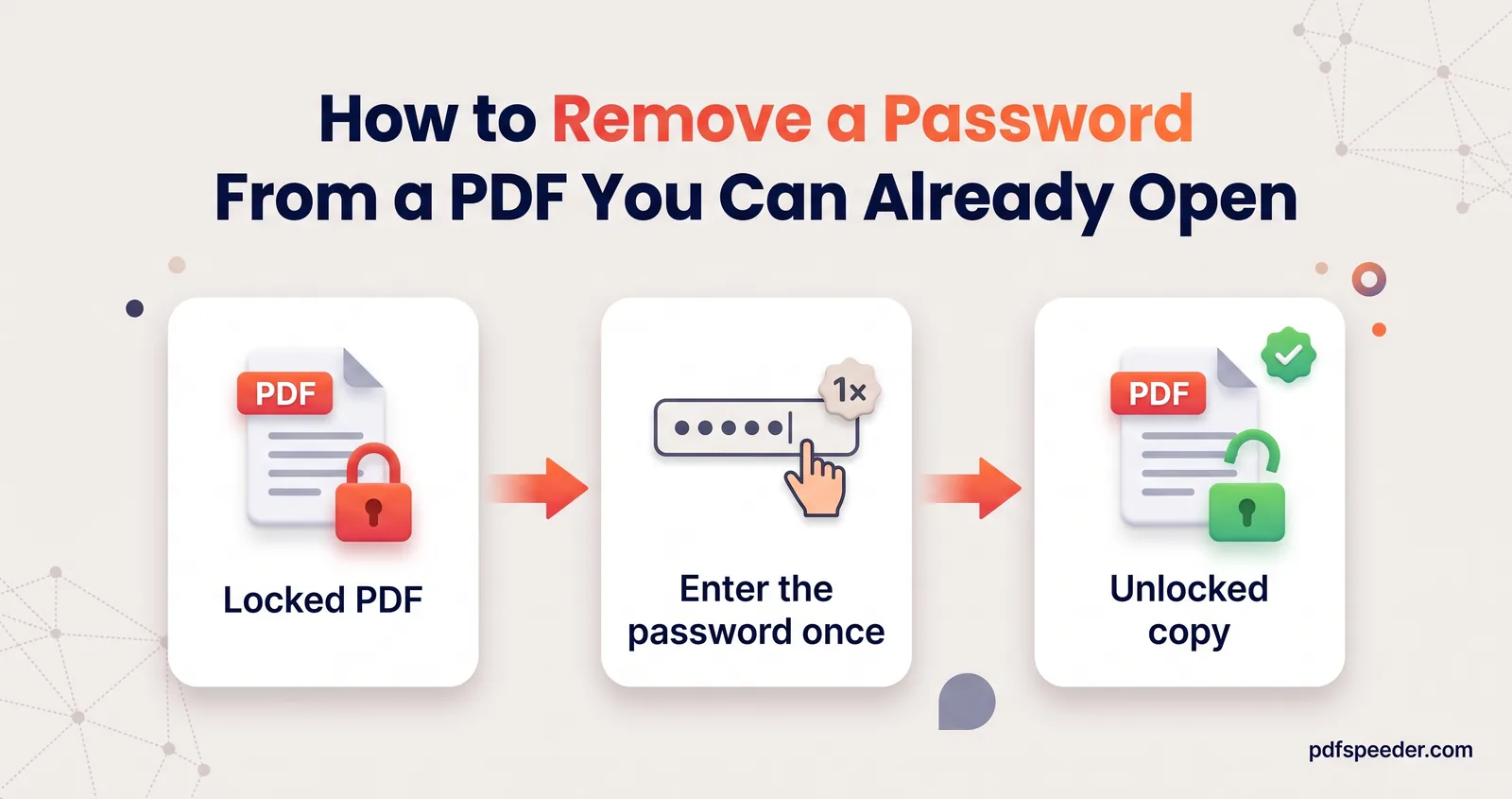
Remove the password from a PDF you can open, such as a bank statement or salary slip: in your browser, through Chrome or Edge, or with Preview on a Mac.
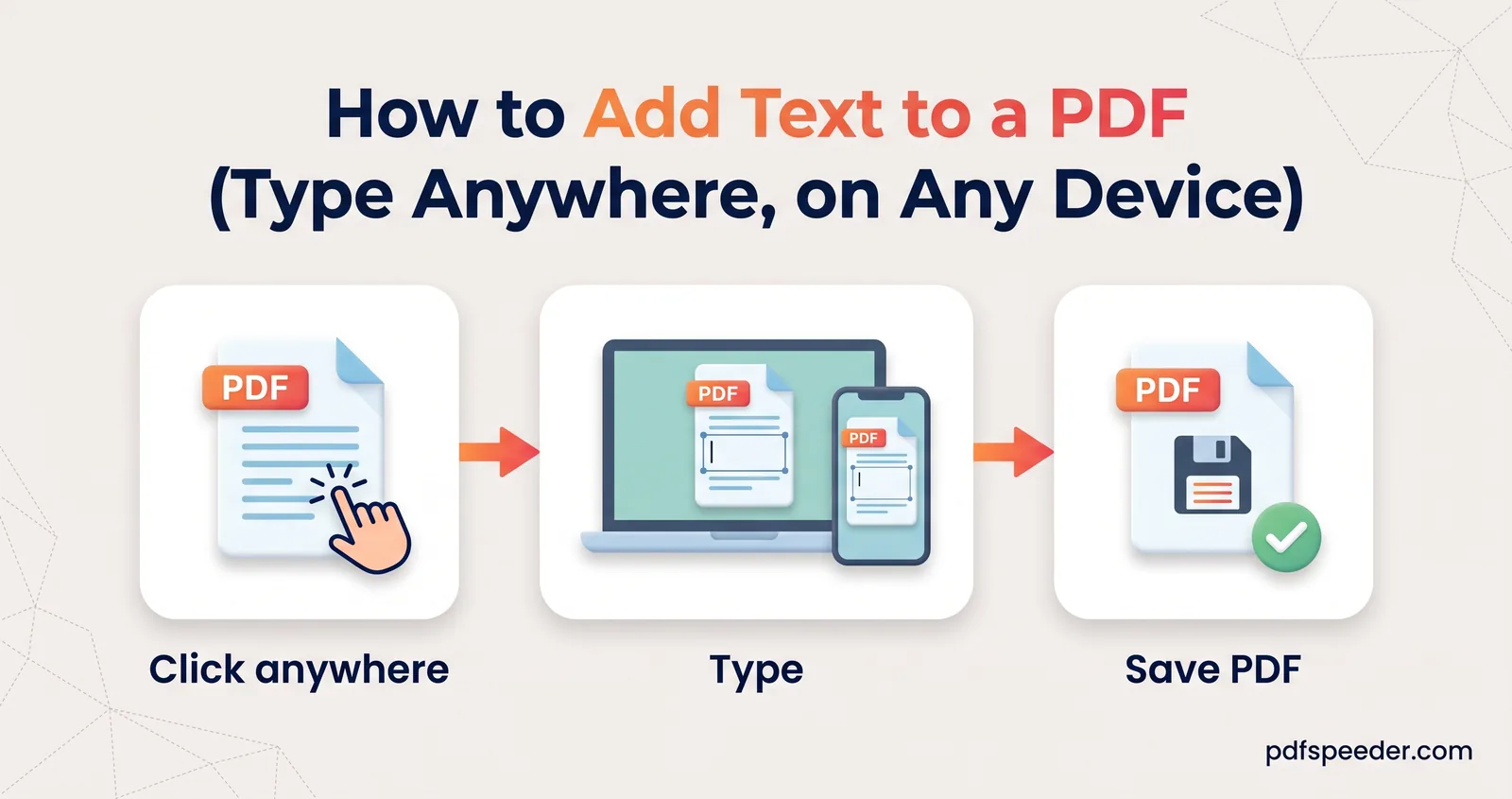
How to add text to a PDF for free: type anywhere on the page, match the size and font, use Preview or Edge's built-in tools, and keep your text from moving.
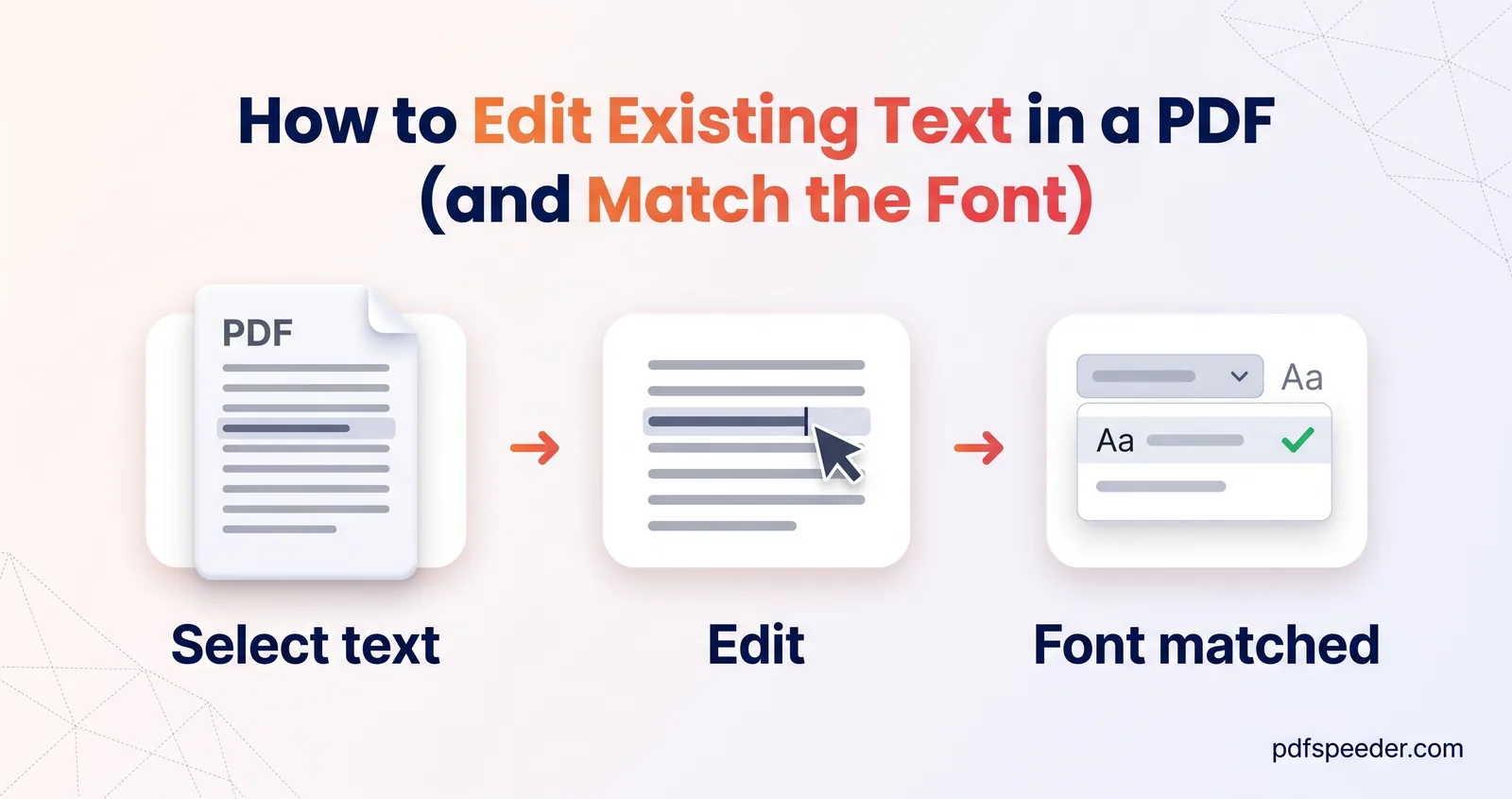
How to edit text in a PDF that's already on the page: change words step by step, get the font as close as possible, fix scans with OCR, and when to use Word.
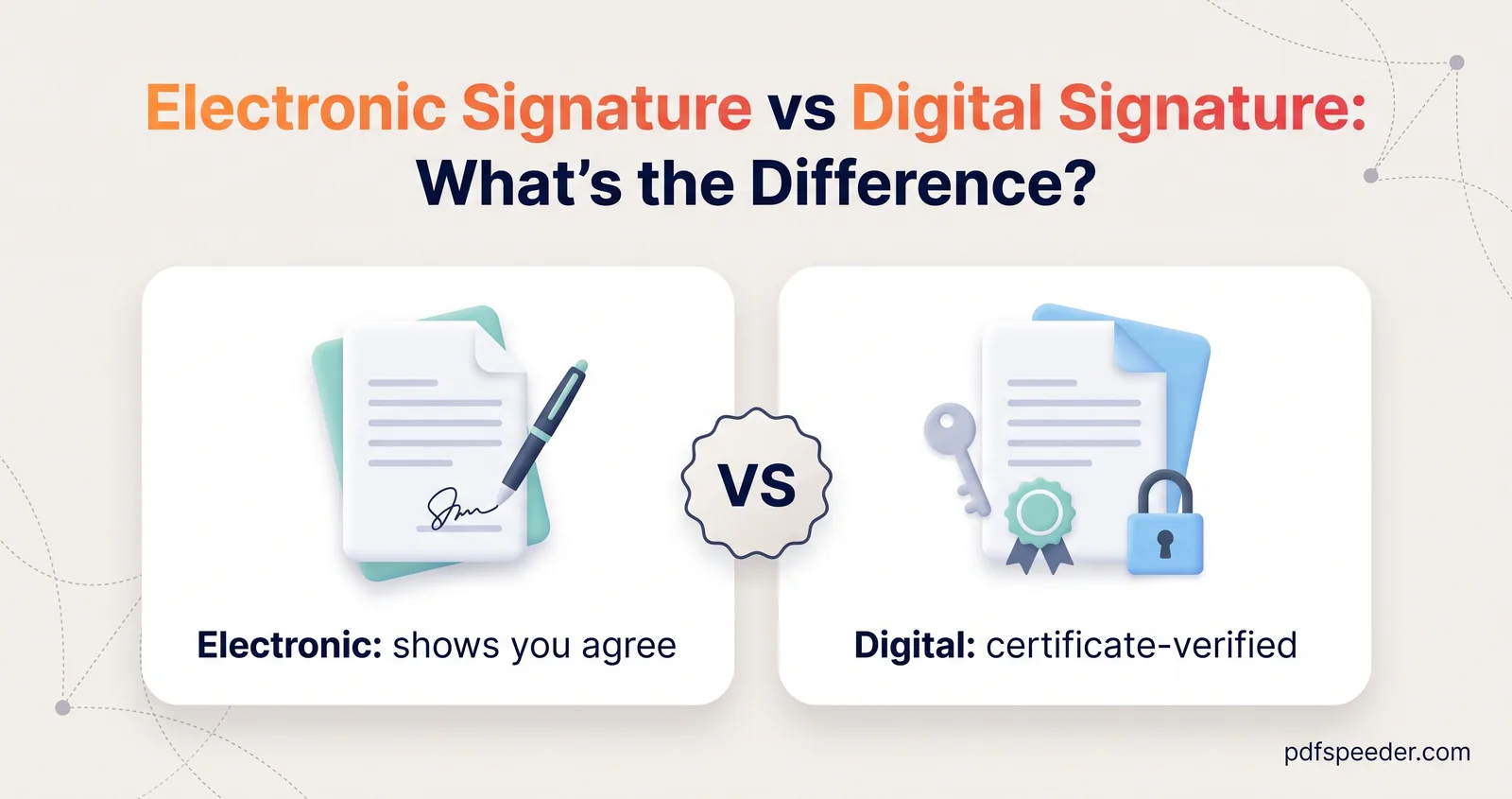
Electronic signature vs digital signature in plain English: what each proves, what India's IT Act and other laws say, and how to check a signature in a PDF.
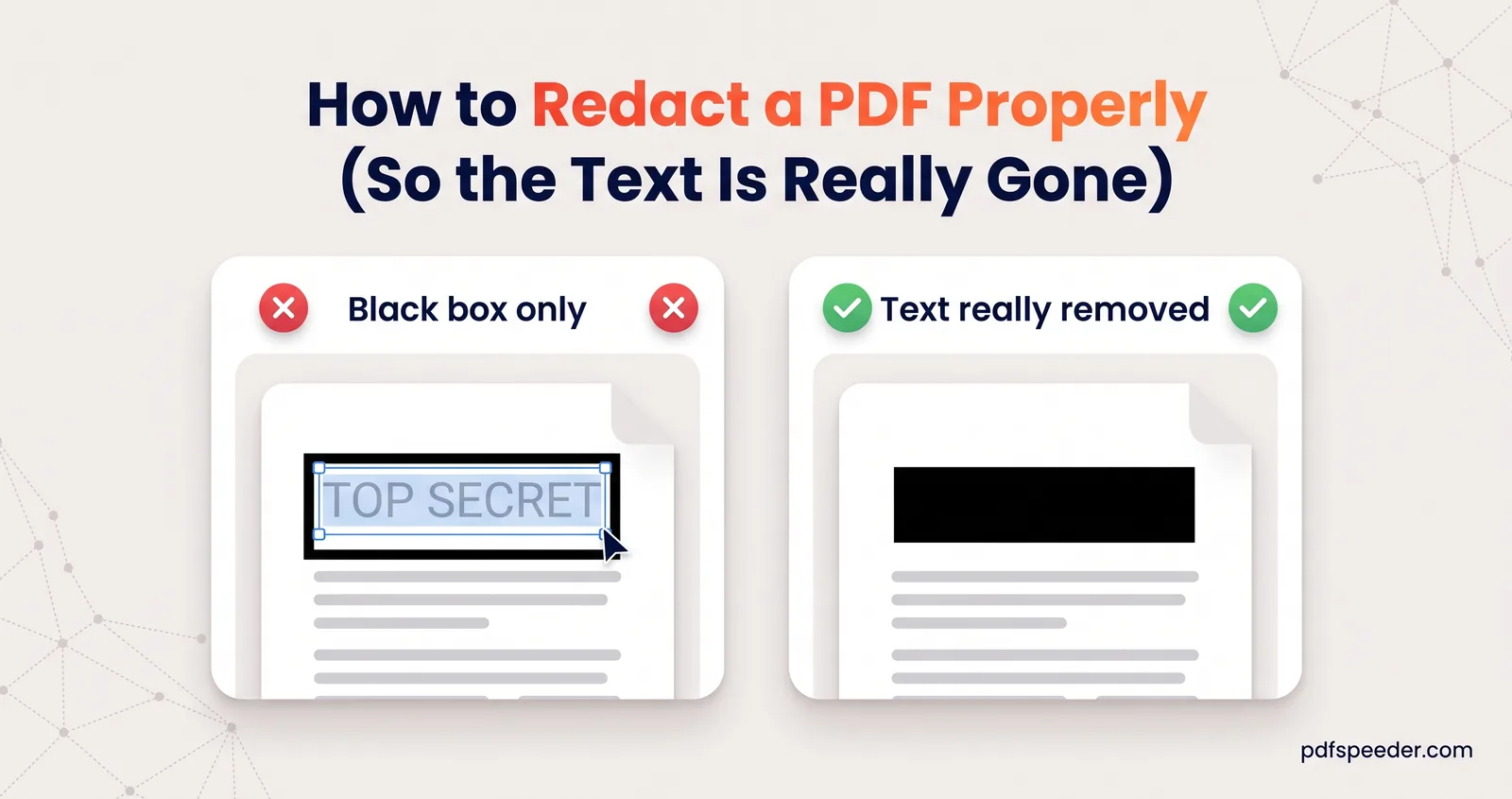
How to redact a PDF so the text is really gone: mark what must go, rebuild those pages as images, then prove it by searching, copying and extracting the text.
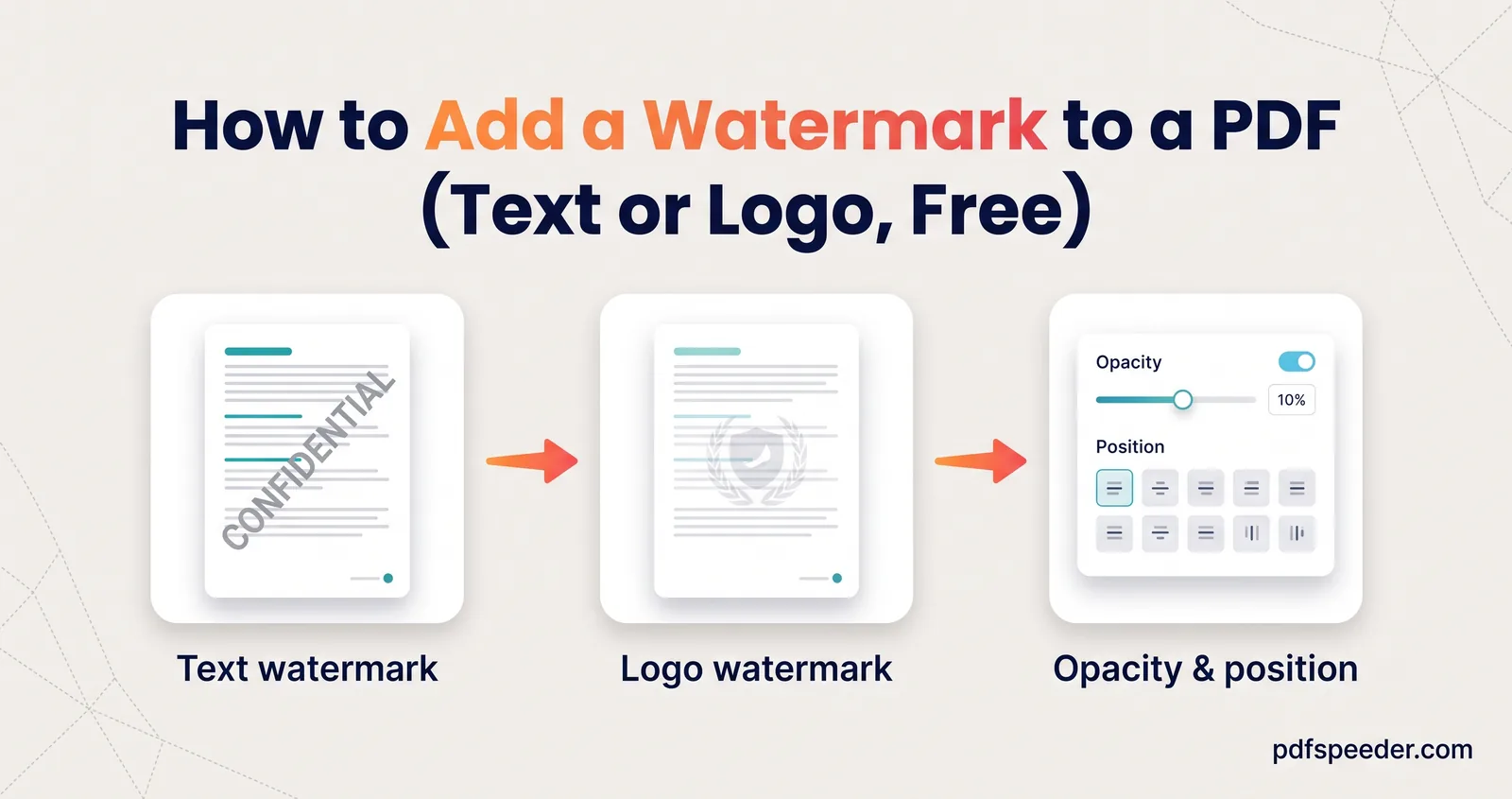
Add a text or logo watermark to a PDF free: readable settings, CONFIDENTIAL and DRAFT presets, chosen pages only, and how easily watermarks can be removed.
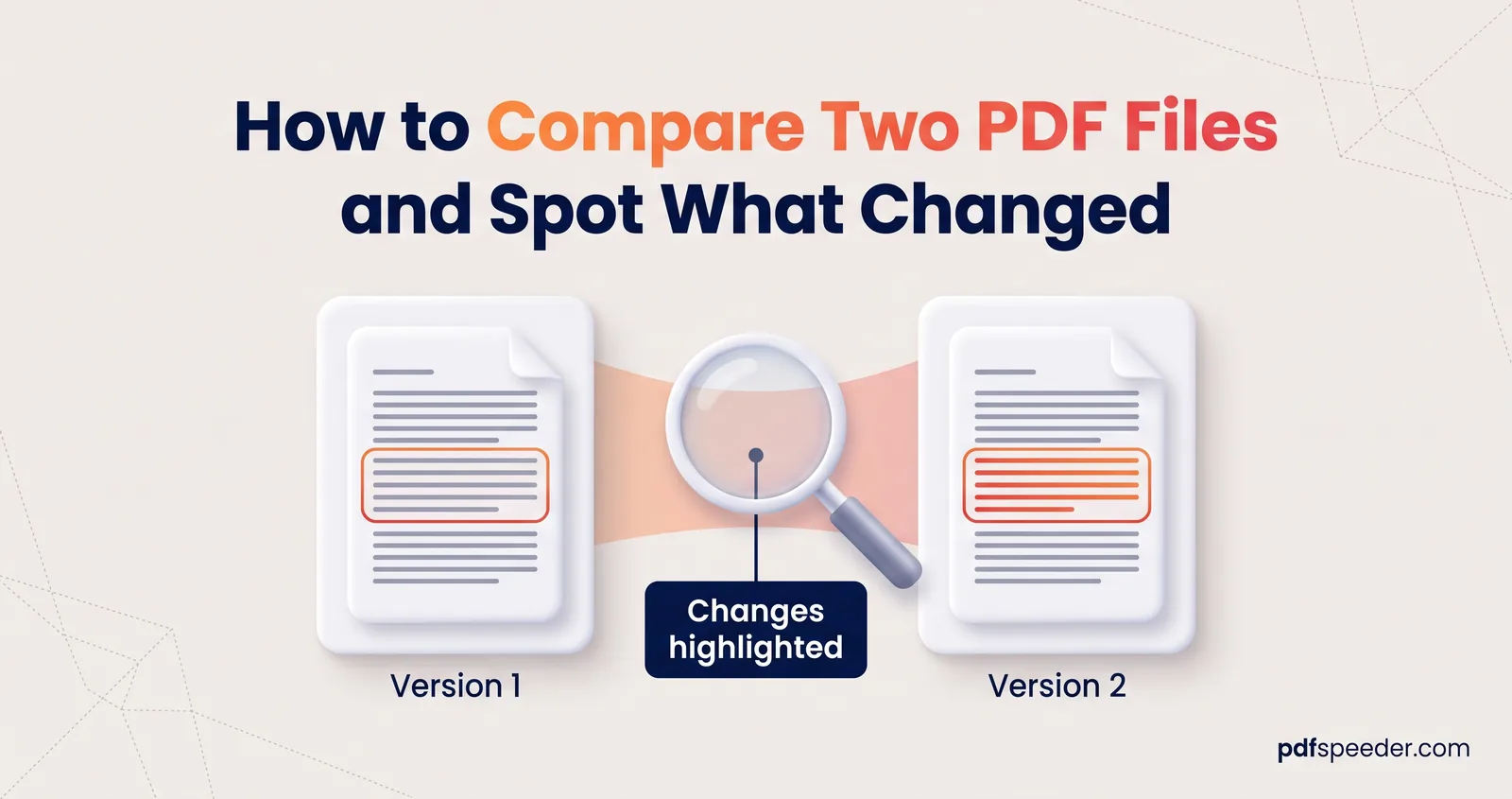
Compare two PDF versions free in your browser: text and visual diffs, what each one misses, scanned files, and a checklist for reviewing contract changes.
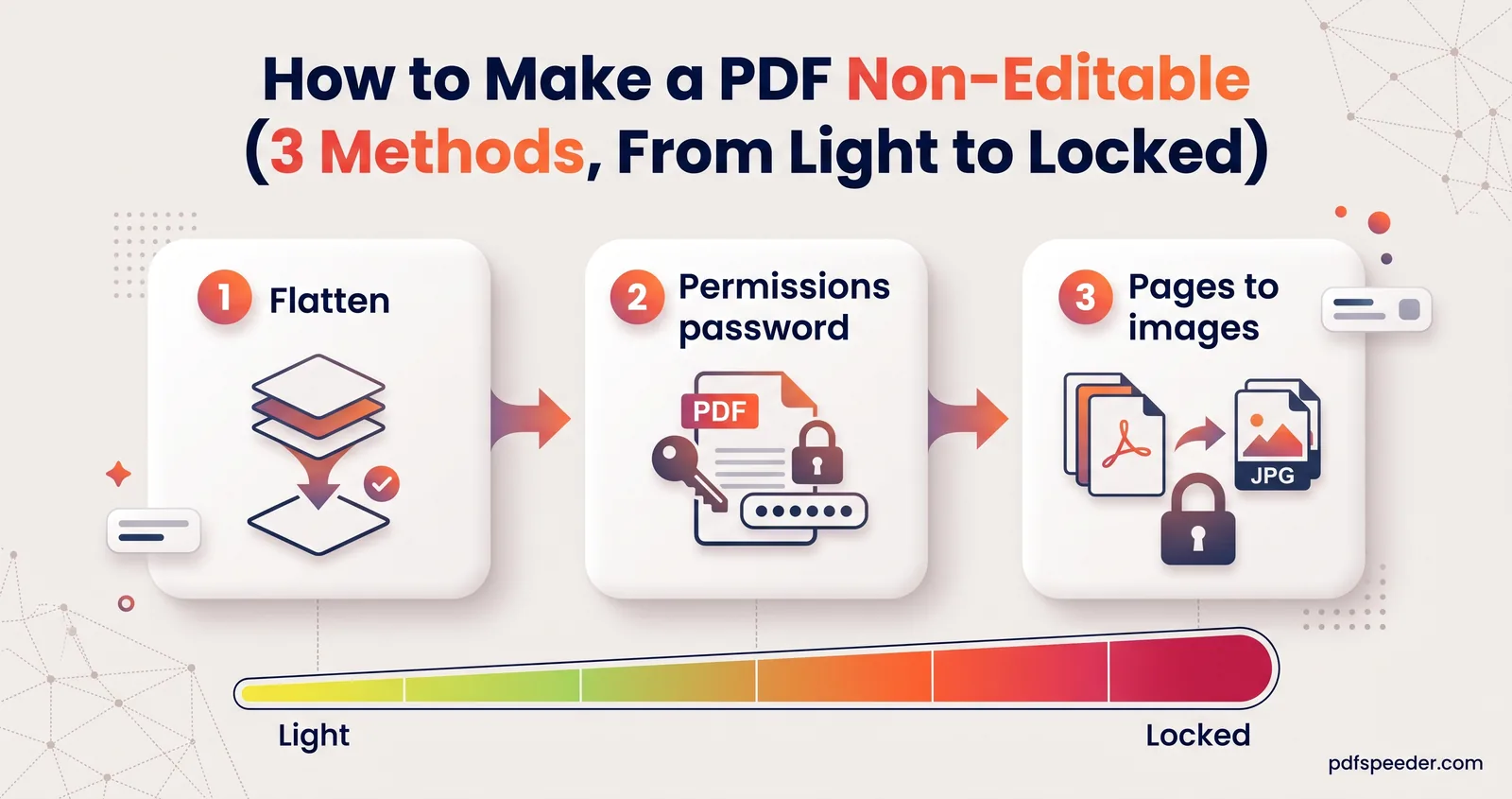
Make a PDF non-editable three ways: flatten it, set a permissions password or turn pages into images. See what each stops, what it costs and its limits.
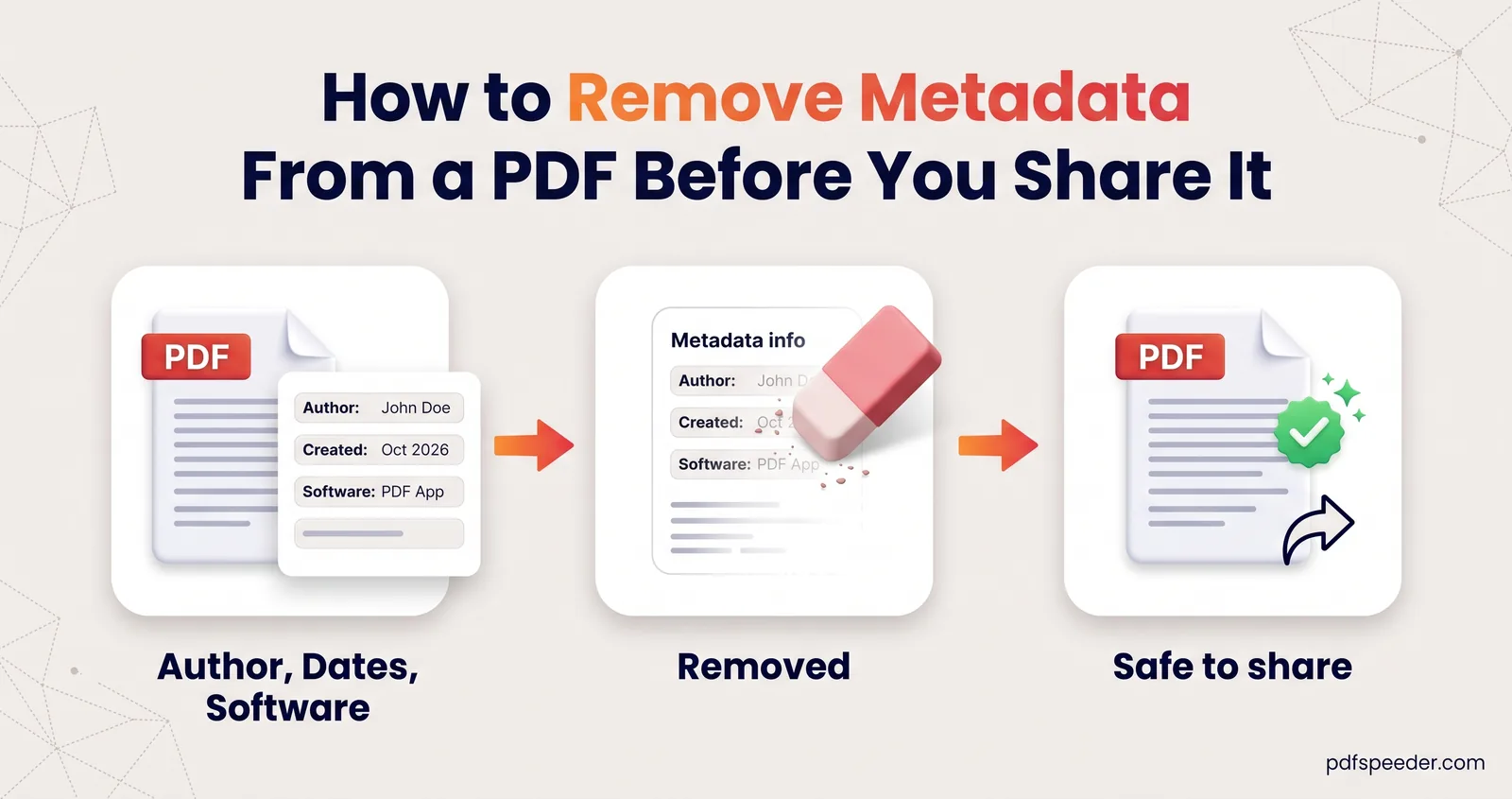
See the hidden author, software and dates in a PDF, remove metadata or fix the title in one click, and catch the hidden details a metadata scrub misses.
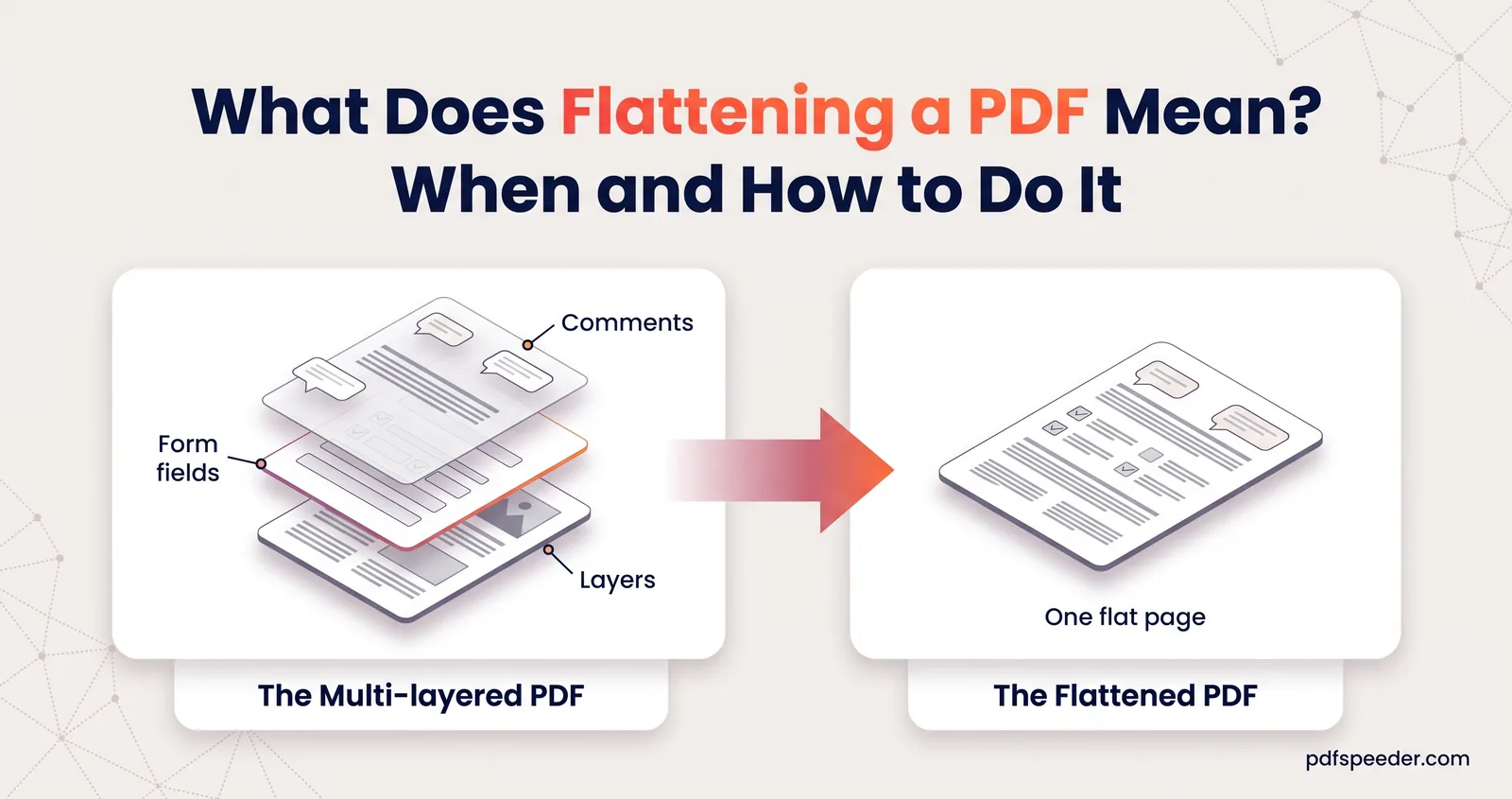
What does flattening a PDF mean? Form fields, comments and layers become fixed page content. See what changes, when to flatten, and how to do it free.
No signup needed. Open one and follow along with any guide above.