Electronic Signature vs Digital Signature: What's the Difference?
Electronic signature vs digital signature in plain English: what each proves, what India's IT Act and other laws say, and how to check a signature in a PDF.

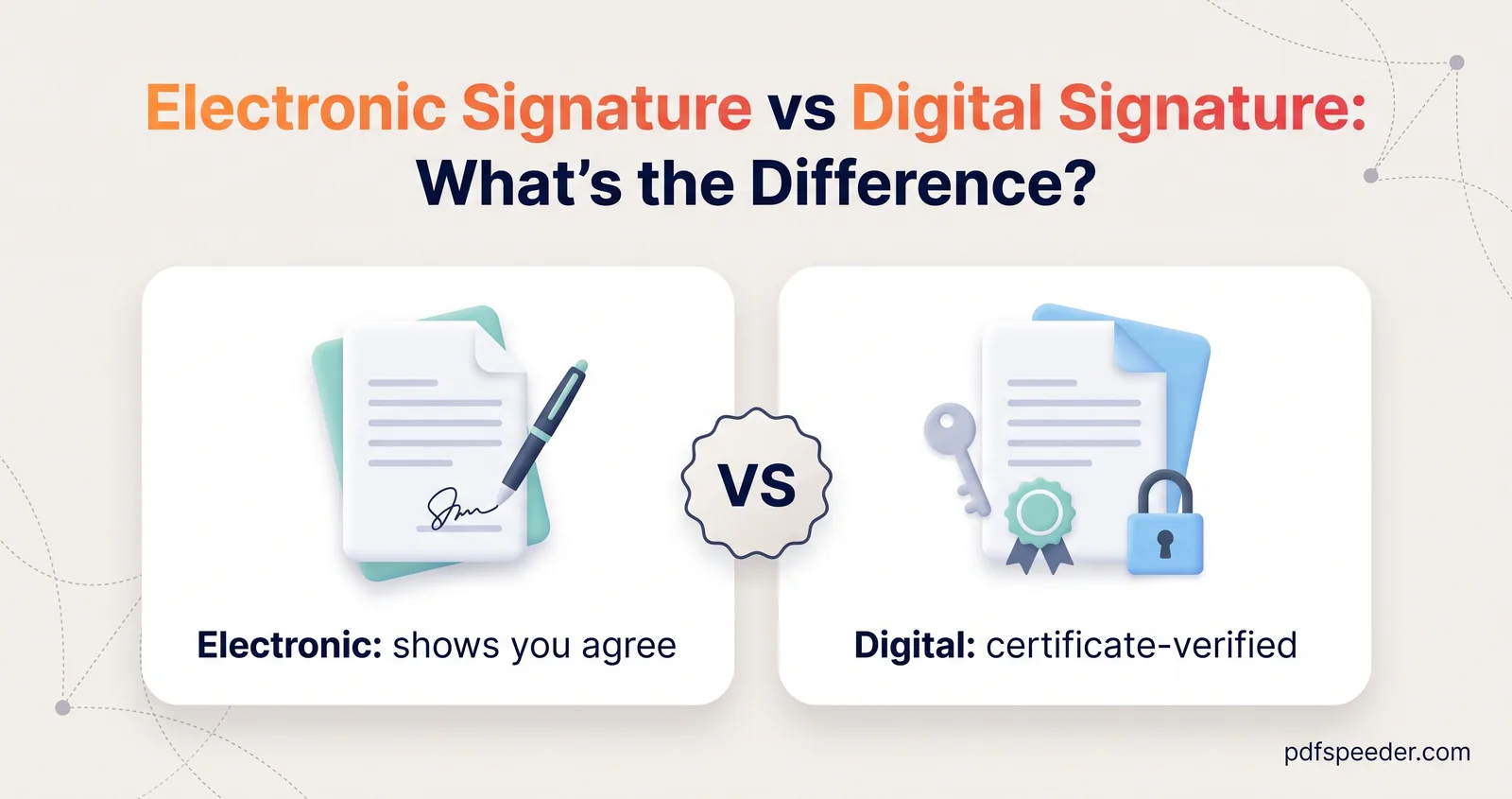
An electronic signature is any electronic way of showing that you agree to a document, from a typed name to a signature drawn on a PDF, while a digital signature is a specific cryptographic kind that uses a certificate to prove who signed and to reveal any change made to the file afterwards. Every digital signature is an electronic signature in the everyday sense, but most electronic signatures aren't digital signatures. This plain-English guide to electronic signature vs digital signature explains what each one proves, where each is used, and how to check a signature in a PDF.
Note: This article explains the general picture and isn't legal advice. For a contract, filing or deed that matters, ask the recipient what they accept and take advice from a lawyer.
On this page
Electronic signature vs digital signature: the short answer
| Electronic signature (everyday sense) | Digital signature | |
|---|---|---|
| What it is | Any electronic sign of agreement: a typed name, a drawn or pasted signature image, a tick in an "I agree" box | A cryptographic seal made with the signer's private key and a certificate from a certifying authority |
| Proves who signed | Only through surrounding evidence, such as emails, logins or witnesses | Yes, the certificate identifies the signer |
| Reveals later changes | No | Yes, a change after signing shows up when the signature is checked |
| What you need | Any signing tool | A Digital Signature Certificate (DSC) or an eSign service |
| What you see | A signature on the page | Often a box with the signer's name and the date, plus an entry in the reader's signature panel |
The rows that matter most are "Proves who signed" and "Reveals later changes". A picture of a signature can be copied onto another document in seconds; a digital signature is mathematically tied to one document and one signer.
What counts as an electronic signature
In everyday use, and in laws such as those of the US and the EU, the term is deliberately broad. The US ESIGN Act defines an electronic signature as "an electronic sound, symbol, or process, attached to or logically associated with a contract or other record and executed or adopted by a person with the intent to sign the record" (15 U.S.C. 7006), and says a signature can't be denied legal effect solely because it's electronic. The European Commission's eSignature explainer gives writing your name under an email as an example of a simple electronic signature.
Common examples:
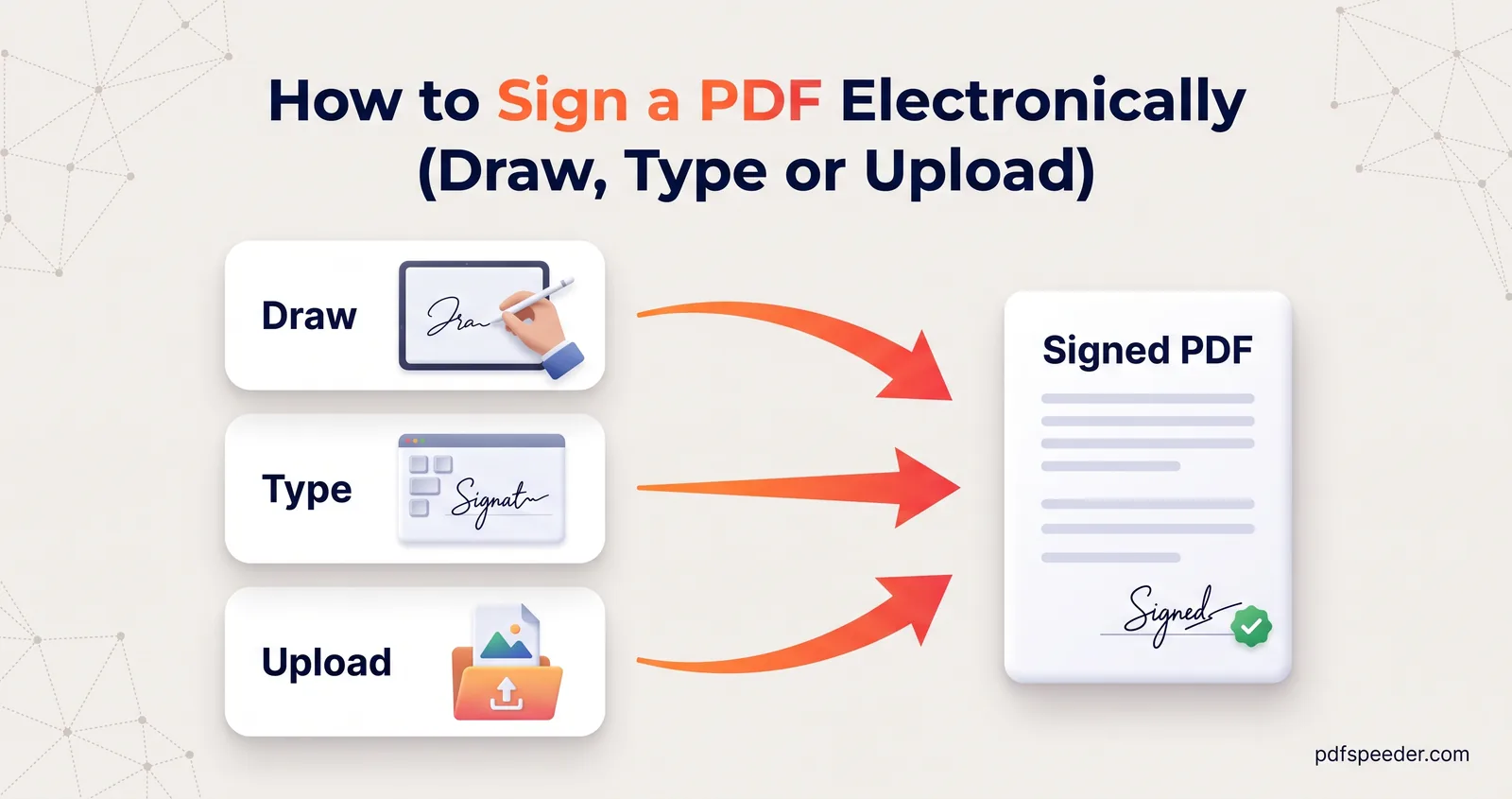
- A drawn, typed or uploaded signature image placed on a PDF, which is what our Sign PDF tool creates.
- Your name typed at the end of an email or a form.
- Clicking "I accept" during an online application.
- Signing on a tablet at a shop or bank counter.
These show your intent to sign. What they don't do on their own is prove that you, and not someone else, made the mark, or show whether the document changed afterwards.
Is an electronic signature legal in India?
India's law uses the term more narrowly than everyday speech. Under the Information Technology Act, 2000, an "electronic signature" means authentication of an electronic record by a technique specified in the Act's Second Schedule, and it includes digital signatures (section 2(1)(ta) of the updated Act on India Code). Section 5 then says that where a law requires a signature, an electronic signature in that sense, affixed in the prescribed manner, satisfies it.
So in Indian law, "electronic signature" chiefly means a DSC-based digital signature or eSign. A drawn or typed signature image isn't one of the listed techniques, so whether it's acceptable depends on the document and on whoever receives it. Separately, section 10A says a contract isn't unenforceable just because it was formed electronically, and the Act's First Schedule lists documents it doesn't apply to, such as wills and contracts for the sale of immovable property.
How a digital signature works
A digital signature uses what the IT Act calls an "asymmetric crypto system and hash function" (section 3). In practice, signing and checking go like this:
- Fingerprint. The signing software calculates a hash of the document: a short value that changes completely if even one character of the file changes.
- Seal. It encrypts that fingerprint with the signer's private key, which only the signer controls.
- Attach. The sealed fingerprint and the signer's certificate, which links their identity to the matching public key, are embedded in the PDF.
- Check. Your PDF reader recalculates the fingerprint, unlocks the seal with the public key and compares the two. If they match, the document hasn't changed since signing; it also checks that the certificate comes from a trusted certifying authority.
The Act's test for a reliable electronic signature (section 3A) includes exactly this property: any alteration made after signing must be detectable.
DSC vs eSign in India
India has two common ways to make one, both resting on certificates issued by certifying authorities licensed under the Controller of Certifying Authorities (CCA). According to the CCA's eSign FAQ:
| Digital Signature Certificate (DSC) | eSign | |
|---|---|---|
| How you get it | Apply to a certifying authority | Through an organisation's app or website that offers eSign |
| How you prove it's you | Identity checks when the certificate is issued | An OTP or biometric check through e-KYC each time you sign |
| Where the key lives | On a crypto token, usually a USB device, kept by you | Created for one signature, then deleted |
| Certificate validity | Typically 2 to 3 years | 30 minutes |
| What leaves your device | Nothing: you sign on your own computer | Only a one-way hash of the document, sent to the eSign provider |
eSign is widely called Aadhaar eSign because Aadhaar e-KYC is the usual identity check behind it. The CCA's FAQ says eSign signatures are legally valid when the service runs under the Second Schedule of the IT Act and the Controller's guidelines, and that a document signed with eSign contains a valid digital signature that can be verified by standard methods.
In the EU, the eIDAS framework sorts signatures into simple, advanced and qualified, and the European Commission notes that only qualified electronic signatures are explicitly recognised as having the equivalent legal effect of a handwritten signature throughout the EU.
Where each one is used
Who receives the document usually decides which signature you need:
| Situation | What's usually expected |
|---|---|
| Approving a quote, an internal form or a routine letter | An electronic signature, if the recipient accepts one |
| A rental, job or membership form sent by email | A signature image may be enough; check the instructions |
| An official portal that names DSC or eSign | A digital signature of the kind the portal specifies |
| Wills, and contracts for the sale of property | Outside the IT Act's scope by default; take legal advice |
For example, company filings with the Ministry of Corporate Affairs are made with DSCs. Portals state which kind of signature they accept, so read their instructions before you sign anything.
How to check a signature in a PDF
A free PDF reader with signature validation, such as Adobe Acrobat Reader, can tell you what you're looking at:
- Open the PDF and open the Signatures panel. If there's no digital signature in the file, the panel has nothing to show, even if a signature is visible on the page.
- Select the signature. Its status shows whether it's valid and whether the document has changed since it was signed.
- Open Signature Properties, then Show Signer's Certificate, to see who it was issued to, by which certifying authority, and when it expires.
If the status says the document has been modified or the signature is invalid, treat the file with suspicion and ask the sender for the original. A status such as "validity unknown" usually means the reader couldn't confirm the certificate chain, for example because the issuing authority isn't on its trusted list; it doesn't by itself mean the file was altered.
A signature image has nothing to check: clicking it does nothing, because it's simply part of the page. Not every PDF viewer verifies digital signatures either; some only show what the signature looks like, so use a reader that validates them when authenticity matters.
What editing or flattening does to signatures
A digital signature seals the exact bytes of the file, so any tool that saves a new copy breaks it or strips it. That includes editing text, adding your own signature image, flattening, compressing, merging and printing to PDF. The result either reports the signature as invalid, or keeps only the picture of the signature, which proves nothing.
A few rules follow from that:
- Keep the signed original and send that copy whenever authenticity matters.
- Apply the digital signature last, after every edit, form fill and compression, because nothing should touch the file afterwards. Our guide on how to edit a PDF covers the changes you might need to make first.
- Ask before countersigning. If someone has digitally signed a document and you need to sign too, ask how they want it done rather than stamping an image on their signed copy.
Signature images are more forgiving. If you're signing a filled-in form with a drawn signature, run it through Flatten PDF first, so the answers can't be changed once your signature sits next to them, then sign. Sign PDF places a drawn, typed or uploaded image and works entirely in your browser; it doesn't create certificate-based digital signatures. Our step-by-step guide on how to sign a PDF covers drawing, typing and uploading a signature on any device.
Before your next signature, ask the recipient one question: is a signature image enough, or do they need a DSC or eSign? The answer tells you which route to take.
Frequently asked questions
Is a digital signature the same as an electronic signature?
A digital signature is one kind of electronic signature: the kind that uses a certificate and cryptography to prove who signed and to reveal later changes. Most electronic signatures, such as a drawn signature on a PDF, don't do either.
Is an electronic signature legal in India?
Under the IT Act, an electronic signature made with a recognised technique, such as a DSC or eSign, satisfies a legal requirement for a signature, with some documents excluded. Whether a drawn or typed signature image is accepted depends on the document and the recipient.
What is the difference between a DSC and eSign?
A DSC is a certificate you keep on a USB token and can use to sign any time while it's valid, typically 2 to 3 years. eSign creates a one-time certificate, valid for 30 minutes, after an OTP or biometric check, through an organisation that offers the service.
Can I create a digital signature with Sign PDF?
No. Sign PDF adds a drawn, typed or uploaded signature image, which is an electronic signature in the everyday sense. For a certificate-based digital signature, you need a DSC with signing software or an eSign service.
Why does my signed PDF say "validity unknown"?
The reader couldn't confirm that the certificate behind the signature comes from an authority it trusts. Check the certificate details in the signature properties; the message on its own doesn't mean the document was changed.