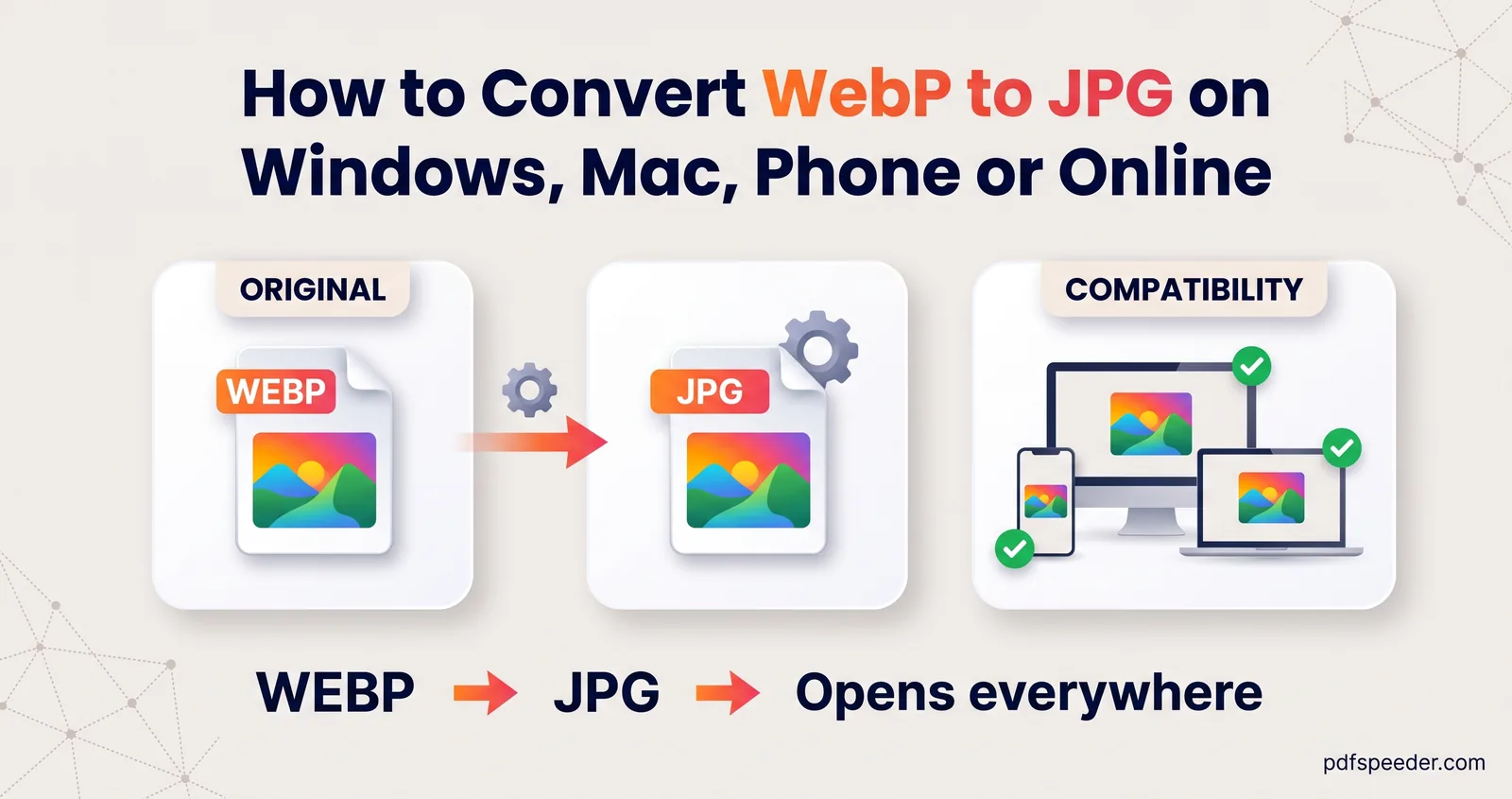
How to Convert WebP to JPG on Windows, Mac, Phone or Online
Convert WebP to JPG on Windows, a Mac or your phone: the Paint and Preview steps, batch conversion with quality control, and what happens to transparency.
Image Tools · 12 guides
Everything you need to get a photo accepted the first time: exact pixel sizes, file-size limits in KB, photo and signature specifications for application forms, format conversions and clean background removal. Each guide uses worked examples, so you can match the exact numbers a form asks for.
Convert WebP to JPG on Windows, a Mac or your phone: the Paint and Preview steps, batch conversion with quality control, and what happens to transparency.
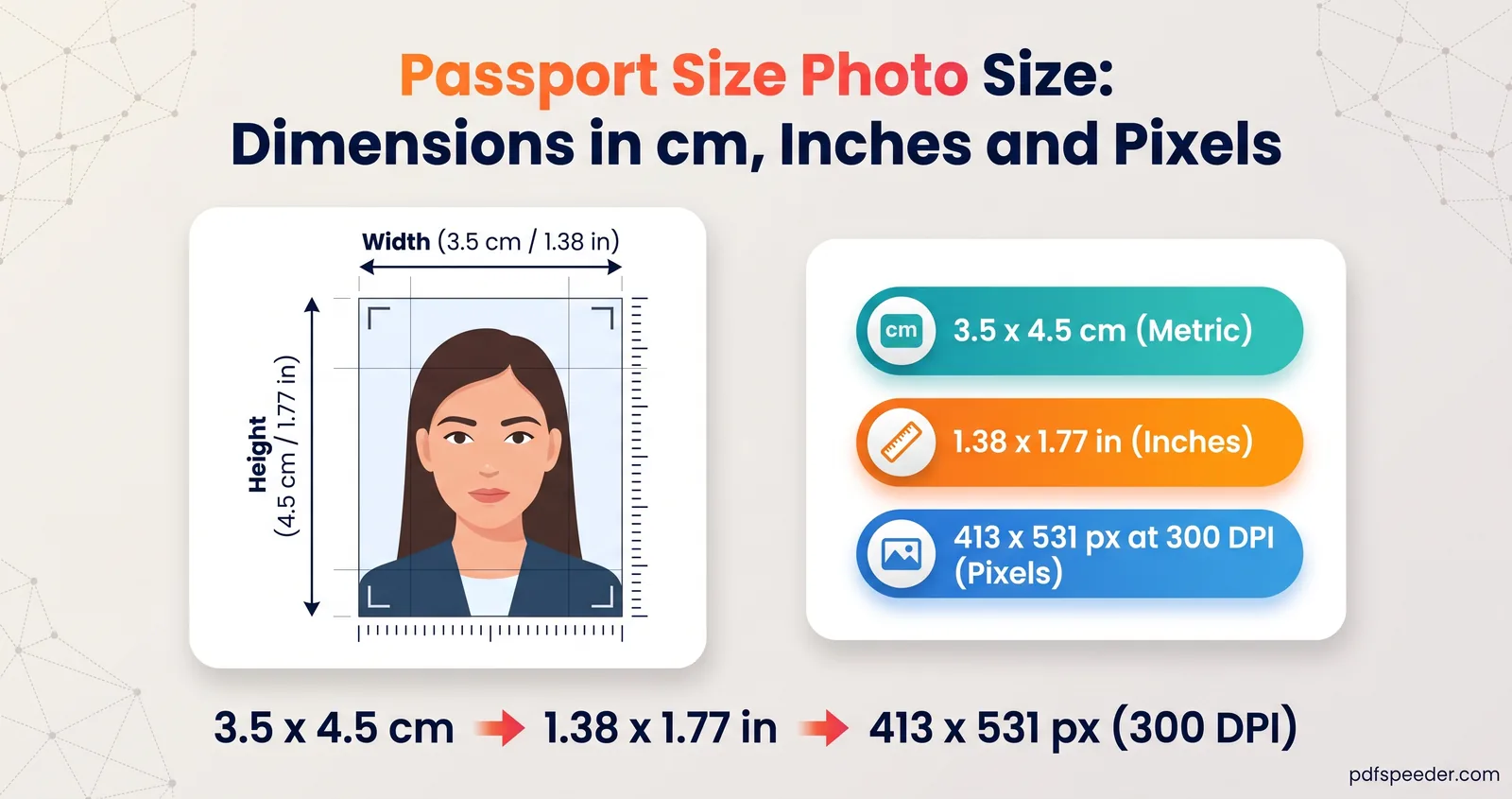
Passport size photo size for India, the US, the UK and Schengen visas, with pixel equivalents, print vs digital rules, and how to resize a phone photo safely.
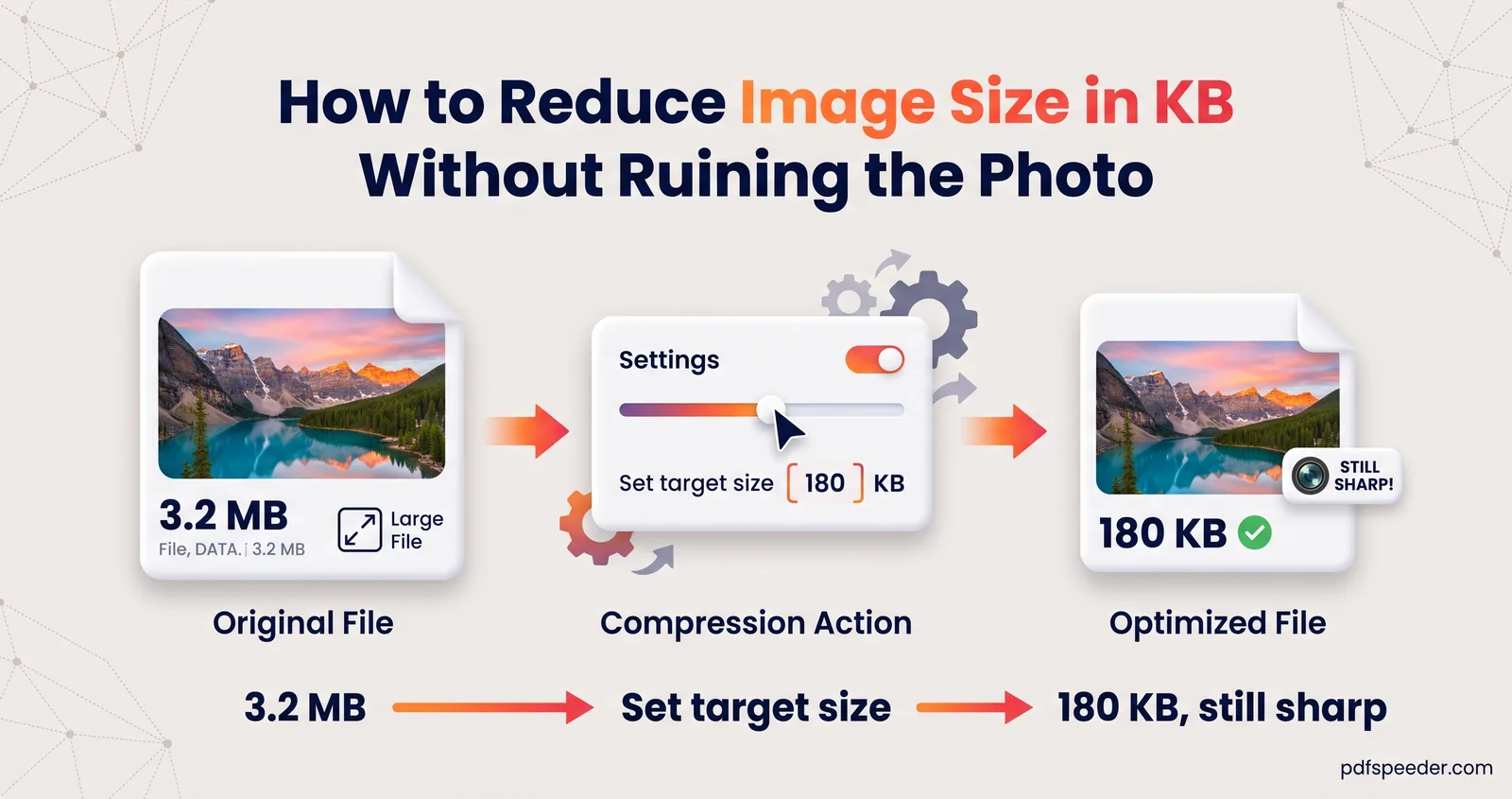
How to reduce image size in KB for forms, email and uploads: what decides the file size, how to hit an exact target like 50 KB, and when to resize first.
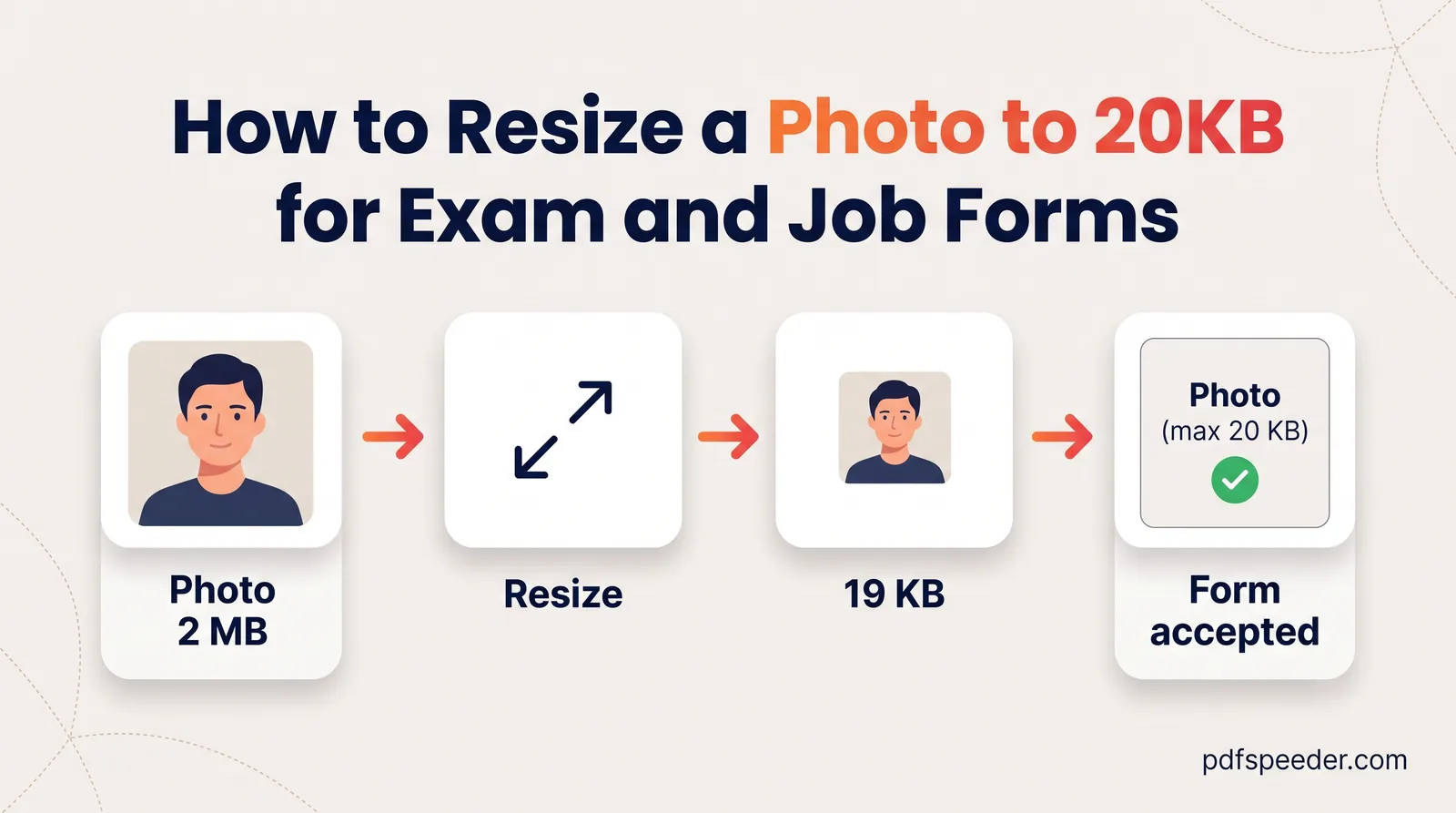
Resize a photo to 20KB the reliable way: crop to the exact pixel size first, then compress to a 20 KB target so the face stays sharp and the upload passes.
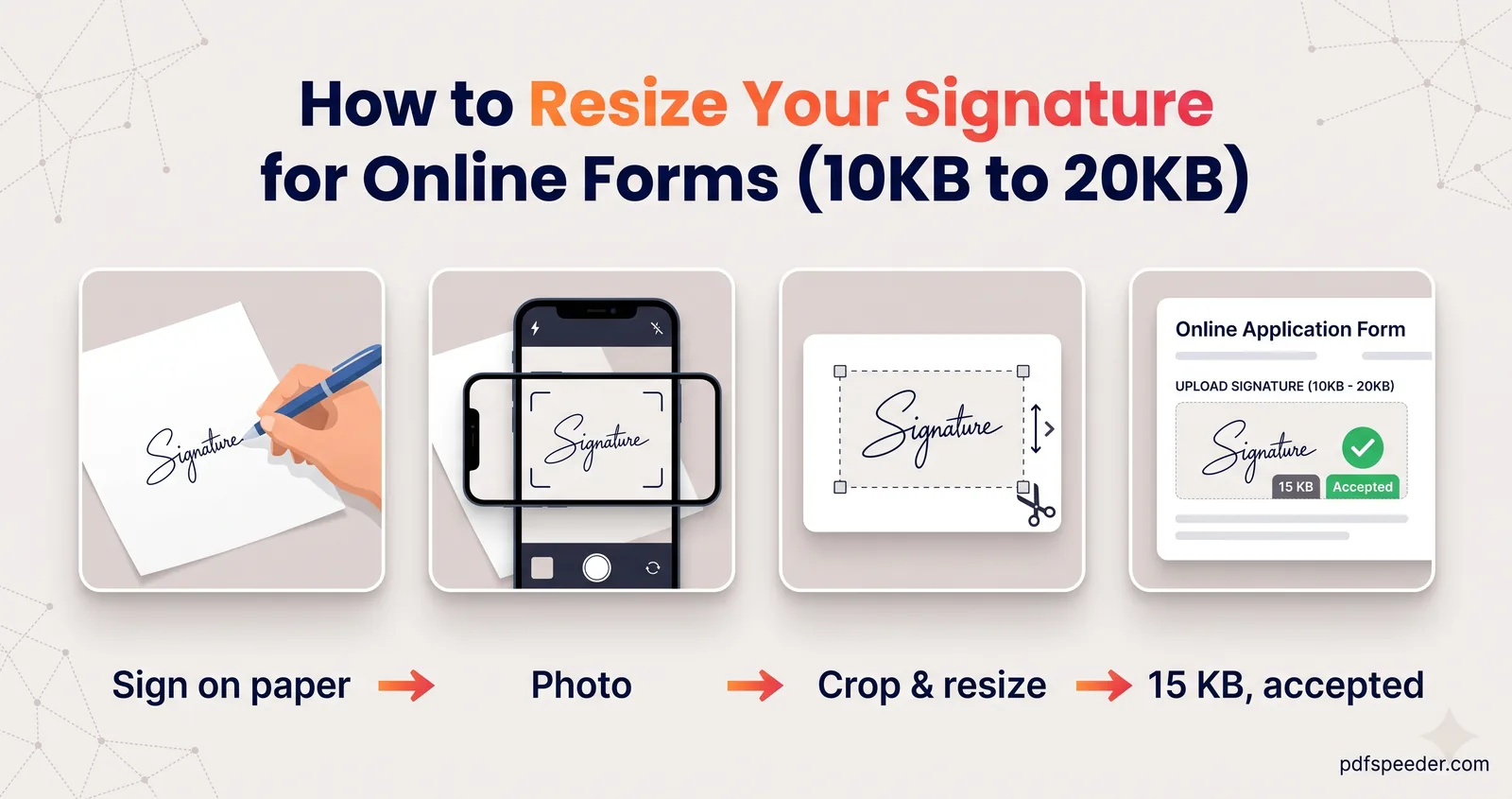
Resize your signature for an online form: sign and photograph it properly, crop and whiten it, set the exact size, then get it into the 10 KB to 20 KB window.
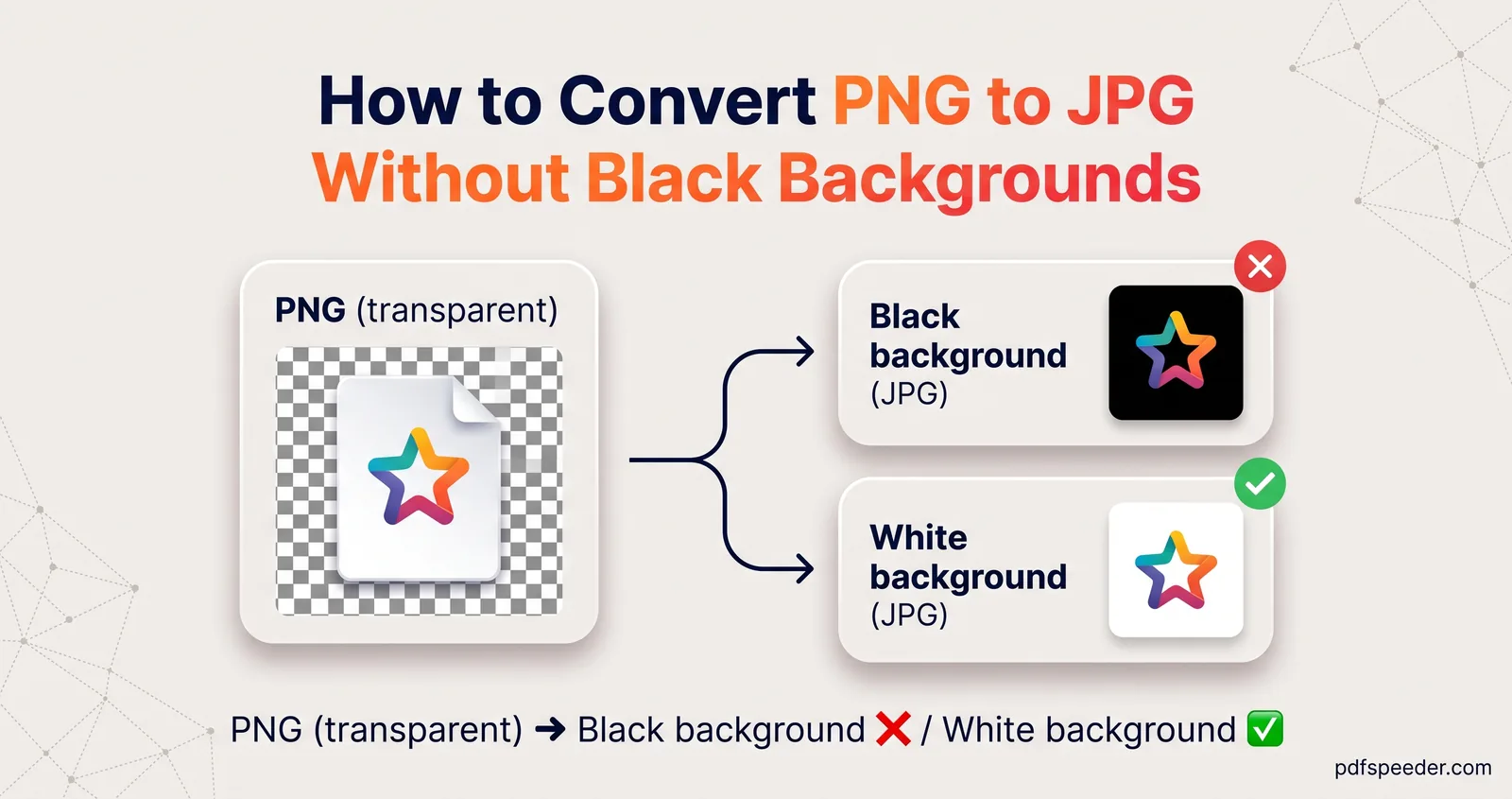
Convert PNG to JPG the right way: when it's worth it, how to stop transparent areas turning black, which quality to pick and how to convert a whole folder.
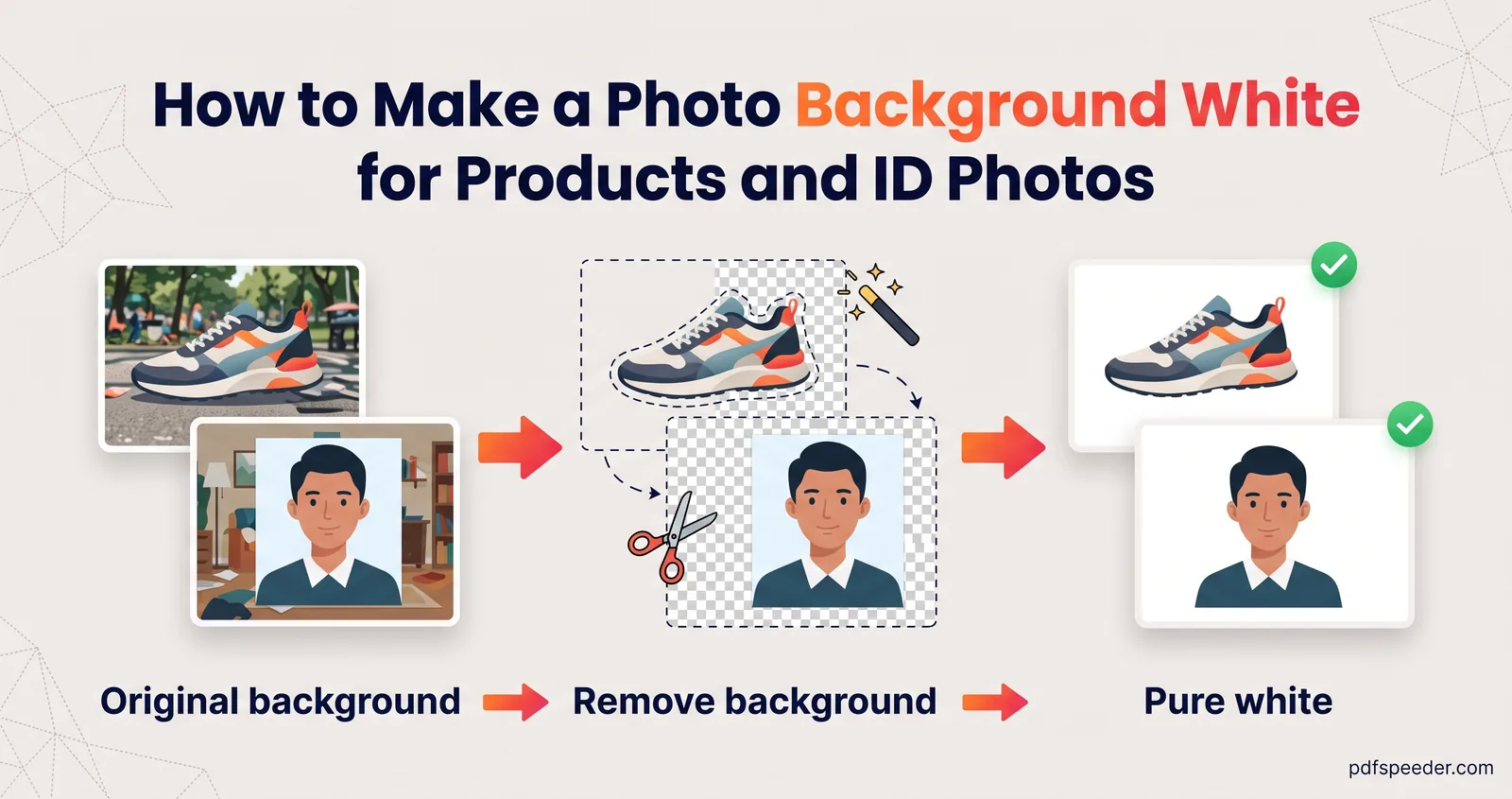
Make a photo background white with AI: pick the right subject type, fix hair and edges, choose JPG or PNG, and see when official photos must stay unedited.
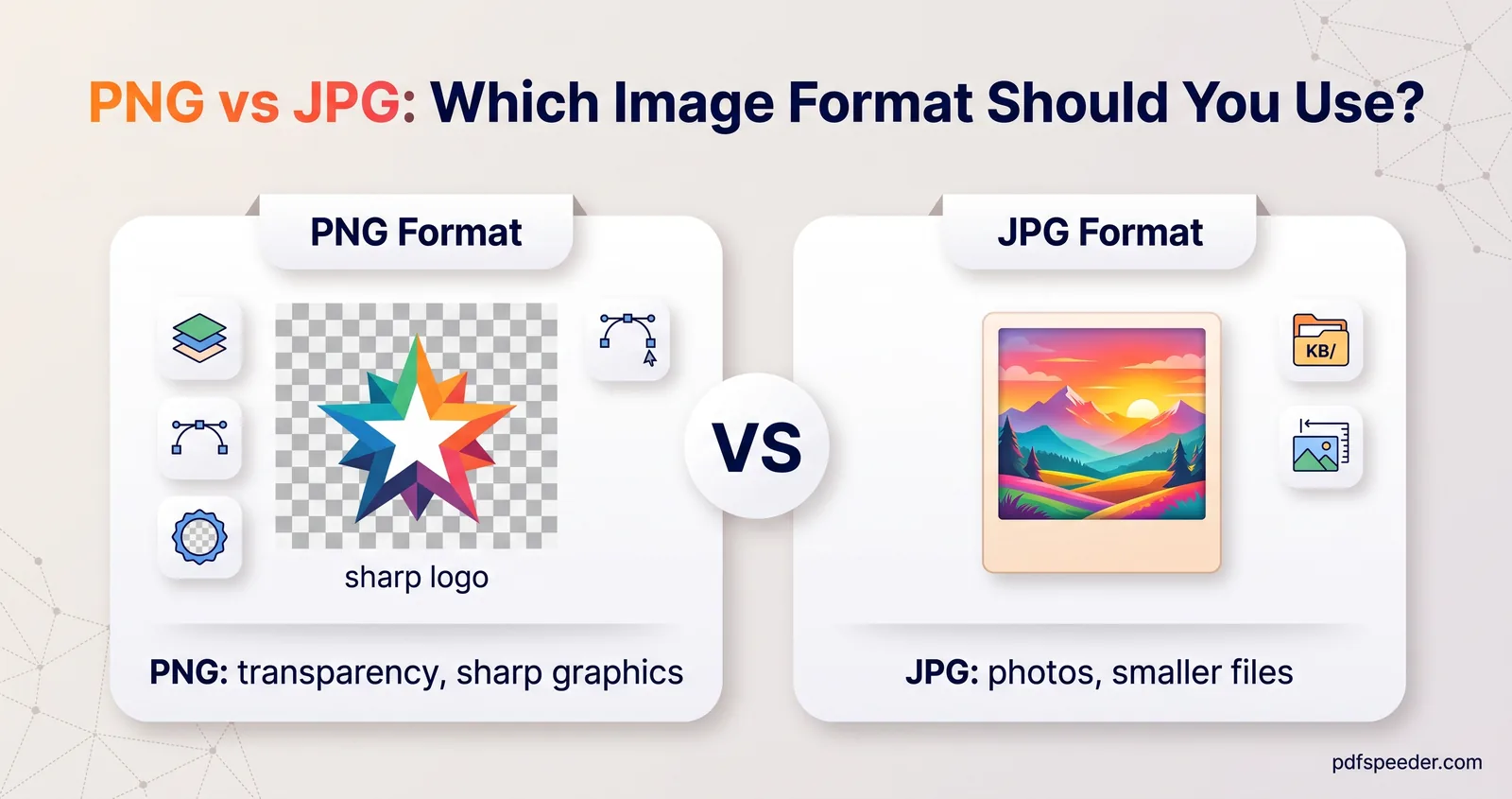
PNG vs JPG tested on real photos, a screenshot, a logo and a scan: which format is smaller, which stays sharp, where WebP and AVIF fit, and what forms accept.
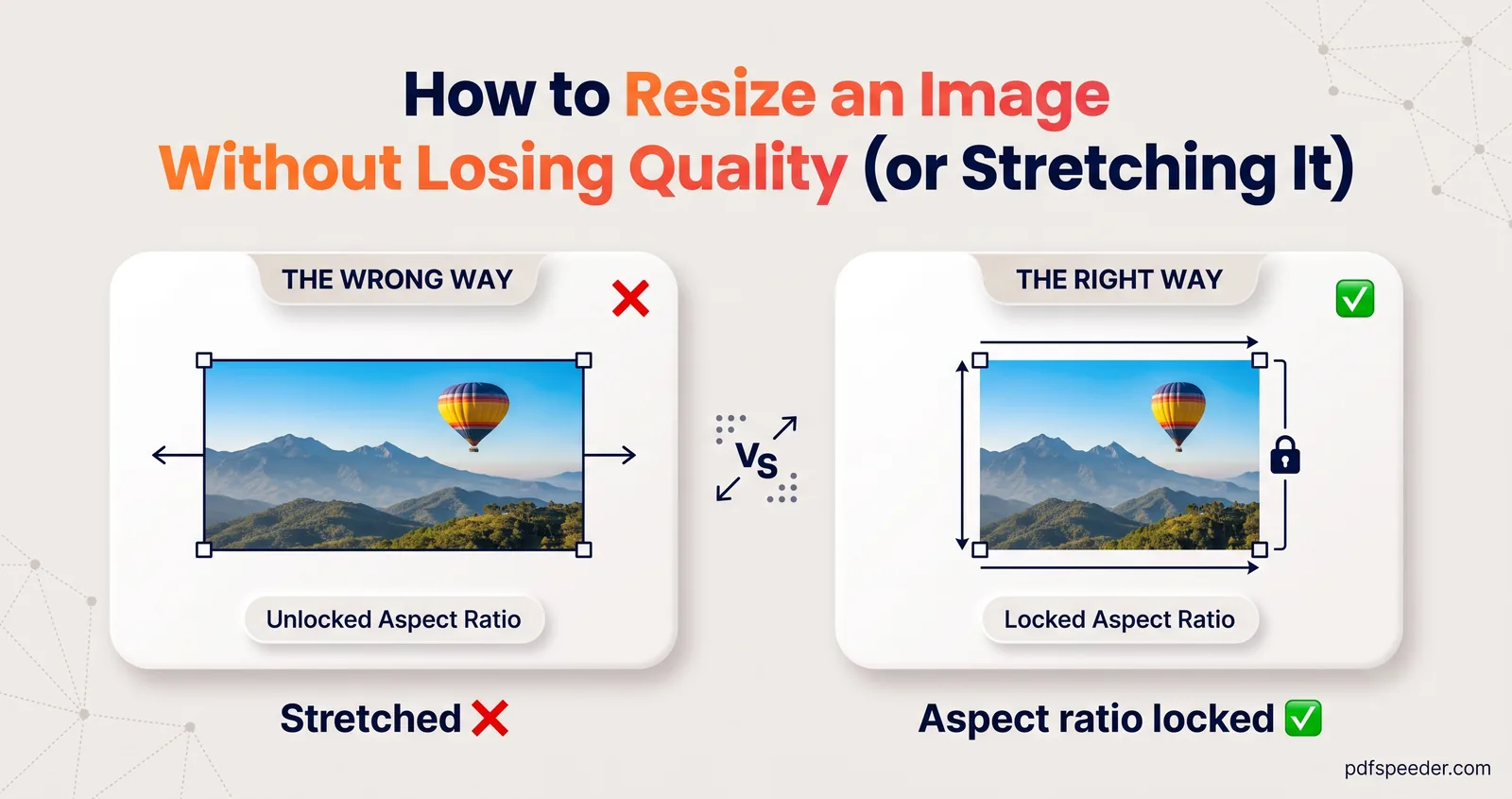
Resize an image without losing quality: why shrinking is safe but enlarging isn't, how to pick crop, fit or stretch, and pixel sizes for social, web or print.
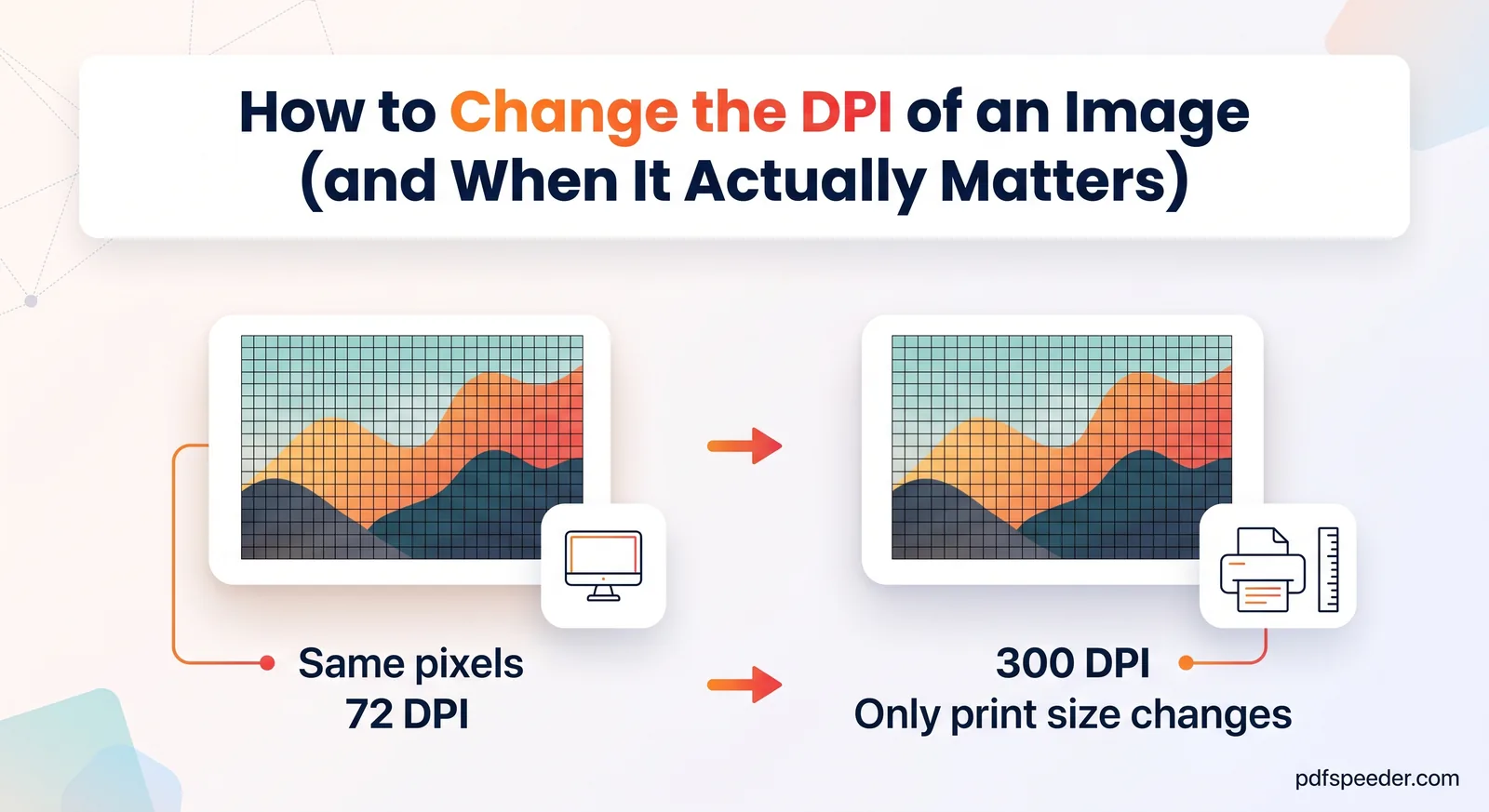
Change the DPI of an image without touching its pixels, see when 300 DPI really matters, use the pixels-to-inches formula and check DPI on Windows or Mac.
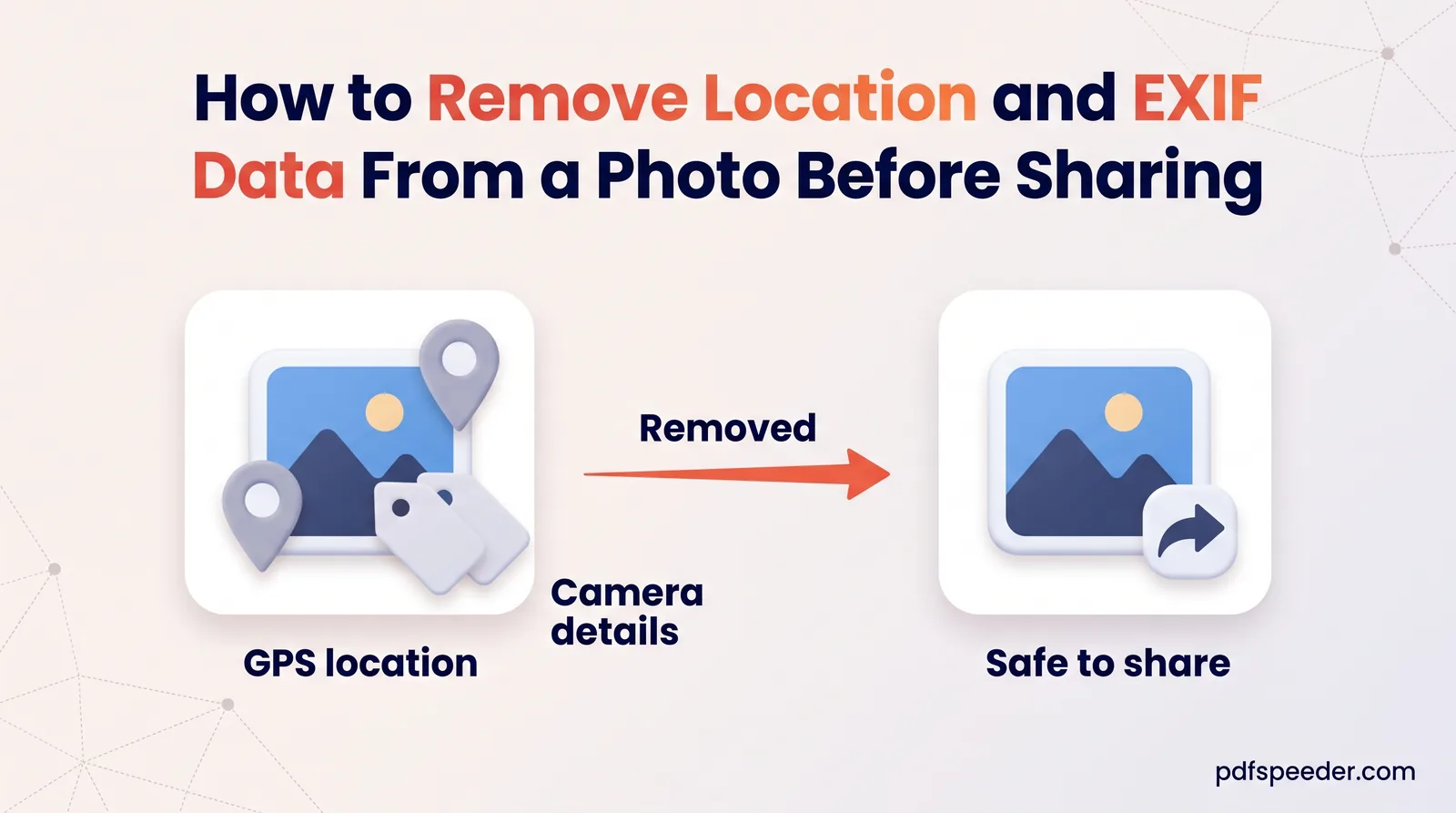
Remove location from a photo before you share it: check for hidden GPS and EXIF data, switch location off on iPhone and Android, or strip it in your browser.
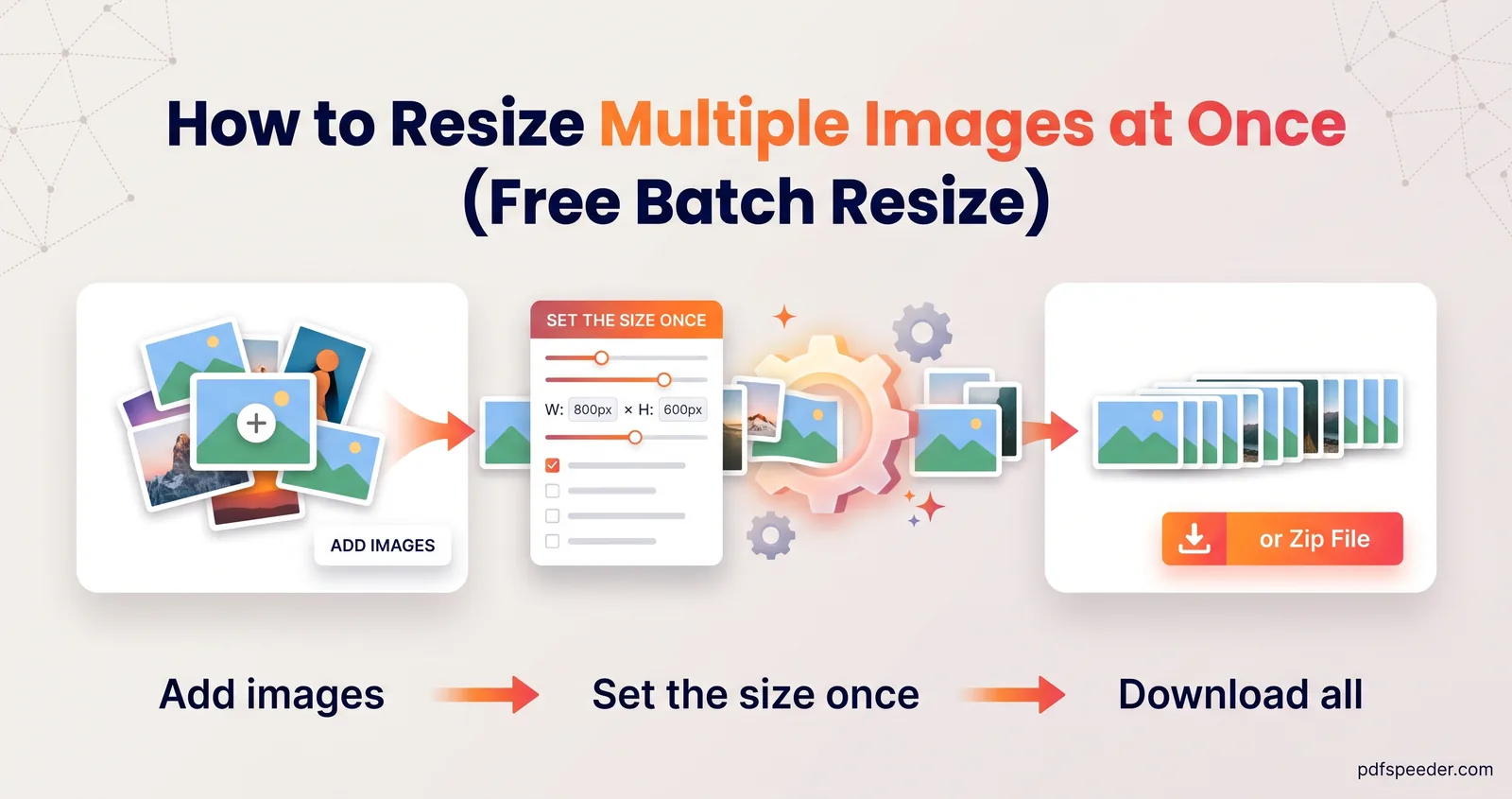
Resize multiple images at once in your browser or with built-in tools: the right mode for mixed photos, resizing and compressing in one go, and ZIP downloads.
No signup needed. Open one and follow along with any guide above.