Passport Size Photo Size: Dimensions in cm, Inches and Pixels
Passport size photo size for India, the US, the UK and Schengen visas, with pixel equivalents, print vs digital rules, and how to resize a phone photo safely.

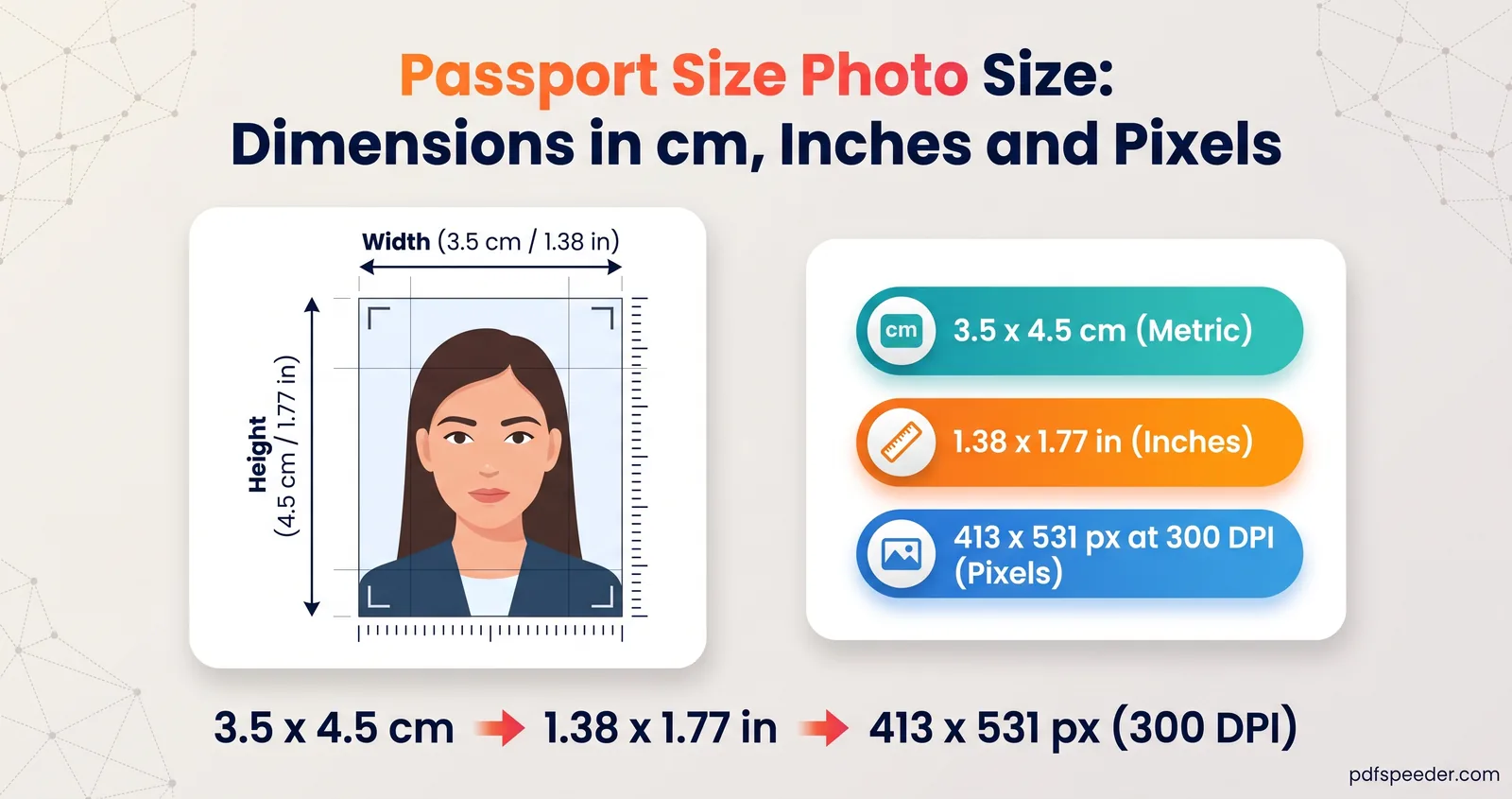
There's no single passport size photo size: it depends on the country and on whether you need a print or a digital file. A US passport photo is 2 × 2 inches (600 × 600 pixels at 300 DPI), a UK print is 45 mm high by 35 mm wide (413 × 531 pixels at 300 DPI), and India's passport guidelines ask for a digital photo of 630 × 810 pixels. Below is a reference table with sources, the conversions, and how to turn a phone photo into the right size without stretching your face.
On this page
Common passport photo sizes at a glance
These are the official requirements as published when this guide was written, in October 2026. They change from time to time, so follow the link for your country before you get photos made.
| Document | Printed photo | Digital photo | Background |
|---|---|---|---|
| India passport | Check your application instructions | 630 × 810 pixels, colour, face filling 80–85% of the frame | White |
| US passport | 2 × 2 inches (51 × 51 mm); head 1 to 1⅜ inches from chin to top of head | Set separately on travel.state.gov | Plain white or off-white |
| UK passport | 45 mm high × 35 mm wide; head 29 to 34 mm from chin to crown | At least 600 × 750 pixels, 50 KB to 10 MB | Cream or light grey (print); plain and light-coloured (digital) |
| Schengen visa | A photo meeting ICAO standards; the size is set by the consulate (35 × 45 mm is typical) | Check with the consulate or visa centre | Check with the consulate or visa centre |
Where these come from:
- India: the ICAO photo guidelines that Indian embassies publish for passport applications, such as this notice from the Embassy of India in Lima, which also caps the file at 250 KB. They describe the digital photo; for anything else, follow the instructions for your application route on Passport Seva.
- United States: the State Department's rules as listed by US embassies, for example the US Embassy in France. Glasses aren't allowed unless you need them for medical reasons, and the photo must be under six months old.
- United Kingdom: GOV.UK's passport photo rules, which also require the photo to have been taken in the last month.
- Schengen: the European Commission only says the photo must comply with ICAO standards, so the exact size comes from the consulate or visa centre handling your application. The Netherlands, for example, uses 35 × 45 mm for its own passports.
Passport photo size in pixels: converting cm and inches
A print size becomes a pixel size once you choose a resolution. 300 DPI is a common baseline for photo prints, but some authorities ask for more; the Netherlands, for example, wants at least 400 DPI:
pixels = inches × DPI
pixels = millimetres ÷ 25.4 × DPI
example: 35 mm ÷ 25.4 × 300 = 413 px, and 45 mm ÷ 25.4 × 300 = 531 px| Print size | At 300 DPI | At 400 DPI | At 600 DPI |
|---|---|---|---|
| 35 × 45 mm (3.5 × 4.5 cm, often searched as 35x45 mm) | 413 × 531 px | 551 × 709 px | 827 × 1063 px |
| 2 × 2 inches (often written 2x2 inch) | 600 × 600 px | 800 × 800 px | 1200 × 1200 px |
Two shapes cover most cases. A 35 × 45 mm photo is 7 : 9, a little taller than it is wide, and India's 630 × 810 pixels has exactly the same 7 : 9 shape. A 2 × 2 inch photo is square. If you crop to the right shape first, resizing to any of these sizes is just scaling, with nothing squashed or stretched.
Print size vs digital upload size
The same word, "size", means two different things depending on where the photo is going:
- A print is measured in millimetres or inches. What matters is that it's printed at that exact physical size on photo paper, with enough pixels behind it (at least 300 DPI, or more if the authority asks) to look sharp.
- A digital upload is measured in pixels and kilobytes. The DPI value stored in the file rarely matters here; the portal checks the pixel dimensions, the file size and the format, usually JPG.
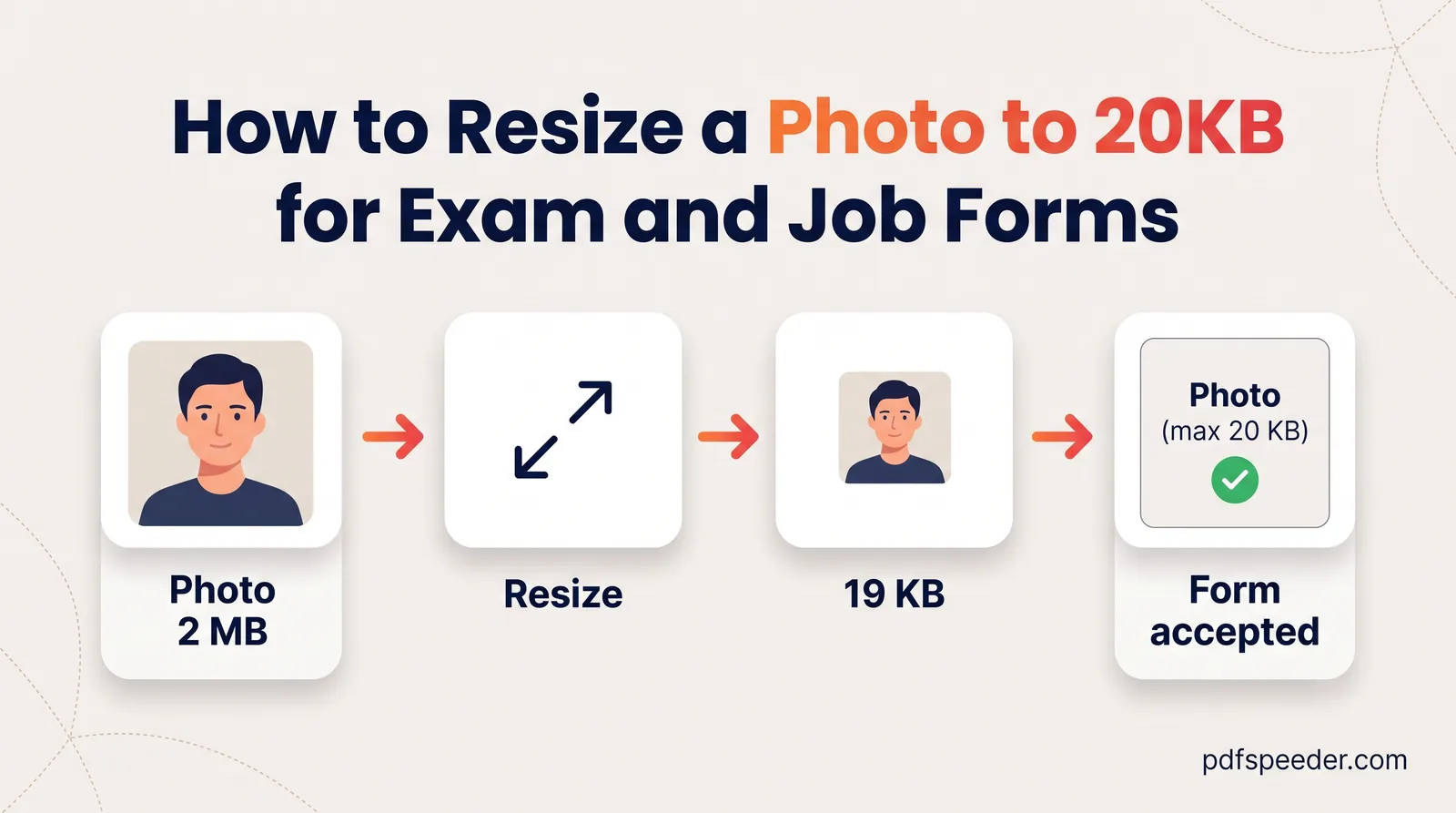
So the UK's digital rule (at least 600 × 750 pixels and at least 50 KB) has nothing to do with its 45 × 35 mm print size, and India's 630 × 810 pixels describes a file, not a print. Exam and job forms use "passport size" loosely too: IBPS, for example, describes a 4.5 × 3.5 cm passport-style photo but asks for 200 × 230 pixels and 20 KB to 50 KB. If yours sets a small KB limit, our guide to resizing a photo to 20 KB takes you through it.
Resize a phone photo to passport size
To resize a photo to passport size for an upload, or for a print you'll get made, prepare it in this order:
- Take it right. Stand in front of a plain wall in the colour your country asks for, face a window for even light, and have someone else take the photo from about 1.5 metres away, as India's guidelines suggest. Remove glasses, and keep your head straight with a neutral expression.
- Crop to the shape. In your phone's photo editor, crop to 7 : 9 for 35 × 45 mm or India's 630 × 810, or to a square for 2 × 2 inches. Leave the head the right size: in a US photo it should fill 50% to 69% of the height, in a UK print 29 to 34 mm of the 45 mm, and in India's digital photo the face should take up 80–85% of the frame.
- Resize to the exact pixels. In our Image Resizer, open Presets and choose Passport 35×45mm@300 (413 × 531) or US Passport 2×2in@300 (600 × 600), or use Exact size for other specs such as 630 × 810. Under If the aspect ratio differs, pick Crop to fill, which trims evenly from the edges, so the face must already be centred.
- Set the details. Choose JPG, type 300 in Print DPI if you'll print it, then select Resize and download. Everything happens in your browser.
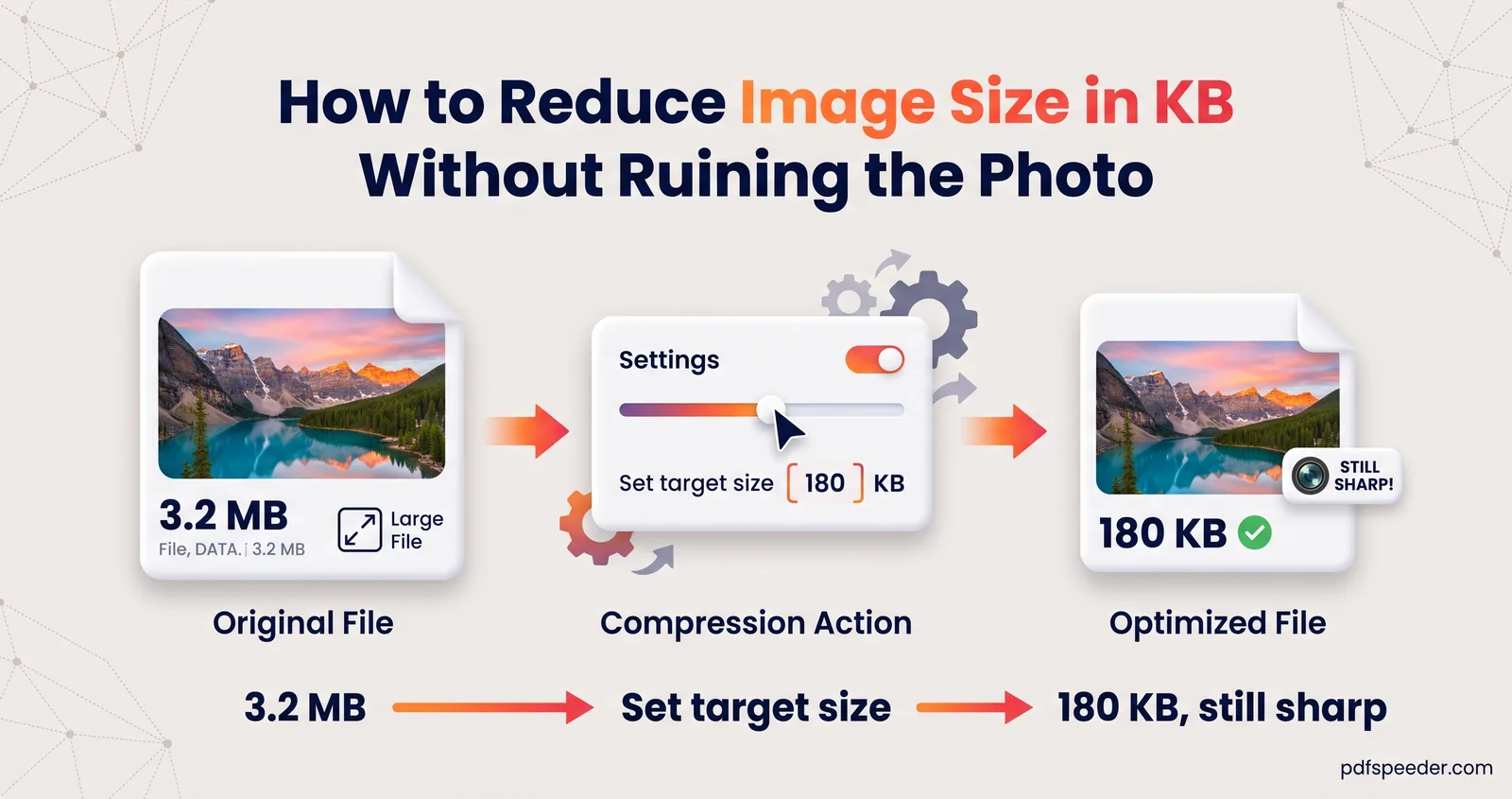
- Check the KB. If a portal caps the size, as India's 250 KB example does, run the photo through the Image Compressor with a target just under the limit. If a portal sets a minimum, as the UK's 50 KB does, make sure you haven't gone below it.
One exception: GOV.UK asks you not to crop a digital photo taken on your own device, because its service crops it for you. For a UK paper application, the printed photos mustn't be cut down from a larger picture either, so a photo booth or a photo shop is the easier route.
Background, head size and other rules
Size is only half of what gets a passport photo accepted. The rules that trip people up most are these:
- No editing. India's guidelines and GOV.UK both say the photo must be unaltered by computer software. Cropping and resizing change the frame, not you, but replacing the background, smoothing skin or adding a filter changes the photo itself. If your background isn't right, take a new photo against a better wall.
- The right background. White for India, plain white or off-white for the US, and cream or light grey for UK prints. Avoid shadows behind your head.
- Glasses off. The US doesn't allow them unless you need them for medical reasons, the UK only if you have to wear them, and India's guidelines say to take them off to avoid reflections.
- Recent and natural. UK photos must be taken within the last month and US photos within six months, with a natural expression, eyes open and mouth closed.
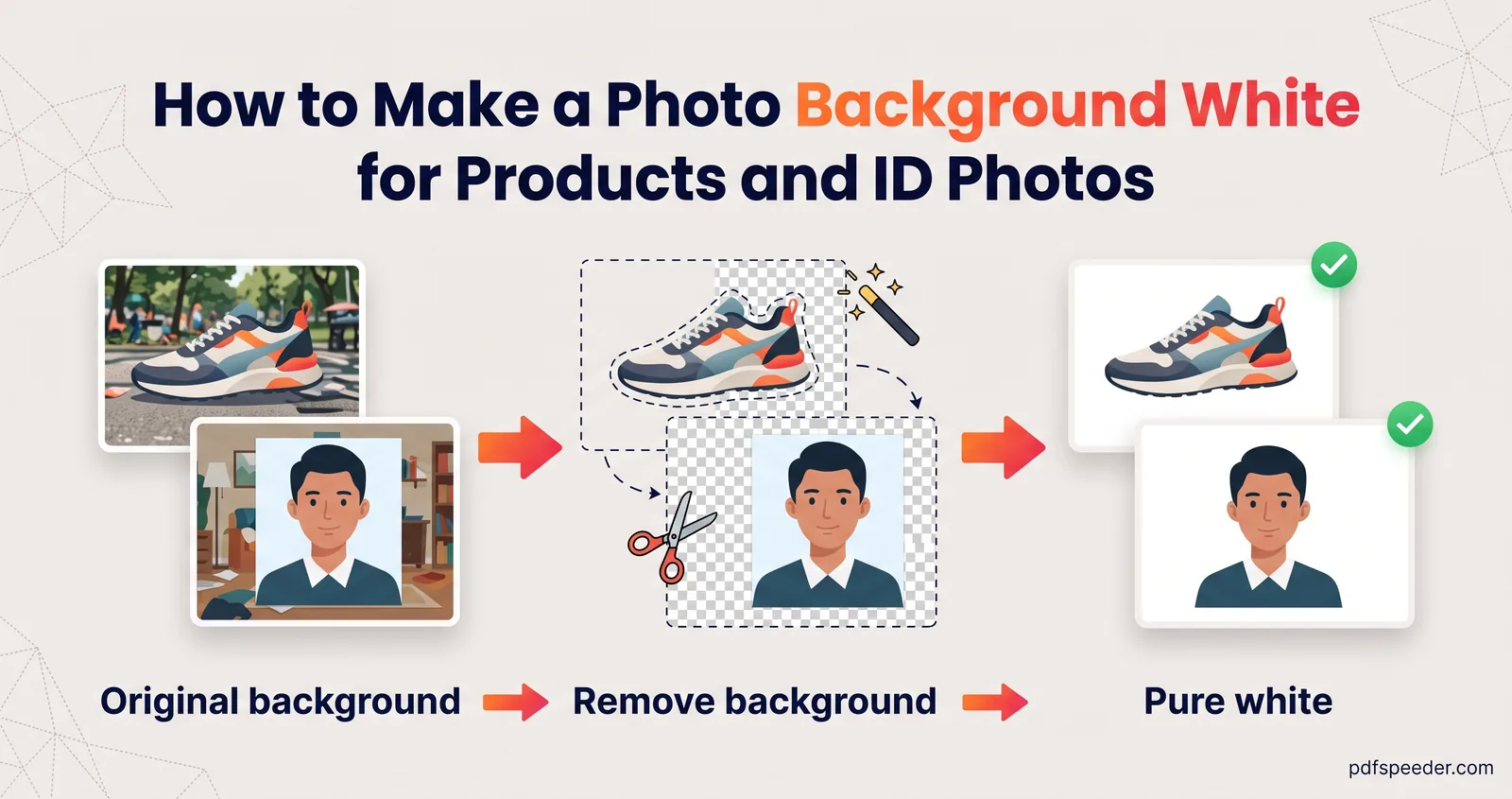
Background removal does have its uses, just not on passports. For an office ID card or a form that only asks for a light background, our Background Remover can replace a cluttered backdrop with white. It processes the photo on our server: the image is uploaded over an encrypted connection and deleted automatically within 2 hours, and each photo counts as one task in the free daily allowance (2 tasks a day without an account, 3 with a free account, reset at 00:00 UTC).
For more on the KB side of things, see our guide to reducing image size in KB.
Next step: check your country's official page from the table above, then crop your photo to the right shape and use a preset in the Image Resizer to get the exact pixels.
Frequently asked questions
What is the passport photo size in India?
For passport applications, Indian missions' ICAO guidelines ask for a colour digital photo of 630 × 810 pixels, with a white background and the face filling 80–85% of the frame. Exam and job forms set their own "passport size", such as IBPS's 200 × 230 pixels, so follow each form's instructions.
How many pixels is a 35 × 45 mm photo?
At 300 DPI it's 413 × 531 pixels, and at 600 DPI it's 827 × 1063 pixels. The Image Resizer's "Passport 35×45mm@300" preset gives the 300 DPI version.
How many pixels is a 2 × 2 inch photo?
At 300 DPI it's 600 × 600 pixels, and at 600 DPI it's 1200 × 1200 pixels. For a US digital submission, check the pixel and file-size limits on travel.state.gov.
Is passport size the same in cm everywhere?
No. A US photo is 5.1 × 5.1 cm (2 × 2 inches) while a UK one is 3.5 cm wide by 4.5 cm high, and digital uploads are specified in pixels rather than cm, so always check the country you're applying to.
Can I change the background of my passport photo with an app?
Not for authorities that require unaltered photos, which include India and the UK. Retake the photo against a plain wall in the required colour instead.