How to Resize Your Signature for Online Forms (10KB to 20KB)
Resize your signature for an online form: sign and photograph it properly, crop and whiten it, set the exact size, then get it into the 10 KB to 20 KB window.

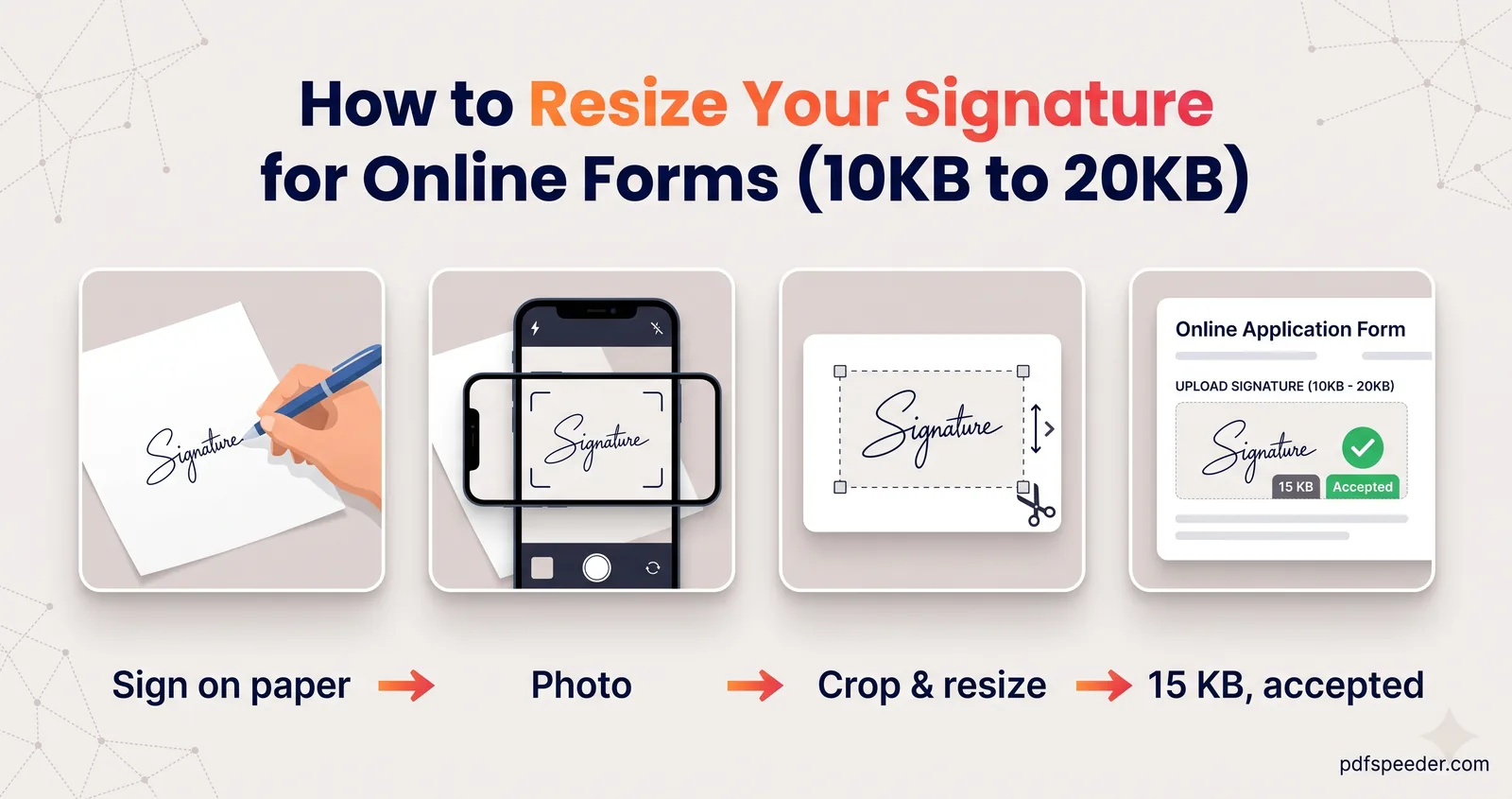
To resize a signature for an online form, sign in black ink on plain white paper, photograph it flat in good light, crop it tight, then resize it to the form's exact dimensions and compress it into the KB window, usually 10 KB to 20 KB. Most rejections come from the first steps, not the last: a grey background, a shadow or a signature too faint to read. The one surprise is that small signature files often come out too small, below the 10 KB minimum, and this guide shows how to fix that too.
On this page
What forms usually ask for
Every notification sets its own signature size for the online application, so check yours. Two current examples show the range:
| Example (2026) | Dimensions | File size | Other rules |
|---|---|---|---|
| SSC notices (CGL, CHSL, GD Constable, CAPF, Selection Post) | About 6.0 cm wide × 2.0 cm high (an annexure in the same notices says 4.0 × 2.0 cm) | 10 KB to 20 KB, JPEG | Blurred or miniature signatures are rejected |
| Recruitments run through IBPS | 140 × 60 pixels, marked "preferred" | 10 KB to 20 KB, JPG or JPEG | Black ink on white paper; not in capital letters; it must match how you sign at the exam |
Centimetres become pixels once you pick a resolution, and IBPS asks for scans of at least 200 DPI:
| Size | At 200 DPI | At 300 DPI | Shape (width : height) |
|---|---|---|---|
| 6.0 × 2.0 cm | 472 × 157 px | 709 × 236 px | 3 : 1 |
| 4.0 × 2.0 cm | 315 × 157 px | 472 × 236 px | 2 : 1 |
| 140 × 60 px (often written 140x60) | 1.8 × 0.8 cm | 1.2 × 0.5 cm | 7 : 3 |
The shape matters as much as the size. A signature cropped to the wrong shape gets either squashed or cut off when you force it into the box, so keep the target ratio in mind from the moment you crop.
Sign and photograph it the right way
A clean original saves you every fix later on:
- Use a black pen on plain white paper. A gel or felt-tip pen gives a solid, even line; a faint ballpoint scan looks grey and patchy. Unlined paper avoids stray lines in the picture.
- Sign as you normally do, a few times. Pick the clearest one. Don't sign in capital letters if your form forbids it, and don't invent a neater version: some recruiters compare it with the signature you give at the exam.
- Sign a little larger than the final size. A signature about 6 to 8 cm wide keeps its detail when it's shrunk.
- Photograph it flat in daylight. Put the paper by a window, hold the phone parallel to it so the signature isn't skewed, and keep your hand's shadow off the page. Turn the flash off; it causes glare.
If you have a scanner, that's even better for a scanned signature for an online form: IBPS's guidelines ask for at least 200 DPI in colour.
Crop tight and clean the background
Crop in your phone's photo editor so the signature fills the frame with only a thin white margin. Aim for roughly the form's shape: about three times as wide as it is high for 6 × 2 cm, or a little over twice as wide for 140 × 60.
Next, make the paper white. Raise the brightness or exposure until the background turns white, and add a touch of contrast so the ink stays dark. Stop before the thin strokes start to fade; an over-brightened signature is as likely to be rejected as a grey one.
If the paper still looks grey or blotchy, our Background Remover can make the signature background white: choose a white background and download a JPG. It's built for photos of people and objects, so zoom in afterwards and use the Restore brush on any fine strokes it took away. Unlike our other image tools, it runs on our server: the image is uploaded over an encrypted connection and deleted automatically within 2 hours, and each photo counts as one task in the free daily allowance (2 tasks a day without an account, 3 with a free account, reset at 00:00 UTC).
Resize the signature to the online form's dimensions
Open the Image Resizer; it works in your browser, so nothing is uploaded.
- Add your cropped signature and choose Exact size.
- Type the width and height, for example 472 × 157 for 6 × 2 cm at 200 DPI, or 140 × 60.
- Under If the aspect ratio differs, choose Fit with padding and leave the padding colour white. This adds a white margin instead of cutting off the end of your signature, which is what Crop to fill might do.
- Set the format to JPG. If the form asks for a particular DPI, type it in Print DPI.
- Select Resize and download it.
Compress into the KB range
Because a signature is mostly blank paper, it compresses extremely well, and that cuts both ways. In the Image Compressor, switch to Target size, type 20 KB and choose JPG as the output format. The compressor counts 1 KB as 1,000 bytes, so the file stays under the cap whichever way the portal counts.
Now check that the result is at least 10 KB. Here's roughly what a signature weighs as a JPEG at quality 95, the highest the compressor's target mode uses; bold or elaborate signatures sit at the top of each range:
| Signature dimensions | Approximate file size |
|---|---|
| 140 × 60 px | 2.5 to 4 KB |
| 315 × 157 px (4 × 2 cm at 200 DPI) | 7.5 to 15.5 KB |
| 350 × 150 px | 8 to 16 KB |
| 472 × 157 px (6 × 2 cm at 200 DPI) | 10 to 22 KB |
So a 6 × 2 cm signature at 200 DPI usually lands in the 10 KB to 20 KB window on its own. A 140 × 60 one usually can't reach 10 KB at any quality, because 8,400 pixels of mostly white paper simply don't hold that much data. If your form rejects a file below 10 KB, use larger dimensions with the same 7 : 3 shape, such as 350 × 150 or 420 × 180 pixels, since IBPS lists 140 × 60 as preferred rather than fixed, and try the upload again. Never pad the file with noise or a grey tint; that's the kind of signature that gets rejected.
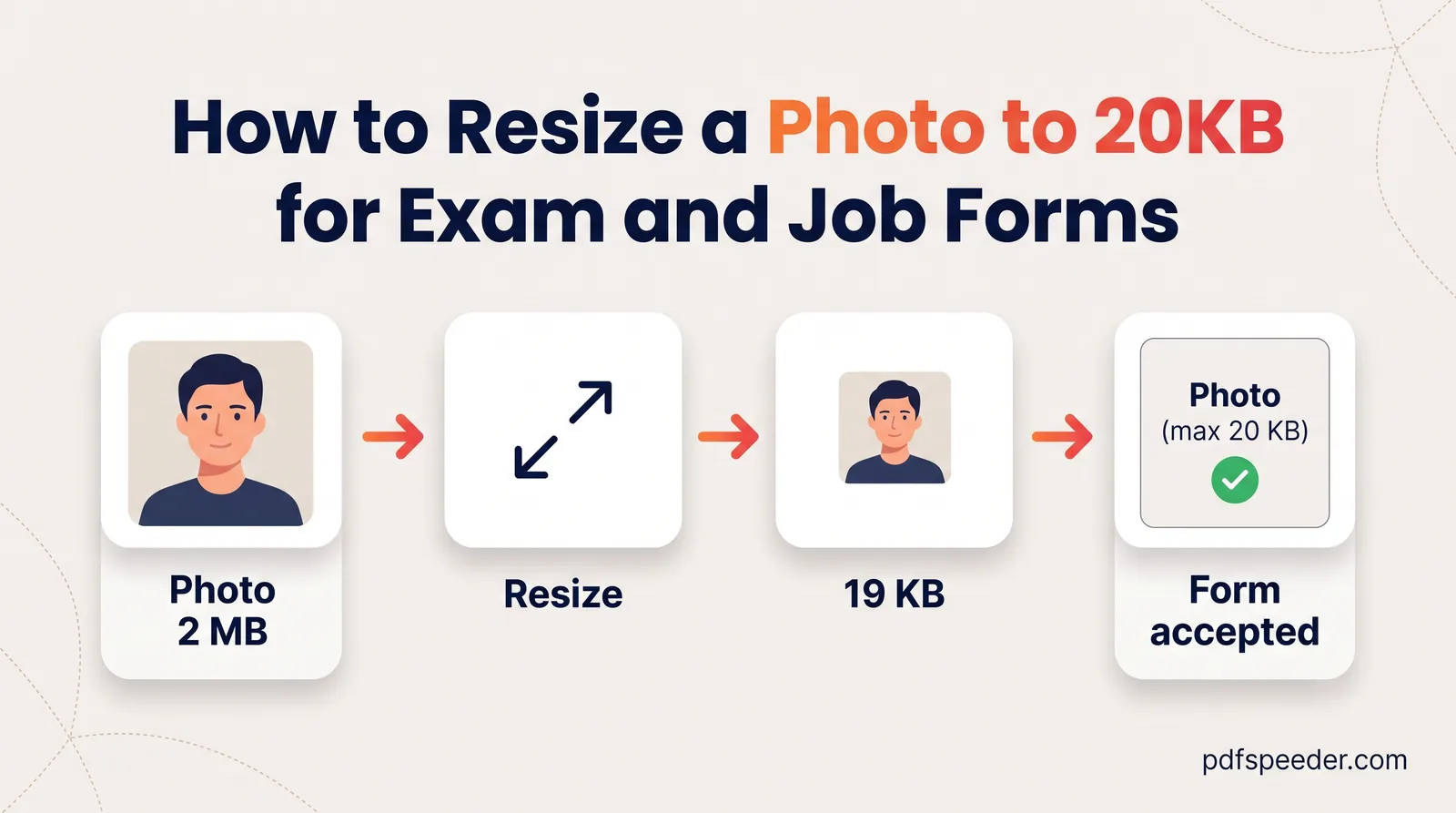
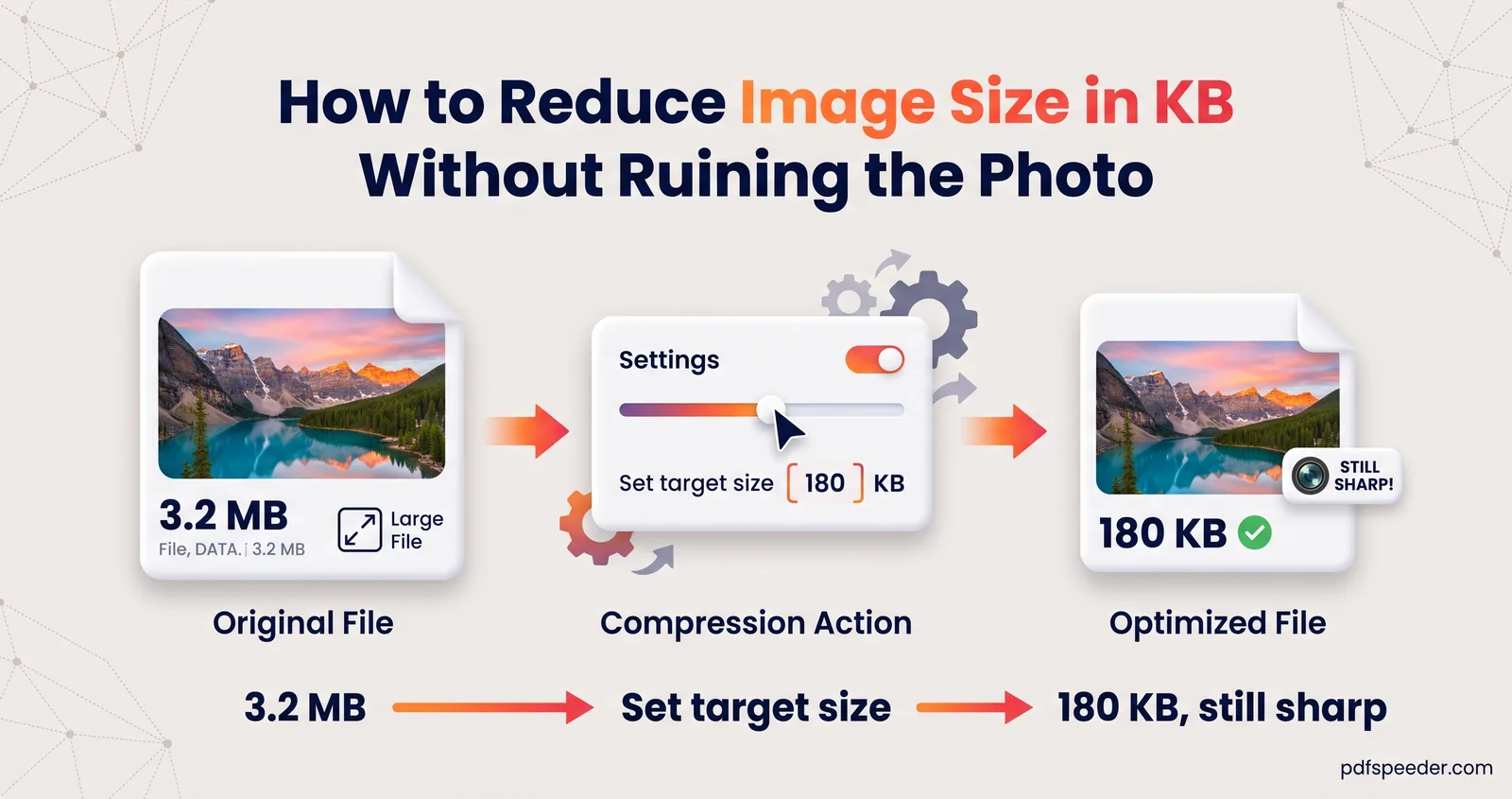
For the photo that usually goes with it, see our guide to resizing a photo to 20 KB. For the theory behind all of this, read how to reduce image size in KB.
Reuse it to sign PDFs
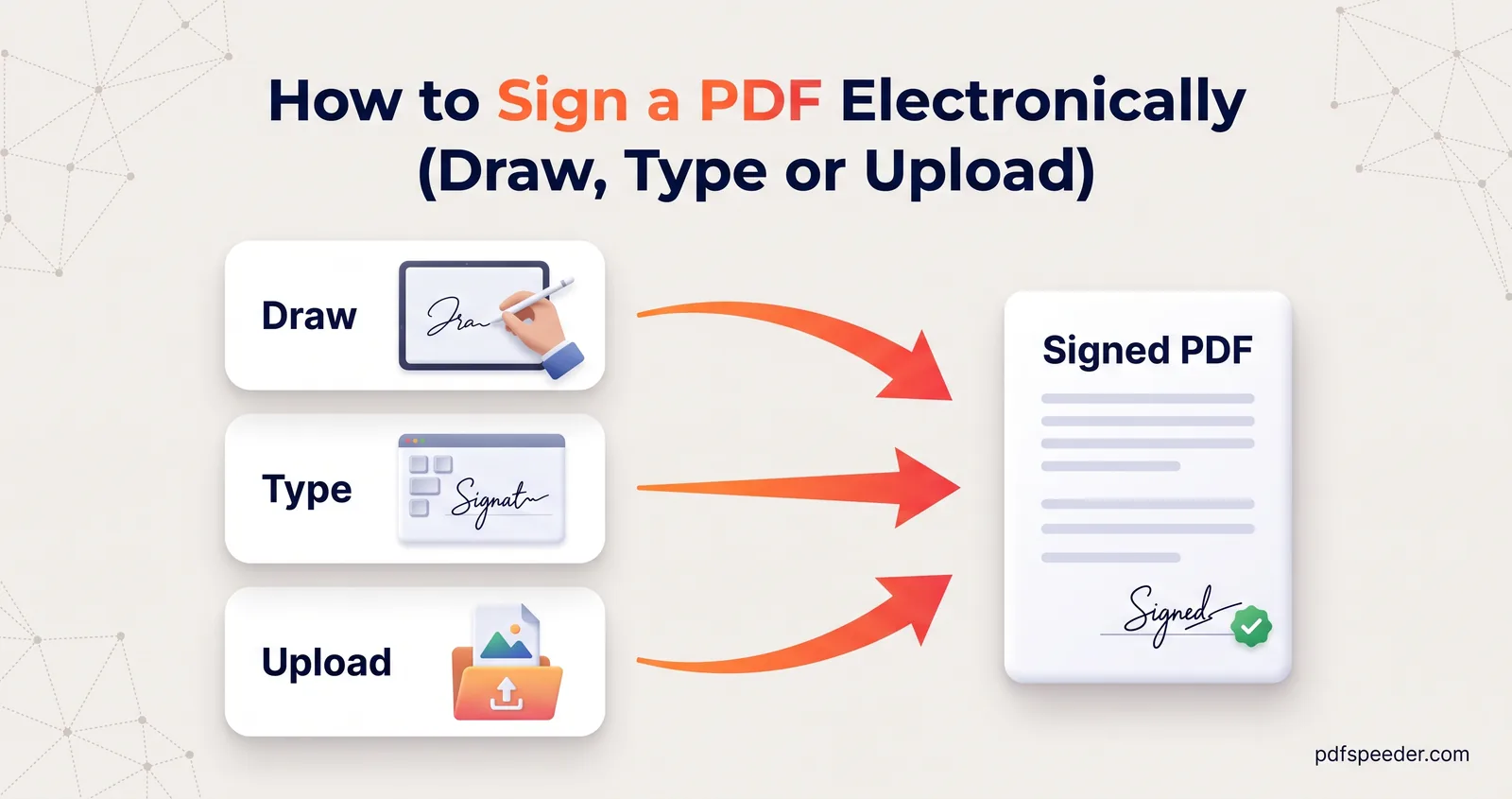
Keep the cleaned-up signature: it's handy for signing documents too. In our Sign PDF tool, the Upload tab takes a PNG or JPG of your signature and removes the white background automatically, so it sits naturally on the page. You can also tick the option to save the signature on your device for next time.
Sign PDF works in your browser, so the PDF isn't uploaded, and each signed document counts as one task in the free daily allowance. Our guide on how to sign a PDF covers placing it, adding the date and signing on a phone.
Next step: photograph your signature by a window, crop it, then resize it in the Image Resizer at 472 × 157 or whatever your notification asks for, and check the final KB before you upload.
Frequently asked questions
What is the standard signature size for an online form?
There isn't one standard. SSC's 2026 notices ask for about 6.0 × 2.0 cm and 10 KB to 20 KB, while IBPS-run recruitments prefer 140 × 60 pixels at 10 KB to 20 KB, so follow your own notification.
How do I get my signature between 10KB and 20KB?
Resize it to the form's dimensions, then compress it with a 20 KB target. If it comes out under 10 KB, the image has too few pixels: use larger dimensions with the same shape, if your form allows it.
Why is my signature file smaller than 10KB?
A signature is mostly white space, which compresses to almost nothing. At 140 × 60 pixels a JPEG of a signature is typically only 2.5 to 4 KB, even at the highest quality.
How do I make my signature background white?
Photograph it on white paper in daylight, then raise the brightness and contrast in your phone's editor. If the paper still looks grey, the Background Remover can replace it with pure white; check the fine strokes afterwards.
Can I use a typed or drawn signature on an exam form?
Exam forms expect a scan or photo of the signature you sign on paper, and some compare it with the one you sign at the exam. Typed and drawn signatures are fine for signing ordinary PDFs in Sign PDF.