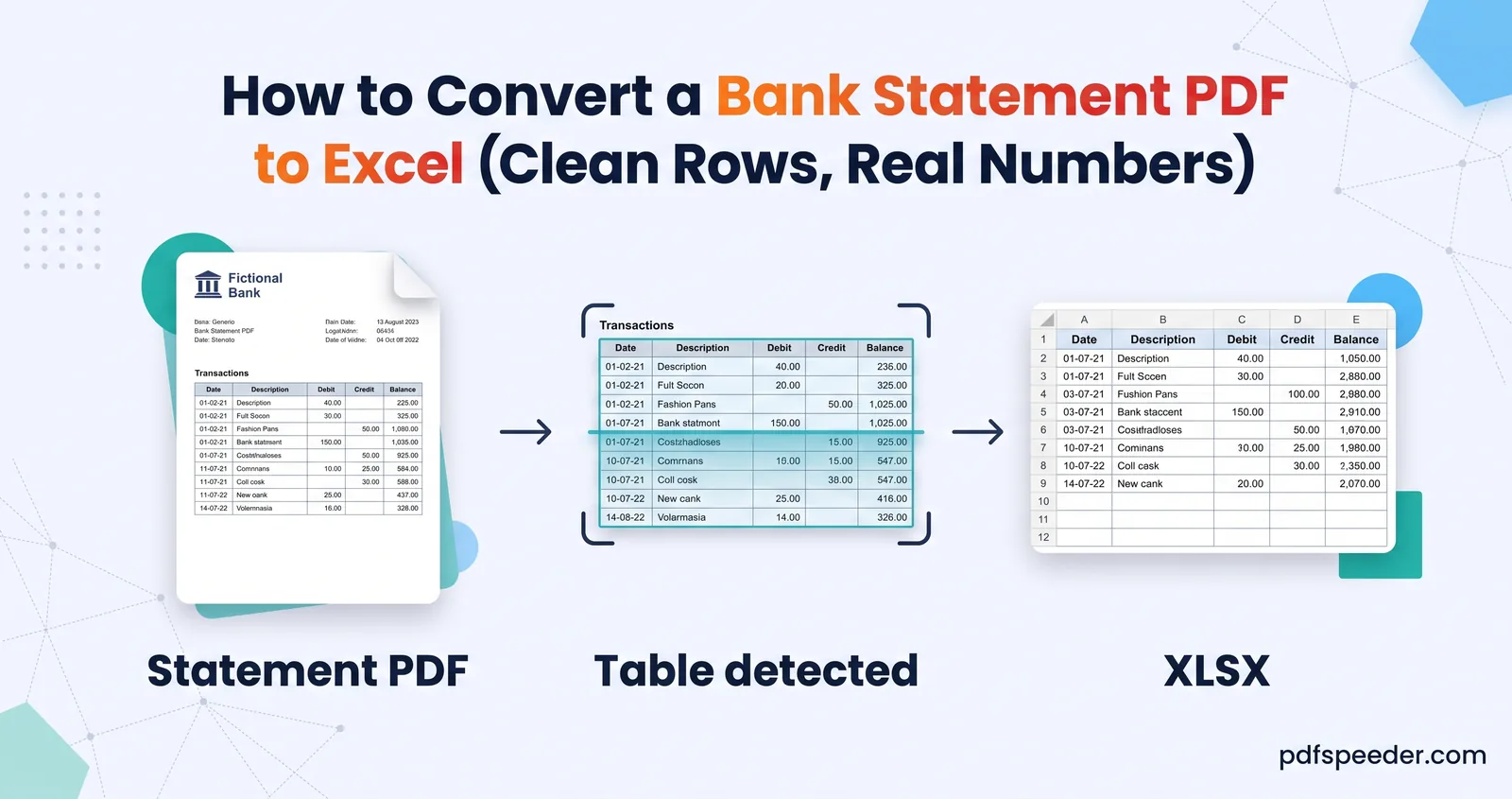
How to Convert a Bank Statement PDF to Excel (Clean Rows, Real Numbers)
Convert a bank statement PDF to Excel with one row per transaction and amounts you can add up, then prove nothing went missing with a balance check.
Convert to & from PDF · 17 guides
Guides for moving documents between formats without wrecking the layout: Word, Excel and PowerPoint to PDF and back, images to PDF, web pages, Markdown and eBooks. You'll learn which conversions keep text editable, which turn pages into pictures, and how to check the result before you send it.
Convert a bank statement PDF to Excel with one row per transaction and amounts you can add up, then prove nothing went missing with a balance check.
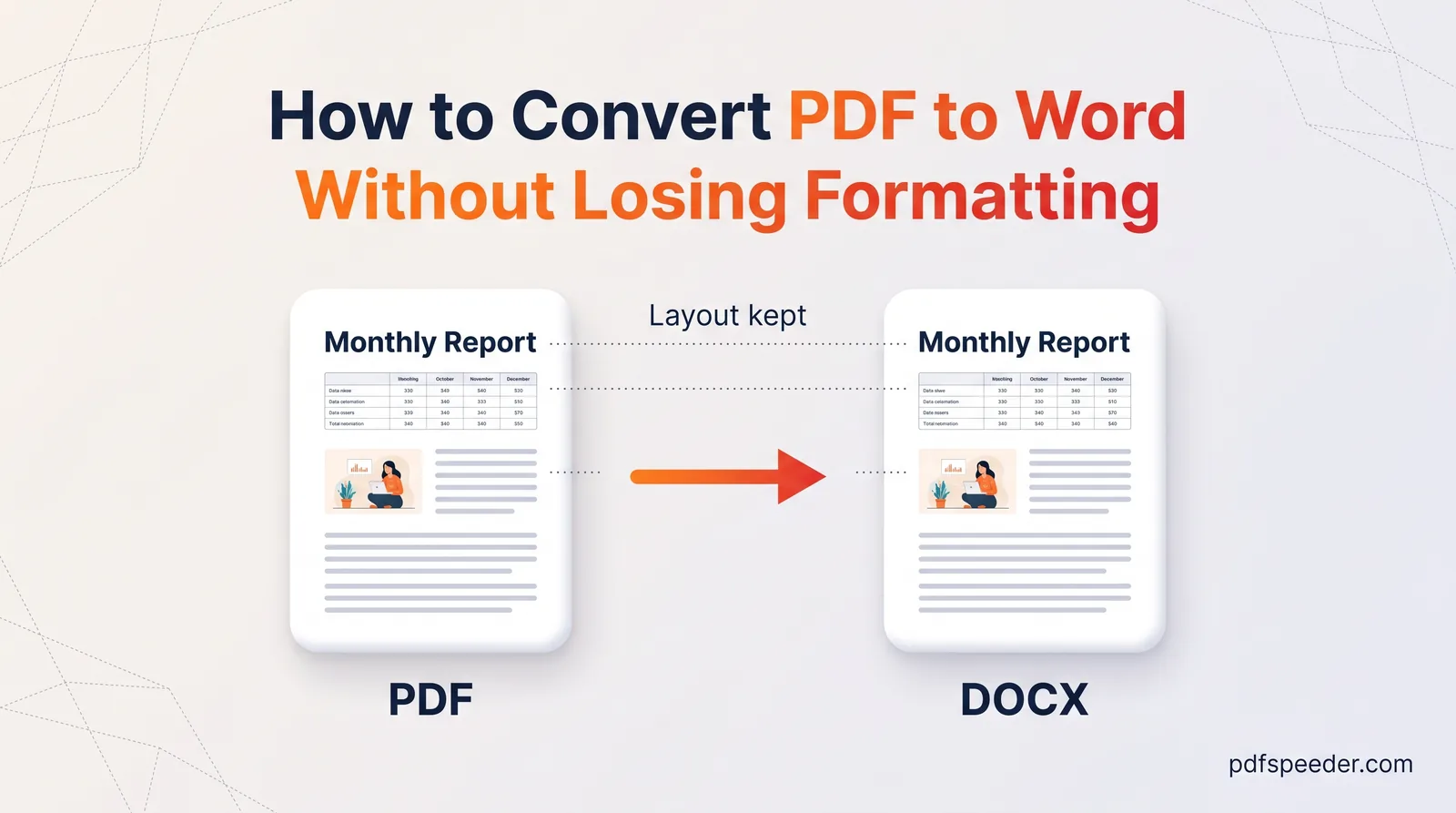
Convert PDF to Word without losing formatting: see what converts cleanly, which OCR setting suits a scan, and the quick fixes for anything left over.
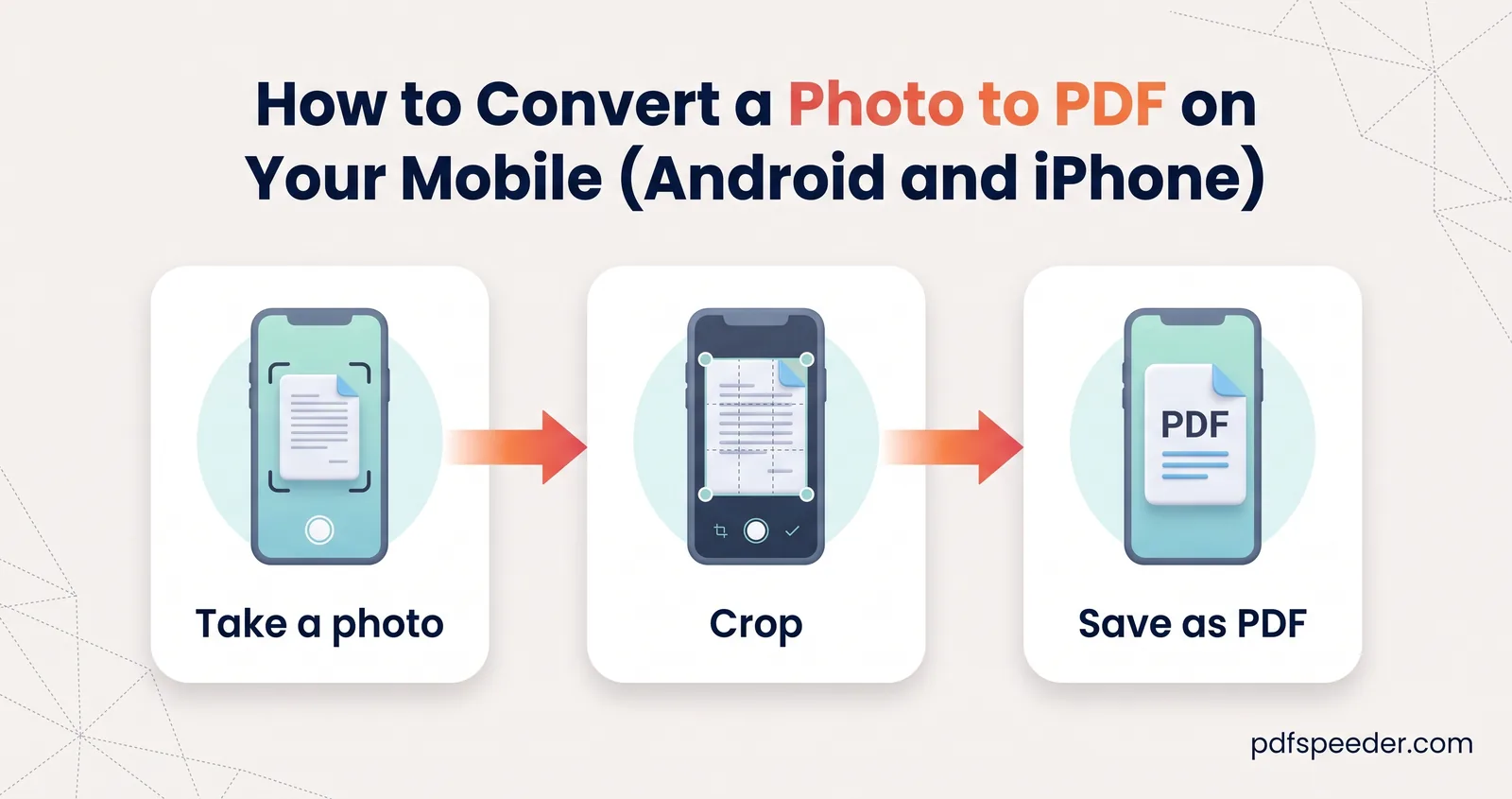
Convert a photo to PDF on your mobile without an app: the iPhone and Android built-in options, combining several photos in order, and keeping it small.
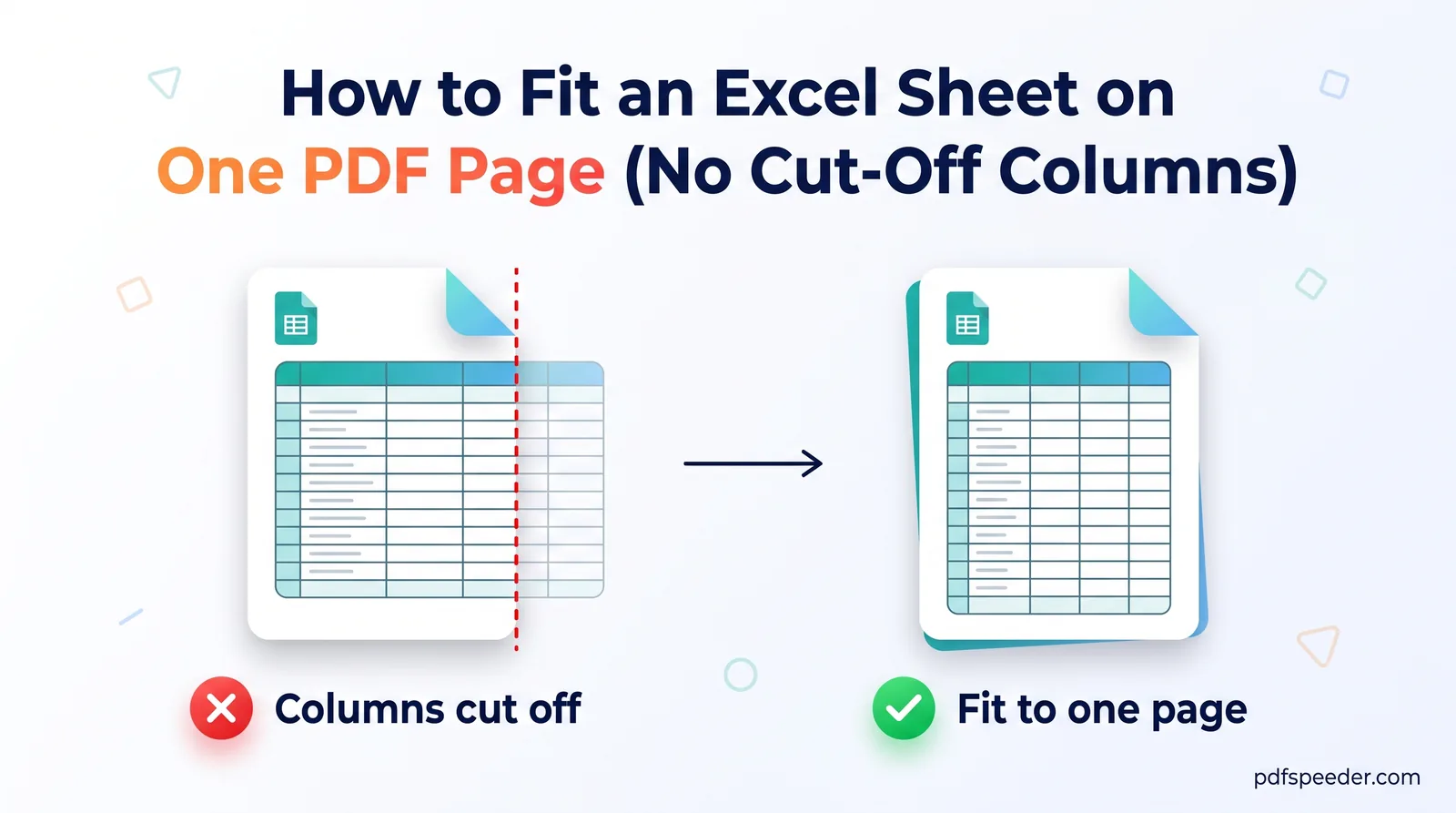
Excel to PDF cutting off columns? Fit the sheet to one page wide or one whole page, keep the text readable, and repeat the header row on every PDF page.
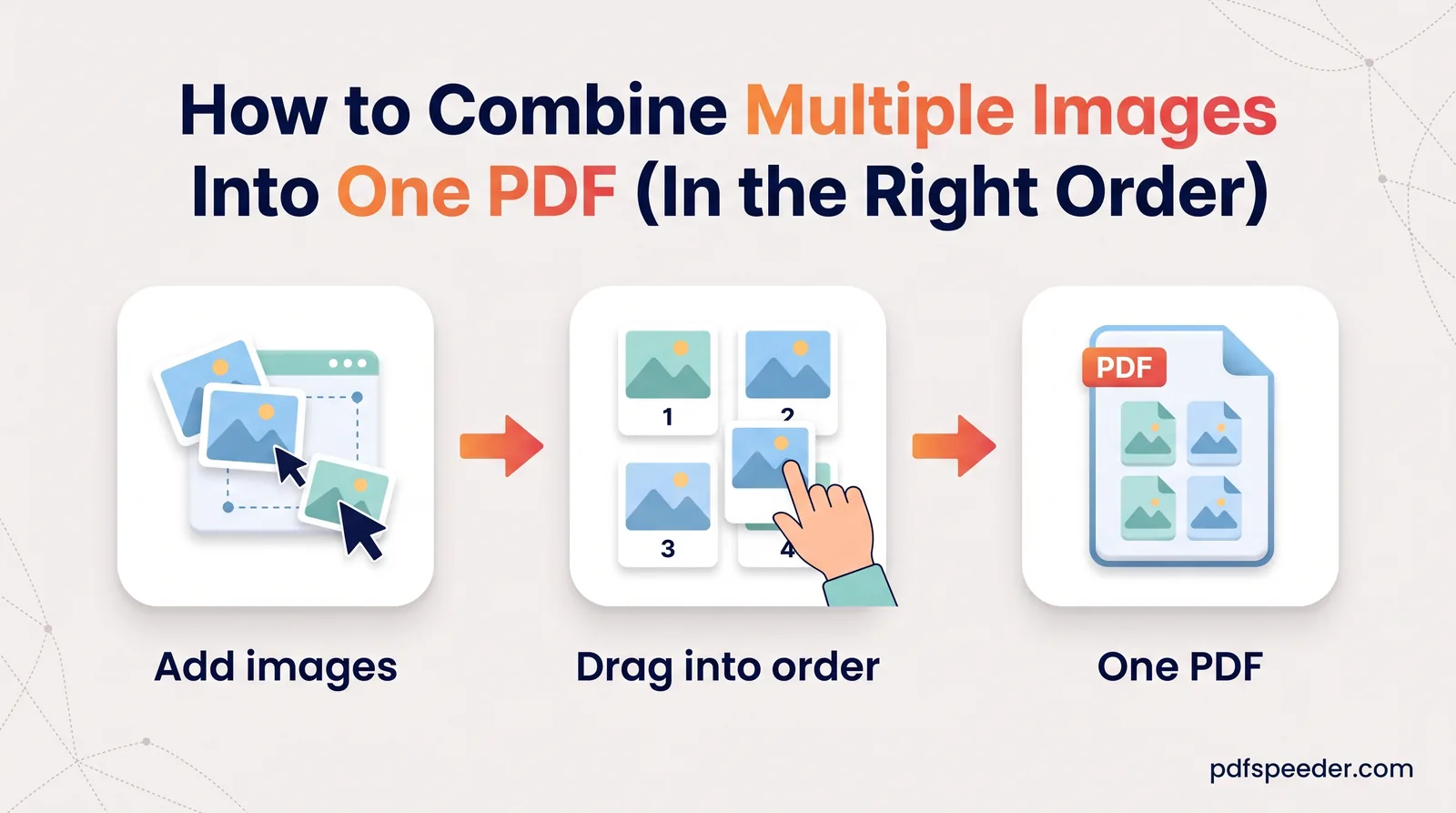
Combine multiple images into one PDF in the right order: choose page size and margins, fit receipts several to a page, fix sideways photos, and keep it small.
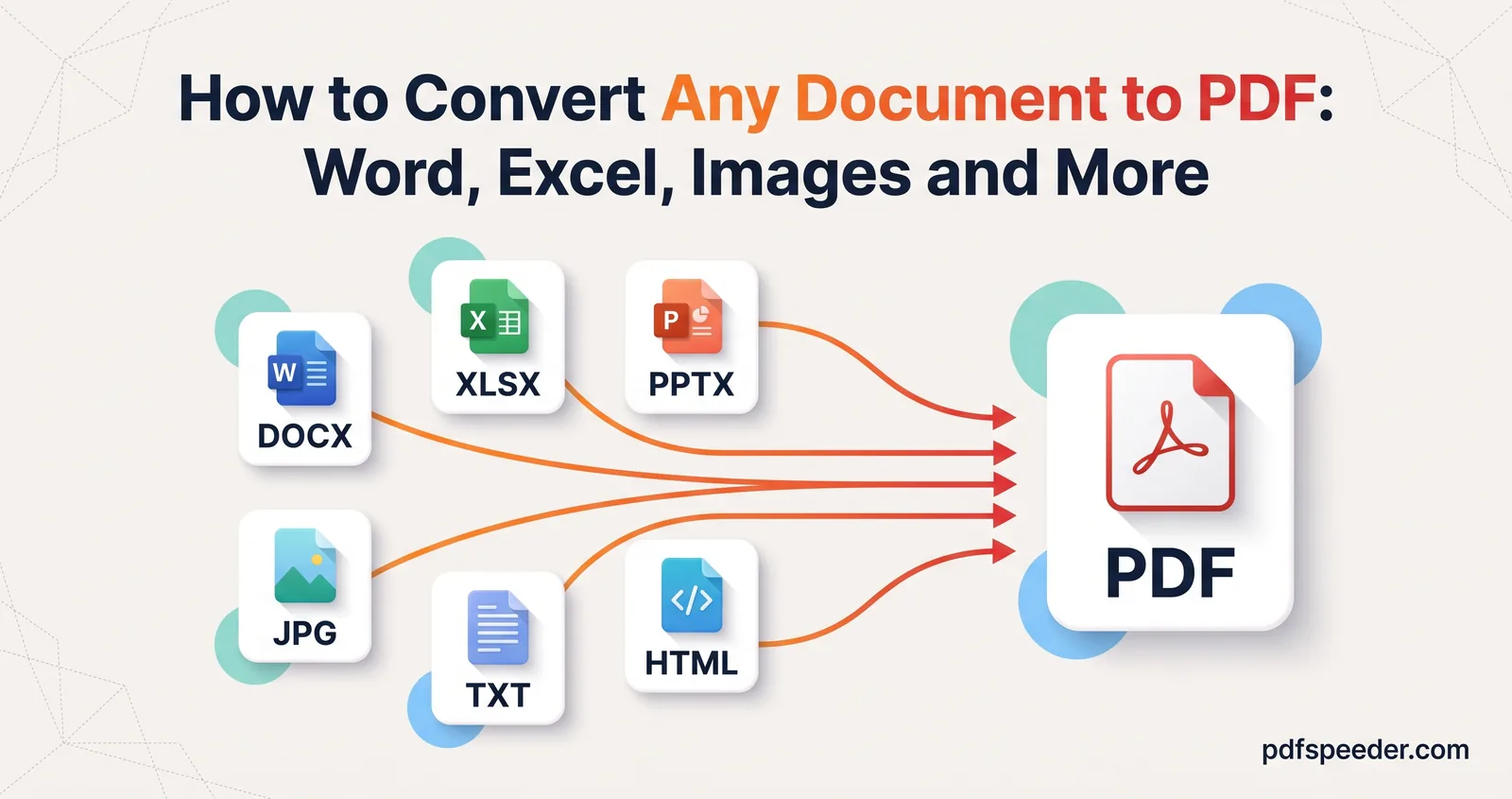
How to convert a document to PDF, built-in or online: Word, Excel, PowerPoint, photos, web pages, eBooks and notebooks, and what to check before you send.
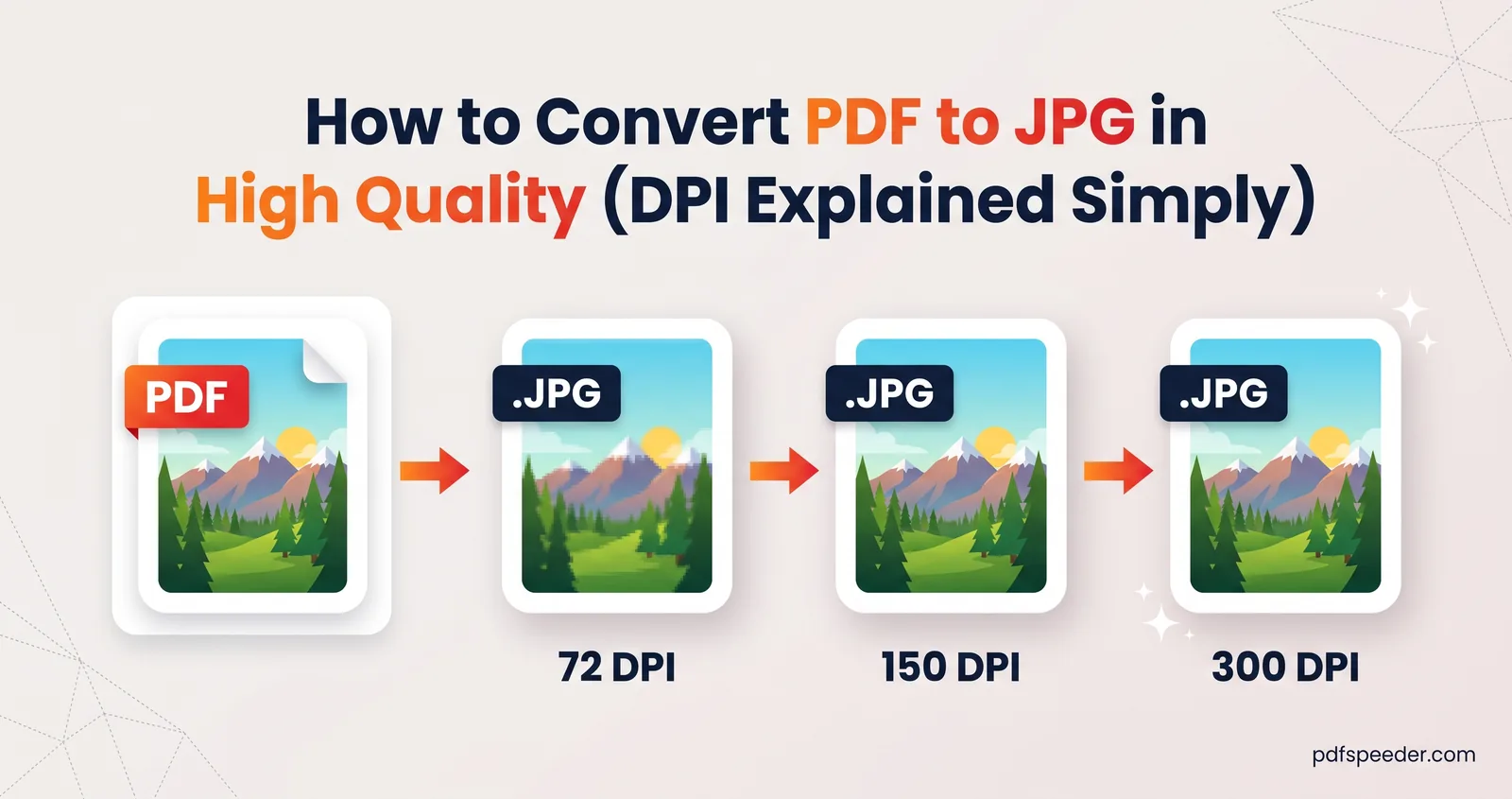
Convert PDF to JPG in high quality: pixel sizes for A4 and Letter at each DPI, the best setting for phones, portals, slides and print, and when PNG wins.
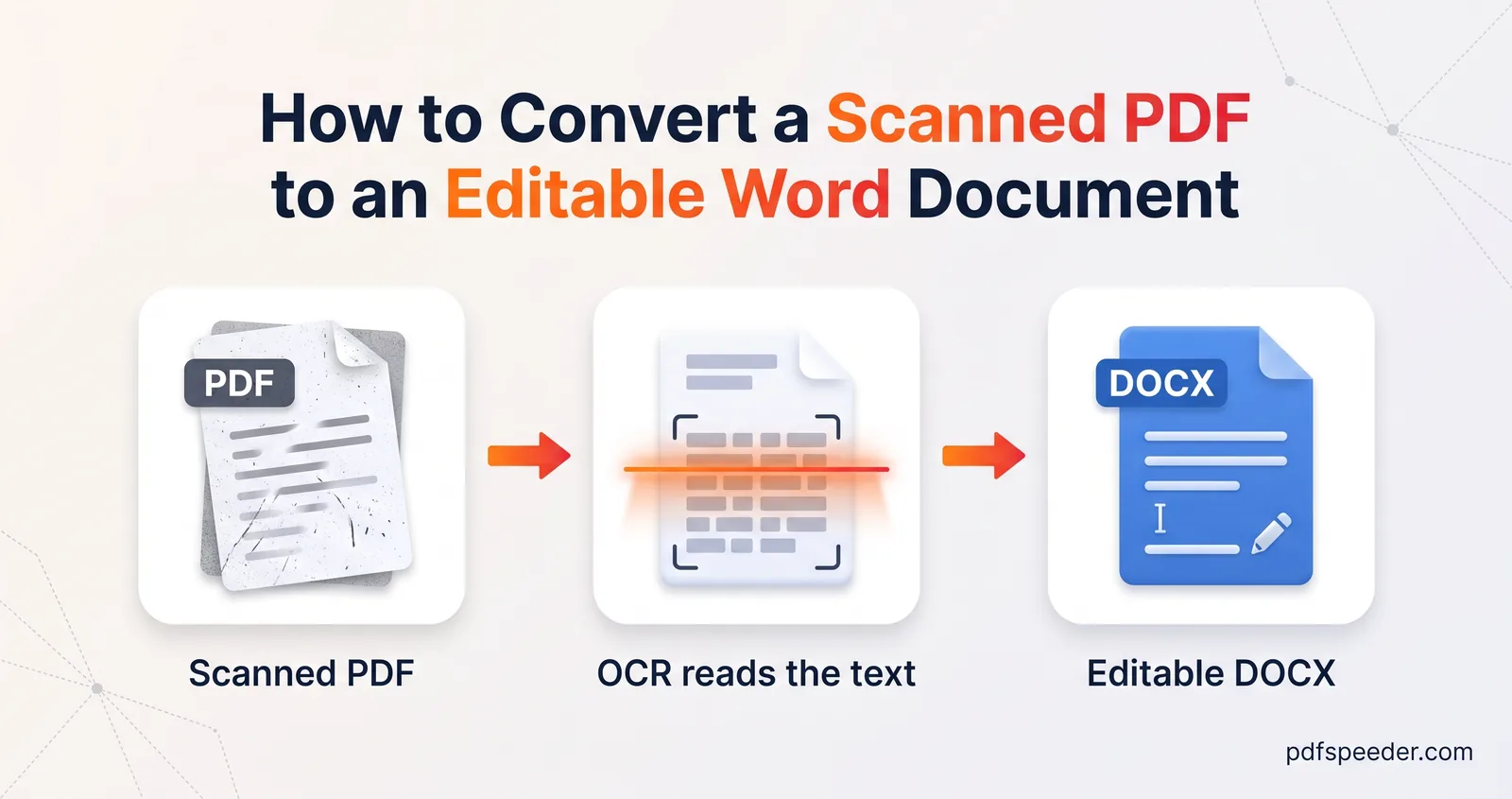
Convert a scanned PDF to Word you can edit: spot a scan in seconds, prep the pages so OCR reads them cleanly, pick Auto or Always OCR, and proofread fast.
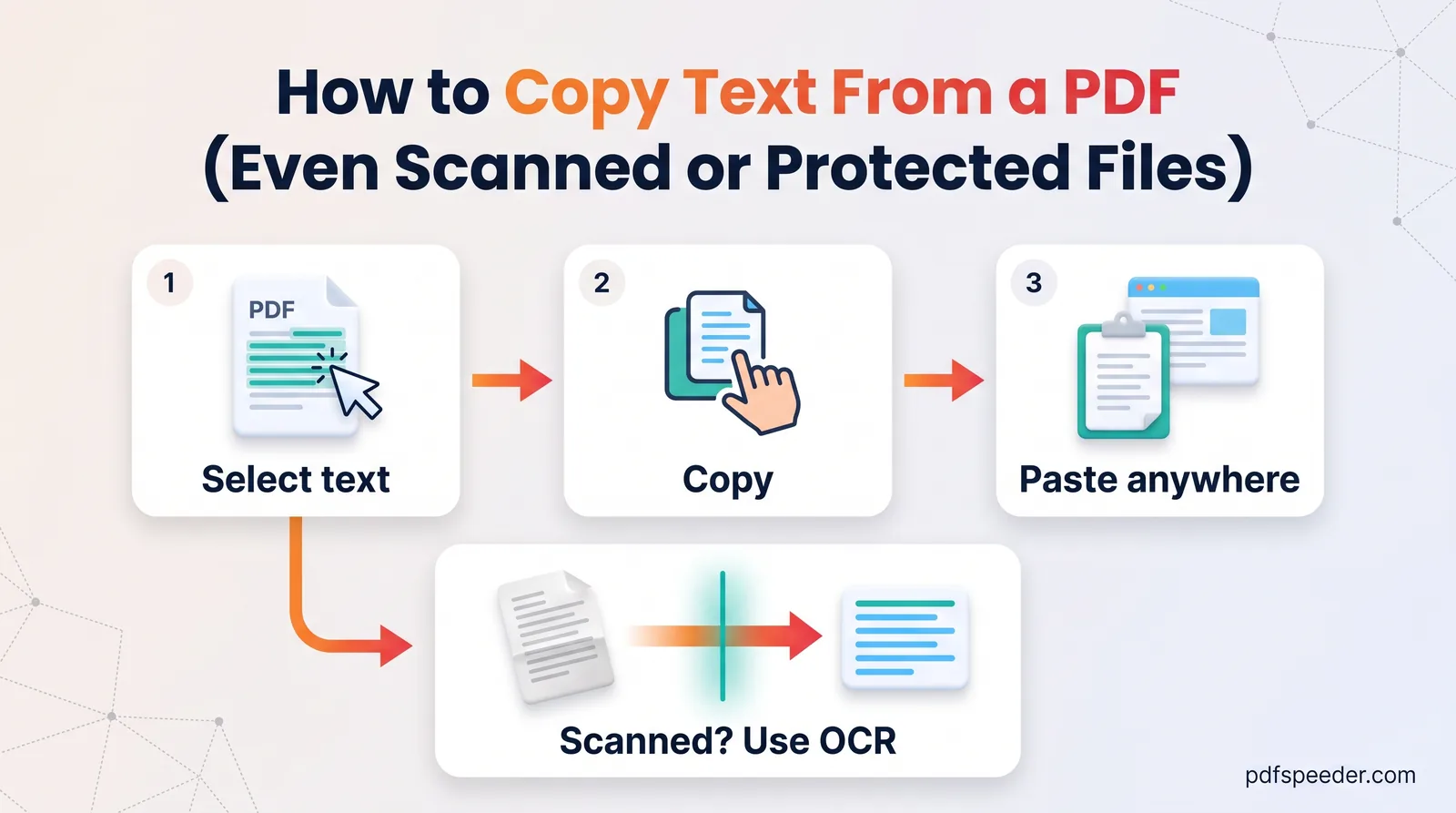
How to copy text from a PDF: stop broken line breaks, extract whole documents in reading order, copy from scans with OCR, and handle blocked copying.
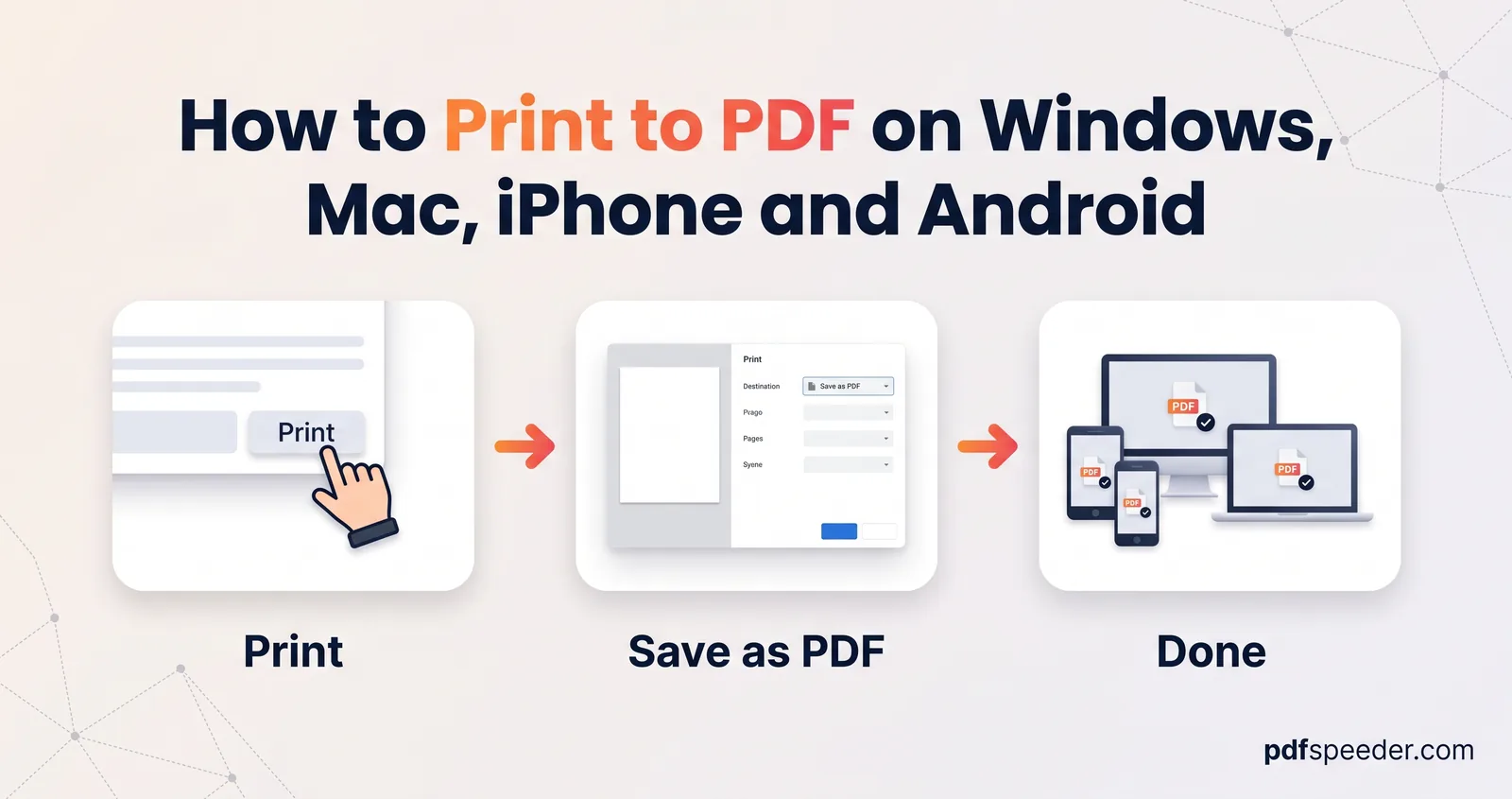
How to print to PDF on Windows, Mac, iPhone and Android, plus fixes for a missing Microsoft Print to PDF, cut-off pages, wrong paper size and dead links.
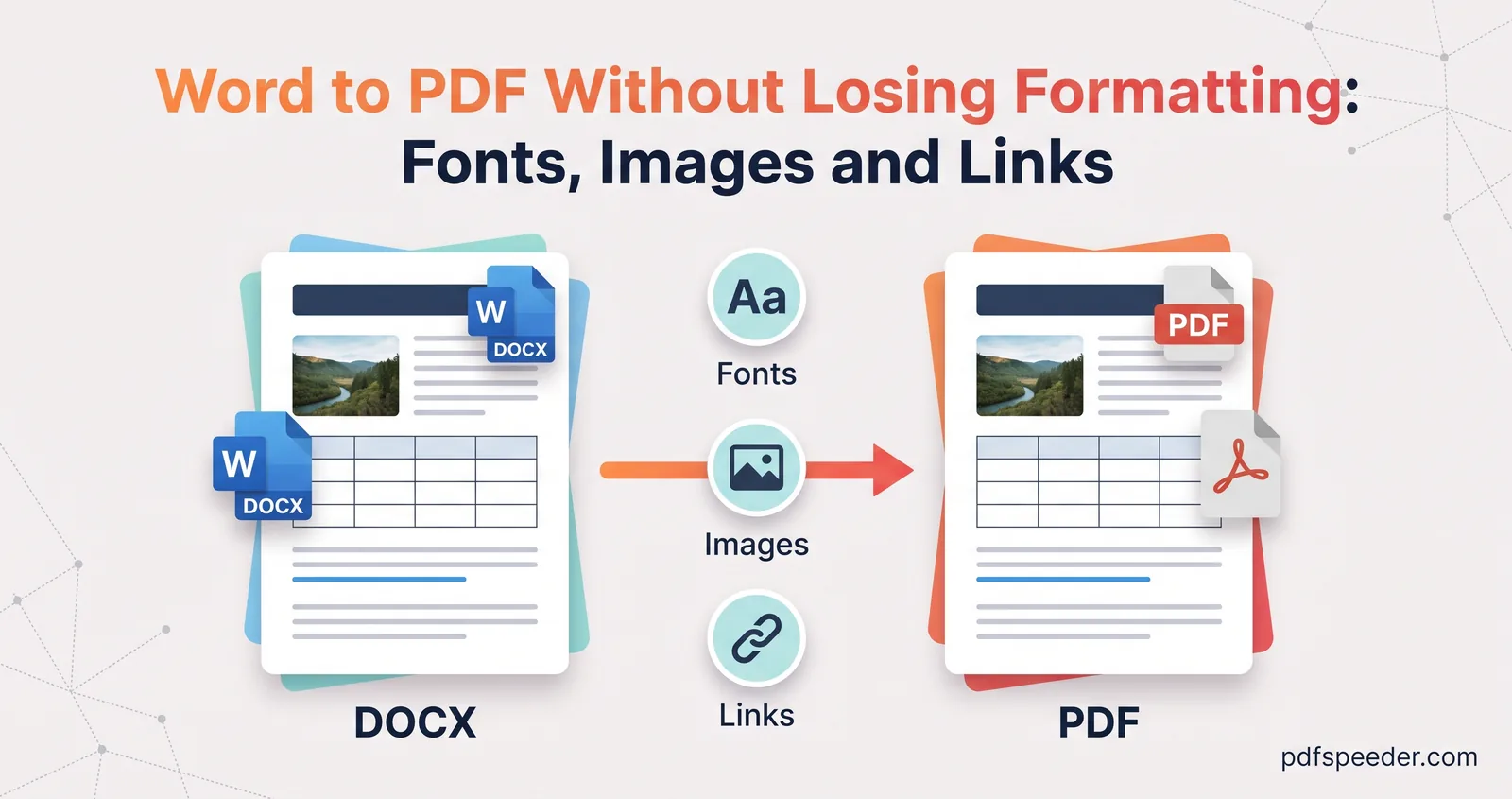
Word to PDF without losing formatting: why fonts swap, images blur and links stop working, the fix for each one, and a quick check before you send the PDF.
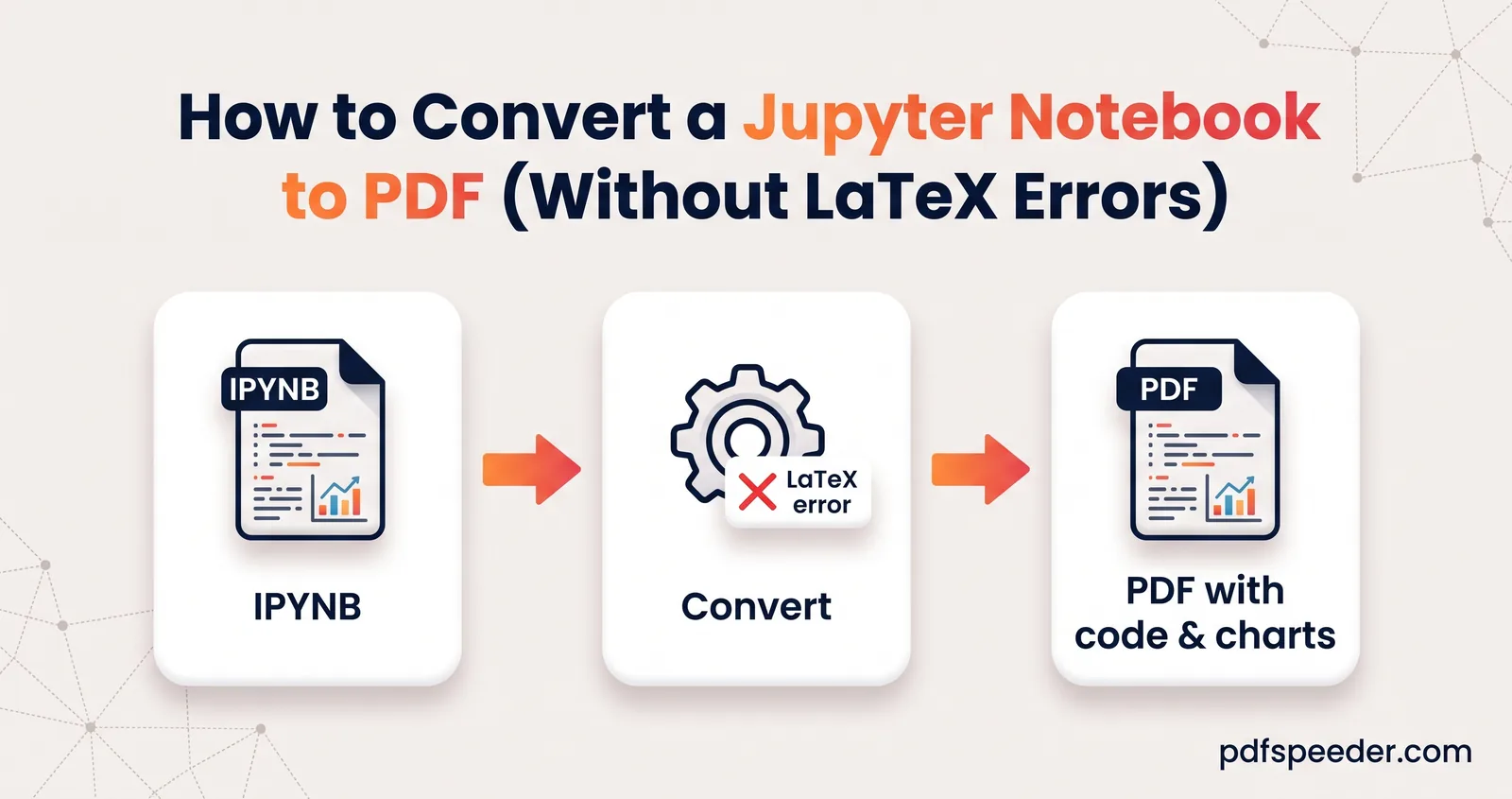
Jupyter's PDF export failing with xelatex or pandoc errors? Convert your notebook to PDF via HTML, nbconvert's webpdf or online, with code hidden or shown.
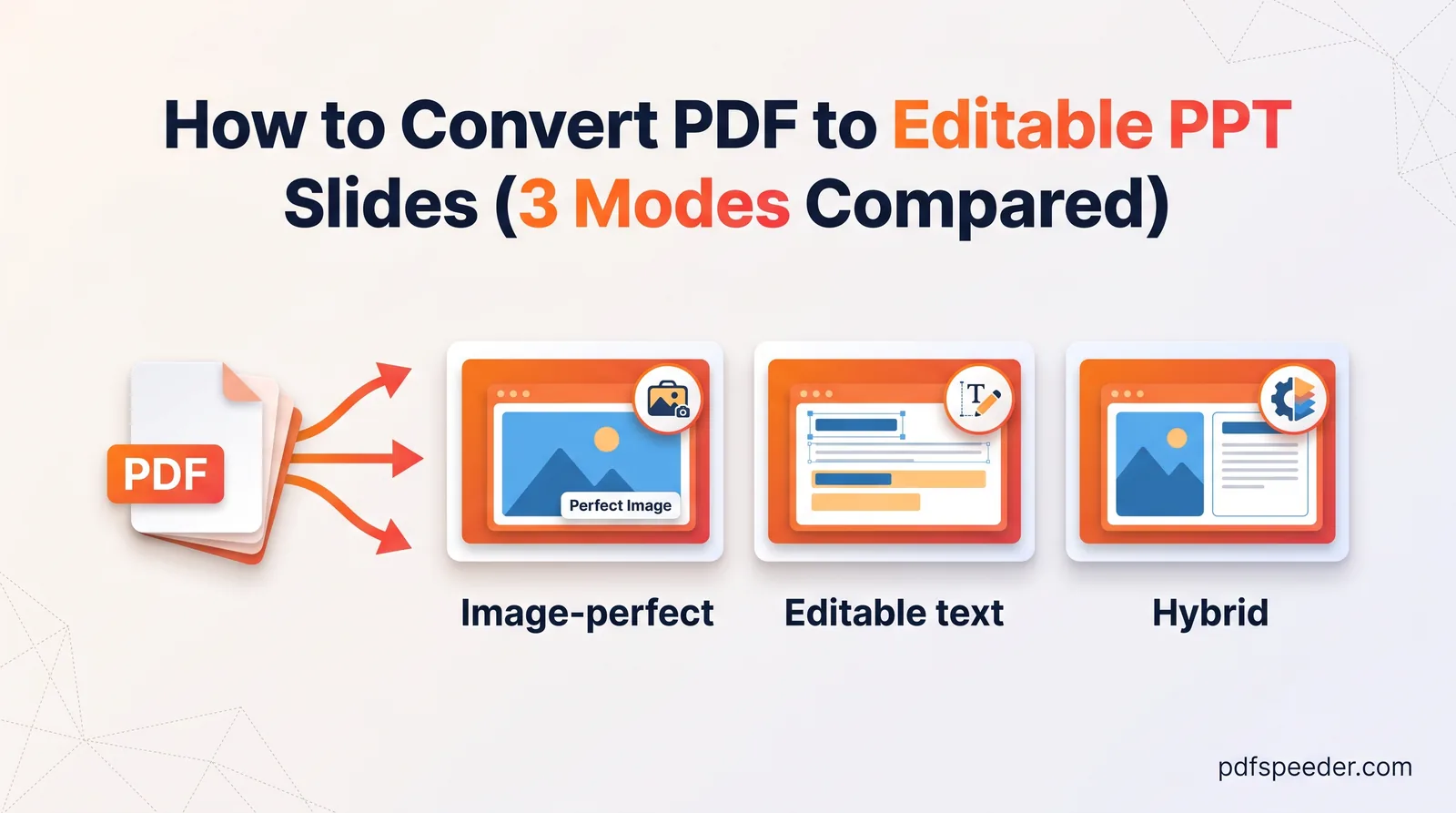
Convert a PDF to editable PPT slides: compare image-perfect, editable text and hybrid modes, use OCR for scanned slides, and clean up the result.
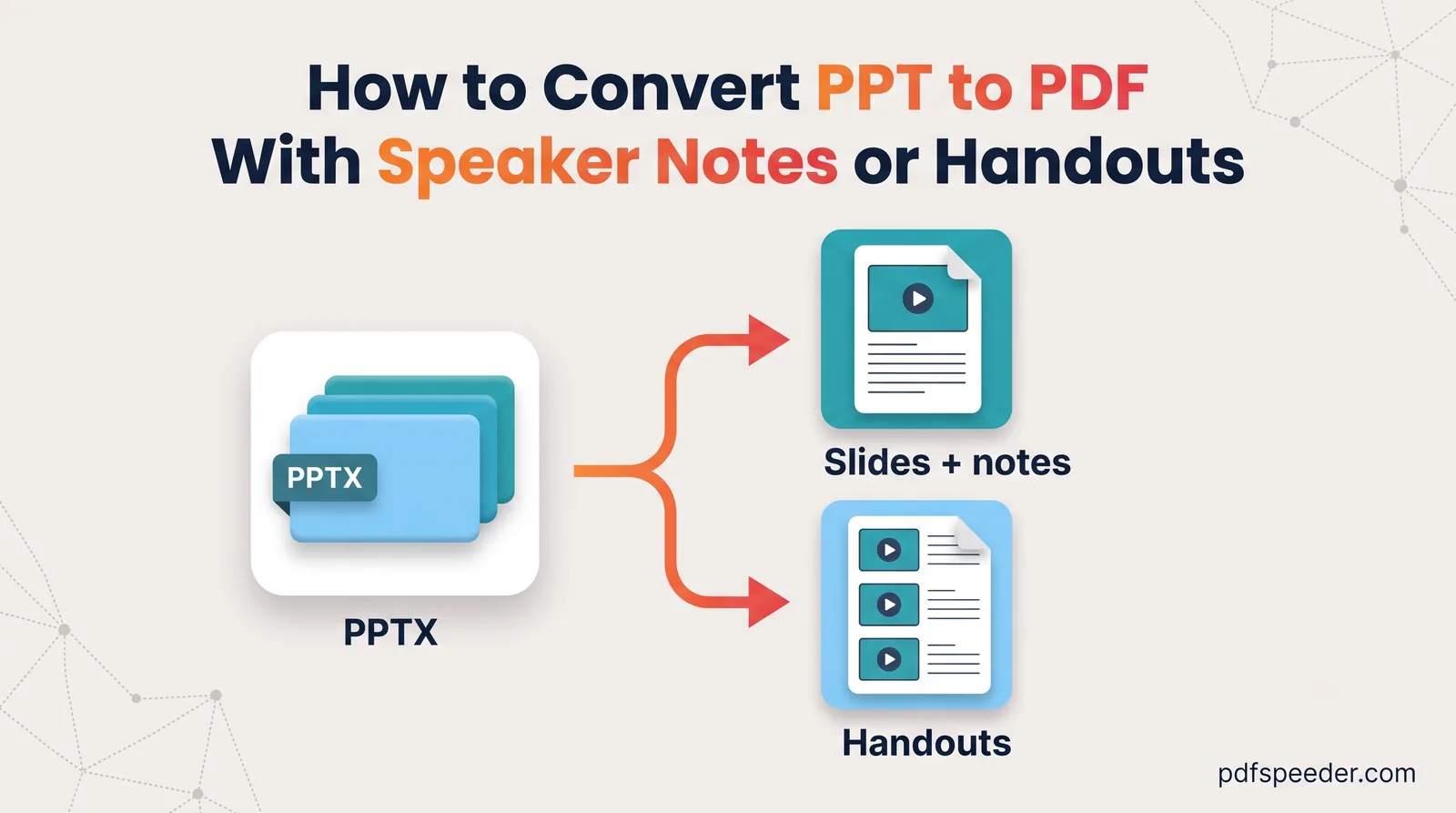
Convert PPT to PDF with notes in PowerPoint, PowerPoint for the web or Google Slides, pick the right handout layout, and see what happens to hidden slides.
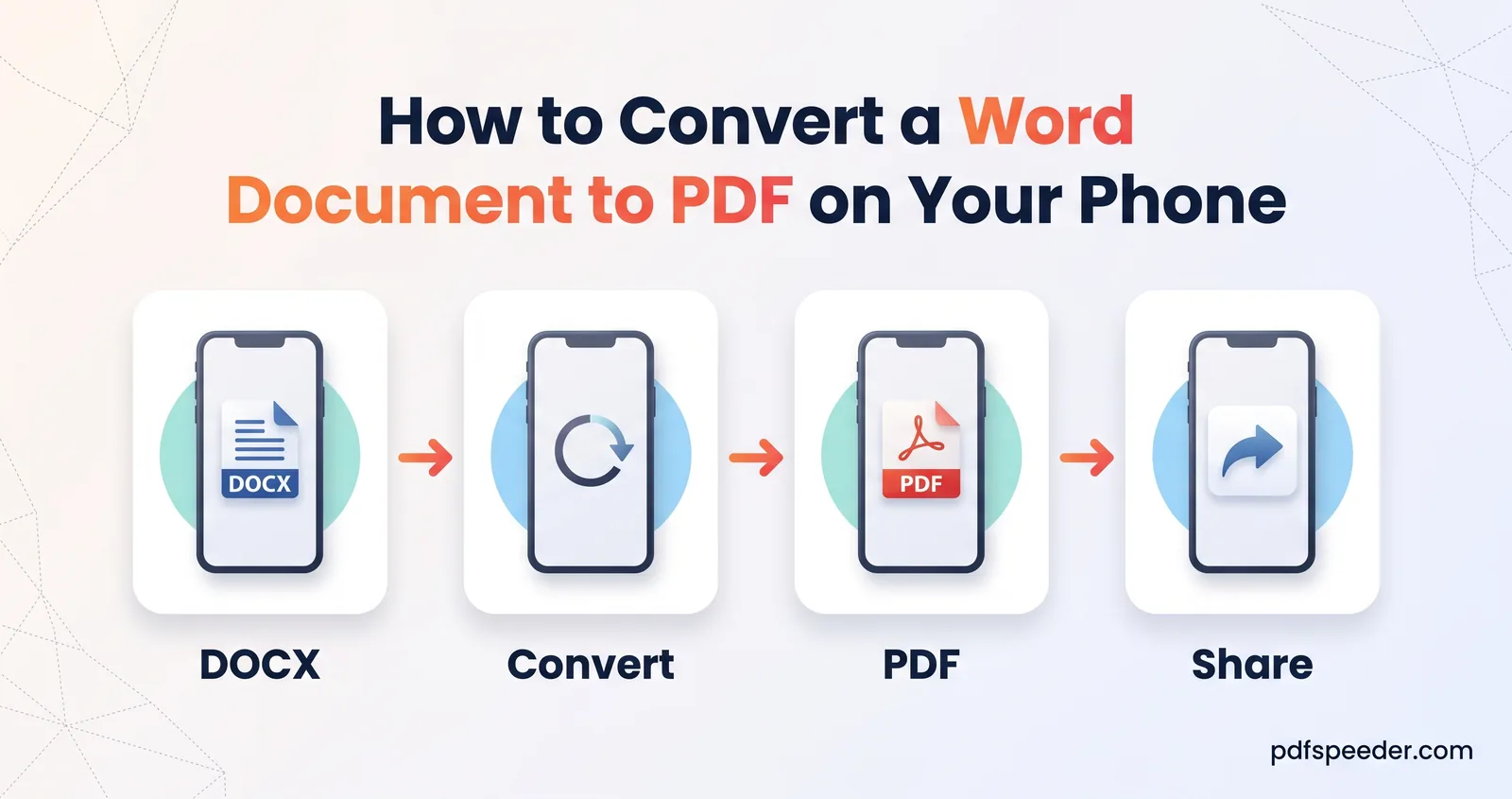
Convert Word to PDF on your phone with the Word app, Google Docs, Apple's Pages or a browser converter, and fix the font swaps that move your line breaks.
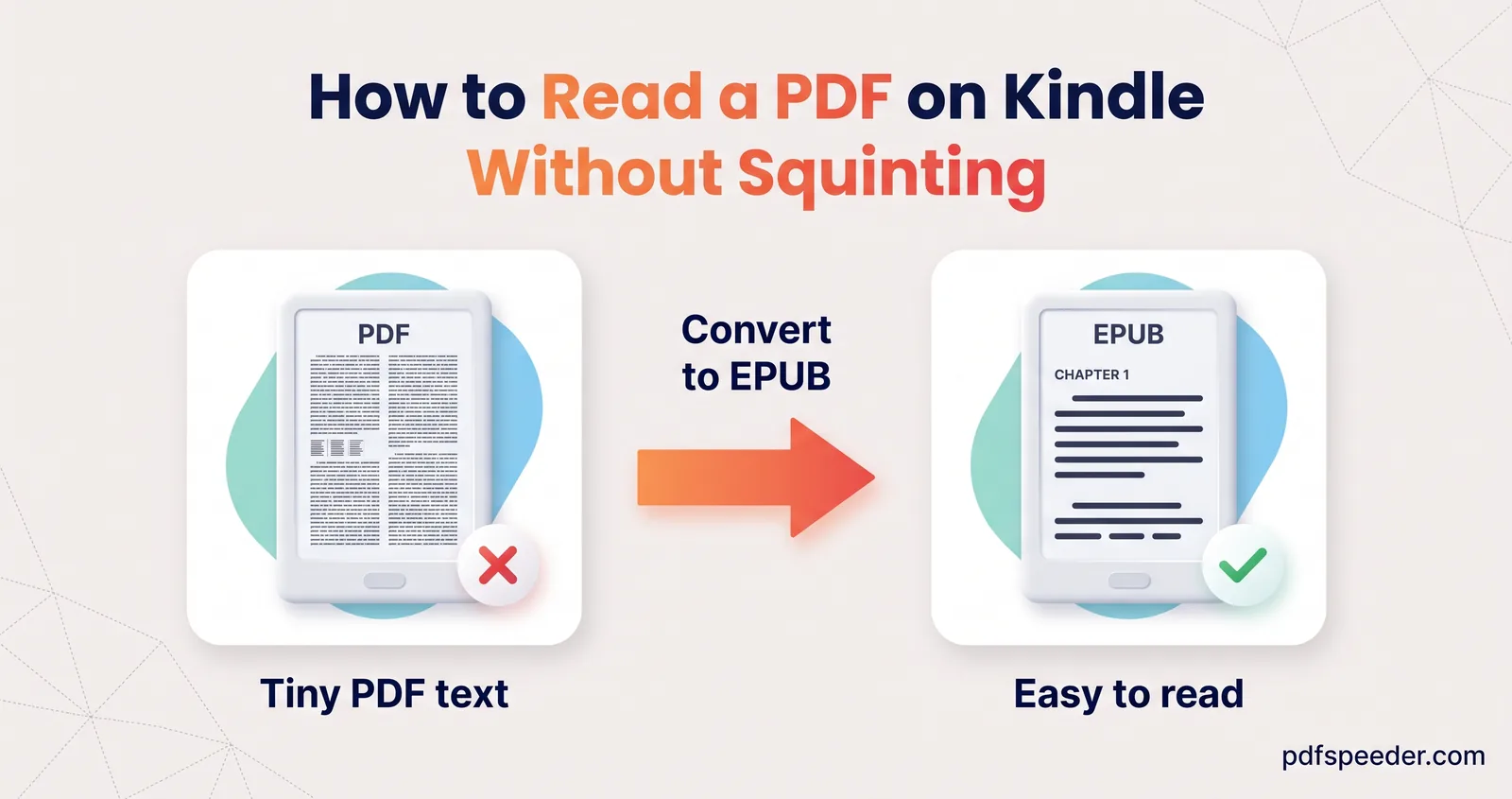
How to read a PDF on Kindle: send it as it is, convert it to EPUB so the text reflows, or use MOBI by USB, plus what works for novels, textbooks and scans.
Save a webpage as a PDF in any browser, fix cut-off text, missing images and blank pages, get a clean ad-free copy of an article, or convert a URL online.
No signup needed. Open one and follow along with any guide above.