How to Read a PDF on Kindle Without Squinting
How to read a PDF on Kindle: send it as it is, convert it to EPUB so the text reflows, or use MOBI by USB, plus what works for novels, textbooks and scans.

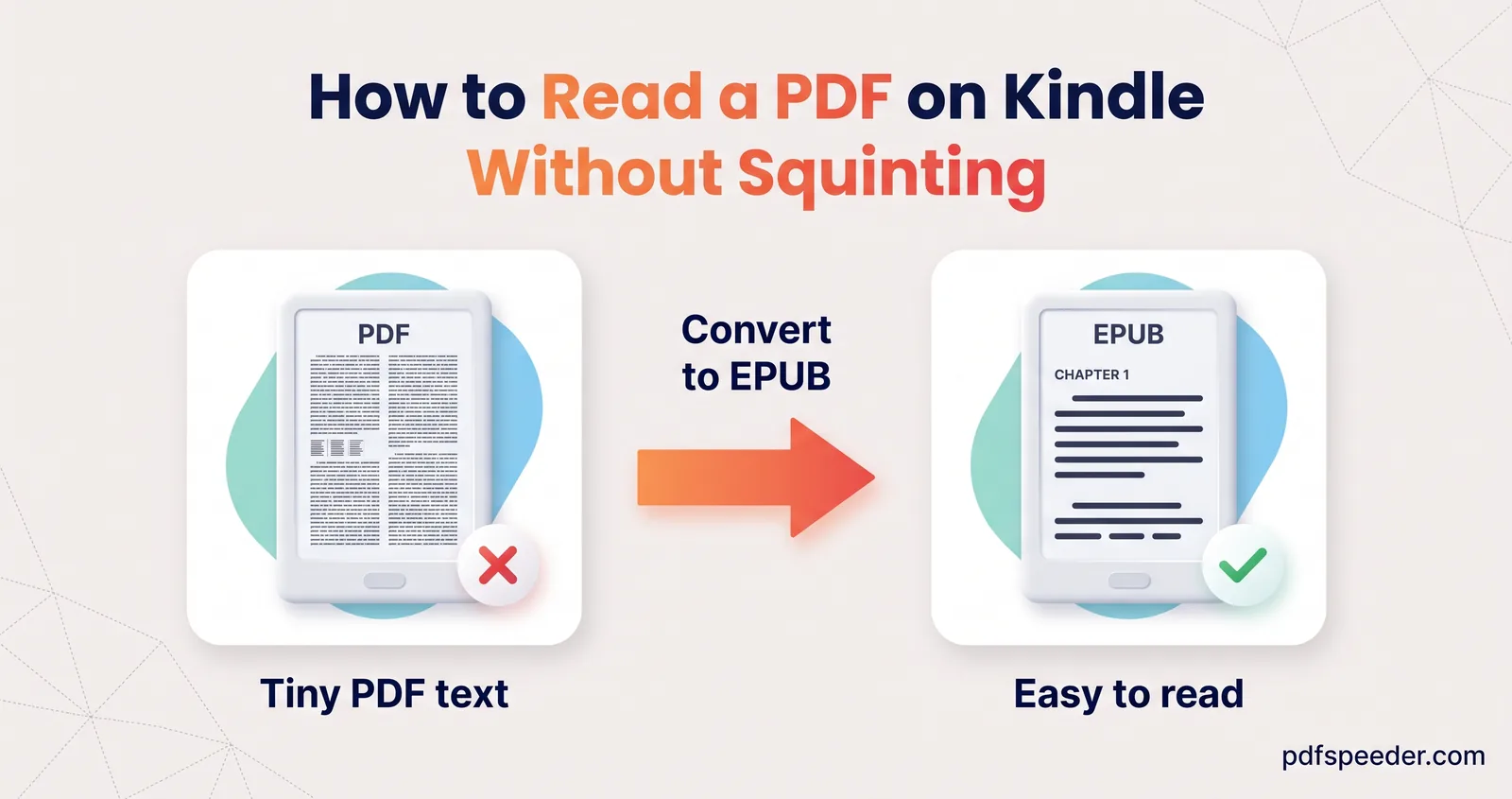
To read a PDF on Kindle, send it to your library with Amazon's free Send to Kindle service, which accepts both PDF and EPUB files. A PDF keeps its pages exactly as printed, though, so on a small screen the text shrinks; converting the PDF to EPUB first lets the text reflow at whatever size you like. Novels convert well, textbooks with columns and tables usually don't, and scanned books need OCR, so here's how to choose.
On this page
Why PDFs are hard to read on a Kindle
A PDF is a fixed page. Your Kindle can't rewrap its lines, so it shrinks the whole page to fit the screen. Amazon itself calls PDFs "print format/fix layout documents", as opposed to "adjustable layout" files such as Word documents.
Here's what that means on a 6-inch screen with a 3:4 shape, which measures 3.6 × 4.8 inches:
| What you're reading | Page shrunk to | 11-point text appears at |
|---|---|---|
| A4 PDF, whole page | 41% | 4.5 pt |
| A5 PDF, whole page | 58% | 6.4 pt |
| A4 PDF with 2.5 cm margins cropped off | 49% | 5.4 pt |
| The same cropped page, Kindle turned to landscape | 76% | 8.4 pt |
| EPUB | Reflows | Whatever size you choose |
shrink factor = smaller of (screen width ÷ page width) and (screen height ÷ page height)
A4: 210 × 297 mm = 8.27 × 11.69 in; 3.6 ÷ 8.27 = 0.435 and 4.8 ÷ 11.69 = 0.411, so 41%
So a Kindle PDF's text is too small because the page is bigger than the screen, not because anything is wrong with the file. Our explainer on what a PDF file is covers why the format holds its layout so firmly.
Option 1: Send the PDF as it is
Amazon's Send to Kindle puts personal documents in your Kindle library at no cost. Its supported file types include PDF and EPUB, and you can send them several ways:
- Send to Kindle for Web: upload files of up to 200 MB from a browser.
- Email: attach the file and send it to your device's Send to Kindle address. Amazon allows up to 25 attachments and 50 MB in total per email, and only from addresses on your approved list.
- Apps: the Kindle app for Android and iOS, or the Send to Kindle app for Windows and Mac.
- USB cable: copy the file into the Kindle's Documents folder. Amazon notes that on a Mac, Kindle Scribe and Kindles released in 2024 need the Send to Kindle app's USB File Manager for this.
Sending the PDF as it is suits anything whose layout matters: textbooks, maths, charts, sheet music, comics and forms.
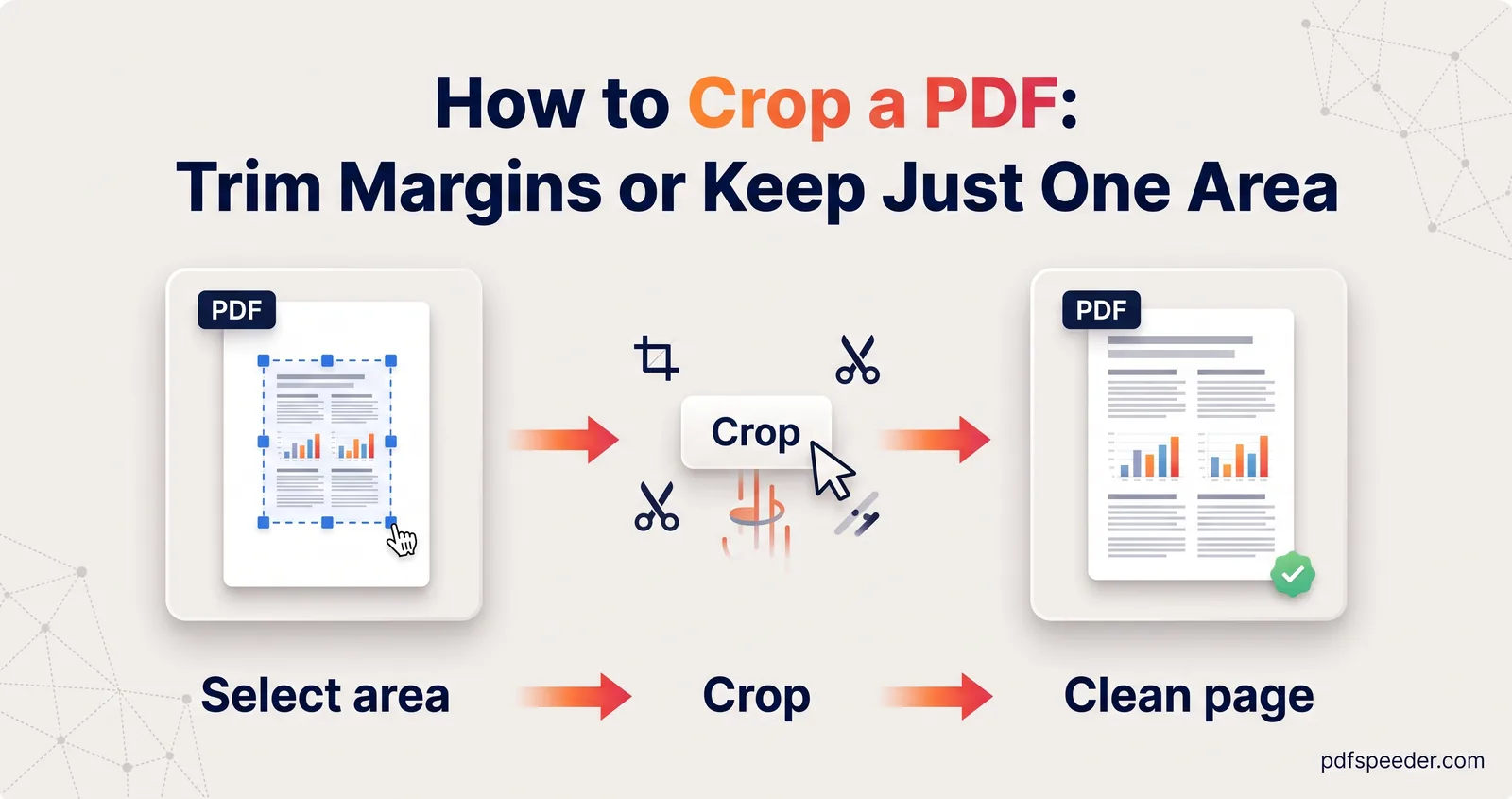
To make the text bigger, crop the margins first. Crop PDF lets you draw a box around the text and apply it to every page or just one. It changes the page size itself, so the Kindle has no blank border left to shrink, and as the table shows, cropping plus landscape nearly doubles the text size of an A4 page.
Check a left-hand and a right-hand page before applying the box to every page, because books often have wider inner margins. Crop PDF runs in your browser on files up to 100 MB.
Tip: Remove any password from the PDF before sending it. Amazon's conversion tips list password protection and security settings as a common cause of failed documents.
Option 2: Convert the PDF to EPUB first
An EPUB is the format e-readers are built for: the text reflows to the screen, and you choose the font and size. Send to Kindle accepts EPUB and converts it to Kindle format for you, which makes it the easiest PDF to Kindle format route.
PDF to EPUB does the conversion in your browser, so the book isn't uploaded:
- Add your PDF (up to 100 MB). The tool reports whether it found bookmarks and whether the pages are text or scans.
- Check the title, author and language.
- Choose how to make chapters: Auto, from the PDF's Bookmarks, from Headings, or Every 20 pages.
- Keep the defaults that clean up print leftovers: Fix hyphenated line breaks and Remove running headers, footers & page numbers are on, as are a cover and the book's images.
- Convert, look through the preview and chapter list, and download the .epub.
- Send it with Send to Kindle.
In a test, an 18-page novel-style PDF with a running header, page numbers and 60 words hyphenated across line breaks came out as a 206 KB EPUB with its 6 chapters taken from the bookmarks. The header and page numbers were gone, and every one of the 60 split words was joined back together. Each conversion counts as one task in the free daily allowance: 2 a day without an account, 3 with a free account.
Note: Amazon's conversion tips list the languages its service supports. Among Indian languages, they name Hindi, Marathi, Gujarati, Tamil and Malayalam, so a book in another script may be safer to read as a PDF.
Option 3: MOBI for older Kindles via USB
MOBI is Amazon's older ebook format, and it's no longer on the list of file types Send to Kindle supports. That leaves one job for it: copying a book straight into the Documents folder of a Kindle you load by cable, such as an older model you keep offline. Check that the book shows up in the Kindle's library before you delete anything.
PDF to MOBI uses the same text clean-up as PDF to EPUB, with chapters, a working table of contents, a cover and OCR for scans, all in your browser. One difference matters: the MOBI carries the text and the cover, but not the pictures inside the book. The test novel came out as a 156 KB MOBI with the same 6 chapters. For anything you'll send with Send to Kindle, choose EPUB instead.
Novels, textbooks and scanned books: what works
Conversion quality depends on how the PDF was laid out, so here's how three kinds of book fared in tests with PDF to EPUB:
| Book | What happened | Best way to read it |
|---|---|---|
| Novel or report in one column | Clean chapters, no headers or page numbers, split words rejoined | Convert to EPUB |
| Textbook with two columns, a table and figures | The two columns were mixed together line by line, the table became a run of numbers, and sub-headings turned into plain text | Send the PDF, cropped, and read in landscape |
| Scanned book | OCR read the words accurately, but the running header repeated 19 times, hyphen breaks such as "grand- mother" stayed split, and no chapters were found | EPUB with images turned off, or the PDF |
| Comics, maps and sheet music | The layout is the content | Send the PDF |
The scanned book had one more catch. With Include images left on, the converter added a picture of each scanned page after its text, which made the EPUB 7.3 MB instead of 188 KB. For scans of plain text, untick it. OCR, explained in our guide to what OCR is, offers 14 languages here, including Hindi, Arabic and Chinese.
Whatever you convert, page through a few chapters before you delete the PDF, and keep the original for anything with tables, equations or diagrams.
Try it with one book tonight: convert it to EPUB, send it to your Kindle, and compare it with the PDF version side by side.
Frequently asked questions
Can I email a PDF to my Kindle?
Yes. Send it to your device's Send to Kindle email address from an approved address; Amazon allows up to 25 attachments and 50 MB in total per email.
Why is the text so small when I read a PDF on Kindle?
The Kindle shrinks the whole printed page to fit its screen; an A4 page's 11-point text shows at about 4.5 points on a 6-inch screen. Crop the margins, turn the Kindle to landscape, or convert the PDF to EPUB.
Does Kindle support EPUB files?
Send to Kindle accepts EPUB and converts it to Kindle format, so it's the best way to send a converted book. MOBI is no longer on its list of supported file types.
Should I convert a PDF to EPUB or MOBI for Kindle?
EPUB, if you'll use Send to Kindle. MOBI only makes sense for copying to a Kindle by USB cable, and it leaves out the pictures inside the book.
Can I convert a scanned PDF book for my Kindle?
Yes, PDF to EPUB uses OCR on scanned pages, but expect to tidy repeated headers and split words. Turn off Include images, or every page scan is added to the book.