What Is a PDF File? How PDFs Work and Why Everyone Uses Them
What is a PDF file? What PDF stands for, what's inside one, digital vs scanned PDFs, forms, PDF/A and passwords, and how to open, create and edit PDFs.

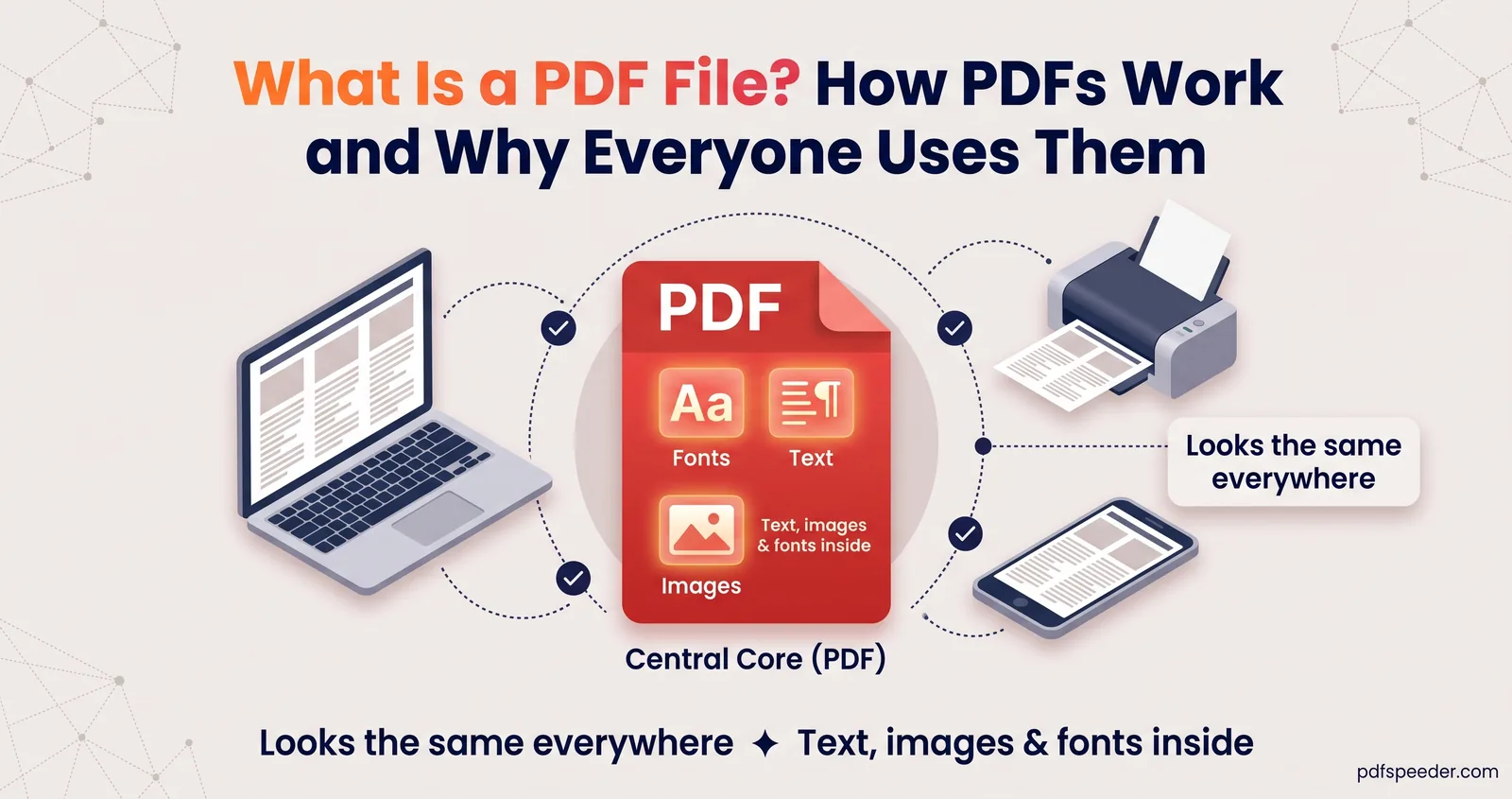
A PDF file is a document saved in Portable Document Format, which keeps every page exactly as it was designed, with the same fonts, layout and images, on any phone, computer or printer. That's why forms, bank statements, tickets and certificates so often arrive as PDFs. This guide explains what's inside one, how digital and scanned PDFs differ, the special kinds you'll come across, and how to open, create and edit a PDF on any device.
On this page
PDF in one paragraph
PDF stands for Portable Document Format, and the name is the whole idea: a document that travels between devices without changing. Adobe created it in the early 1990s, and it has since become an international standard. PDF 1.7 was adopted as ISO 32000-1 in 2008, and the current version, PDF 2.0, is ISO 32000-2, first published in 2017 and revised in 2020 (ISO's listing). Because it's a published international standard, countless apps read and write PDFs, which is why every phone and computer can open one.
So when people ask about the PDF full form, or the PDF meaning in everyday terms, the short answer is: a fixed-layout digital page that looks the same everywhere.
What's inside a PDF file
Underneath, a PDF is a tidy collection of parts:
- Pages with a fixed size, such as A4 or US Letter. Unlike a Word document, nothing reflows when the window gets narrower.
- Drawing instructions that place each piece of text, each line and each image at exact coordinates on its page.
- Fonts, usually embedded in the file, often trimmed to just the characters used, so the text looks right even on a device that doesn't have the font.
- Images, from a small logo to a whole scanned page, usually compressed.
- A text layer. In PDFs made by apps, text is stored as real characters, which is what lets you search, select and copy it.
- Extras such as links, bookmarks, form fields, attachments and metadata (title, author, creation date).
- An index, called the cross-reference table, that tells a PDF reader where every part sits in the file.
That structure explains a lot of everyday PDF behaviour. Editing is fiddly because text is placed line by line rather than flowing in paragraphs. Files get big because of images, not words. And a PDF whose index was damaged, for instance by an interrupted download, may refuse to open even though most of its content is still there.
Digital PDFs vs scanned PDFs
Most PDFs belong to one of two families, and knowing which one you have explains what you can do with it.
| Digital PDF | Scanned PDF | |
|---|---|---|
| How it's made | Exported or printed from an app, such as Word, a browser or a bank's website | Scanned or photographed from paper |
| What each page holds | Real text, plus any images | One picture of the whole page |
| Select and search text | Yes | Not until OCR is run |
| Sharp when you zoom in | Text stays sharp at any zoom | Gets blocky like any photo |
| File size | Usually small | Usually much larger for the same page count |
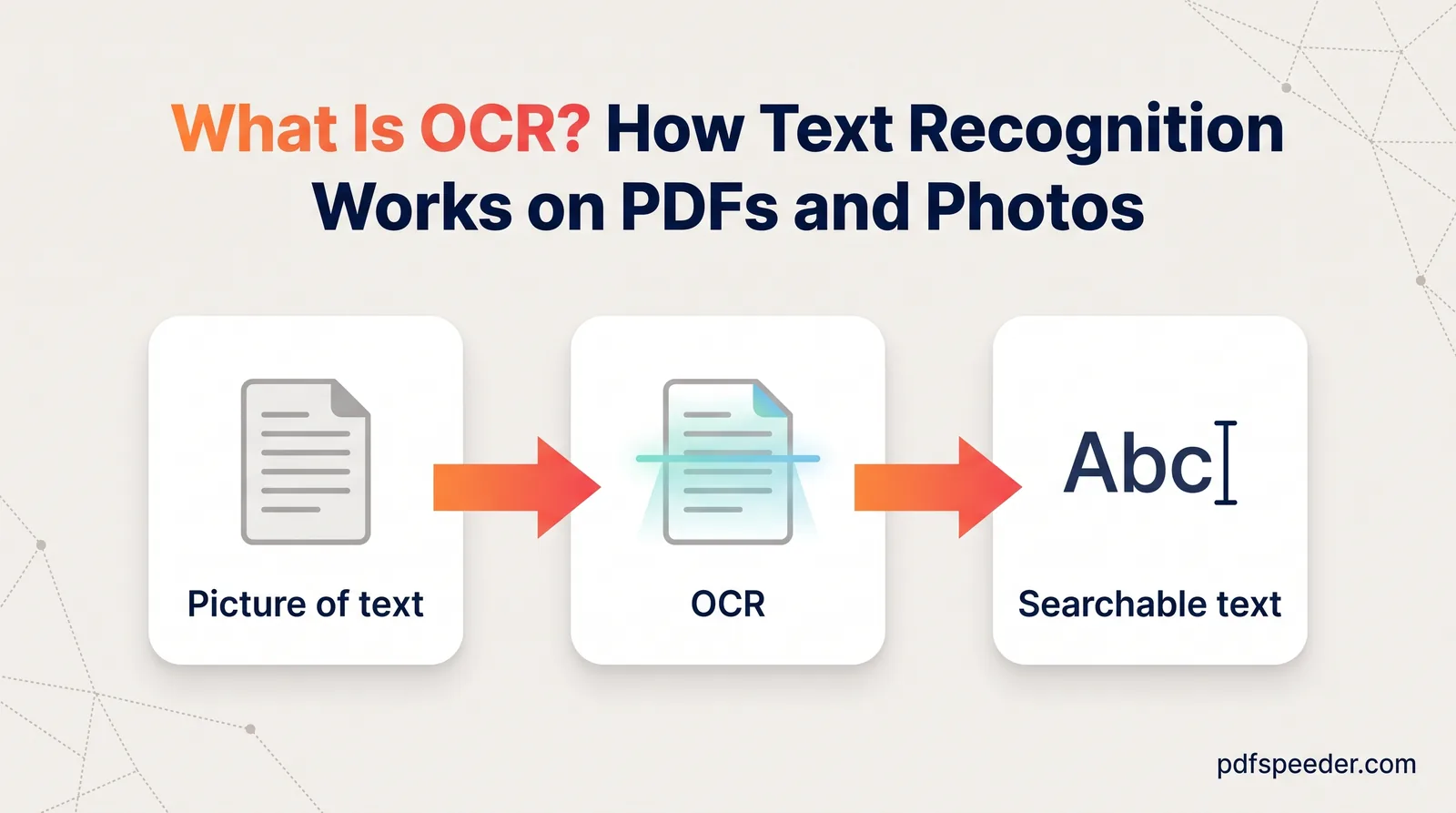
To check, try selecting a line of text or searching for a word you can see. If nothing highlights, it's a scan. A scan can be made searchable with OCR, which adds an invisible text layer over the page image; our explainer on what OCR is shows how that works and where it goes wrong.
Special kinds of PDF: forms, PDF/A and locked files
Beyond digital and scanned, these are the types of PDF you're most likely to meet:
| Type | How you recognise it | Worth knowing |
|---|---|---|
| Fillable form | Boxes you can click into and type | Flattening fixes the answers in place |
| PDF/A | Viewers may mention PDF/A or "archival" mode | Strict rules; can't be password-protected |
| Password-protected | Asks for a password, or blocks printing or copying | Two different kinds of password |
Fillable forms
A fillable form has interactive fields, such as text boxes, tick boxes and drop-down lists, that you fill in with any decent PDF reader. Once it's complete, flattening merges the answers into the page so they can no longer be changed. Forms without real fields can still be completed by placing text on top of the page.
PDF/A for archiving
PDF/A is a stricter version of PDF, standardised as ISO 19005, built so a document will still display the same way decades from now. According to the Library of Congress, it requires every font to be embedded and forbids encryption, audio and video, and JavaScript. Archives, courts and some official portals ask for it, and Word can produce it: tick the PDF/A option in the Options of its Save as PDF dialog.
Password-protected PDFs
A PDF can carry two kinds of password. An open password stops anyone without it from reading the file at all; bank statements and e-Aadhaar downloads commonly use one. A permissions password lets anyone open the file but restricts printing, copying or editing. That's why some PDFs open normally yet won't let you select text or print.
How to open, create and edit PDFs
How to open a PDF
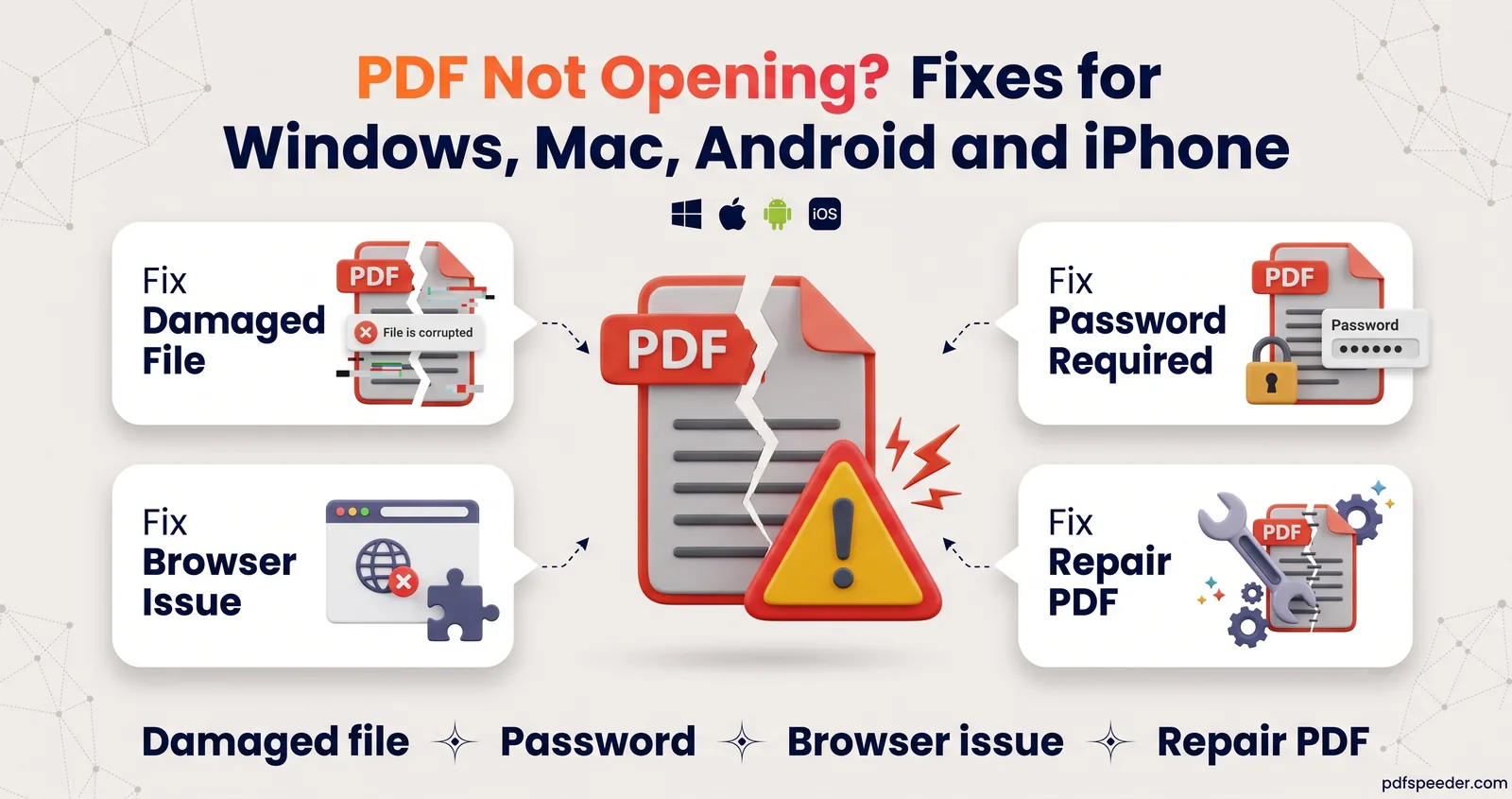
On a computer, double-click the file, or drag it into any modern web browser: Chrome, Edge, Safari and Firefox all display PDFs. On an iPhone, tap the PDF in Files or Mail, or use the Preview app on iOS 26 and later; on Android 12 and later, Chrome opens PDF links directly. You don't need Adobe Acrobat just to read one. If a file refuses to open, the cause is usually a damaged download, a password or the wrong default app, and our guide to fixing a PDF that won't open works through each of them.
How to create a PDF
- From any app that can print. On Windows, choose Microsoft Print to PDF as the printer. On a Mac, choose File > Print, open the PDF menu and pick Save as PDF.
- From Office. Word, Excel and PowerPoint save straight to PDF with File > Save As (or Save a Copy) and PDF as the file type.
- From paper. Use a scanner or a phone scanning app; on an iPhone with iOS 26 or later, Preview's Scan Documents turns several pages into one PDF.
- Without Office. Our Word to PDF converter turns DOCX, DOC, RTF and ODT files into PDFs on our server, up to 50 MB per file, and deletes them automatically within 2 hours.
How to edit a PDF
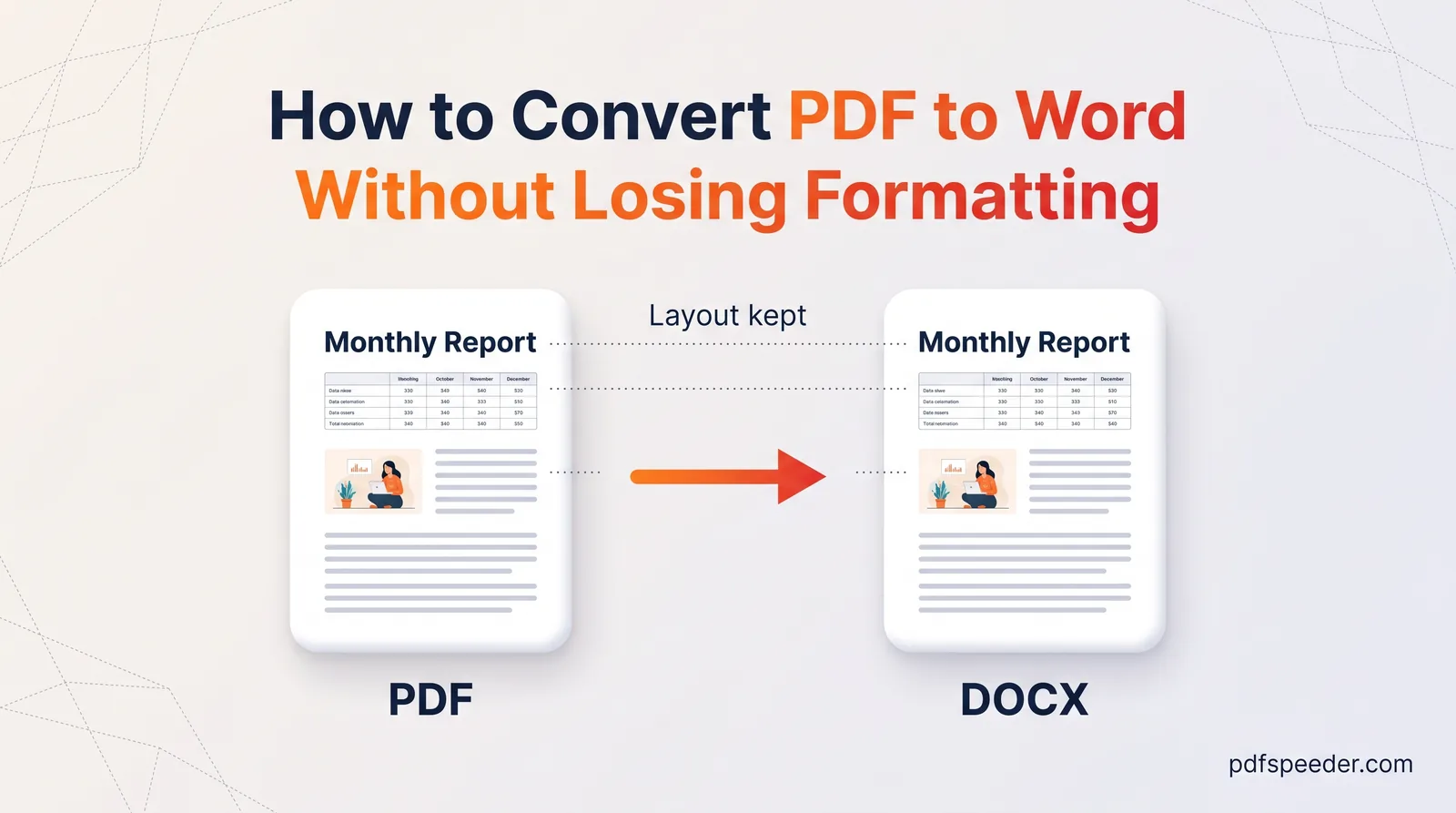
PDFs are built for sharing, not rewriting, but small changes are easy. PDF Editor runs in your browser, works on files up to 50 MB, and lets you add text, images, shapes, highlights, signatures and stamps. You can also click existing text to change it: the editor covers the old words and draws your new ones in a matching style, and it can run OCR first on scanned pages. For bigger rewrites, go back to the original file, or turn the PDF into an editable document with our guide to converting a PDF to Word without losing formatting.
How to make a PDF smaller
If a PDF is too big to email or upload, Compress PDF reduces the size of its images. Like Word to PDF, it works on our server, deletes files automatically within 2 hours, and counts as one task in the free daily allowance: 2 tasks a day without an account and 3 with a free account, reset at 00:00 UTC.
Want to see the difference for yourself? Open any PDF you have, try selecting a sentence, and you'll know straight away whether you're holding a digital PDF or a scan.
Frequently asked questions
What does PDF stand for?
PDF stands for Portable Document Format. Adobe created it in the early 1990s, and it's now the international standard ISO 32000.
Is a PDF the same as a Word document?
No. A Word document is built for editing, and its text reflows to fit the page and window. A PDF fixes the layout, so it looks identical on every device.
Do I need Adobe Acrobat to open a PDF?
No. Every modern browser can open PDFs, and so can the apps that come with iPhones, Macs and Windows PCs; on Android, Chrome opens them.
Why can't I select or copy text in my PDF?
Either the PDF is a scan, so the text is part of a picture, or its permissions password blocks copying. OCR solves the first; for the second, Unlock PDF can remove the restriction from a document you're entitled to change.
What is PDF/A?
PDF/A is an archival version of PDF (ISO 19005) that embeds all its fonts and bans features such as encryption, so the document keeps looking the same for decades.