PDF Not Opening? Fixes for Windows, Mac, Android and iPhone
PDF not opening? Find the cause from the symptom: a damaged download, a password, a blank page in Chrome or the wrong app, then repair a corrupt file.

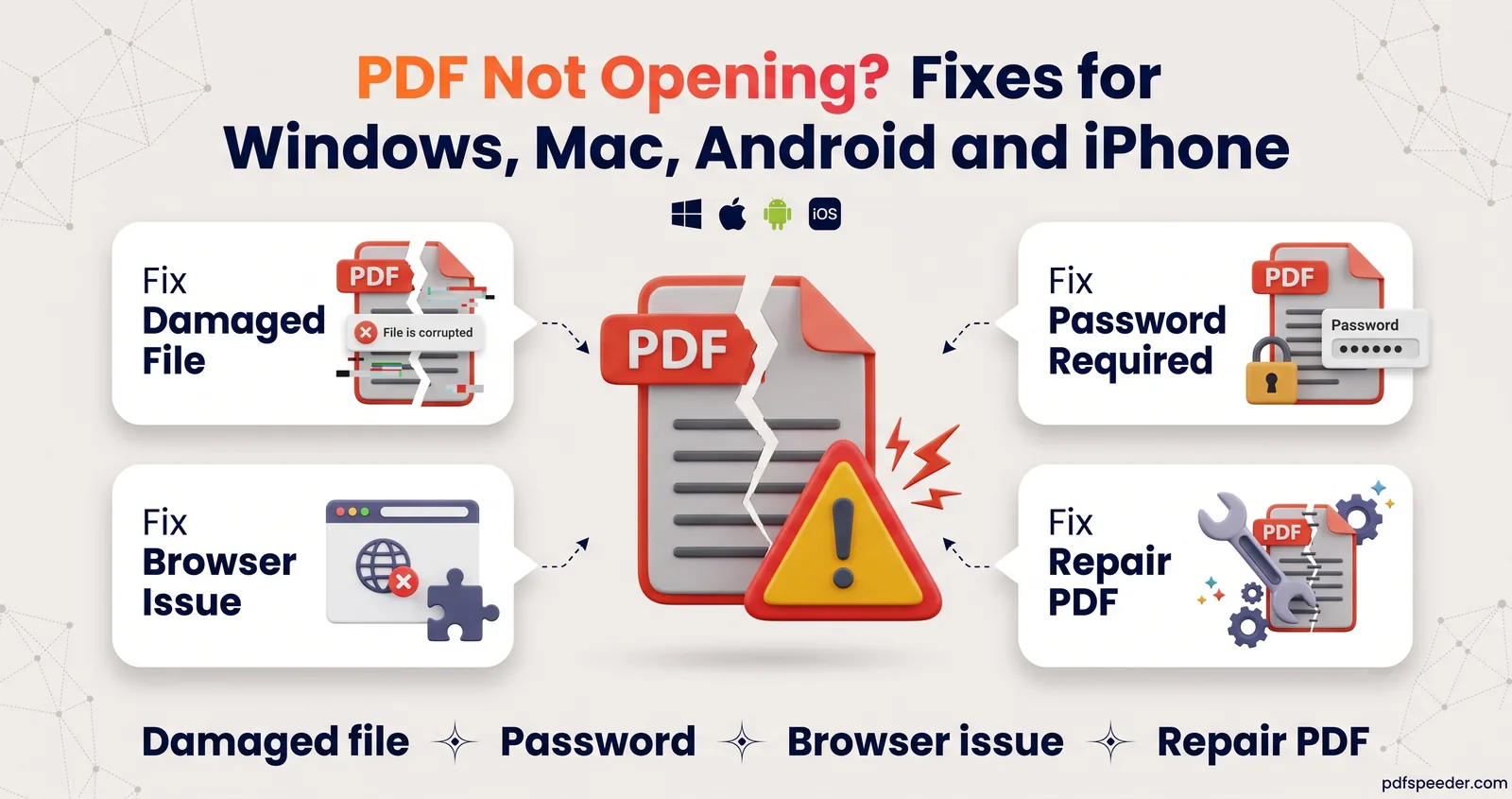
When a PDF is not opening, the cause is nearly always one of four things: the file is damaged or incomplete, it's password-protected, the browser or app showing it is at fault, or your device is sending it to the wrong app. A two-minute test tells you which: open the same file in a different app. If it opens there, fix the app; if it fails everywhere, fix the file. The sections below are arranged by symptom, so jump to the one that matches what you see.
On this page
First, find out what kind of problem it is
| What you see | Likely cause | Where to look |
|---|---|---|
| An error saying the file is damaged, or nothing happens at all | Damaged or incomplete file | The file is damaged or incomplete |
| A box asking for a password | The PDF is encrypted | It asks for a password |
| A blank or grey page, or the PDF downloads instead of opening | Browser viewer or its settings | It opens blank in the browser |
| Opens on your computer but not on your phone | Phone app or settings | Android and iPhone |
| Opens in the wrong app, or "no app" to open it | Default app setting | Windows and Mac |
Before changing anything, run this quick test:
- Check the size. Right-click and open Properties (Windows) or Get Info (Mac). A file of 0 KB, or far smaller than you'd expect, didn't download completely.
- Try a second app. Drag the PDF into any web browser. If it opens there, the file is fine and the first app needs attention.
- Get a fresh copy. Download it again or ask the sender to resend it. It's the quickest fix for a download that went wrong.
The file is damaged or incomplete
Adobe Acrobat Reader reports this as "The file is damaged and could not be repaired", while other apps show a blank window or a vaguer error. The cause is usually a download that stopped early, an attachment that got mangled on the way, a USB drive pulled out mid-copy, or a file that was never a PDF in the first place.
Three checks tell you which:
- Look at the file name. A name ending in
.crdownloadmeans Chrome or Edge never finished the download. Open the browser's downloads list (Ctrl+J in Chrome) and resume it, or download it again. - Look inside the file. Open it in Notepad or TextEdit. A real PDF begins with the characters
%PDF-. If you see<!DOCTYPE html>or<html>instead, you saved a web page, often a login or error page, under a .pdf name; sign in to the site and download the file again. - Compare sizes. If the sender's copy is 2 MB and yours is 300 KB, part of the file is missing, and no repair tool can bring back data that never arrived.
If the file is complete but still won't open, its internal structure is probably damaged. Skip to the repair steps below.
It asks for a password
An open password encrypts the whole file, and there's no way around it: you need the password from whoever sent the PDF. Bank statements and e-Aadhaar files usually follow a pattern the sender explains. For e-Aadhaar, UIDAI uses the first four letters of your name in capitals plus your year of birth, as our guide to the Aadhaar card PDF password explains with examples.
Once you know the password, you can stop typing it every time. Unlock PDF runs in your browser on files up to 50 MB and saves a copy without the password. It can't recover a password you don't know.
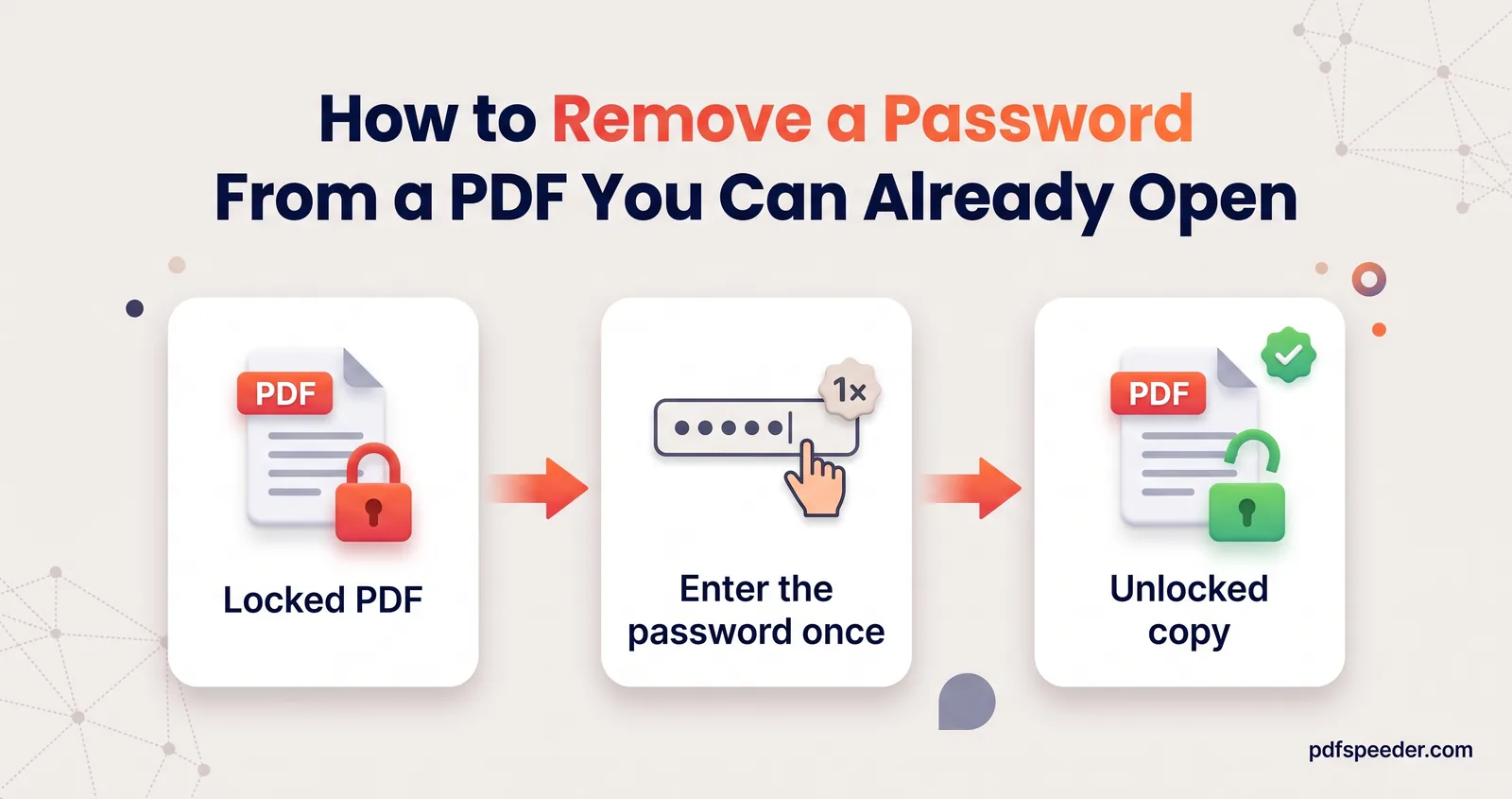
Some PDFs open freely but refuse to print, copy or edit. That's a permissions password, and Unlock PDF removes those restrictions without asking for a password, for documents you're entitled to change. Our guide to removing a password from a PDF covers both cases in more detail.
It opens blank or shows errors in the browser
If your PDF is not opening in Chrome, or it downloads every time instead of showing in a tab, check the browser's PDF setting first. In Chrome, type chrome://settings/content/pdfDocuments in the address bar and choose whether PDFs open in Chrome or download to your device (Google's instructions).
For a blank or grey page:
- Reload, then try a private window. Browser extensions, such as ad blockers, can interfere with the built-in viewer, and private windows usually run without them.
- Download it and open it in another app. That tells you whether the browser or the file is at fault.
- Check the link. PDFs from banking and government portals often sit behind a login or expire after a while, so the "PDF" you're opening may really be an error page.
PDF not opening on Android or iPhone
Android fixes
- Leave Incognito. Chrome on Android can't open PDFs in Incognito mode, and its PDF viewer needs Android 12 or later.
- Pick another viewer. In an open PDF in Chrome, tap More, then Open with… and choose a different app. Downloaded files are under More > Downloads.
- Clear a stuck default. If PDFs keep opening in an app that can't handle them, go to Settings > Apps, tap that app, then Open by default > Clear default preferences. That's the wording on Pixel phones; other brands use similar menus. The next PDF you open will ask which app to use.
iPhone fixes
- Find the file first. Downloads from Safari go to the Files app: tap Browse, then Downloads (or iCloud Drive if Downloads isn't listed). The download button in Safari shows whether a download finished.
- Choose the app. In Files, touch and hold the PDF, tap Open With and pick an app, or choose Preview with Quick Look for a simple viewer.
- Change the default. Touch and hold the file, tap Get Info, and set Always Open With to the app you want.
If a very large PDF struggles to load on your phone, a compressed copy is lighter to open and share. Compress PDF works in any modern mobile browser; it uploads the file over an encrypted connection, deletes it automatically within 2 hours, and counts as one task in the free daily allowance.
It won't open on Windows or Mac
When a PDF file is not opening on a computer, the usual culprit is the app it's assigned to.
- Windows 11 and 10. Go to Settings > Apps > Default apps, type
.pdfin the search box, select the result and choose the app you want, such as Edge or a PDF reader. - Mac. Select the PDF, choose File > Get Info, open Open with, pick an app such as Preview and click Change All to use it for every PDF.
If the default app itself is the problem, update it. In Adobe Acrobat Reader, Help > Check for Updates installs the latest version, and on Windows, Help > Repair Installation fixes a damaged installation.
Repair a corrupted PDF
When the file is complete but its structure is broken, a repair can often get it open again. Repair PDF does it in your browser, without uploading the file:
- Open Repair PDF and add the file (up to 50 MB).
- Leave the automatic recovery as it is: it rebuilds the cross-reference table, trailer and page tree, the structures a PDF reader uses to find each page.
- Optionally tick Optimize & compress, Fast web view, Flatten forms & annotations or Remove hidden metadata.
- Select Repair PDF. The result shows how many pages were recovered and whether the rebuilt file passed an integrity check.
- Download the repaired copy and open it in your usual app.
Repair has limits. It rebuilds a damaged structure, but it can't recreate pages that are missing from the file, such as the end of a download that stopped halfway. If the tool reports that the file is too badly damaged, ask the sender for a fresh copy or recreate the PDF from its original document. A PDF that needs an open password has to go through Unlock PDF first, and each repair counts as one task in your daily allowance.
Start with the two-minute test, then follow the section that matches your symptom. If you'd like to understand what's going on inside the file, our guide to what a PDF file is explains the parts that can break.
Frequently asked questions
Why does my PDF say "the file is damaged and could not be repaired"?
Its internal structure is broken, most often because the download didn't finish. Download it again, and if a complete copy still fails, run it through Repair PDF.
Why do PDFs download instead of opening in Chrome?
Chrome's PDF setting is set to download them. Type chrome://settings/content/pdfDocuments in the address bar and choose to open PDFs in Chrome.
Why won't a PDF open on my Android phone?
Chrome can't open PDFs in Incognito tabs, and its viewer needs Android 12 or later. Otherwise, open the file with another PDF app or clear the default app that's failing.
Can I open a PDF if I don't know the password?
No. An open password encrypts the file, so you need it from the sender. Once you have it, Unlock PDF can save a copy without the password.
How do I know if the problem is the file or my PDF reader?
Open the same file in a different app, such as a web browser. If it opens there, the reader is at fault; if it fails everywhere, the file is damaged or incomplete.