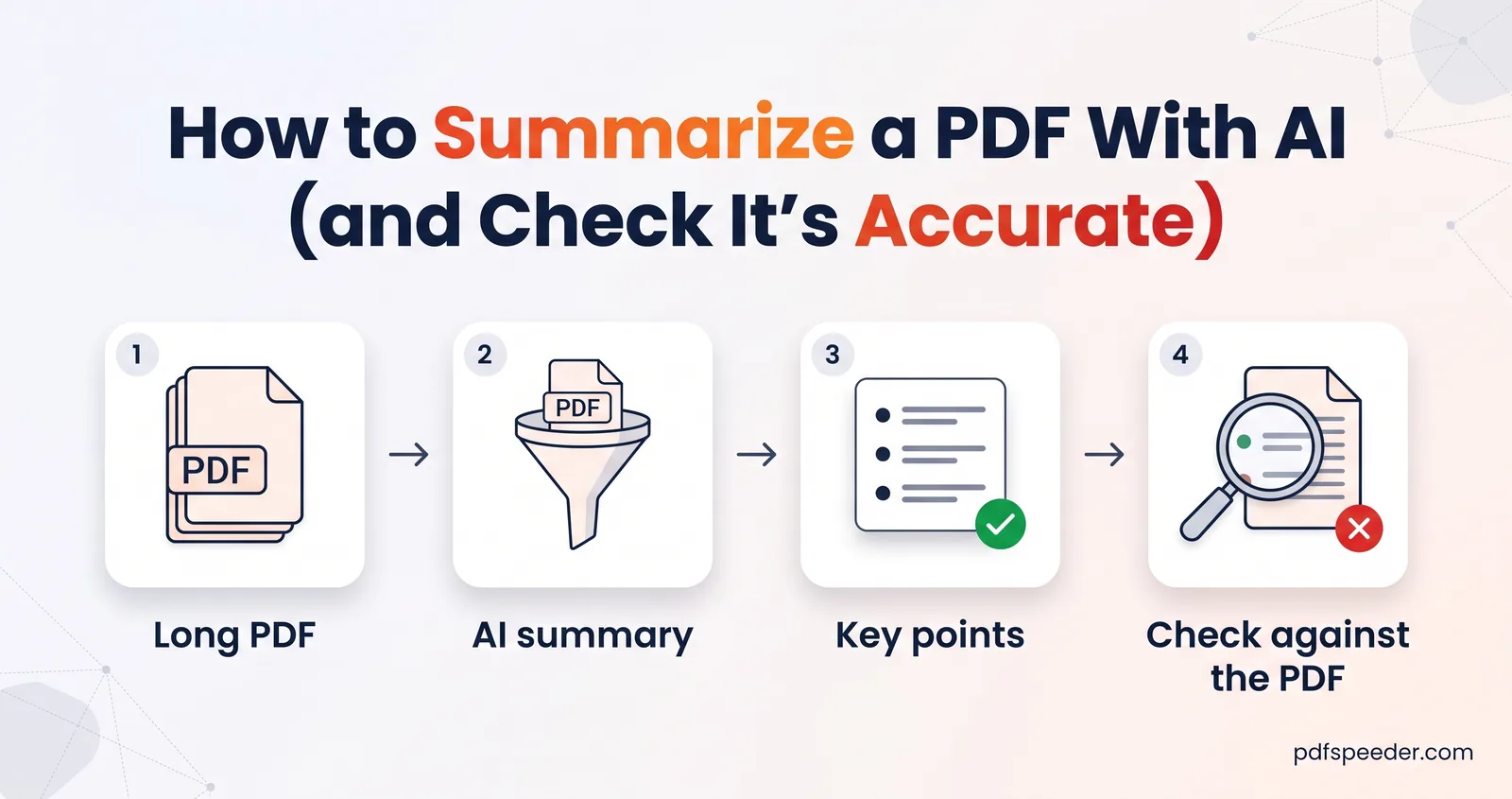
How to Summarize a PDF With AI (and Check It's Accurate)
How to summarize a PDF with AI: choose the right summary type and length, focus it on what you need, check the facts, and know where your document goes.
AI Tools · 6 guides
How to get useful answers out of long documents with AI: summarising reports, chatting with a PDF to find specific facts, generating practice questions from study material and translating files. You'll also see where AI gets things wrong, and how to check its output against the source.
How to summarize a PDF with AI: choose the right summary type and length, focus it on what you need, check the facts, and know where your document goes.
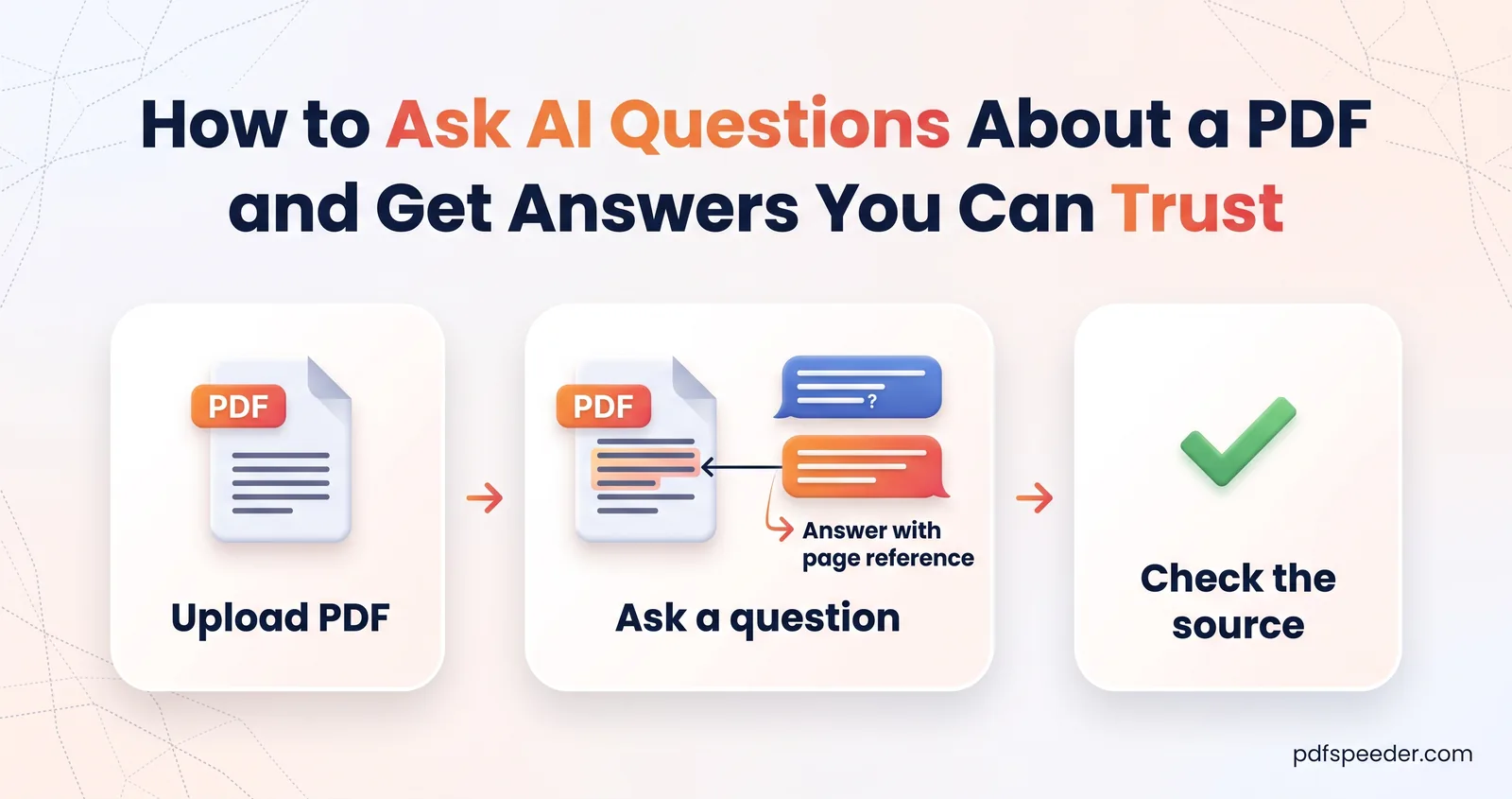
Ask AI questions about a PDF and get answers you can check: prompts that work, how to verify the page it cites, smart follow-ups, and where AI goes wrong.
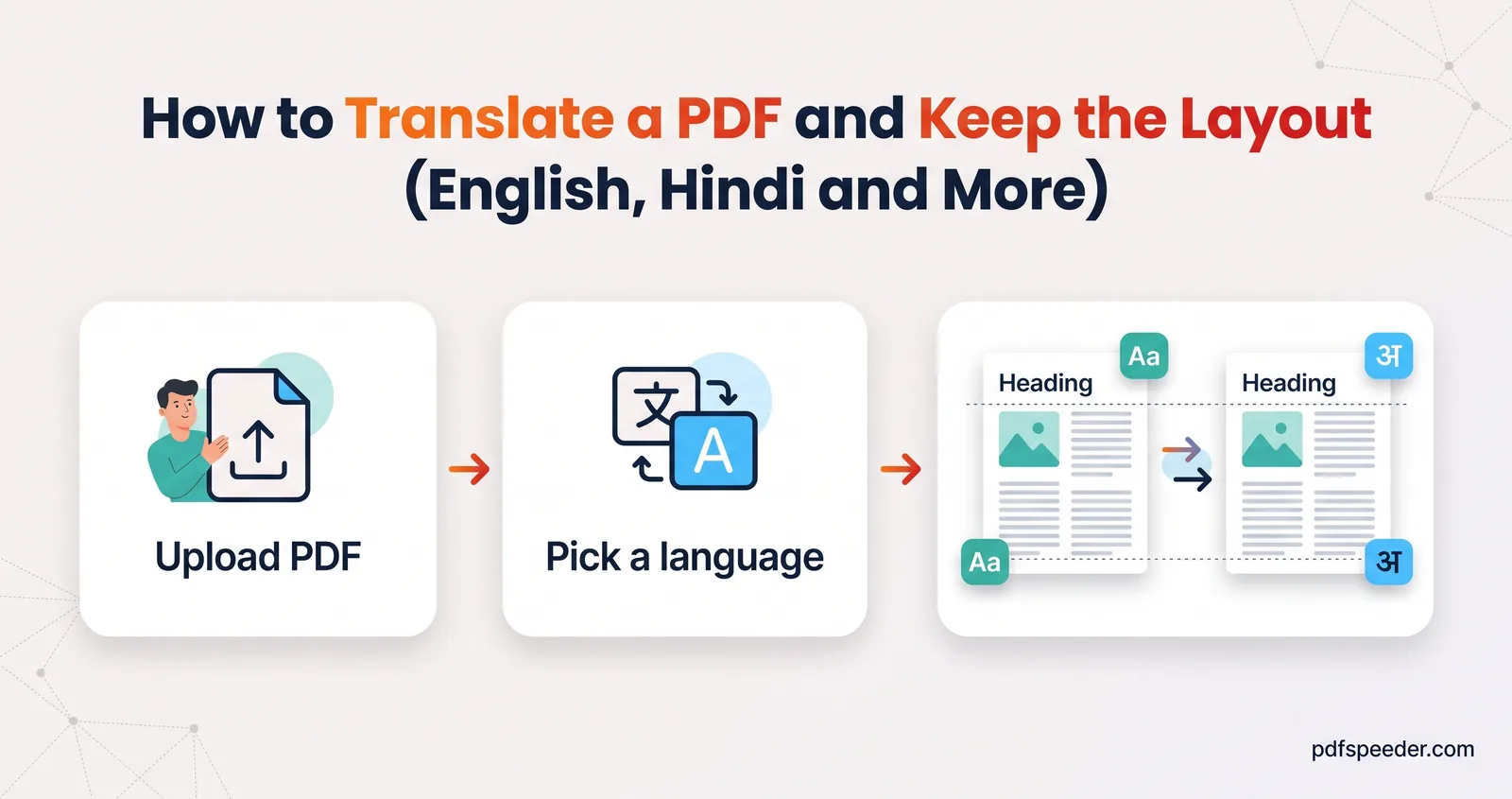
How to translate a PDF with AI: keep the layout or get only the text, handle scans, check names and numbers, and know when you need a certified translation.
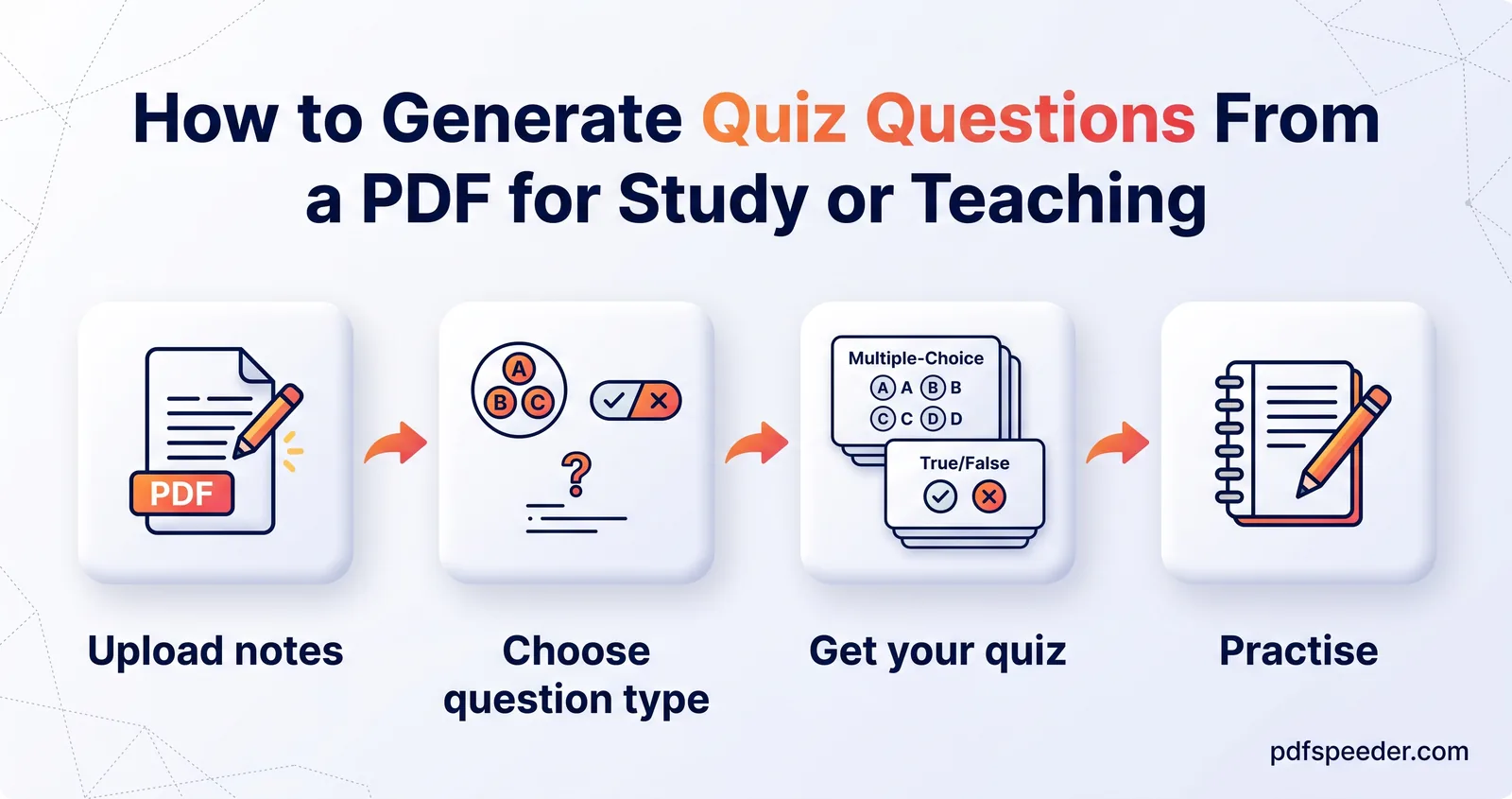
Generate questions from a PDF with AI: why self-testing works, how many questions and which types to ask for, and how to turn them into flashcards or a quiz.
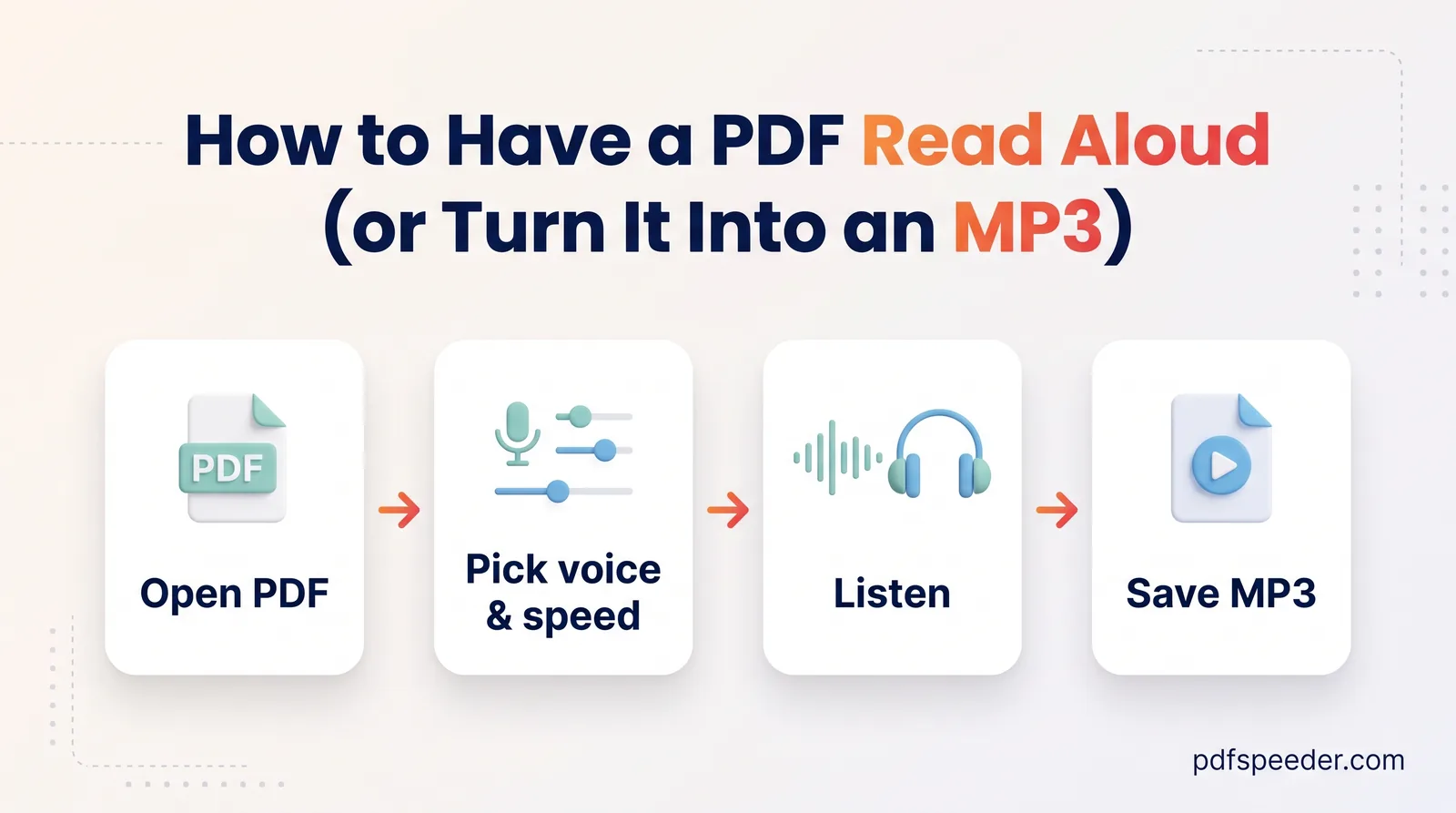
Have a PDF read aloud on any device with Edge, Acrobat, iPhone or Android, or turn it into an MP3 audiobook with natural AI voices, right in your browser.
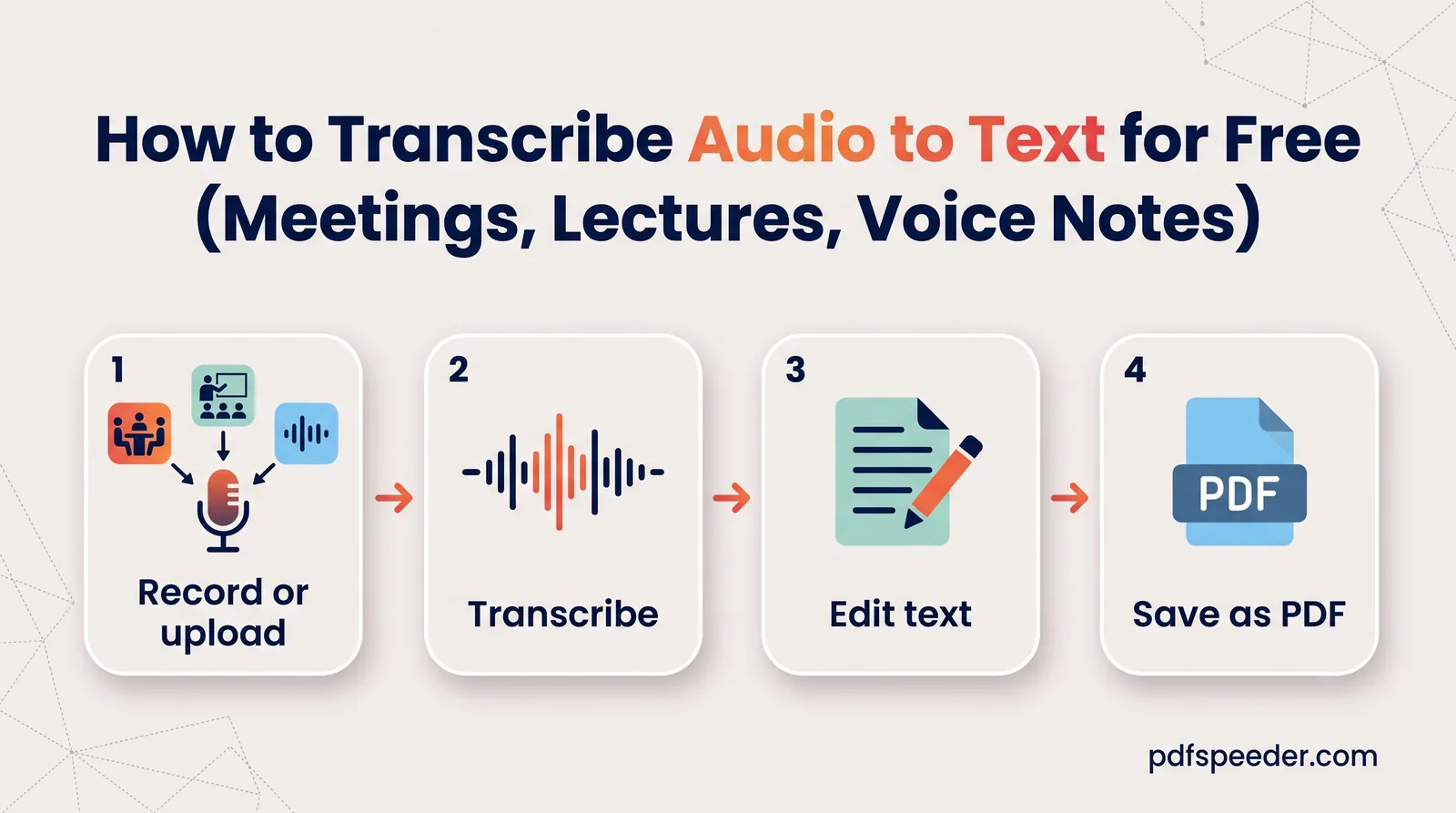
Transcribe audio to text for free with Whisper AI: recording tips, which model to pick, Hindi and other languages, translation, timestamps and editing.
No signup needed. Open one and follow along with any guide above.