How to Ask AI Questions About a PDF and Get Answers You Can Trust
Ask AI questions about a PDF and get answers you can check: prompts that work, how to verify the page it cites, smart follow-ups, and where AI goes wrong.

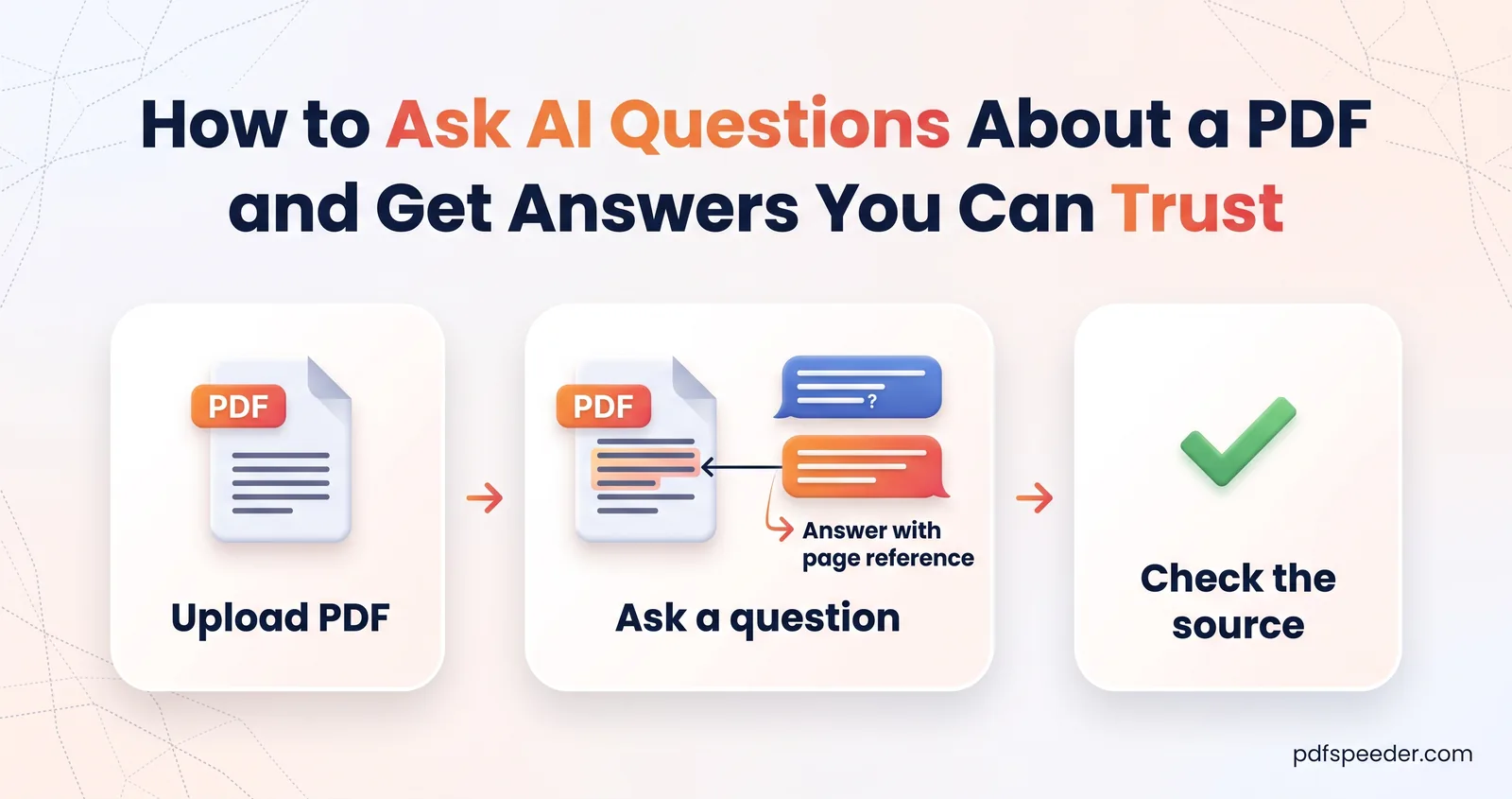
To ask AI questions about a PDF, upload it to a chat-with-PDF tool, ask one specific question at a time, and ask for the page and the exact wording behind each answer so you can check it in seconds. Used that way, AI turns a 60-page contract or report into something you can question like a colleague who has already read it. Below you'll find prompts that work, a quick way to verify every answer, and the situations where AI answers go wrong.
On this page
When chatting with a PDF beats reading it
An AI PDF reader saves the most time when you need specific information from a long document rather than a feel for the whole thing:
| You want to... | Chat with the PDF? |
|---|---|
| Find one clause, figure or deadline in a long contract or policy | Yes, then read that section yourself |
| Pull every date, amount or name into a list | Yes, and check each one |
| Understand jargon in a report or a medical or legal letter | Yes, as a first explanation |
| Prepare questions before a meeting about the document | Yes |
| Make a decision about money, health or legal rights | Use the chat to find the passages, then read them in full |
| Understand a mostly scanned, chart-heavy or table-heavy file | Only with care, for the reasons below |
The pattern is the same throughout: let the AI point you to the right place, and let the document have the final word.
Start a chat with your PDF
Our Chat with PDF tool works in any browser:
- Open Chat with PDF and drop in your file (up to 30 MB). If it has a password, remove it first.
- Wait while it reads the document's text. Pages without a text layer are read with OCR, which recognises English.
- Glance at the line under the file name, which shows the file size and how many characters were indexed. The AI reads up to about 120,000 characters, so a figure close to that means the end of a long document didn't make it in.
- Type a question, or pick one of the suggestions, such as Summarize this PDF, Extract numbers & dates or Explain simply.
- Keep asking follow-up questions in the same chat. Upload new PDF starts again with another file.
Uploading the file counts as one task in the free daily allowance: 2 tasks a day without an account, 3 with a free account, reset at 00:00 UTC. The questions you ask in that chat don't count separately, so you can ask as many as you like while the session lasts. The chat lives in your open tab, though: if you reload the page you'll need to upload the file again, which is a new task, and the same can happen if you come back after a couple of hours.
Example: 120,000 characters is roughly 18,000 to 20,000 words of English, or about 25 to 30 dense, single-spaced pages. The 36-page updated text of India's IT Act holds about 124,000 characters, so its last pages wouldn't be read. For a longer file, split it and chat with the part you need.
Questions to ask AI about a PDF: prompts that work
Specific questions get specific, checkable answers. These patterns cover the common jobs:
| Goal | Prompt that works |
|---|---|
| Find a clause | "Is there a lock-in period or an exit fee? Quote the exact sentence and give the page." |
| Pull out figures | "List every amount and due date, one per line, with the page for each." |
| Compare sections | "Compare the cancellation terms in section 5 with those in the annexure. What's different?" |
| Explain simply | "Explain clause 9 in plain English for someone with no legal background." |
| Check for something missing | "Does the document mention late-payment charges? If it doesn't, say so." |
| Turn it into actions | "List what the tenant must do under this agreement, and by when." |
A few habits make answers better:
- Ask one thing at a time. Three questions in one message tend to get three shallow answers.
- Use the document's own words. Name the section number, heading or term the document uses, such as "Schedule B" or "notice period".
- Say who you are. Telling it you're the tenant, or a first-year student, changes which parts of the answer matter.
- Ask for quotes. A short verbatim quote is the fastest thing to check, as the next section shows.
- Separate facts from guesses. Add "Tell me what the document says, not what it implies" when the answer feels too neat.
Follow-up questions
The AI sees your recent messages, so short follow-ups work: after asking about notice periods, "And for someone on probation?" is enough. In a long chat, the earliest messages eventually drop out of what it can see, so restate the key details if you change topic and come back.
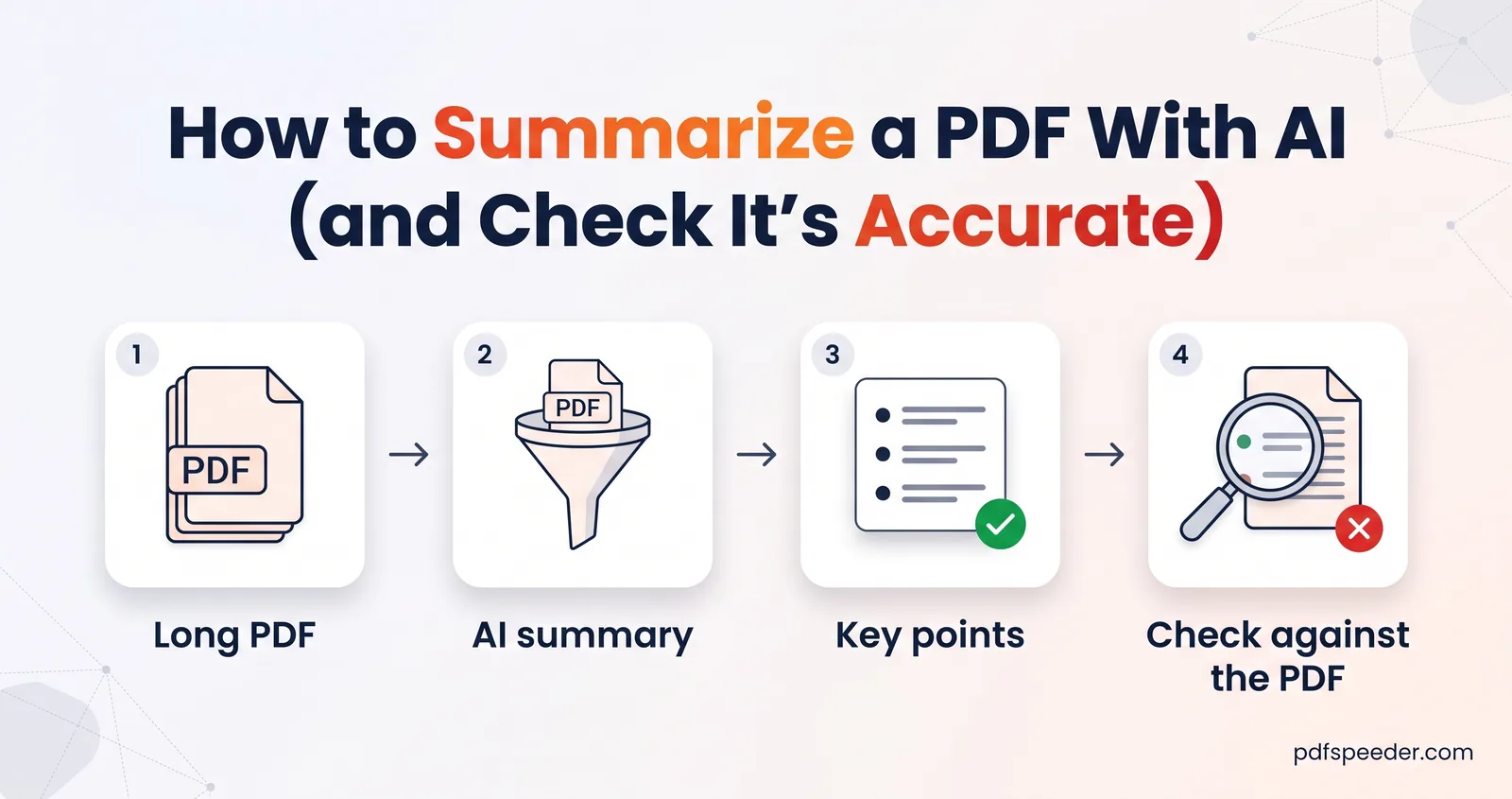
For an overview rather than answers to questions, the AI PDF Summarizer is the better tool: it produces structured summaries, such as key points or an executive summary, in a chosen length and language. Our guide on how to summarize a PDF compares its summary types.
Always check the page it cites
The AI is told to answer only from your document, to say so when the answer isn't there, and to cite page numbers when it can. Even so, treat every answer as a pointer, not a verdict. Checking takes seconds:
- Ask for the quote and the page if the answer didn't include them.
- Search the PDF for a few distinctive words from the quote with Ctrl+F (Cmd+F on a Mac).
- Read the whole paragraph around it. Conditions such as "unless", "subject to" and "up to" often sit in the next sentence.
Page numbers need one adjustment. The AI counts pages by their position in the file, the number your PDF viewer shows in its page box, not the number printed at the bottom of the page. In a report with a cover and two pages of contents, the AI's "page 7" can be printed as page 4.
If the quote can't be found, ask "Where exactly does it say that?" If it still can't point to real words in the document, treat the answer as unsupported.
Where AI answers go wrong
AI is good at finding and rephrasing what a document says plainly. It slips in predictable places:
- Tables. The text arrives row by row without its grid, so a figure can end up attached to the wrong row or column. Check numbers from tables against the table itself.
- Scans in other languages. Scanned pages are recognised as English. For a scan in Hindi, Tamil or another language, run it through PDF to OCR first, which works in your browser and supports 40 languages, then chat with the searchable PDF it produces.
- Pages that mix text and a scan. OCR runs only on pages with almost no text, so a page with a typed header above a scanned letter may be read for the header alone.
- Charts, photos and handwriting. Anything that isn't text is invisible to the chat, including the numbers inside a chart image.
- The end of long files. Text past about 120,000 characters isn't read, and an answer won't necessarily tell you that something was missed.
- What the document only implies. Asked about something the document never states, AI may infer an answer that sounds certain. Ask whether it's stated or inferred.
- Arithmetic. Totals, percentages and date calculations deserve a second check with a calculator.
What happens to your document
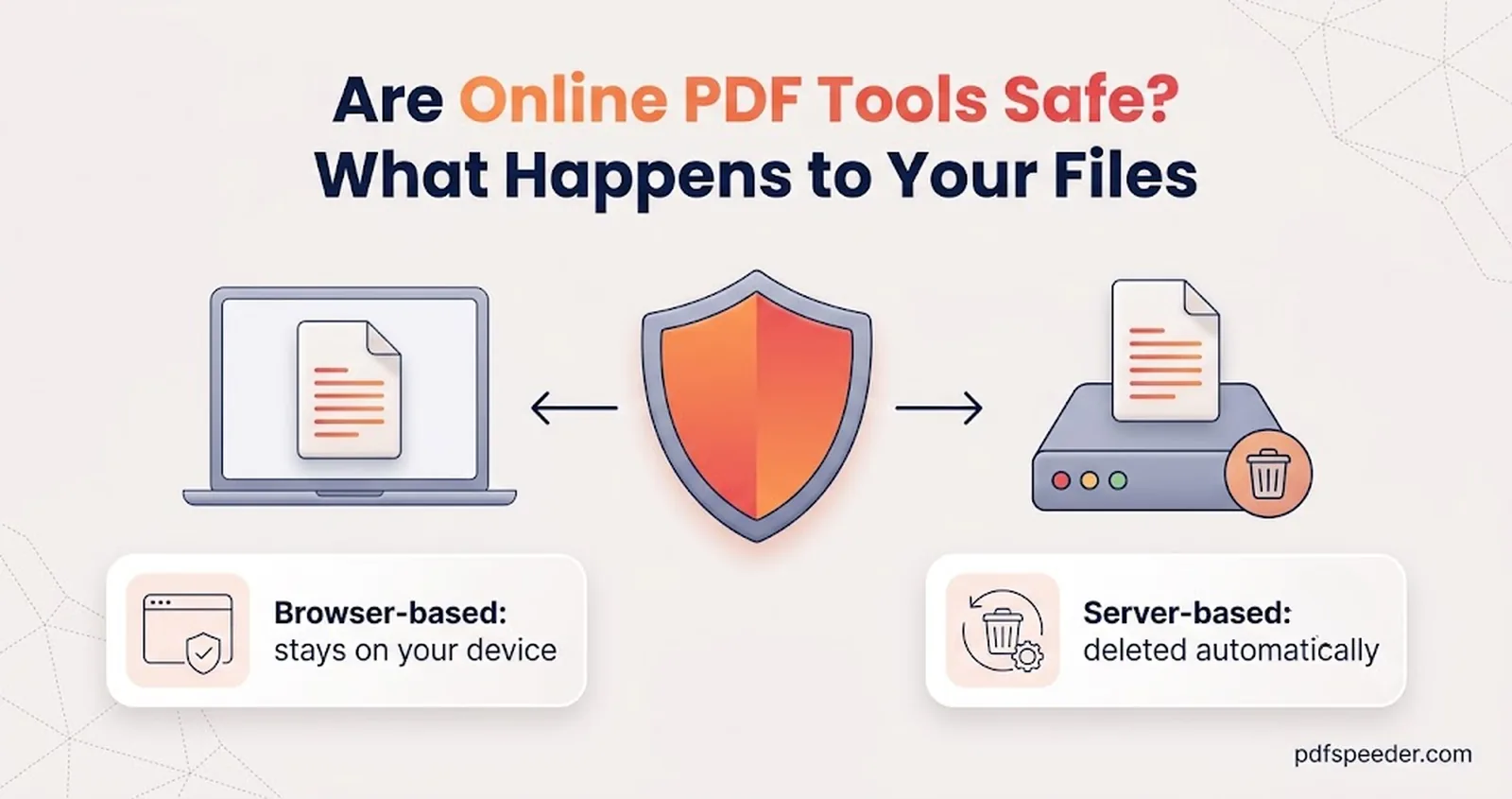
Chat with PDF is a server tool. Your file is uploaded over an encrypted connection, its text is extracted, and the text is kept only for your chat session and deleted within 2 hours. To answer each question, the document's text is sent to OpenAI, which says that data sent to its API isn't used to train its models unless the customer opts in, and that abuse-monitoring logs are kept for up to 30 days by default.
That's fine for most reports, papers, manuals and policies. For contracts, medical records or anything your employer restricts, check the rules first, or black out the personal details before you upload; our guide to whether online PDF tools are safe explains what to look for.
Have a long document waiting? Upload it to Chat with PDF, ask your first question with "quote the exact sentence and give the page", and check that page before you rely on the answer.
Frequently asked questions
Can I chat with a PDF for free?
Yes, within the free daily allowance. Uploading a PDF to Chat with PDF counts as one task, and the questions you ask in that chat don't count separately.
Can the AI read a scanned PDF?
Yes, if the scan is in English, because pages without a text layer are read with English OCR. For other languages, make the scan searchable with PDF to OCR first, then upload that version.
How long can the PDF be?
Up to 30 MB, but the AI reads only about the first 120,000 characters of text, roughly 25 to 30 dense pages. Split longer documents and ask about one part at a time.
Why doesn't the page number in the answer match my document?
The AI counts pages by their position in the file, not by the numbers printed on them. Covers, contents pages and unnumbered sheets make the two drift apart.
Can I trust the answers?
Trust them as directions, not conclusions. Ask for a quote and a page, find it in the PDF, and read the surrounding paragraph before you act on anything important.