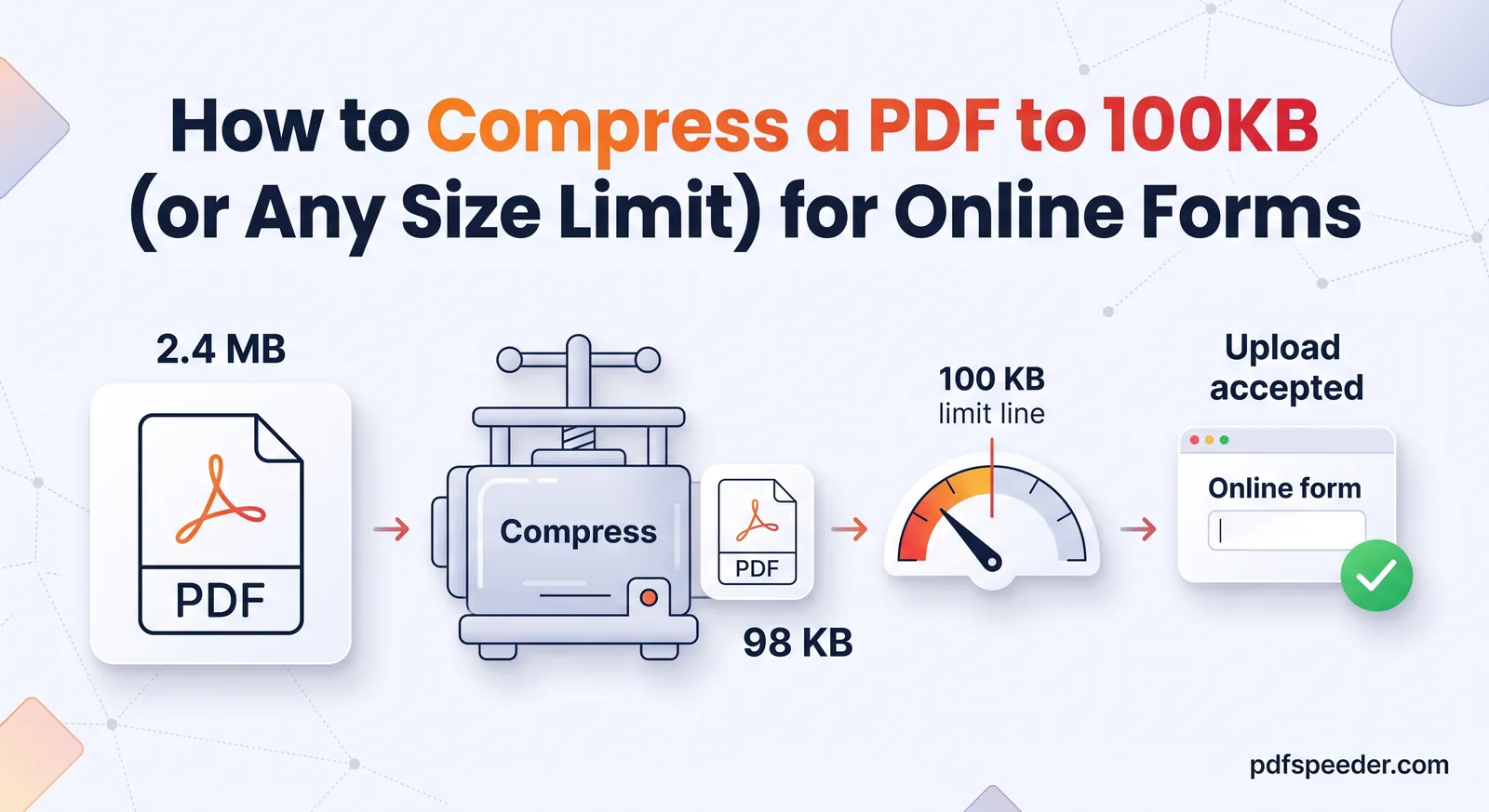
How to Compress a PDF to 100KB (or Any Size Limit) for Online Forms
Get a PDF under 100 KB, or any upload limit, in minutes: the right compression settings, what to do when it won't shrink, and how to keep text readable.
Compress & Optimize · 12 guides
Upload limits are the most common reason a document gets stuck: 100 KB for an exam form, 2 MB for a job portal, 25 MB for an email attachment. These guides show how to hit a specific size, which settings cost quality and which don't, and what to do when a file simply refuses to get smaller.
Get a PDF under 100 KB, or any upload limit, in minutes: the right compression settings, what to do when it won't shrink, and how to keep text readable.
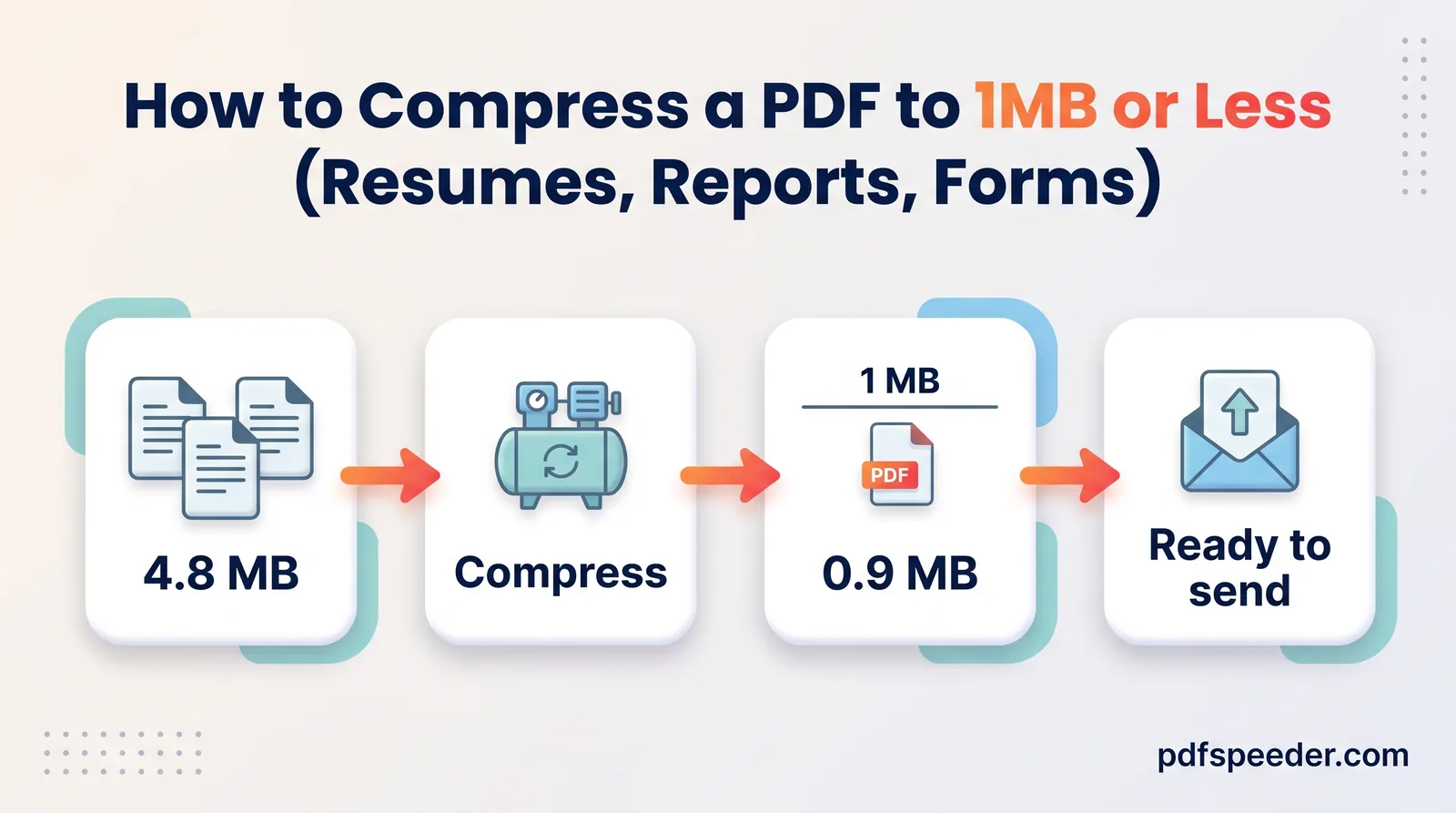
Compress a PDF to 1 MB without blurry text: shrink the photos at the source, pick the gentlest setting that works, then test the links before sending.
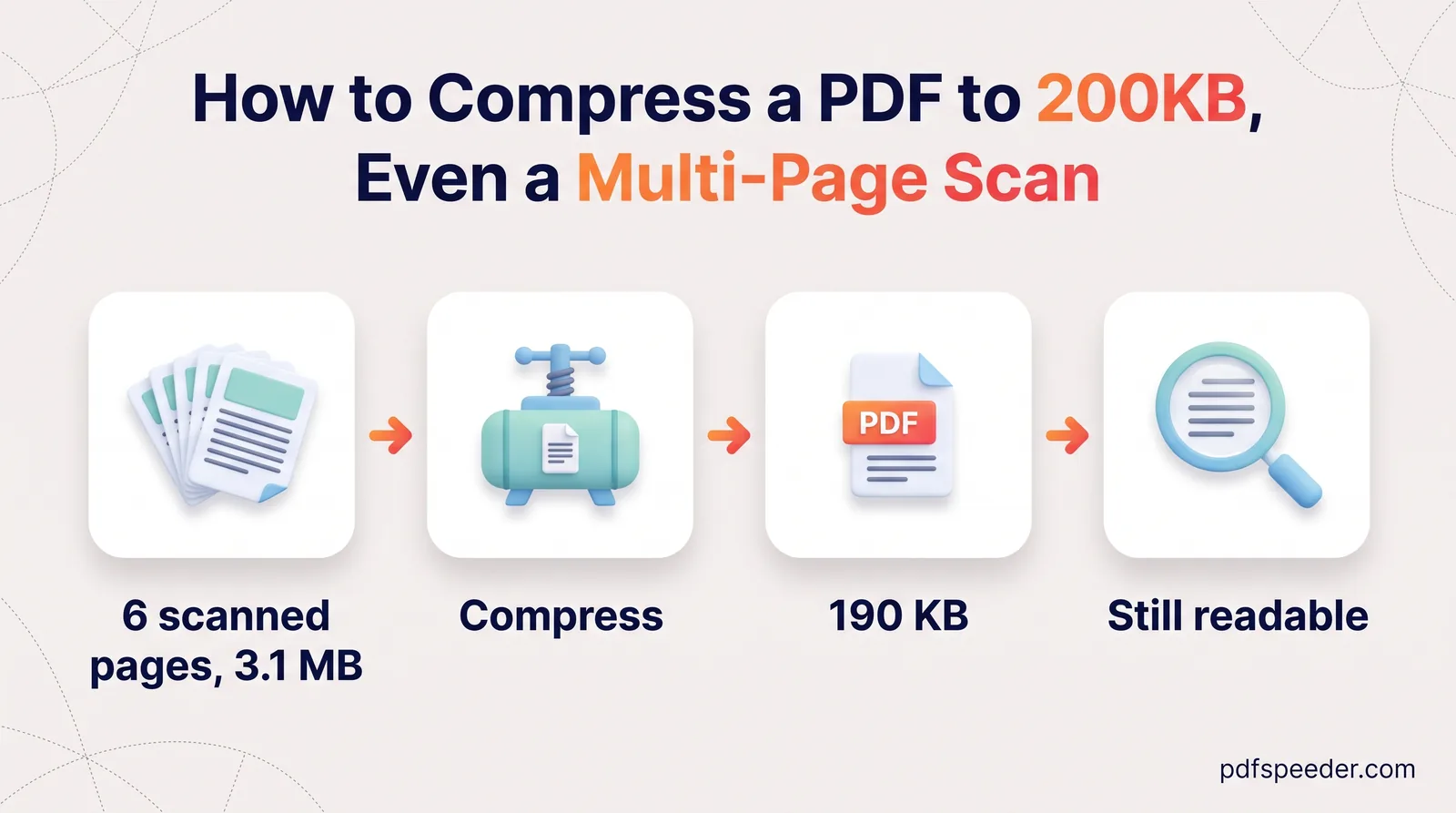
Compress a PDF to 200 KB even when it holds several scanned certificates: work out a per-page budget, merge before compressing, and keep stamps legible.
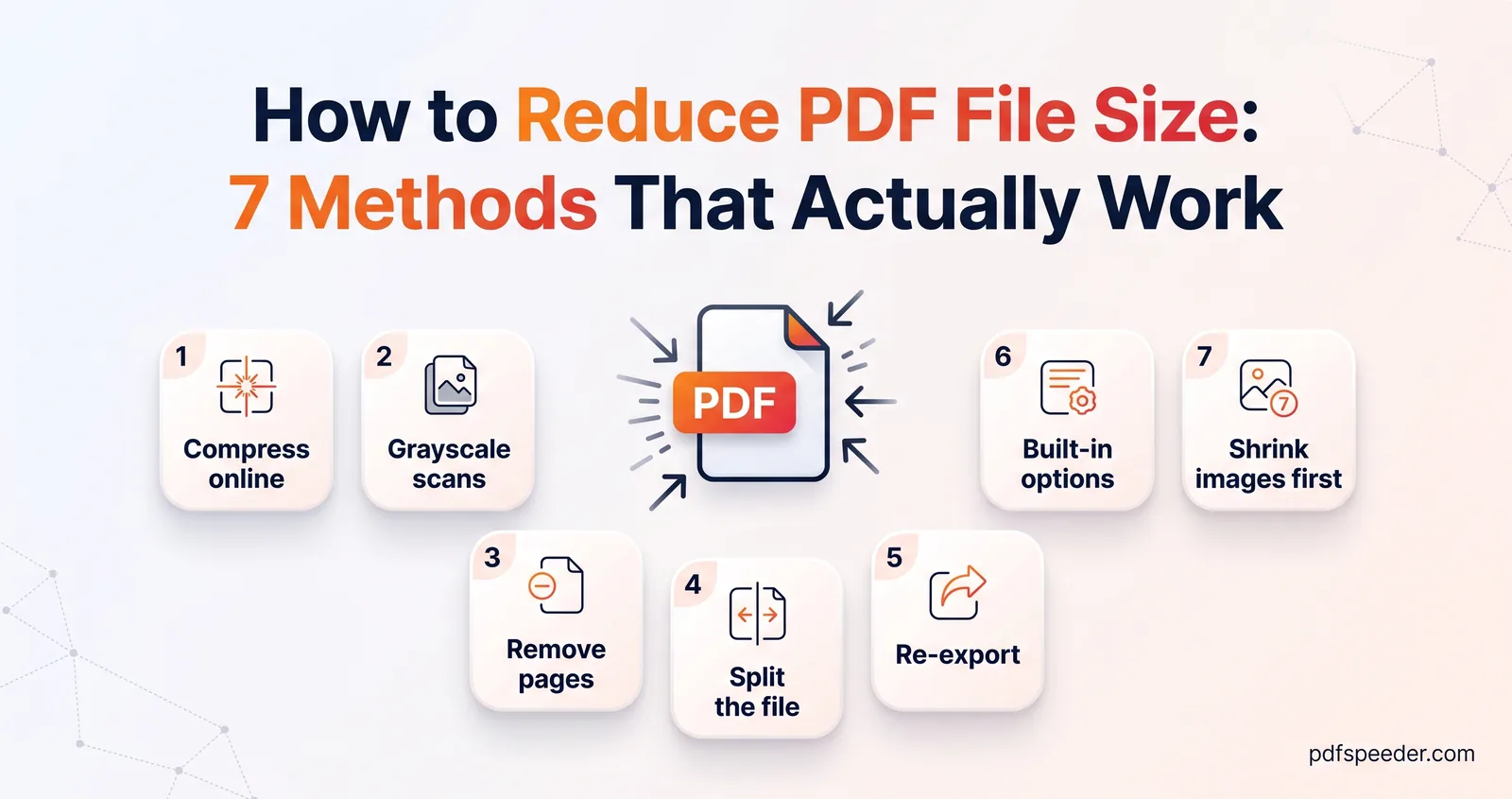
How to reduce PDF file size seven ways: online compression, grayscale scans, cutting or splitting pages, smaller Word exports and Mac or iPhone tools.
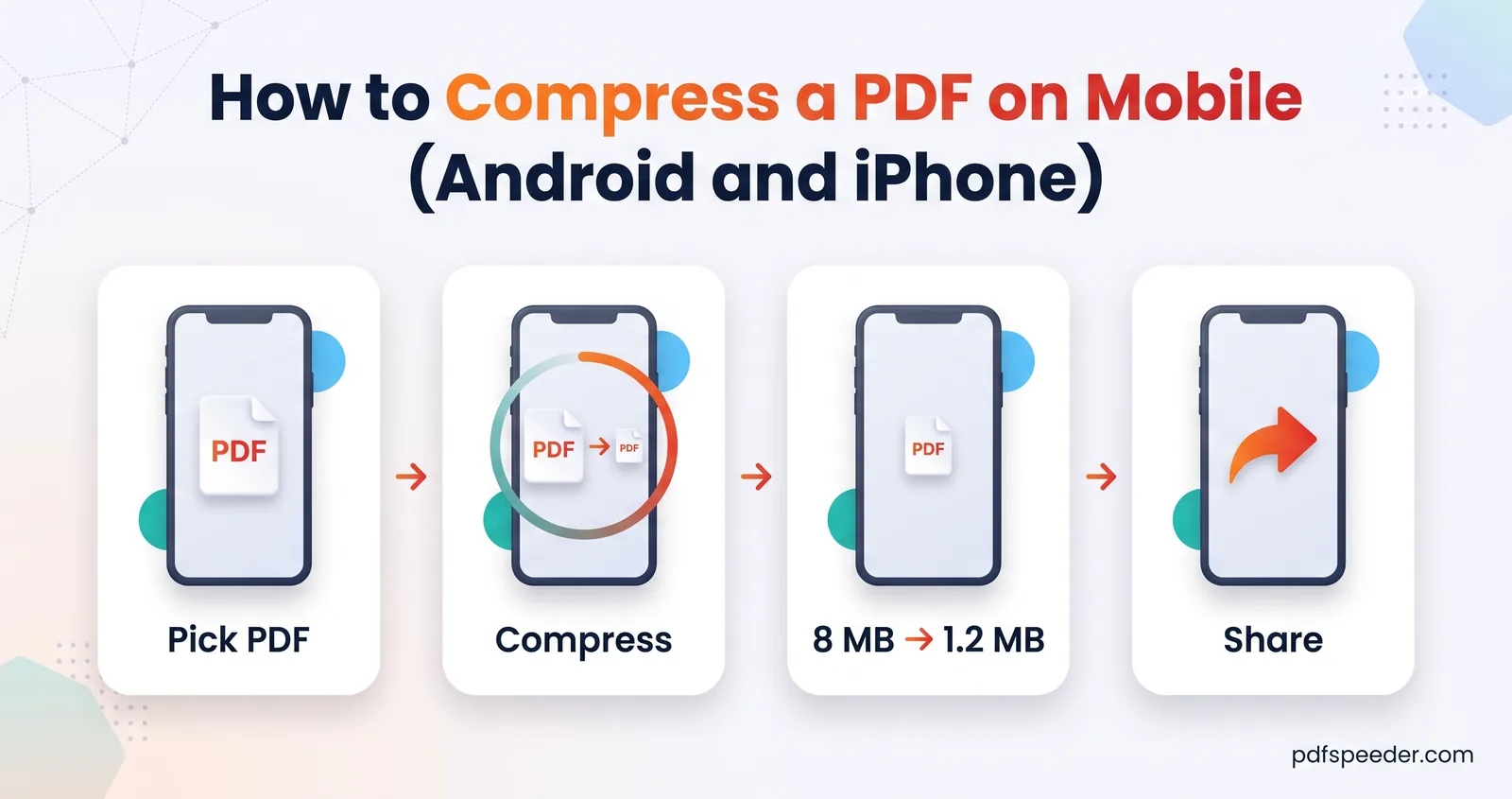
Compress a PDF on mobile without installing an app: the browser route for Android and iPhone, the iPhone's built-in Preview option, and photo-based PDFs.
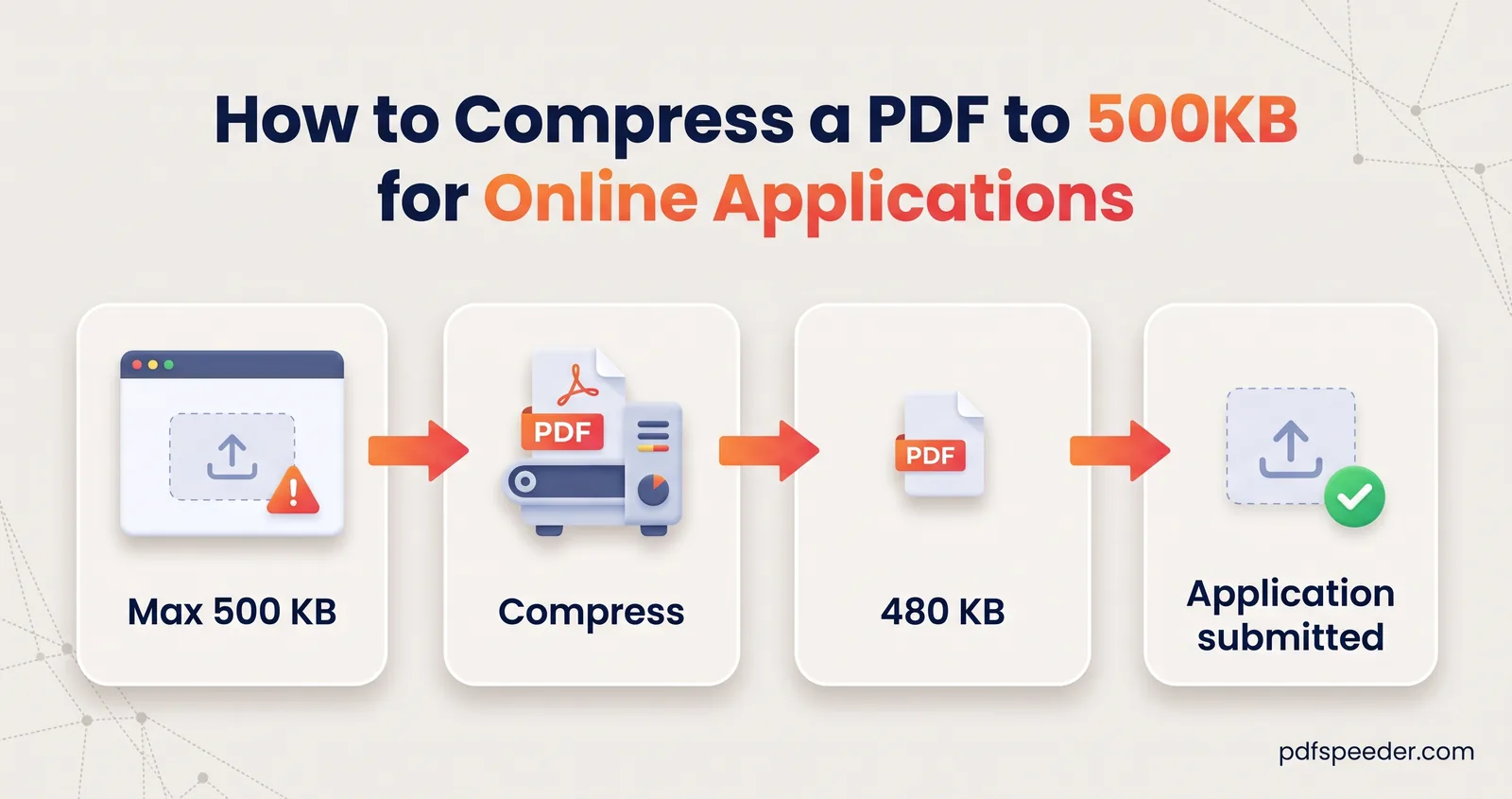
Compress a PDF to 500 KB even when it bundles phone photos, a scanned form and a certificate: shrink each part the right way, merge, then compress once.
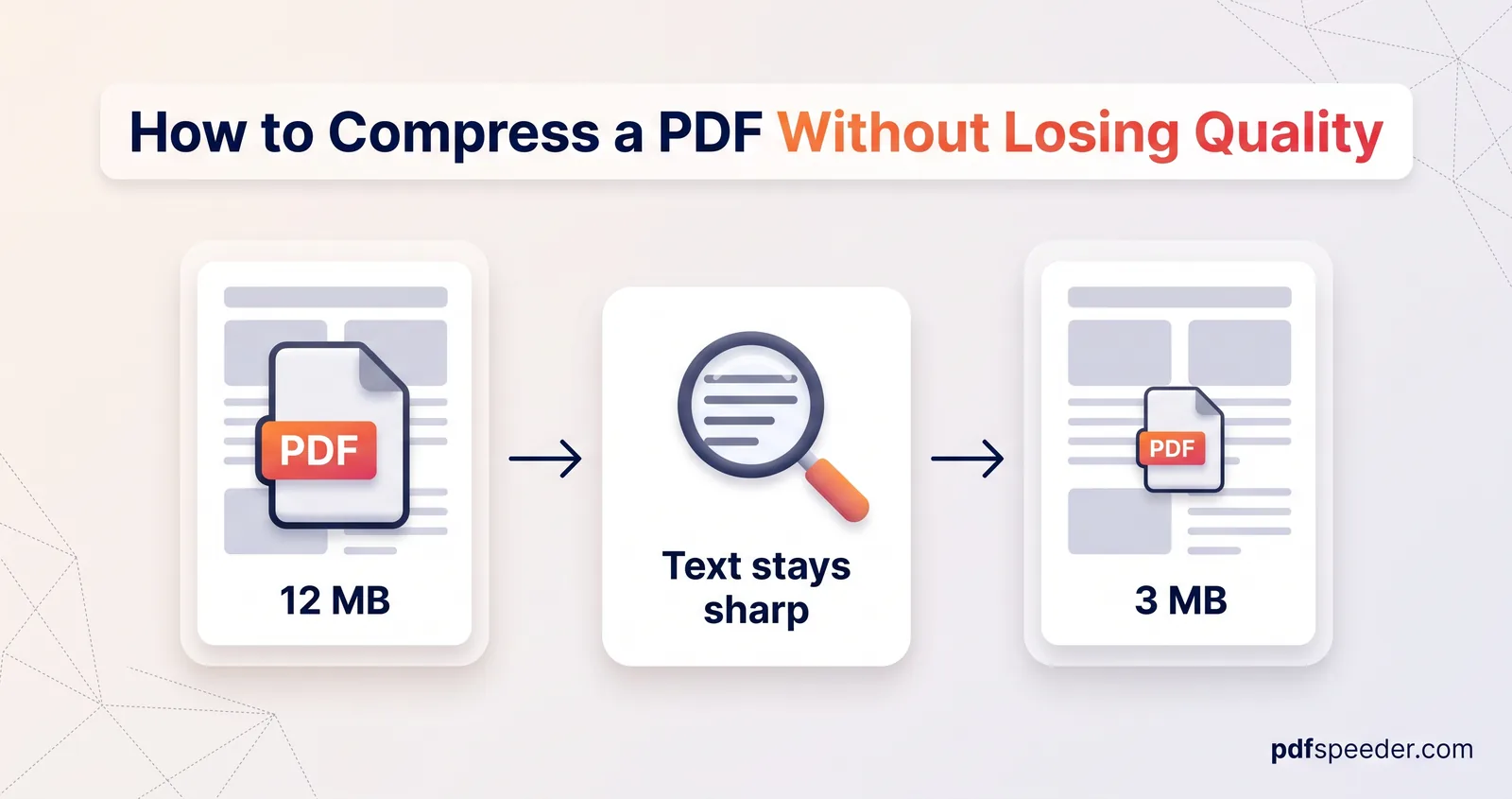
How to compress a PDF without losing quality: the lossless route that changes no pixels, and the gentlest compression level for screen, email or print.
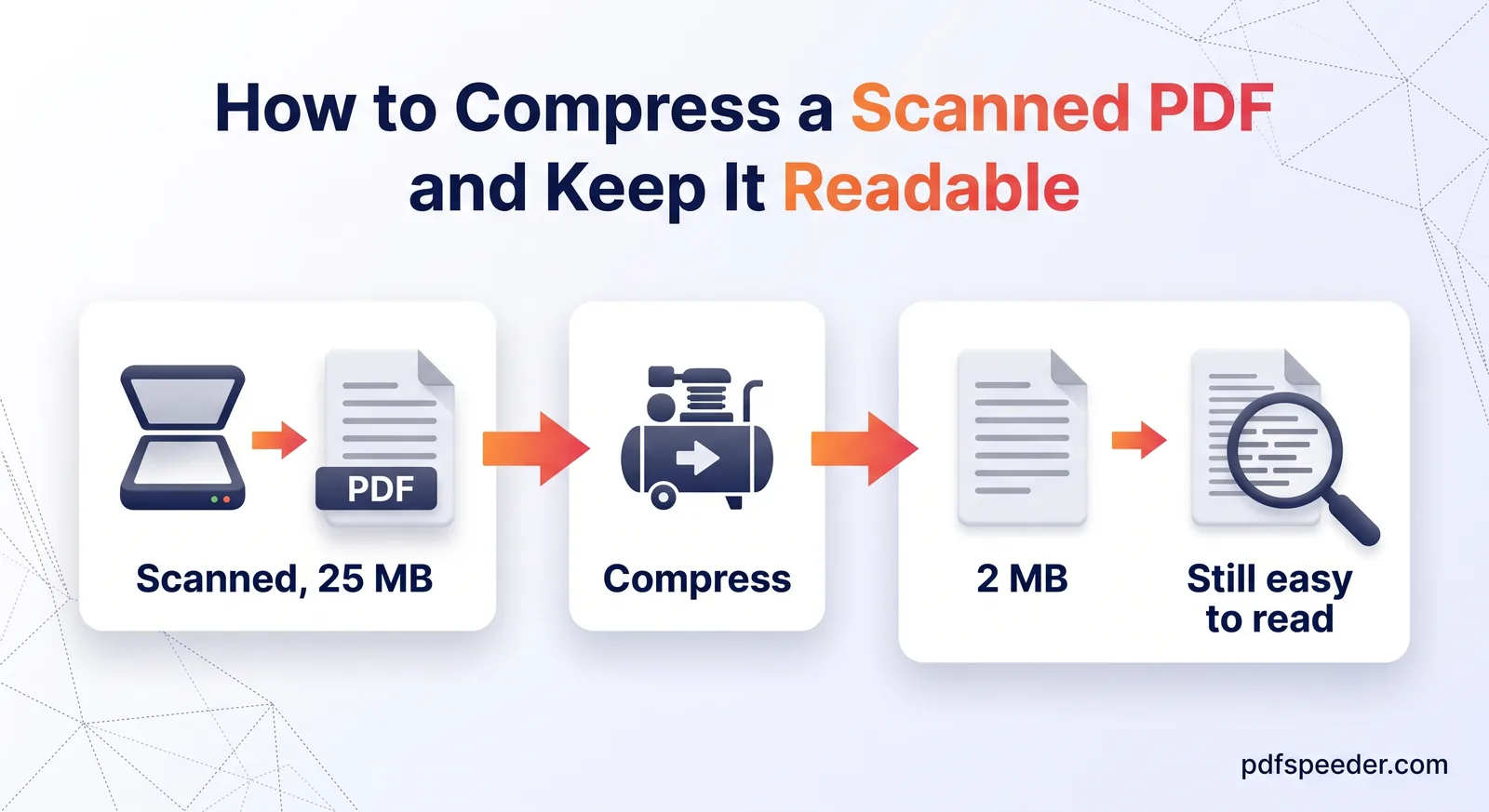
Compress a scanned PDF the smart way: the scan settings that save the most space, what each compression level does to scans, and why OCR must come first.
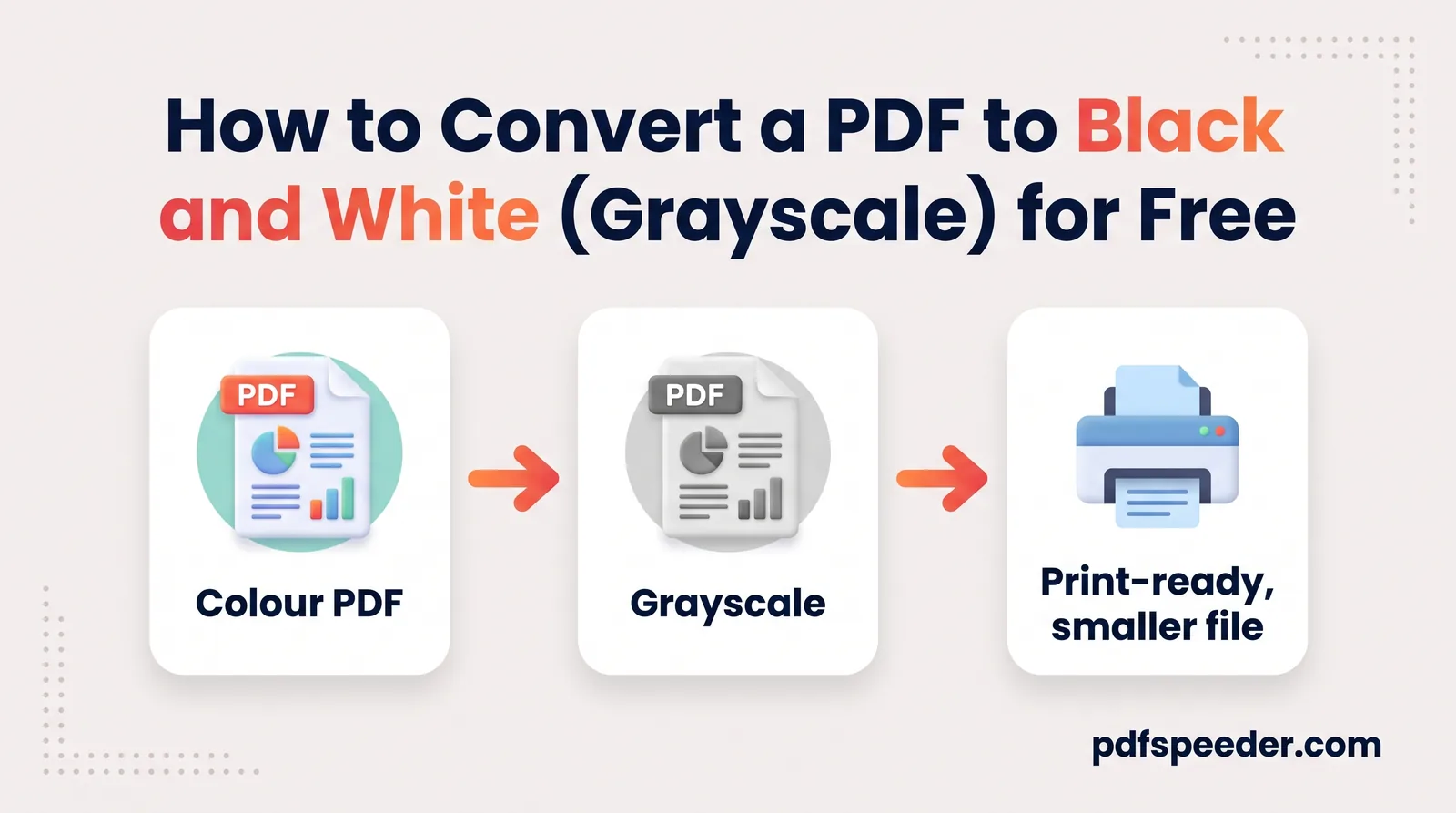
Convert a PDF to black and white for a smaller file or cheaper printing: grayscale vs pure black and white, a free online method, and when to keep colour.
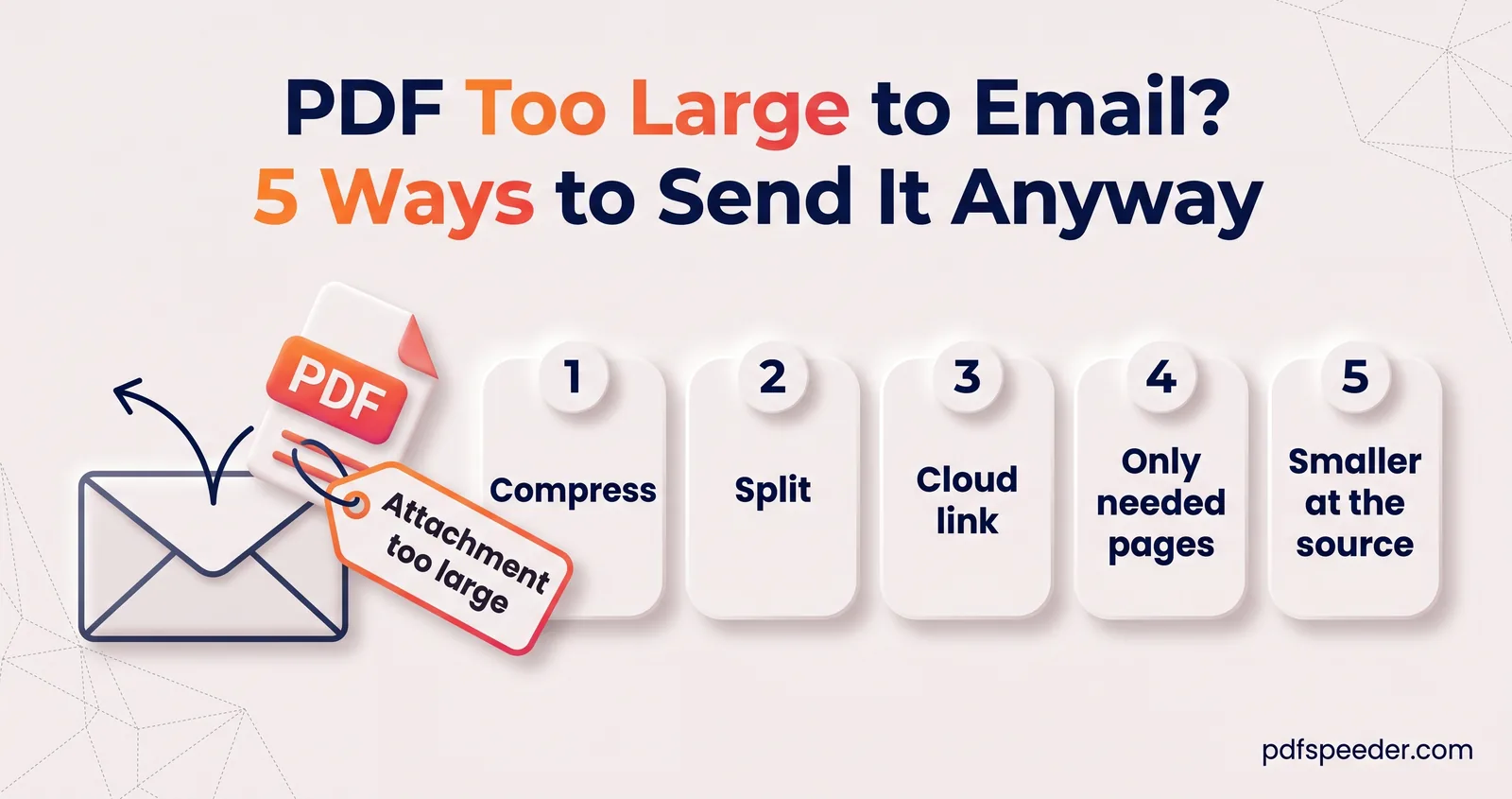
PDF too large to email? See the real Gmail and Outlook limits, why a 20 MB file can still bounce, and five fixes: compress, split, cloud links and more.
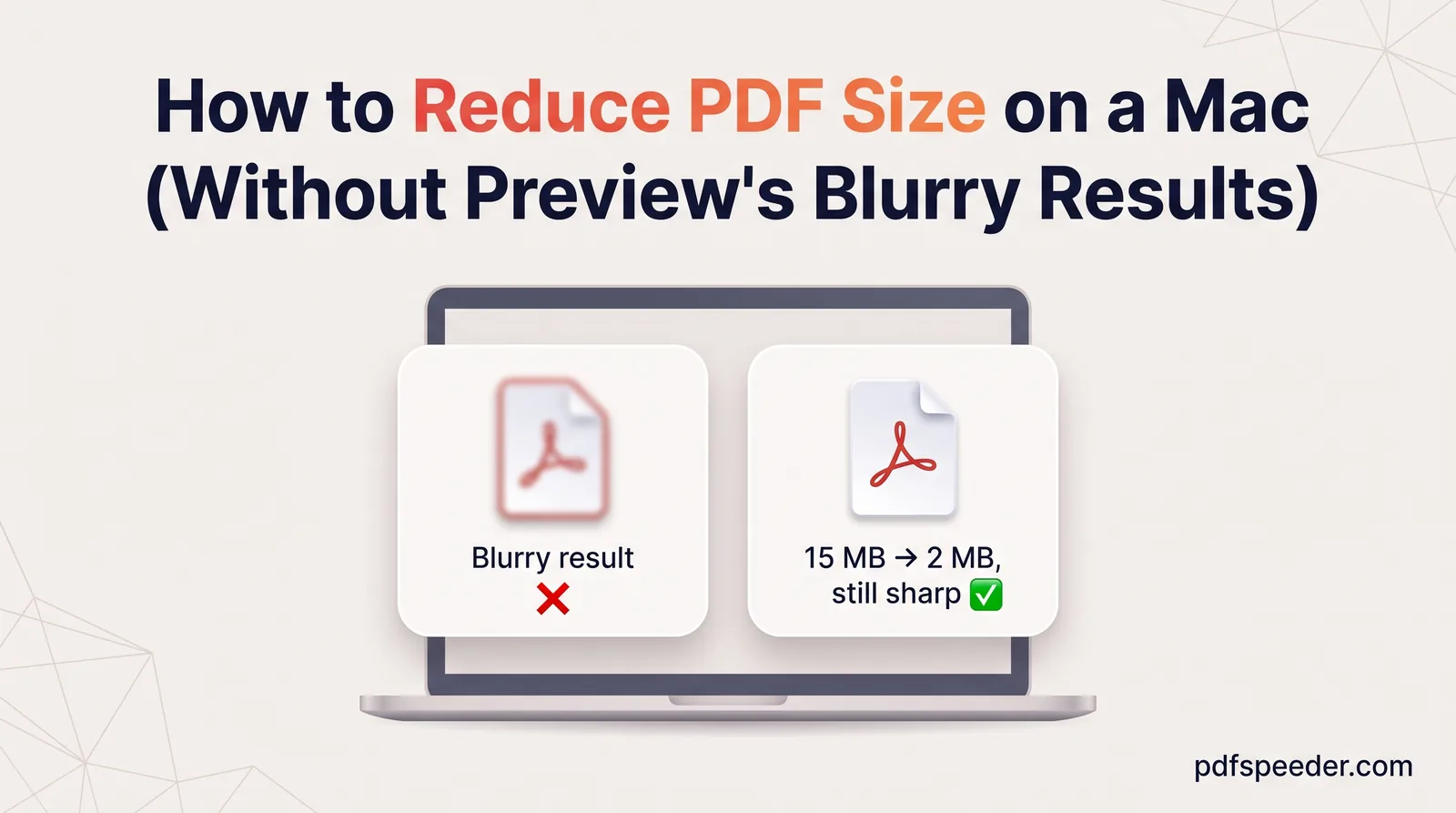
Reduce PDF size on a Mac with Preview's Quartz filter, a gentler custom filter made in ColorSync Utility, or an online compressor that shows the result first.
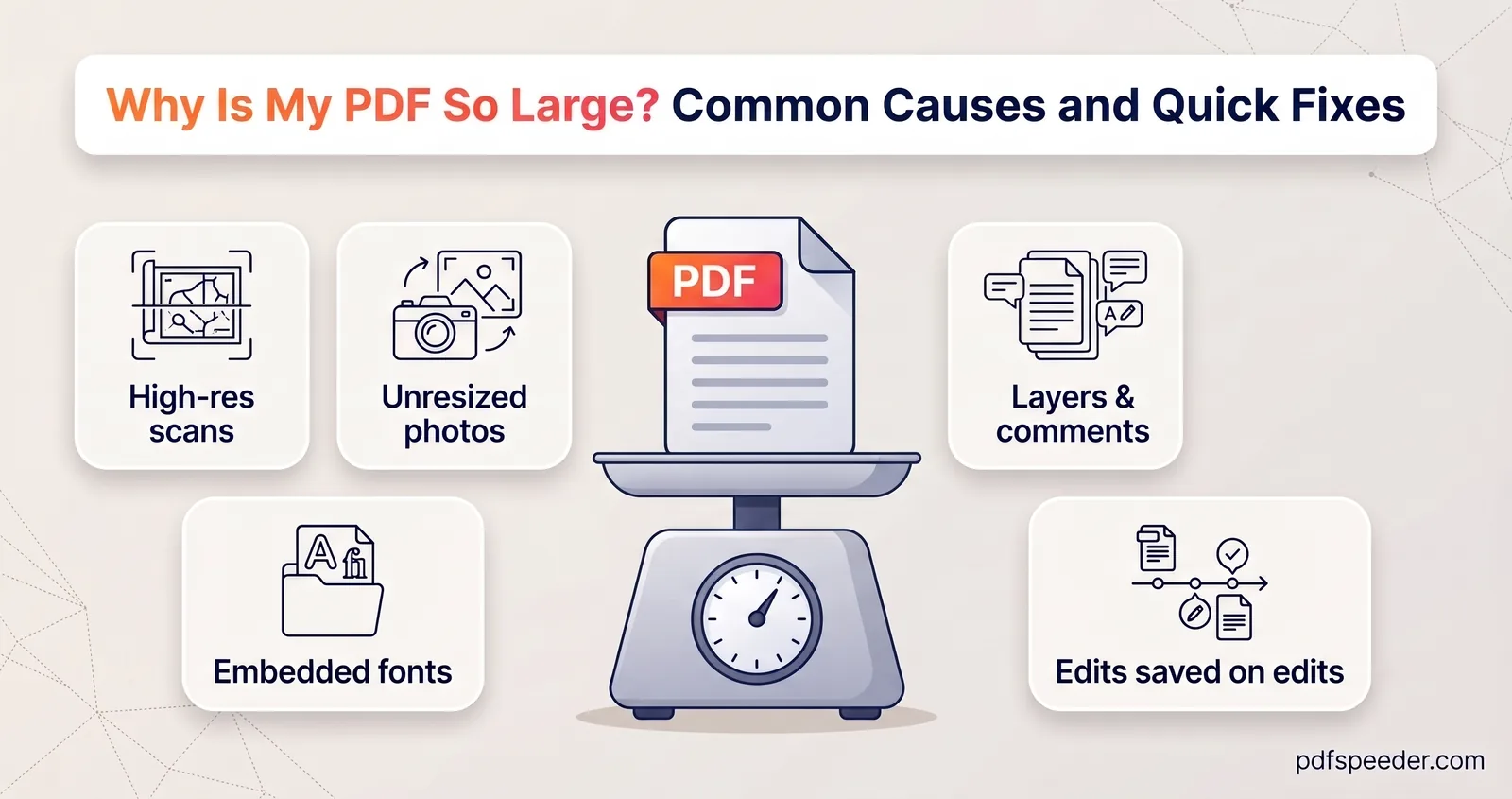
Why is your PDF so large? A quick KB-per-page check finds the cause, from big scans and full-size photos to heavy fonts and old edits, plus the fix for each.
No signup needed. Open one and follow along with any guide above.