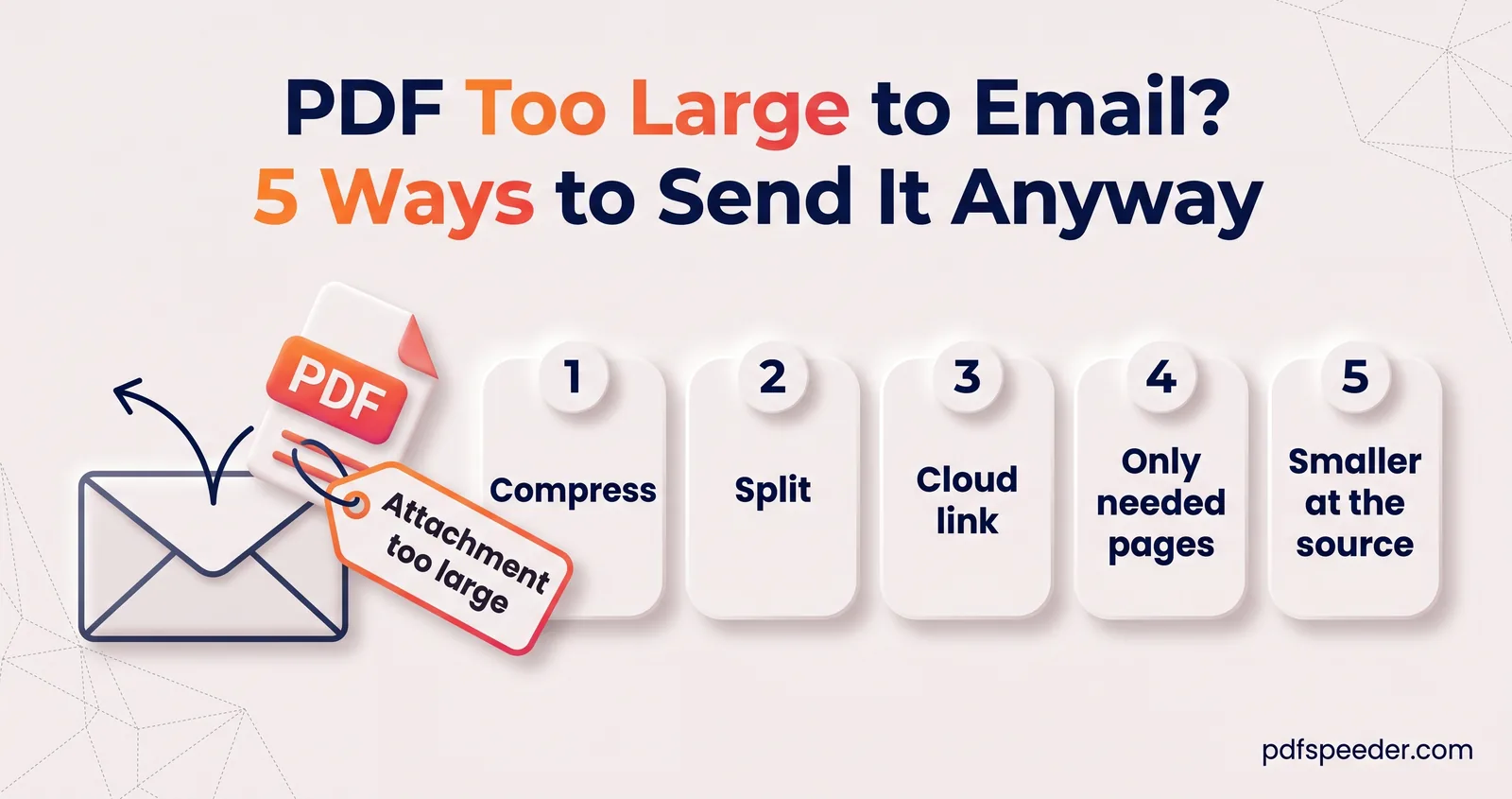
PDF Too Large to Email? 5 Ways to Send It Anyway
PDF too large to email? See the real Gmail and Outlook limits, why a 20 MB file can still bounce, and five fixes: compress, split, cloud links and more.

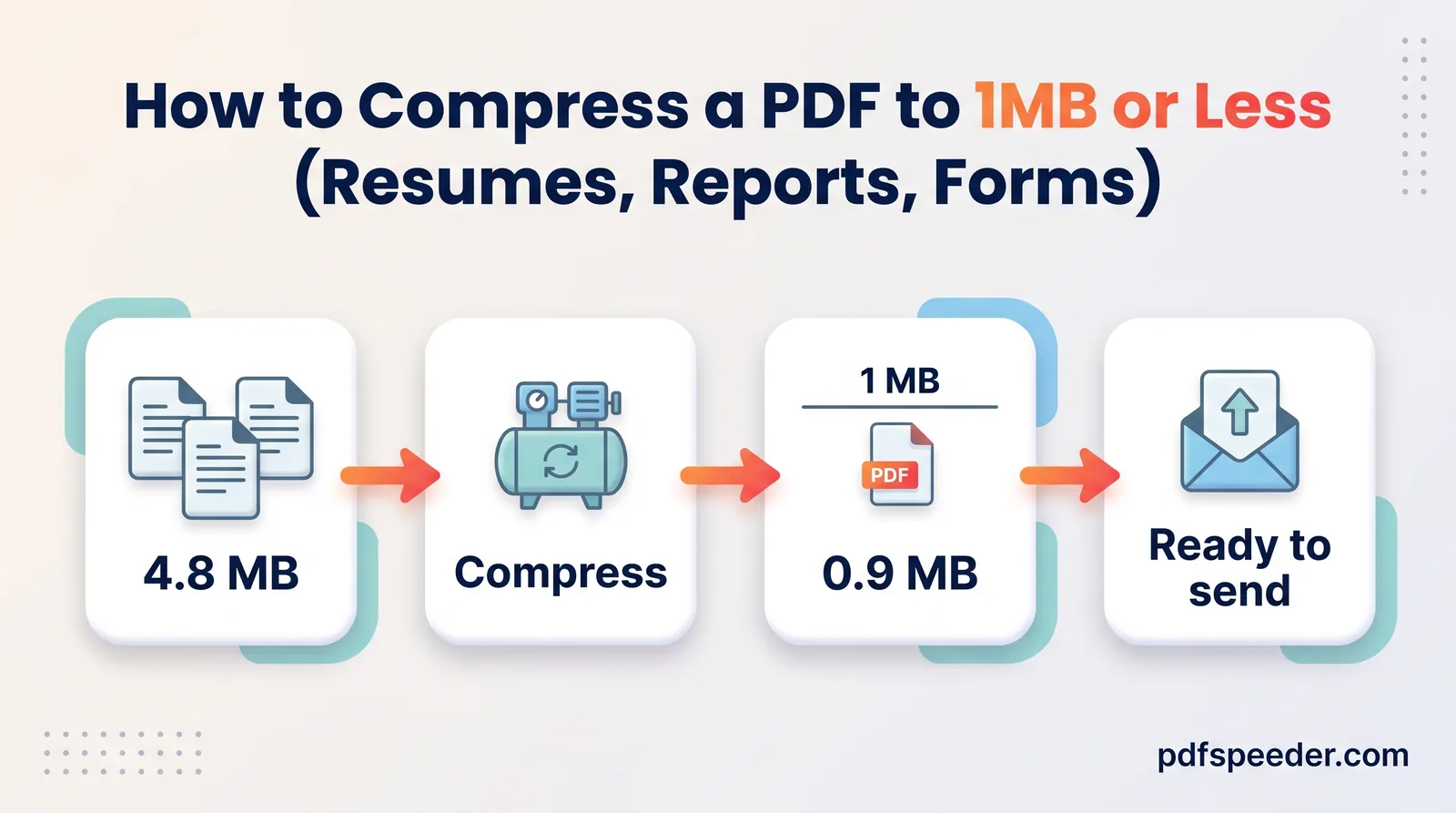
When a PDF is too large to email, compressing it is usually the fastest fix: in a test, a 28.8 MB scan-style sample came down to 2.7 MB, small enough for any mailbox. If it's still too big, split it across several emails or send a Google Drive or OneDrive link instead. Before you start, check the real limit, because email quietly adds more than a third to every attachment on the way out.
On this page
Is your PDF too large to email? Check the limits
| Email service | Limit | Bigger than that? |
|---|---|---|
| Gmail, personal account | 25 MB of attachments | Gmail swaps the file for a Google Drive link |
| Gmail, work or school account | Set by your administrator | Ask your IT team |
| Outlook.com on the web | 25 MB per email, text and attachments included | Attach it as a OneDrive link (files up to 2 GB) |
| Outlook app, internet accounts such as Outlook.com or Gmail | 20 MB per email | You get an error message |
| Outlook app, work (Exchange) accounts | 10 MB per email by default | Your administrator can change it |
The Gmail figures come from Google's Gmail help, the Outlook.com ones from Microsoft's Outlook.com help and the Outlook app ones from Microsoft's guide to sending large files with Outlook, which notes that its limits include both the attachment and the email itself.
Your own limit is only half the story. The message also has to fit every mail server it passes through, including your recipient's, so an email attachment size limit at their end can bounce a file your end accepted. Work mailboxes are the usual suspects.
Why a 20MB PDF can still bounce
Email was designed for text, so every attachment is converted to Base64 text before it's sent. Base64 turns each 3 bytes into 4 characters, and the MIME email standard (RFC 2045) adds a line break after every 76 characters:
encoded size = file size × 4 ÷ 3 × 78 ÷ 76 ≈ file size × 1.37
a 20 MB PDF → 20 × 1.368 ≈ 27.4 MB as an email
In a test, a 28.8 MB PDF attached to a one-line message produced a 39.4 MB email, 1.368 times the file. Microsoft's Exchange documentation makes the same point to administrators: Base64 increases a message's size by about 33%, so size limits have to allow for it.
Working backwards gives the largest PDF that fits under each limit once it's encoded:
| Mailbox limit | Largest PDF that fits after encoding |
|---|---|
| 25 MB | about 18.2 MB |
| 20 MB | about 14.6 MB |
| 10 MB | about 7.3 MB |
Leave a little extra room for the message text and any images in your signature. Not every provider says whether its limit counts the file or the encoded message, so treat these as safe targets rather than exact cut-offs.
Fix 1: Compress the PDF for email
Most oversized PDFs are scans or photos, and those shrink dramatically. Compress PDF works in any browser, on a phone or a computer:
- Open Compress PDF and add your file (up to 100 MB).
- Choose Balanced for scans and most email use, or High Compression if you need to get under 7 MB for a work mailbox.
- Select Compress PDF, compare the first page before and after, and download the copy ending in "-compressed".
- Check the new size against the table above, then attach it.
On a 24-page scan-style sample in colour at 300 DPI, which weighed 28.8 MB, Balanced produced 2.7 MB (90.7% smaller) and High Compression 1.6 MB (94.6% smaller). Balanced keeps images at 100 DPI, which keeps typed text easy to read on screen.
The file is uploaded over an encrypted connection, compressed on our server and deleted automatically within 2 hours. Each file counts as one task in the free daily allowance: 2 tasks a day without an account, 3 with a free account, reset at 00:00 UTC (05:30 IST). Trying another level on the same file within 2 hours is free.
A PDF exported from Word or another app, made mostly of text, has less to lose. If one of those is still too large to send, the weight is coming from something specific, and our guide to why a PDF is so large shows how to find it.
Fix 2: Split it into smaller parts
Splitting suits a document the recipient needs in full quality, or one that's still too big after compressing. Work out how many pages fit in each email:
pages per email = largest PDF that fits ÷ average size of one page
example: a 48 MB, 40-page scan is 1.2 MB a page; 18.2 MB ÷ 1.2 MB = 15 pages
Pages vary in weight, so take one page fewer for safety: 14 pages per email gives three parts of about 16.8 MB, 16.8 MB and 14.4 MB.
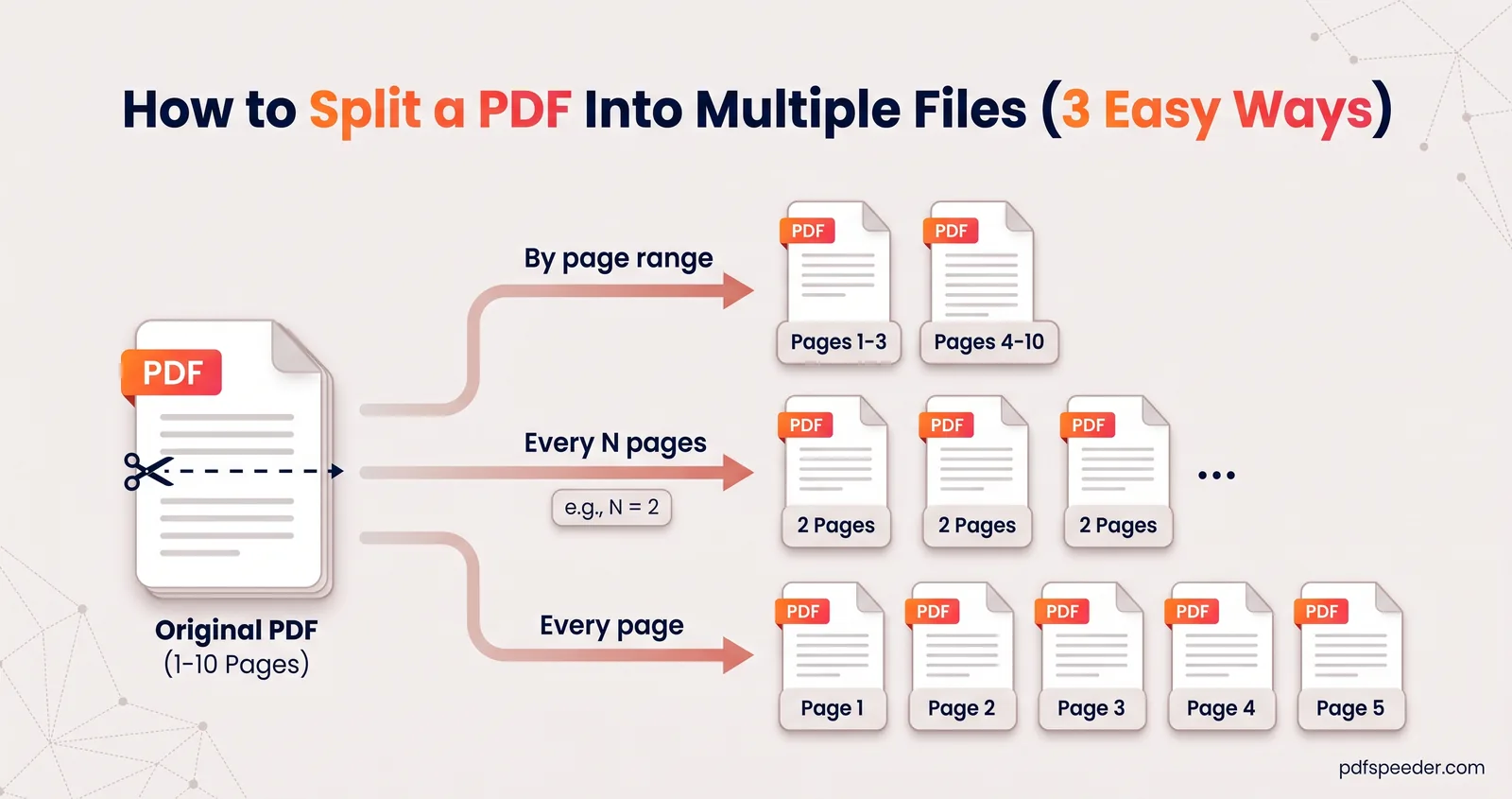
Split PDF does this in your browser, so the file isn't uploaded. Choose Fixed Size, enter the number of pages per part, and split. Several parts download together as a ZIP, so unzip it before attaching one part to each email, and label the subjects "1 of 3", "2 of 3" and so on.
Split PDF accepts files up to 50 MB; for anything bigger, compress first. Our guide to splitting a PDF into multiple files covers the other modes.
Fix 3: Share a cloud link instead
For a file that's genuinely big, such as a full-quality scan or a set of drawings, a link is the cleanest way to send a large PDF by email. Gmail does it for you: when attachments go over the limit, it removes them and adds a Google Drive link instead.
In Outlook.com, attach the file as a OneDrive link. Microsoft says links don't count towards the email size limit, and linked files can be up to 2 GB.
Two checks before you press Send. Make sure the link's sharing setting lets your recipient open the file, or they'll get an access request instead. And keep the file where it is until they've downloaded it.
Links aren't always welcome. Some offices and application processes accept attachments only, which is when compressing or splitting is the better route.
Fix 4: Send only the pages they need
A 60-page bank statement, when the recipient asked for the last three months, is mostly dead weight. In Split PDF, switch to Pick Pages, click the pages you want and download them as one new PDF. Fewer pages means less to attach and less for the recipient to search through.
Fix 5: Make a smaller PDF at the source
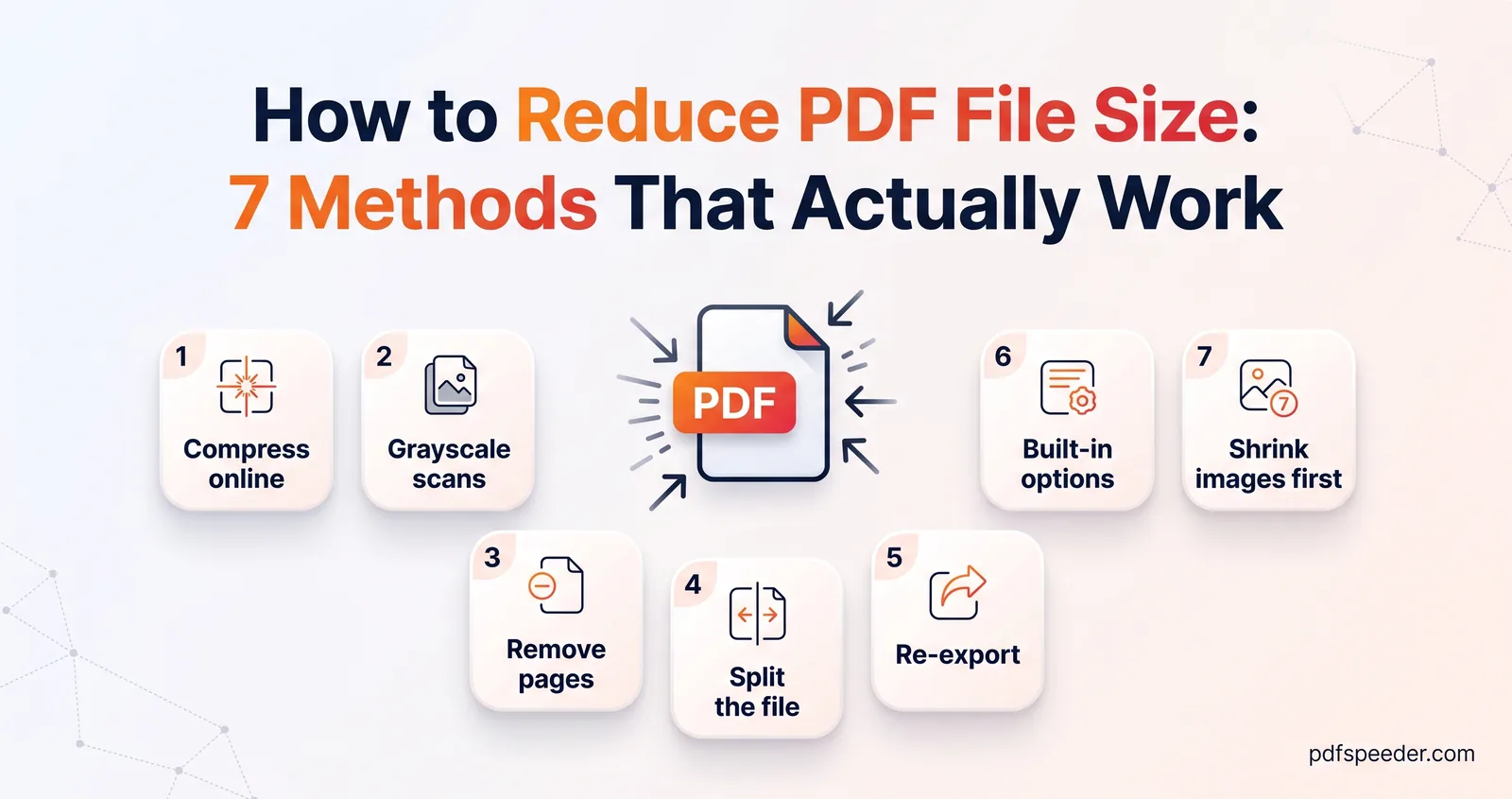
If you still have the paper or the original file, a smaller PDF often starts there. Rescan at 150 to 200 DPI in grayscale instead of 300 DPI in colour, or export again from Word or PowerPoint with a smaller size option. Our seven ways to reduce PDF file size walk through both.
Does zipping a PDF help?
Microsoft's Outlook help suggests zipping a file to make it fit, and for uncompressed files, such as plain text, that can work. A PDF is different: its contents are already compressed inside. Here's what ZIP compression (at its strongest setting) saved on sample PDFs:
| Sample PDF | Size | Zipped | Saved |
|---|---|---|---|
| 24-page colour scan | 28.8 MB | 28.5 MB | 1.0% |
| Three phone photos, one per page | 13.5 MB | 13.4 MB | 1.3% |
| Word report with photos | 609 KB | 584 KB | 4.1% |
| Word report, text only | 204 KB | 180 KB | 11.4% |
The scans and photos, which are what make PDFs big, gained about 1%. The exception is a PDF saved without any internal compression, which is rare: a version of the text report saved that way shrank by 72.8% when zipped. Zip when you want to bundle several files into one attachment, not to make a PDF smaller.
Start with Fix 1: compress your PDF on Balanced, check the size against your mailbox's limit, and fall back to splitting or a cloud link only if it's still too big.
Frequently asked questions
What is the Gmail attachment limit?
25 MB for personal Gmail accounts. If your attachments add up to more, Gmail replaces them with a Google Drive link; for work and school accounts, the administrator sets the limit.
Why does Outlook say my attachment is too large?
The Outlook app allows 20 MB per email for internet accounts and 10 MB by default for work Exchange accounts, and those limits include the message itself. Compress the PDF or attach it as a OneDrive link.
What size should I compress a PDF to for email?
For a 25 MB limit, stay under about 18 MB, and under about 7 MB for a 10 MB work mailbox. Email encoding adds roughly 37% to the file, so smaller is safer.
How do I send a large PDF by email for free?
Compress it first; most scans shrink enough to attach. If it's still too big, send a Google Drive or OneDrive link, or split it into parts that each fit.
Will zipping a PDF make it small enough to email?
Rarely. In tests, zipping saved about 1% on scanned and photo PDFs and 4 to 11% on PDFs exported from Word.