How to Count Words in a PDF (Accurately, Even Scanned Files)
How to count words in a PDF accurately: extract and count the text, stop headers and page numbers inflating the total, handle scans and see what counts.

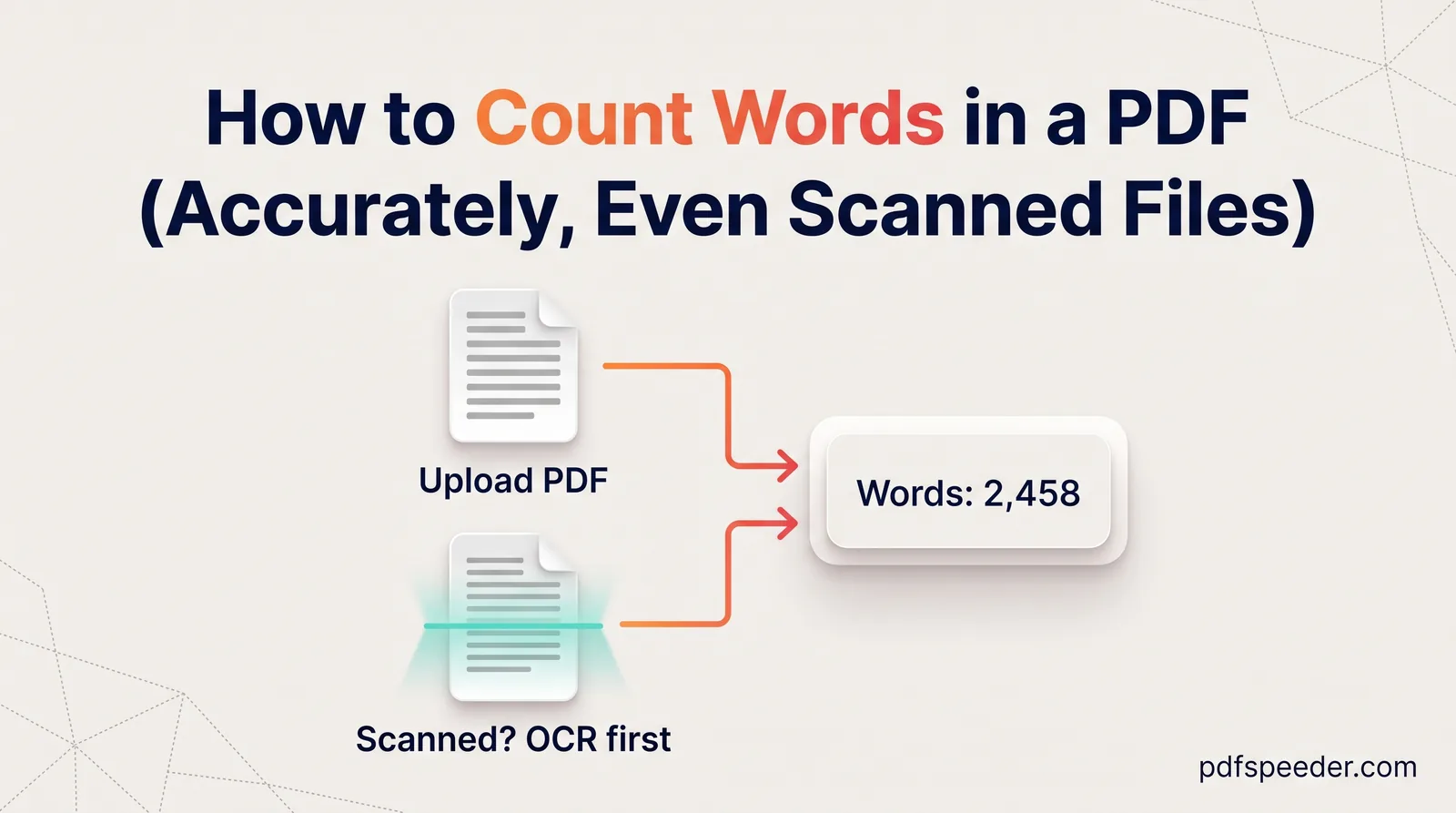
To count words in a PDF, extract its text and run it through a word counter. The PDF viewers built into Chrome and Edge don't show a word count, but extracting and counting takes about a minute. Use an extraction mode that drops running headers, footers and page numbers, which can add hundreds of words to a long document, and run OCR first if the PDF is a scan.
On this page
How to count words in a PDF: extract, then count
This route gives you an online word count of a PDF that you can trust, for free and without uploading anything, because both tools run in your browser:
- Open PDF to Text and add your PDF.
- Select only the pages that count towards your limit. Many assignments and journals leave out the title page, references or appendices, so deselect those thumbnails.
- Choose the Reading output mode, and keep Fix hyphenated line breaks and Remove running headers, footers & page numbers ticked.
- Select Extract Text, read through the result for anything that shouldn't be counted, then select Copy.
- Paste the text into Word Counter. It shows words, characters with and without spaces, sentences, paragraphs and unique words, plus reading time at 225 words a minute and speaking time at 140.
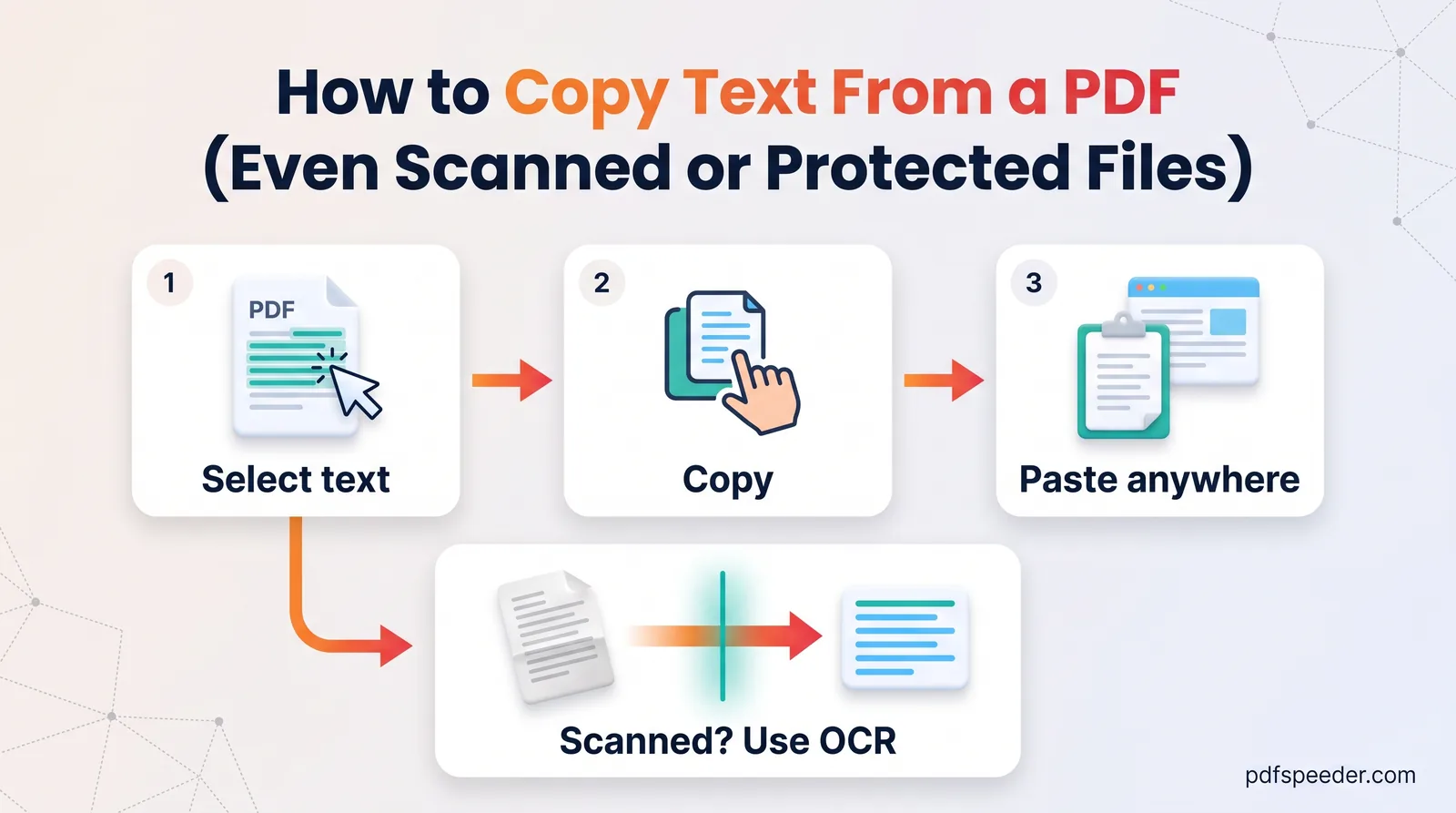
PDF to Text shows a quick word total too, but it simply counts every run of characters between spaces, so a lone dash or a page of Chinese text is counted differently. Word Counter follows the word-processor conventions explained further down, which makes it the figure to quote. PDF to Text counts as one task in the free daily allowance (2 a day without an account, 3 with a free account). Our guide on how to copy text from a PDF explains its three output modes in more detail.
Why headers and page numbers skew the count
When text is copied from a PDF line by line, everything printed on the page comes along: the report title at the top of every page, the "Page 12 of 40" at the bottom, and words split by hyphens at the end of lines. Here's what that adds to a 40-page report, counted with the same rules Word Counter uses:
| Repeated item | Words it adds per page | Over 40 pages |
|---|---|---|
| Header: "Annual Report 2026 – Confidential" | 4 | 160 |
| Footer: "Page 12 of 40" | 4 | 160 |
| Three words split across lines, such as "infor-" and "mation" | 3 | 120 |
| Total | 11 | 440 |
On a 12,000-word report, that's 3.7% too many, enough to push you over a strict limit or overcharge a client billed by the word. Reading mode removes lines that repeat at the top or bottom of at least half the pages, drops lines that are only a page number, and rejoins hyphenated words, so the count reflects the actual text.
Some things still need a decision from you, because only you know your rules:
- Footnotes, captions and table text stay in the extracted text. Delete them before counting if your limit excludes them.
- Line numbers in legal or academic documents count as words, since each is a number. Remove them first.
- The reference list can run to hundreds of words; skip those pages if it doesn't count.
Count words in a scanned PDF
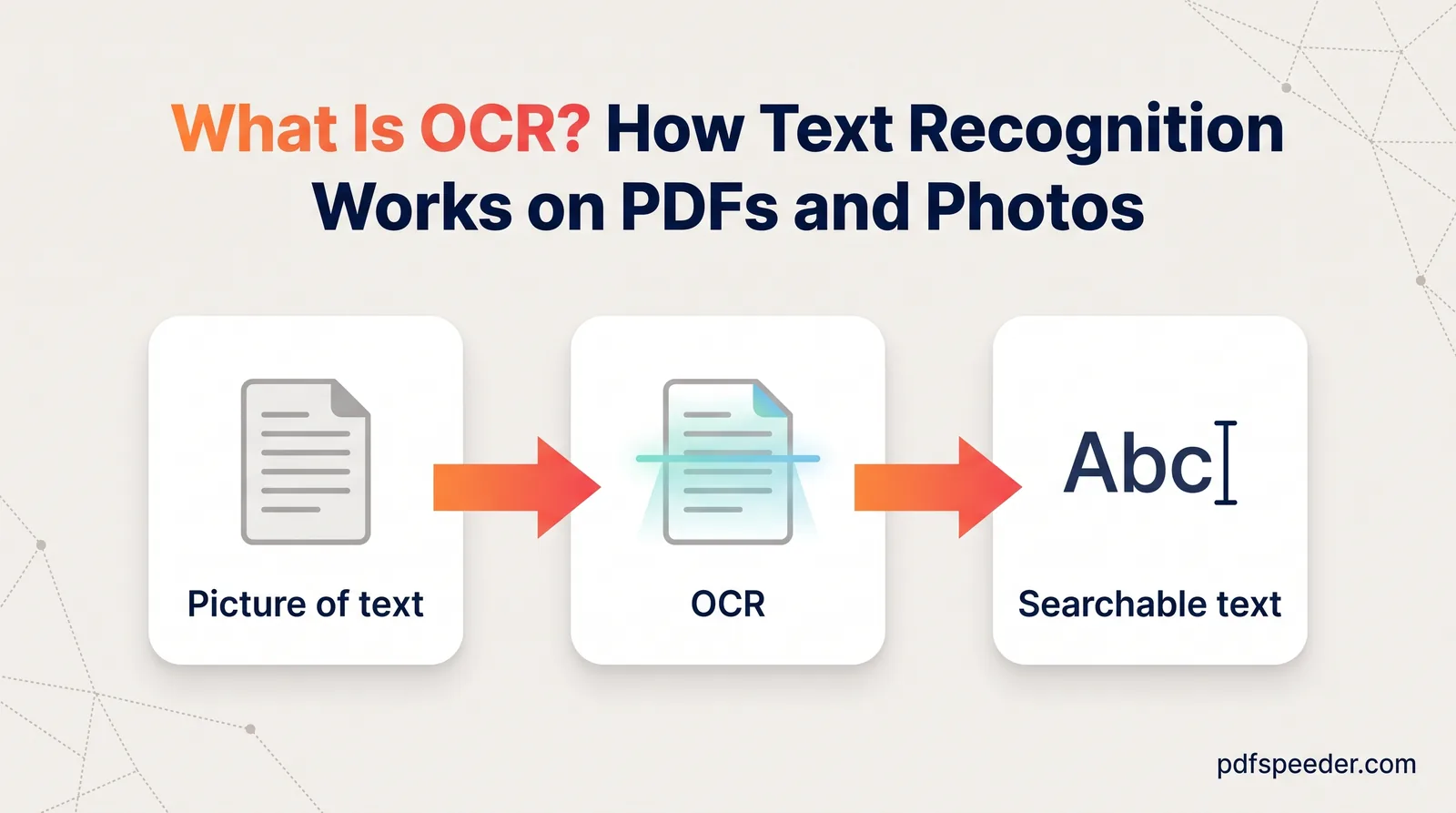
A scanned page is an image, so there are no words to count until OCR (optical character recognition) reads them. PDF to Text handles this as it extracts: with OCR on Auto, pages with almost no real text go through OCR, using the language you pick from its list of 14, including English and Hindi.
For other languages, or a page that mixes two, PDF to OCR reads 40 languages and lets you select several at once. Choose Text as the output, then paste the result into Word Counter. Our explainer on what OCR is explains why a clean, straight scan gives much better text.
Treat an OCR count as a close estimate rather than an exact figure. Recognition can split one word into two, merge two into one, or turn a speck of dust into a stray letter, and each of those changes the total slightly. For a quote or a submission with a strict limit, skim the extracted text first.
Using Word or Google Docs instead
If you'd rather stay in a word processor, convert the PDF and use its built-in counter:
- Microsoft Word 2016 or later: open the PDF with File > Open, which converts it into an editable document, then look at the status bar or choose Review > Word Count. The dialog has a tick box to include text boxes, footnotes and endnotes.
- Google Docs: in Google Drive, right-click the PDF and choose Open with > Google Docs, then choose Tools > Word count or press Ctrl+Shift+C. Google's guide to counting words in a document notes that the count leaves out headers, footers and footnotes.
There's a catch with both. A converted PDF's running headers and page numbers usually arrive as ordinary text in the body, not in the document's real header area, so the word count in Google Docs or Word includes them. Delete them, or subtract them as in the table above, before you rely on the number.
What counts as a word?
Counting tools don't all agree, and the differences come from a few kinds of text. These are the rules Word Counter applies, which follow the usual word-processor convention:
| Text | Counted as | Why |
|---|---|---|
| don't | 1 word | An apostrophe doesn't split a word |
| state-of-the-art | 1 word | Hyphenated words stay together |
| 3.14 or ₹1,500 | 1 word | Anything with a letter or digit counts |
| A dash on its own (—) | 0 words | No letters or digits |
| www.example.com | 1 word | One unbroken string |
| 你好世界 (Chinese) | 4 words | Each Chinese character counts as one |
| こんにちは (Japanese) | 5 words | Each kana counts as one |
| 안녕하세요 세계 (Korean) | 2 words | Korean is written with spaces |
| नमस्ते दुनिया (Hindi) | 2 words | Hindi is written with spaces |
If you're a translator, check how your client counts before you quote: some count the source text and some the translation, and Chinese or Japanese work may be priced by character instead. Word Counter's character count, with and without spaces, gives you the figure for a character count in a PDF as well.
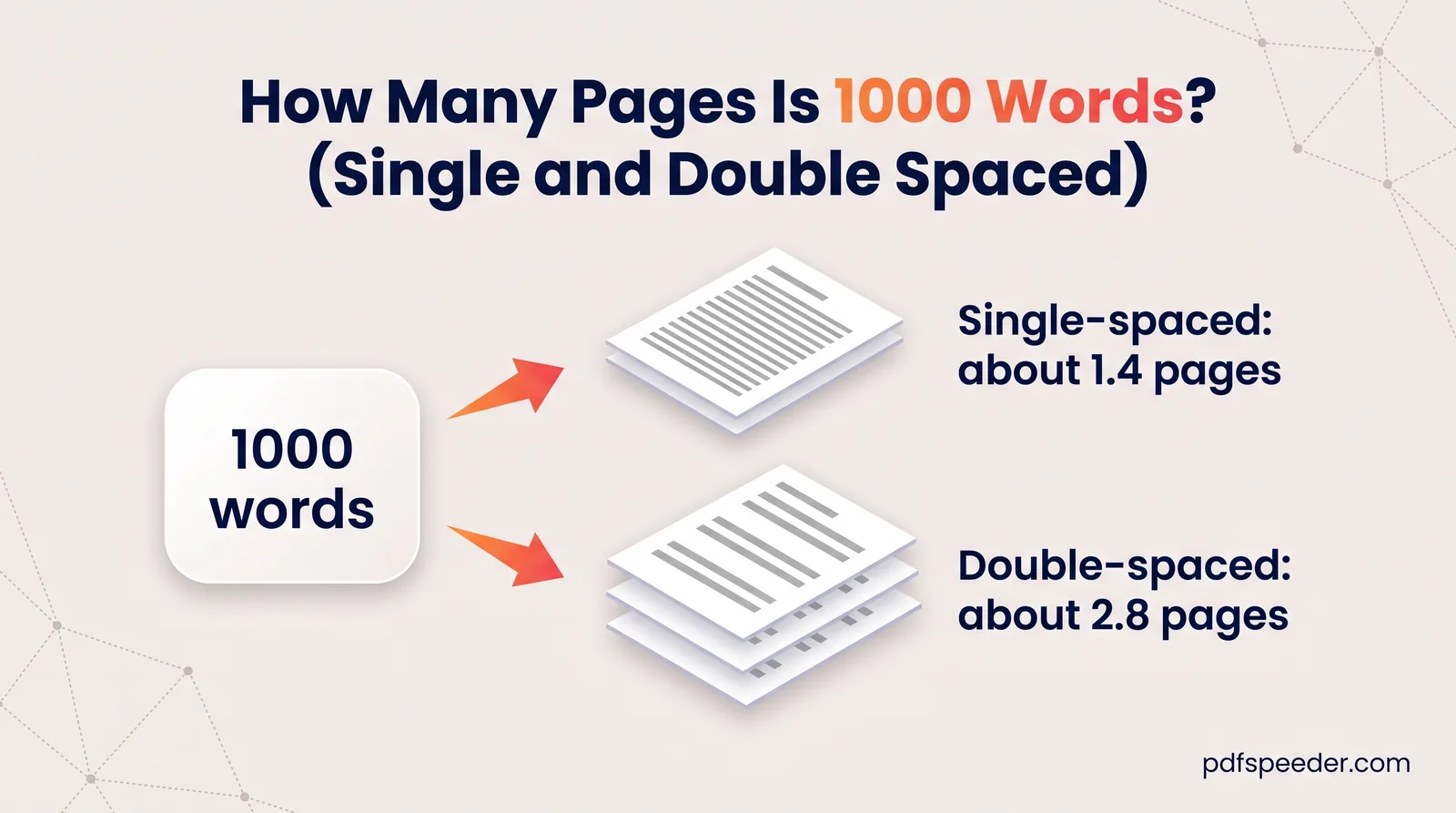
For converting a word count into pages, our guide to how many pages 1,000 words is has a full table by font and spacing.
Next time you get a PDF with a word limit attached, extract it in Reading mode, delete anything your rules exclude, and paste it into Word Counter for the final number.
Frequently asked questions
How do I count words in a PDF for free?
Extract the text with PDF to Text in Reading mode, then paste it into Word Counter. Both run in your browser, and the extraction uses one task from the free daily allowance.
Can I count words in a scanned PDF?
Yes, after OCR. Set OCR to Auto in PDF to Text, or use PDF to OCR's text output for other languages, then count the result.
Why is my PDF word count different from Word's?
Usually headers, footers, page numbers or split words were included in one count but not the other. Hyphenated words, numbers and Chinese or Japanese text are also counted differently by some tools.
How do I count characters in a PDF?
Extract the text and paste it into Word Counter, which shows characters with and without spaces. It counts emoji and accented letters as single characters.
Does the word count include headers and page numbers?
Not if you extract in Reading mode with header removal ticked. Copying directly from a PDF, or converting it in Word or Google Docs, usually includes them.