How to Create a Strong Password You Can Actually Remember
How to create a strong password: current NIST rules in plain English, the maths of random passwords vs passphrases, and the patterns attackers try first.

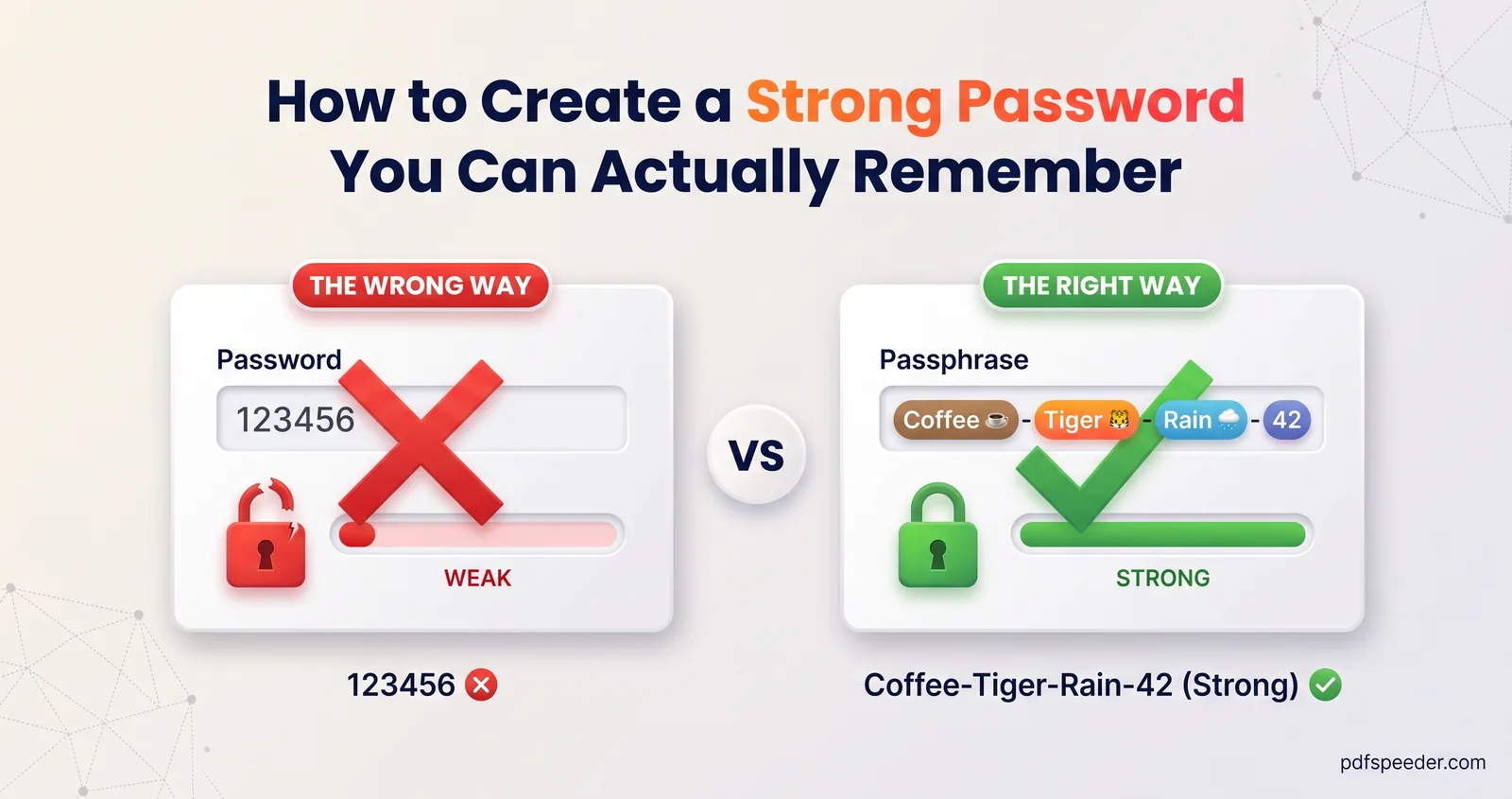
To create a strong password, make it long and random rather than clever: at least 15 characters when it's the only thing protecting an account, different for every site, and generated by a tool or built from several random words. Keep it in a password manager and switch on two-factor sign-in, and you won't need to remember dozens of them. Below are the current rules in plain English, the maths behind them and the patterns attackers try first.
On this page
What makes a password strong
The most useful guidance comes from the US National Institute of Standards and Technology. Its digital identity guidelines, NIST SP 800-63B-4 (July 2025), tell websites how to handle passwords, and they double as advice for the rest of us:
- Length first. A password used on its own must be at least 15 characters. Only one used together with a second factor may be as short as 8. Sites should allow at least 64.
- No forced mixtures. Sites shall not demand "one capital, one number, one symbol", because those rules push people towards predictable tricks like
Password@1. - No scheduled changes. Sites shall not make you change passwords periodically, but must force a change when there's evidence it was compromised.
- Blocklists. New passwords must be checked against lists of commonly used, expected or breached passwords, including dictionary words and the name of the service.
- Password managers welcome. Sites must allow password managers and autofill, and should let you paste.
In short, a strong password is long, random and unique. A clever-looking eight-character password with symbols is weaker than a plain one twice as long, and any password reused on two sites is only as safe as the weaker site.
Random password or passphrase?
Both work if they're truly random. The difference is who has to deal with them:
| Random characters | Passphrase (random words) | |
|---|---|---|
| Looks like | A 20-character jumble of letters, digits and symbols | Four to seven unrelated words, such as Lake-Ward41-Still-Stove-Second (don't use this one) |
| Strength per character | High | Lower, so it needs more length |
| Typing and remembering | Hard | Much easier, including on a phone |
| Best for | Every account stored in a password manager | The few you must type: the manager's master password, your computer login, a Wi-Fi key |
The word "random" is doing the work. A phrase you picked yourself, like a song lyric or "MyDogLovesMumbai", follows patterns that cracking tools are built to try.
The maths: how long would it take to crack?
Password entropy measures how many guesses a random password could need, in bits. Each extra bit doubles the number of possibilities, and an attacker needs to try about half of them on average:
entropy (bits) = number of choices × log2(size of the pool)
12 random printable characters: 12 × log2(94) = 12 × 6.555 = 78.7 bits
5 words from a 7,776-word list: 5 × log2(7,776) = 5 × 12.925 = 64.6 bits
average time to crack = 2^(bits − 1) ÷ guesses per second
Here's what that means at 100 billion guesses a second, a deliberately pessimistic rate that assumes an attacker with powerful graphics cards has stolen a database of poorly protected password hashes:
| Password | Entropy | Average time to crack |
|---|---|---|
| 8 random characters | 52.4 bits | about 8½ hours |
| 12 random characters | 78.7 bits | about 75,000 years |
| 15 random characters | 98.3 bits | billions of years |
| 5 random words (7,776-word list) | 64.6 bits | about 4½ years |
| 6 random words (7,776-word list) | 77.5 bits | about 35,000 years |
| 7 random words (7,776-word list) | 90.5 bits | about 270 million years |
Sites that store passwords with slow hashing, and sign-in pages that limit attempts, make real attacks far slower than this. The numbers only hold for passwords chosen at random, though: a human-made password has far less entropy than its length suggests.
Create a strong password in a few seconds
Our Password Generator runs in your browser and uses its cryptographically secure random number source, so nothing you generate is sent anywhere.
- On the Password tab, set the Length (4 to 64, starting at 20) and keep Lowercase, Uppercase, Numbers and Symbols ticked. Require one of each type keeps sites with old-fashioned rules happy.
- Tick Exclude look-alikes if you'll ever read the password aloud or type it from paper, so 0 and O or l and 1 can't be confused.
- For something memorable, switch to the Passphrase tab and choose the Number of words (3 to 12), a separator, and whether to capitalise words and add a number.
- Check the Entropy and Crack time shown under the result, then select Copy, or generate 5, 10 or 20 at once.
Note: The passphrase mode picks from a list of 1,707 words, so each word adds about 10.7 bits, less than the 12.9 bits of a 7,776-word list. Its default of five words plus a number gives about 60 bits, which the tool rates at roughly 84 days against the attacker above. Choose seven words for about 82 bits.
The same rules apply to files. When you protect a document with Lock PDF, use a generated password or a passphrase of six or more words, and send it through a different channel from the file, such as a phone call. Our guide to password-protecting a PDF covers the details.
Remember it: managers, 2FA and safe habits
- Use a password manager. It creates and fills a unique password for every site, and you remember one master passphrase. The one built into your browser or phone is a fine start, and dedicated apps add features such as secure sharing.
- Make the master password a passphrase. Six or seven random words is long enough to resist offline cracking and short enough to type.
- Switch on two-factor authentication. NIST notes that passwords are not phishing-resistant, so a second step, from an authenticator app or a passkey, protects you when a password leaks. SMS codes are weaker, but still far better than nothing.
- Guard your email first. Password resets for everything else go there, so it deserves your strongest protection.
- Change passwords for a reason, not a calendar. Do it after a breach warning, a phishing click or signing in on a shared device. Many password managers flag saved passwords that have appeared in known breaches.
Patterns that make passwords easy to guess
Cracking tools start with what people actually choose. Using the same 100-billion-a-second rate:
- Birth dates. Every date in a century, written like 15081994, is only 36,525 possibilities: under a millionth of a second.
- Mobile numbers. Every 10-digit number starting with 6, 7, 8 or 9 is 4 billion possibilities, about 0.02 seconds on average, and your number is rarely secret.
- A name plus digits. A million first names combined with every year across a century makes 100 million guesses, about half a thousandth of a second.
Rahul1990andPriya@123fall almost instantly. - Tweaks of common words. Swapping letters for symbols (
P@ssw0rd), keyboard runs (qwerty123,1qaz2wsx) and counting up (Summer2025,Summer2026) are all built into cracking lists. - The site's own name or your username, which NIST tells sites to block for exactly this reason.
If one of your passwords matches any of these, replace it today, starting with your email and banking accounts.
Frequently asked questions
How long should a strong password be?
At least 15 characters for a password that protects an account on its own, as NIST requires. Twenty random characters, or six or seven random words, give you a comfortable margin.
Is a passphrase safer than a password?
It can be, if the words are picked at random and there are enough of them. A random password packs more strength into each character, while a passphrase is easier to type and remember.
Should I change my passwords regularly?
Not on a fixed schedule. Current NIST guidelines tell sites not to force periodic changes; change a password when there's a sign it has been exposed.
Is it safe to use an online password generator?
It's safe when the password is created on your device. Our Password Generator runs entirely in your browser with its secure random source and never sends the result anywhere.
What are some strong password examples?
Rather than copying an example, which is no longer secret once published, generate your own: a random 20-character password for accounts in your password manager, or six or seven random words for the passwords you type.