How to Calculate Age From Date of Birth (Exact Years, Months, Days)
Calculate age from date of birth in years, months and days: the borrowing method, age as on an exam cut-off date, and Excel DATEDIF formulas we tested.

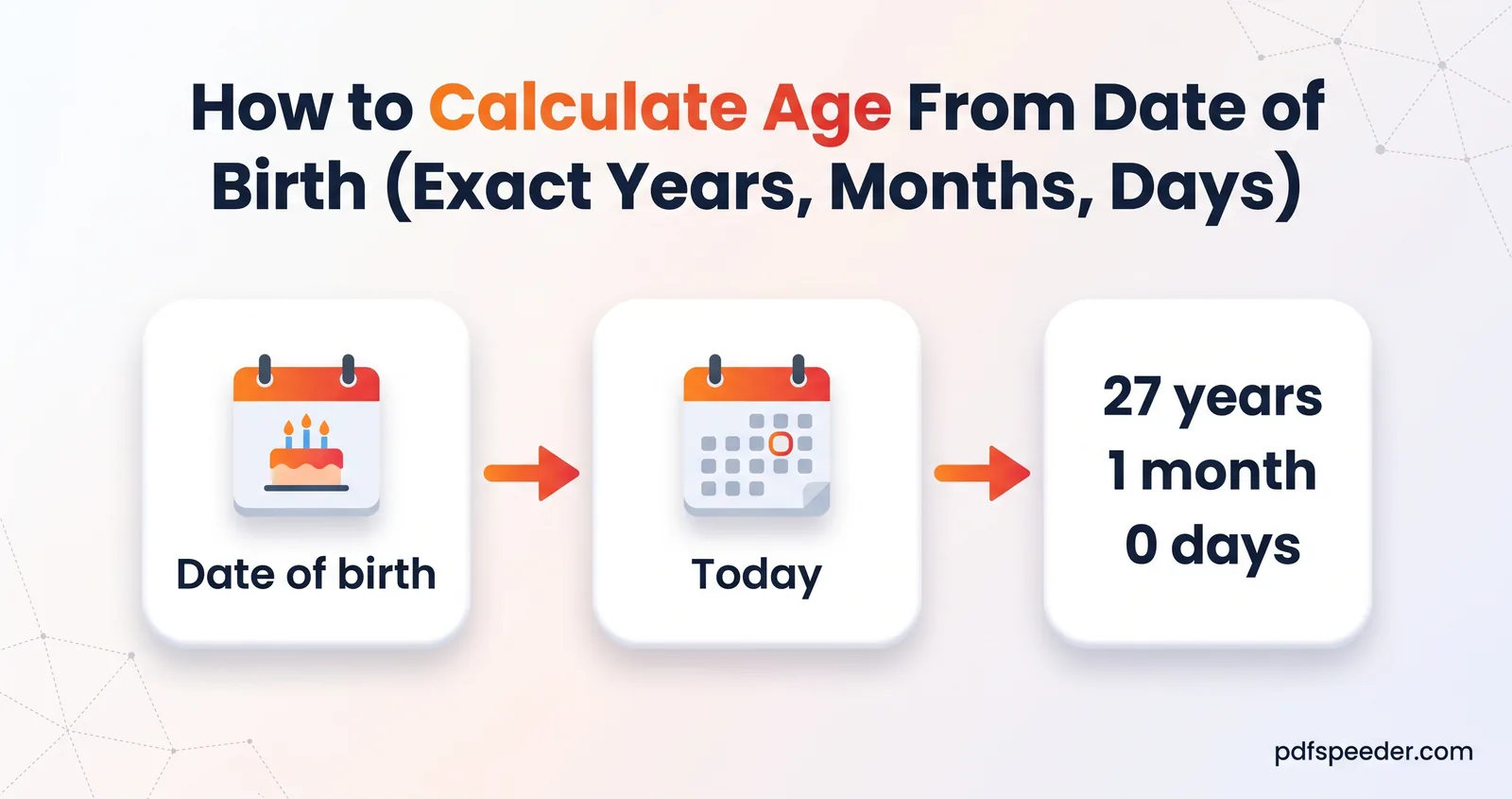
To calculate age from date of birth, subtract the birth date from the date you're measuring to, one part at a time: days, then months, then years, borrowing from the next column whenever the top number is smaller. Someone born on 15 August 1998 is 28 years, 1 month and 19 days old on 4 October 2026. Below are the hand method, how to work out your age as on an exam cut-off date, spreadsheet formulas we tested in Excel, and the edge cases where tools disagree.
On this page
Calculate age from date of birth by hand
Write the two dates one above the other, with the later date on top:
              Year   Month   Day
As on         2026     10      4
Born 1998 8 15- Days: 4 is smaller than 15, so borrow a month. The month before October is September, which has 30 days: 4 + 30 = 34, and 34 − 15 = 19 days. October drops to 9.
- Months: 9 − 8 = 1 month.
- Years: 2026 − 1998 = 28 years.
That gives an age in years, months and days of 28 years, 1 month, 19 days. When the months need a borrow too, take a year as 12 months. For someone born on 25 November 2001, as on 10 March 2027:
- Days: 10 is smaller than 25, so borrow February 2027's 28 days: 38 − 25 = 13 days, and March drops to month 2.
- Months: 2 is smaller than 11, so borrow a year: 14 − 11 = 3 months, and 2027 drops to 2026.
- Years: 2026 − 2001 = 25 years.
The answer is 25 years, 3 months, 13 days. The rule to remember is that you borrow the length of the month just before the "as on" month. Our Age Calculator counts the whole months first and then the days left over, which gives the same answers here and never a negative number of days. Clock times work the same way, borrowing 60 minutes instead of a month, as our guide on how to calculate hours worked shows.
Our Age Calculator does this for you in your browser. Enter the date of birth, change Calculate Age Up To if you need a date other than today, and select Calculate Age. It shows years, months and days, the total days, hours and minutes, and how long until your next birthday, and it keeps your last 10 results in your browser.
Age as on a specific date (for exam forms)
Recruitment and admission notifications usually state an age limit "as on" a cut-off date, so that's the date to measure to, not the day you fill in the form. The limits are almost always in completed years: "at least 21" means you've had your 21st birthday by the cut-off, and "must not have attained 32" means your 32nd birthday falls after it.
Example: A notification requires candidates to be at least 21 and under 32 on 1 August 2026. Here's how four birth dates work out:
| Date of birth | Age on 1 August 2026 | Within the limit? |
|---|---|---|
| 1 August 1994 | 32 years, 0 months, 0 days | No: already 32 |
| 2 August 1994 | 31 years, 11 months, 30 days | Yes |
| 1 August 2005 | 21 years, 0 months, 0 days | Yes: just turned 21 |
| 2 August 2005 | 20 years, 11 months, 30 days | No: not yet 21 |
So the eligible birth dates run from 2 August 1994 to 1 August 2005. Many notifications print a window like that ("born not earlier than … and not later than …"), and when yours does, compare your birth date with it directly: it settles the borderline cases. Each notification sets its own cut-off date, age relaxations for particular categories and accepted proof of date of birth, so read the one you're applying to rather than relying on a rule from another exam.
Excel and Google Sheets formulas for age
Put the date of birth in A2 and the "as on" date in B2 (or use =TODAY() for today). Here's the Excel formula to calculate age, piece by piece:
=DATEDIF(A2, B2, "Y")                       completed years
=DATEDIF(A2, B2, "YM")                      months since the last birthday
=B2 - EDATE(A2, DATEDIF(A2, B2, "M"))       days since the last whole month
=B2 - A2                                    total days
Or all in one cell:
=DATEDIF(A2,B2,"Y")&" years, "&DATEDIF(A2,B2,"YM")&" months, "&(B2-EDATE(A2,DATEDIF(A2,B2,"M")))&" days"In a test in Excel (version 16.0), 15 August 1998 to 4 October 2026 returned "28 years, 1 months, 19 days" and 10,277 total days. If a result shows as a date or as ########, format the cell as a number.
You'll often see the DATEDIF formula with "MD" for the days. Avoid it: Microsoft's DATEDIF documentation warns that "MD" "may result in a negative number, a zero, or an inaccurate result", and in our test, a birth date of 31 January 2000 and an "as on" date of 1 March 2027 gave −2. The EDATE version above gave 1.
Google Sheets has the same DATEDIF function, with the same units, plus EDATE, so the same formulas work there.
Leap-year birthdays and other edge cases
Born on 29 February. In years without a 29 February, Excel's DATEDIF treats 1 March as the birthday, but our Age Calculator uses 28 February. On 28 February 2027, someone born on 29 February 2000 is 26 years, 11 months and 30 days old by the Excel formulas above, and turns 27 on 1 March; our Age Calculator shows exactly 27 years on 28 February. If an official or legal deadline depends on the exact day, check which convention it uses.
Birthdays on the 29th, 30th or 31st. Months have 28 to 31 days, so near the end of a month, methods can disagree about the days, and sometimes about whether a month has passed. Take someone born on 31 January 2000:
- On 28 February 2027, borrowing and the Excel formulas above give 27 years, 0 months, 28 days. Counting whole months first, as our Age Calculator does, gives 27 years, 1 month, 0 days, because one month after 31 January is taken as 28 February.
- On 1 March 2027, borrowing from February's 28 days gives 1 month and −2 days, which is the −2 Excel's "MD" returned. Counting whole months first gives 1 month and 1 day: 27 years, 1 month, 1 day in our Age Calculator.
When the days matter, use the total instead: 9,891 days, which no method disputes. The same reasoning is why you shouldn't turn days into months by dividing by 30.
Total days, weeks and your next birthday
Total days are the simplest measure of all: the "as on" date minus the date of birth. For the first example, that's 10,277 days, or 1,468 weeks and 1 day, about 2,46,648 hours.
Your next birthday is a plain day count too. From 4 October 2026, the next 15 August is 315 days away, and it falls on a Sunday. To see which day of the week you were born on, open the Calendar Generator, set the year to your birth year and the view to a single month: 15 August 1998 was a Saturday. It covers 1900 to 2100, and you can add birthdays as custom events and export the calendar as a PDF, a PNG or an .ics file for your phone's calendar.
Ready to check yours? Open the Age Calculator, enter your date of birth and the cut-off date from your notification, and compare the result with the age limits it states.
Frequently asked questions
How do I calculate my exact age from my date of birth?
Subtract the birth date from today's date one column at a time: days, then months, then years. If the days are negative, borrow the previous month's length; if the months are negative, borrow 12 months from the years.
What is the Excel formula to calculate age?
=DATEDIF(A2, B2, "Y") gives completed years, with the birth date in A2 and the end date in B2. Add DATEDIF with "YM" for the months and =B2-EDATE(A2,DATEDIF(A2,B2,"M")) for the days.
How do I calculate age as on a specific date for an exam?
Measure to the cut-off date in the notification, not today, and count completed years. If the notification gives a range of eligible birth dates, simply check that yours falls inside it.
How is age calculated for someone born on 29 February?
Spreadsheets count their birthday as 1 March in years without a 29 February, while our Age Calculator counts it on 28 February. For legal or official purposes, check the rule the authority uses.
Why do age calculators give different numbers of days?
Because months have different lengths, methods can split the time differently near the end of a month: one may show 28 days where another shows 1 month and 0 days. The total number of days is the same whichever method you use.