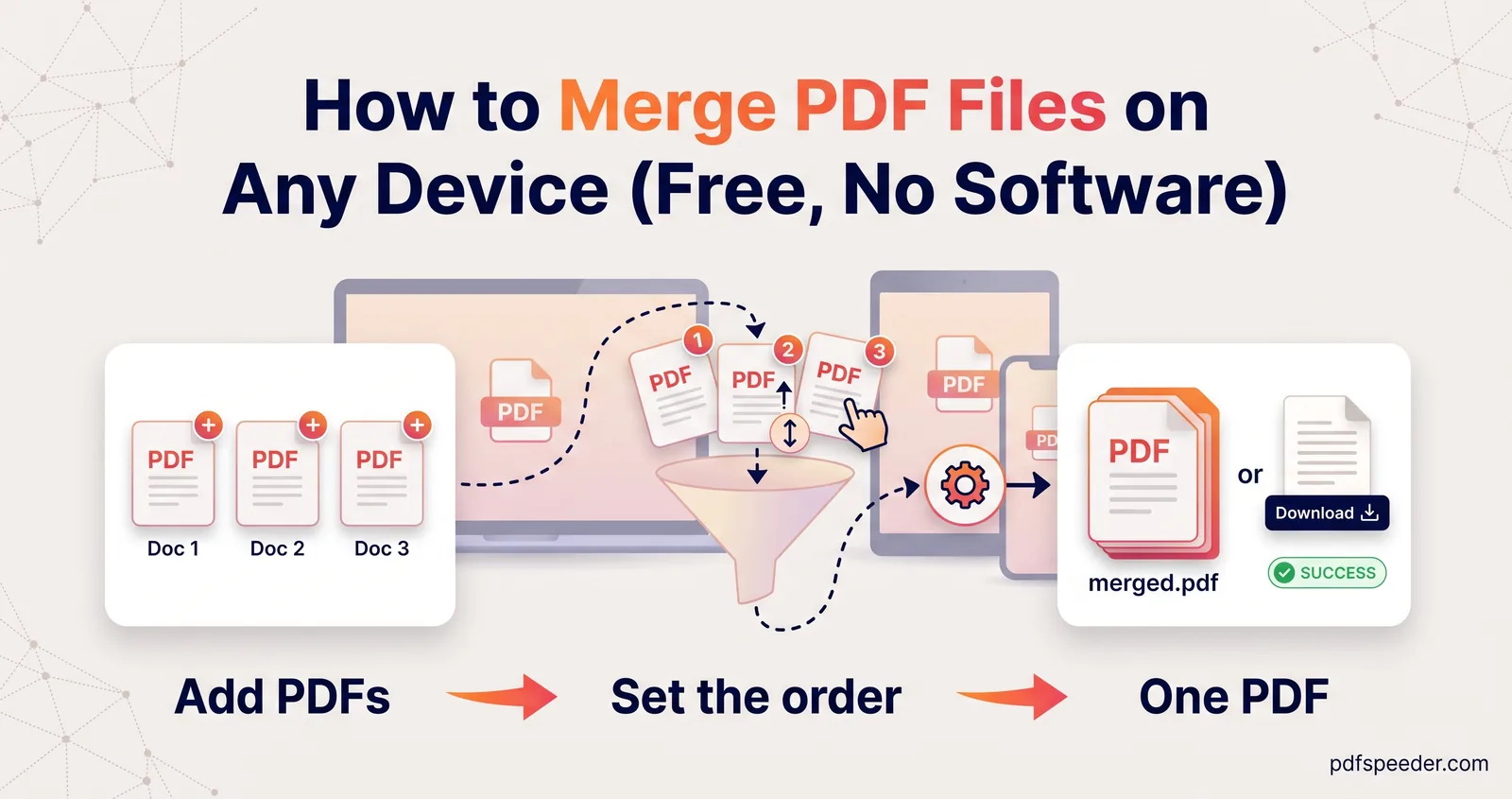
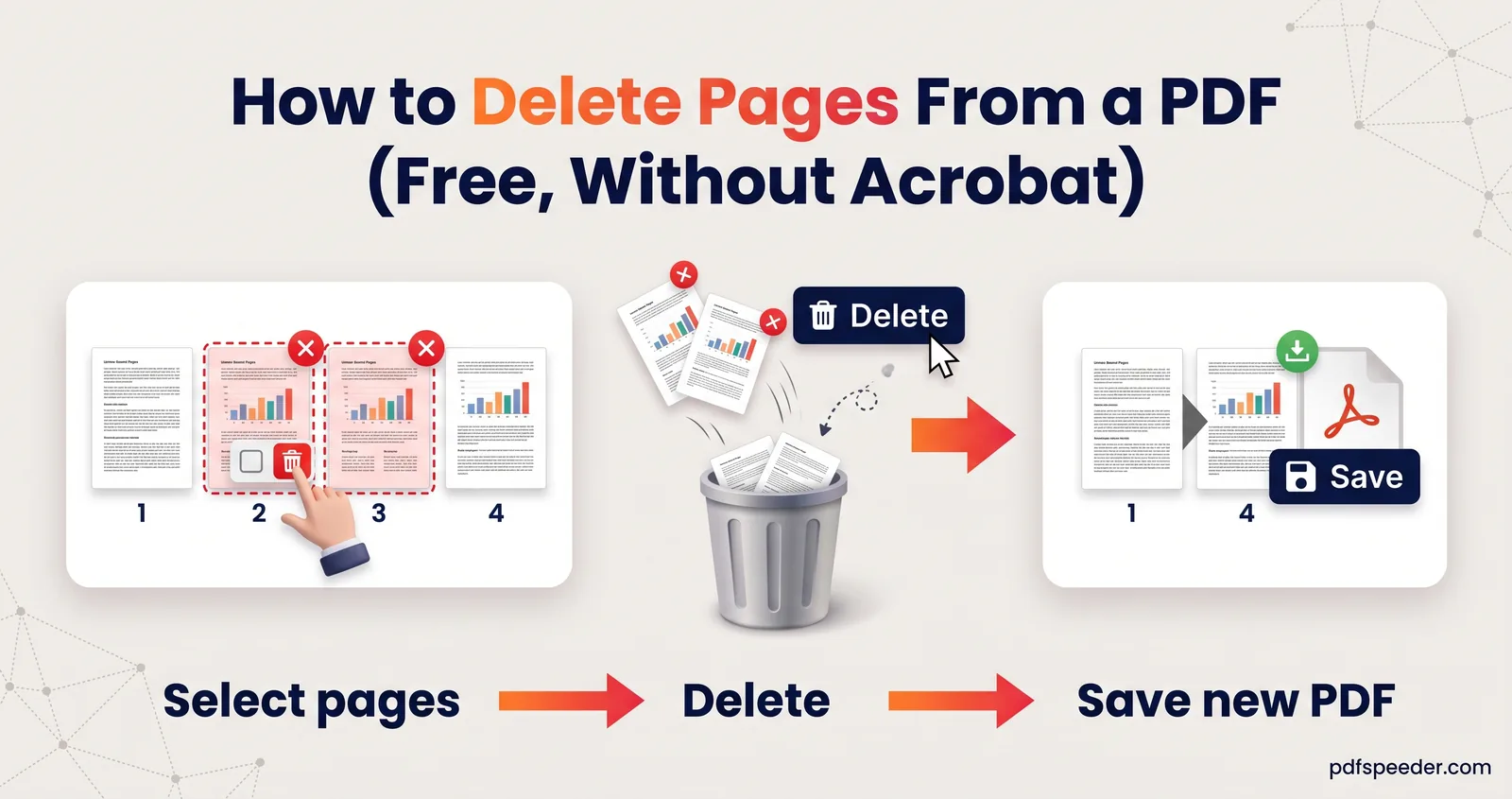
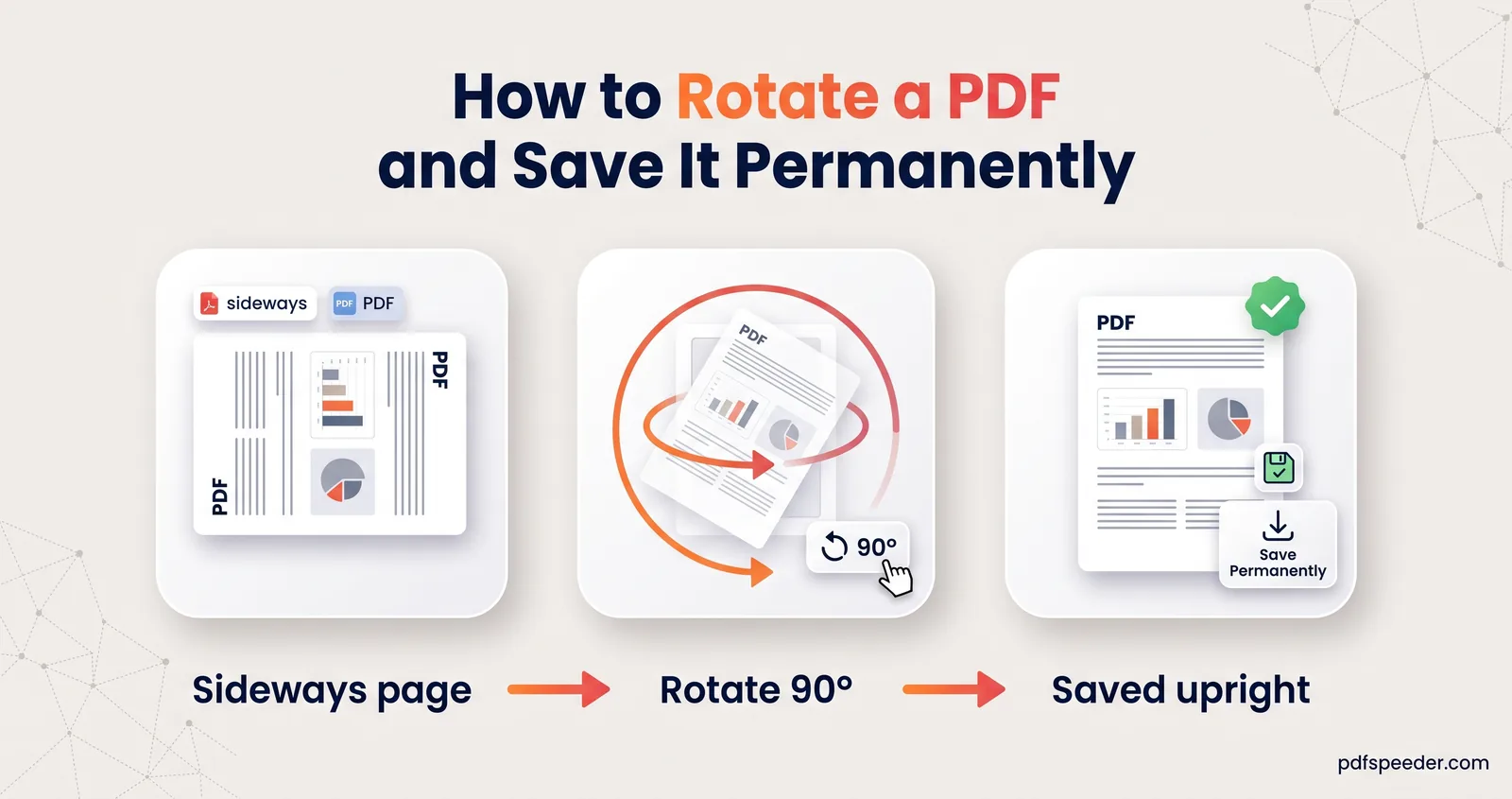
How to Rearrange Pages in a PDF (Drag, Drop, Done)
How to rearrange pages in a PDF: drag thumbnails for short files, type a new order for long ones, reverse a back-to-front scan and fix a merged file.

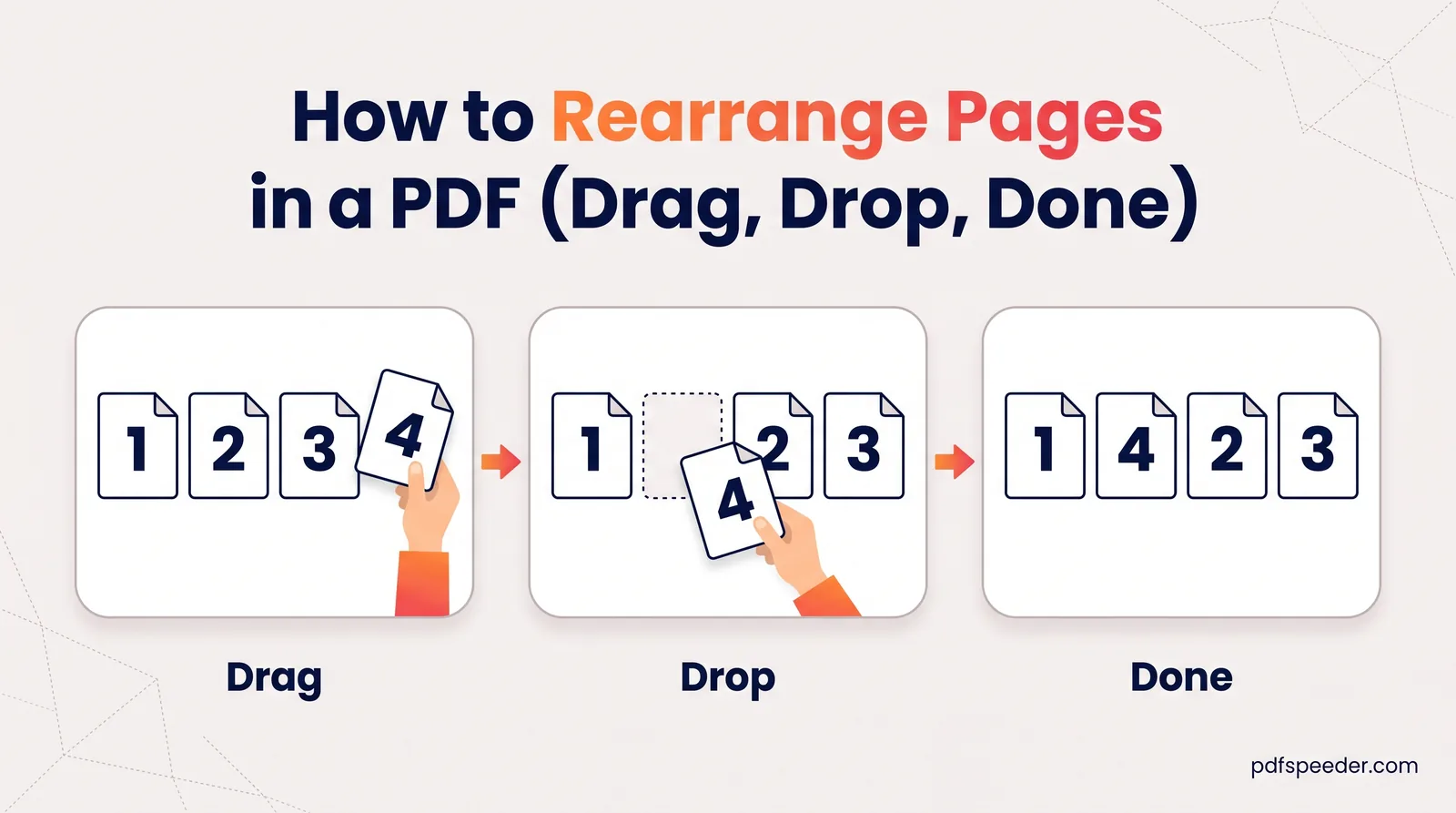
To rearrange pages in a PDF, open it in a page organiser, drag the page thumbnails into the order you want, and save the result as a new file. For a short document, dragging is quickest; for a long one, typing the new order, such as 3,1,2,4, saves a lot of scrolling. Below you'll find both methods, a trick for reversing a stack scanned back to front, the Mac and iPhone routes, and how to fix pages that landed in the wrong place after a merge.
On this page
Rearrange pages in a PDF by dragging thumbnails
Reorder Pages shows every page of your PDF as a thumbnail you can pick up and move. It runs in your browser, so the file isn't uploaded, and it accepts PDFs up to 100 MB.
- Open Reorder Pages and add your PDF. The thumbnails appear in a grid, in their current order.
- Drag a thumbnail and drop it where the page should go. The other pages shuffle along to make room.
- Repeat until the order looks right. The New page order box updates as you go, so you can check the sequence in numbers too.
- Select Apply New Order, then Download Reordered PDF. The new file ends in "_reordered".
The pages are copied into the new file unchanged, so text stays selectable and images keep their quality. Each run counts as one task in the free daily allowance (2 a day without an account, 3 with a free account), so do all your moves before you apply them.
On a phone, small thumbnails can be fiddly to drag, and typing the order is usually easier. If the PDF has a password, you're asked for it when you add the file, and the reordered copy is saved without one. Lock it again with Lock PDF if it has to stay protected.
Type a new page order for long PDFs
Dragging page 47 up to position 3 means a lot of scrolling. Typing is faster. The New page order box starts filled with the current order, 1,2,3,4,…, and you can edit it directly:
- List every page exactly once, separated by commas. To change the page order in a PDF of four pages so the third comes first, type
3,1,2,4. - Use single numbers, not ranges. The box doesn't understand
5-9; type5,6,7,8,9. - Watch the thumbnails. They rearrange the moment your list is complete and valid. If they don't move, a page is missing, repeated or beyond the last page.
The box only changes the order, so it can't drop or duplicate pages. To remove pages, use Delete PDF Pages; our guide to deleting pages from a PDF covers it.
Let a spreadsheet write long sequences
For documents with dozens of pages, typing every number is tedious and easy to get wrong. Google Sheets, and Excel for Microsoft 365, 2021 or 2024, can write the list for you. Paste a formula into any cell, then copy the result into the box:
=TEXTJOIN(",", TRUE, SEQUENCE(5), SEQUENCE(11,1,10), SEQUENCE(4,1,6))SEQUENCE(count, 1, start) produces numbers counting up from start, and TEXTJOIN strings the pieces together with commas. This example gives 1,2,3,4,5,10,11,…,20,6,7,8,9: pages 1 to 5, then 10 to 20, then 6 to 9. Adjust the counts and starting numbers to match your own document.
Reverse a PDF scanned back to front
Feed a stack into a scanner the wrong way round and the last page becomes page 1. Reorder Pages has no single reverse button, but the typed order does the job. For a 10-page scan, type:
10,9,8,7,6,5,4,3,2,1For longer files, let the spreadsheet count backwards. A step of −1 makes SEQUENCE count down, so for a 60-page scan:
=TEXTJOIN(",", TRUE, SEQUENCE(60,1,60,-1))That produces 60,59,58,…,1. Change both 60s to your page count.
Tip: Double-sided paper scanned on a one-sided scanner is a different problem: the fronts and backs end up in two separate runs. Merge PDF has an Odd / Even mode that interleaves the two files in reading order, with a Reverse the even-pages PDF option for backs scanned last page first.
Rearrange pages on a Mac with Preview
To rearrange PDF pages on a Mac, open the file in Preview and choose View > Thumbnails (or View > Contact Sheet), then drag the pages to their new positions, as Apple's Preview guide describes. To move several pages at once, Command-click them first. If you want to keep the original order as well, choose File > Duplicate before you start and work on the copy.
On an iPhone with iOS 26 or later, the Preview app does the same. Tap the page count to show the thumbnails, then touch and hold a thumbnail until the menu appears and drag it above or below another page (Apple's iPhone guide). Both are free, work offline and don't use a daily task. Neither lets you type an order, though, so long documents are quicker in Reorder Pages.
Fix order problems after merging
Merging is where most order problems start, and the cheapest fix is to get it right before you merge:
- Number the files before merging, such as
01-form.pdfand02-appendix.pdf, then use Merge PDF's A–Z sort. - Check the file list before you select Merge & Download: drag files into place, or use Reverse if the whole list came out backwards.
- Pick pages per file with the Pages to include box, so unwanted pages never get in.
Pages inside one file always keep their own order in Merge PDF, though, so if a single PDF has its pages out of sequence, fix it in Reorder Pages first. Our guide to merging PDF files covers every merge option.
When the merged file is already made, typed order is the quickest repair. Say an appendix (pages 6 to 9) landed before the main report (pages 10 to 20) in a 20-page file. The order you want is:
1,2,3,4,5,10,11,12,13,14,15,16,17,18,19,20,6,7,8,9That's exactly what the spreadsheet formula above produces. After reordering, flick through the thumbnails: a page that's also sideways can be turned with Rotate PDF, as explained in our guide to rotating a PDF and saving it.
Open Reorder Pages, drag or type your new order, and check the page numbers in the downloaded copy before you send it.
Frequently asked questions
How do I move pages in a PDF?
In Reorder Pages, drag a page's thumbnail to its new position, or type the new order in the New page order box, then select Apply New Order and download. On a Mac, drag thumbnails in Preview's sidebar.
Can I reverse the page order of a PDF?
Yes. Type the pages from last to first in the New page order box, such as 10,9,8,7,6,5,4,3,2,1. For long files, a spreadsheet formula can write the sequence for you.
Why don't the thumbnails move when I type an order?
The list isn't complete yet. Every page must appear exactly once, as single numbers separated by commas, with no ranges and no numbers past the last page.
Can I delete pages while reordering?
Not in Reorder Pages, which keeps every page. Delete or extract pages first, then reorder what's left.
Does rearranging pages change the quality?
No. Reorder Pages copies the pages into the new file unchanged, so text and images look exactly as they did.